

Eighty-one pages of factory operating guidance for the Kubota K008-3 (OEM #RA028-8222-2), from first cold start to scheduled shutdown. The safety section runs 10 pages, with danger, warning, and caution labels spelled out. A full instrument-panel breakdown walks through every alarm lamp, from low fuel to battery charge, and the control chapter covers boom, arm, bucket, dozer, and swivel movements along with pattern-change steps. Maintenance fills 23 pages, anchored by a 2-page intervals table, and the troubleshooting chart sorts faults by starting trouble, hydraulics, and drive. ISO 10567 lifting charts give over-front and over-side capacities. Practical numbers are here too: check fan belt deflection at 8 mm every 200 hours, swap hydraulic hoses at 2 years or 4000 hours. Bookmarked sections jump straight to the answer on a phone, tablet, or laptop, before a small problem turns expensive.
What's Inside This Kubota K008-3 Operator Manual
| System | Pages | Key Topics |
|---|---|---|
| Safe Operation | 10-19 | Before Operation, Starting Excavator, Safety for Children, Safe Loading and Transport, Danger/Warning/Caution Labels, Care of Labels |
| Dealer Service | 20 | KUBOTA dealer support, Ordering spare parts, Excavator serial number, Engine serial number |
| Technical Data | 21 | Model name, Machine weight, Engine power, Travel speed, Fuel tank capacity, Dozer dimensions, Boom swing angle |
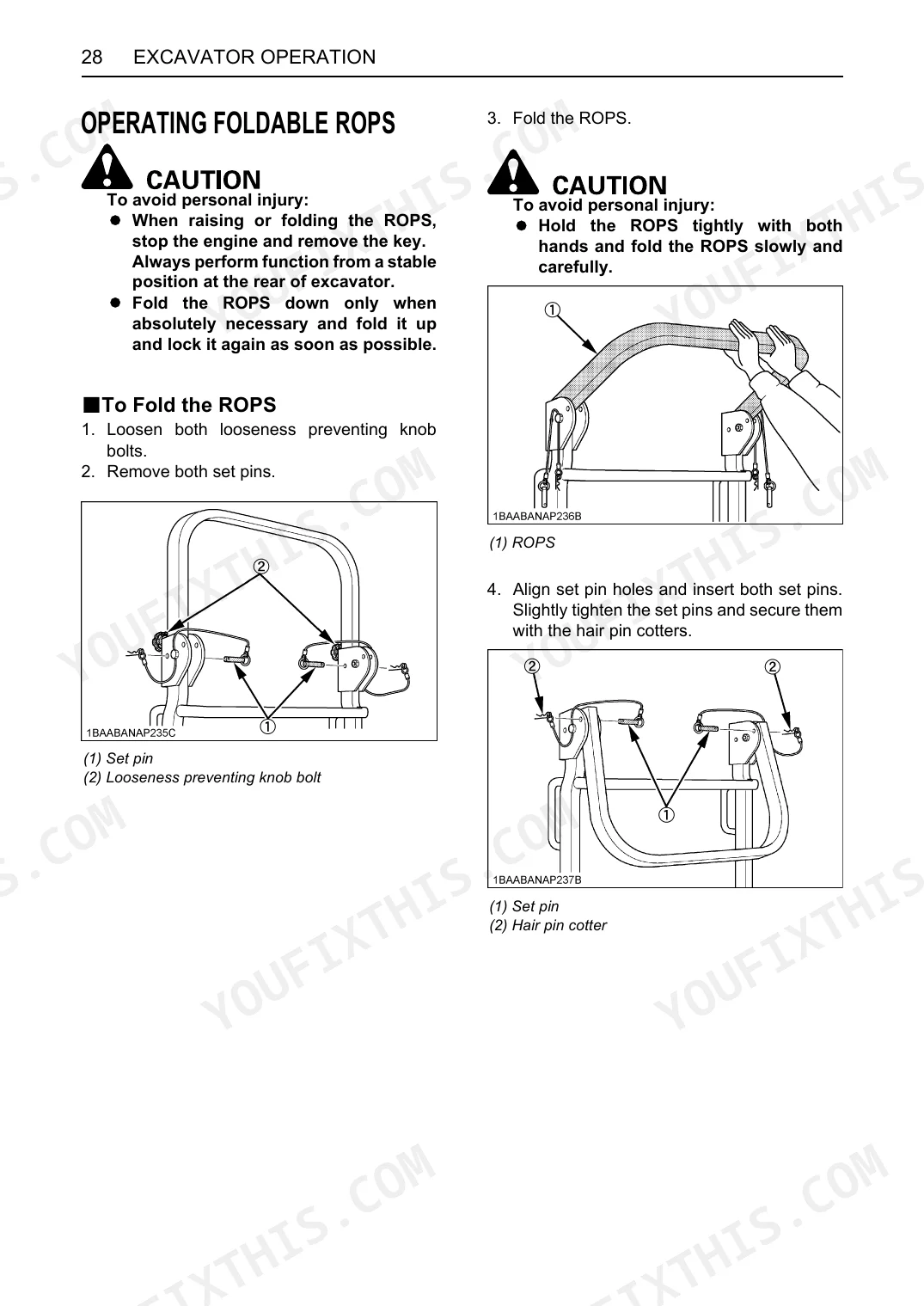
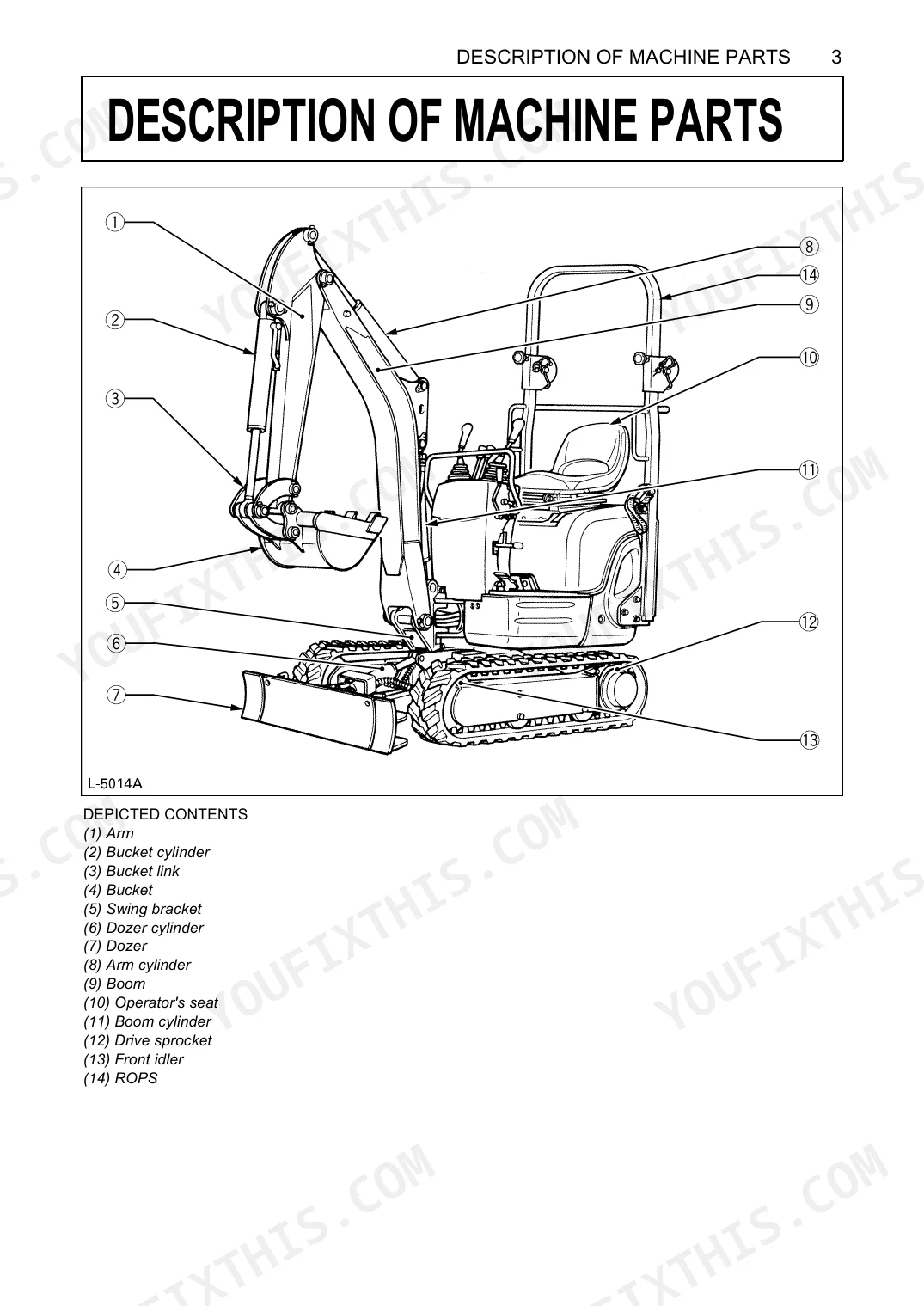
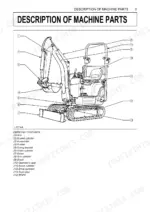
| Description of Machine Parts | 22 | Arm, Bucket cylinder, Dozer, Operator's seat, ROPS |
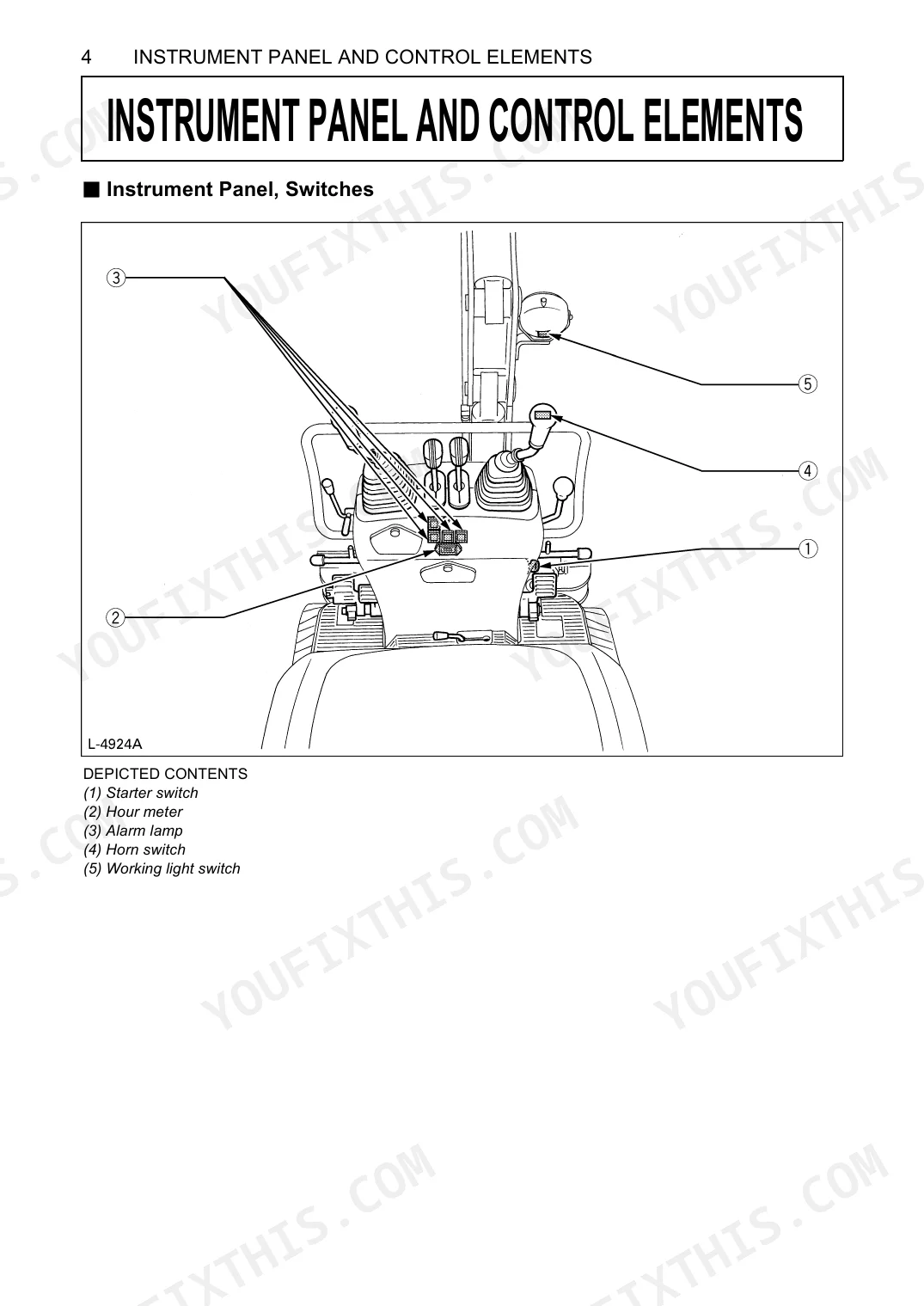
| Instrument Panel and Control Elements | 23-24 | Starter switch, Hour meter, Alarm lamps, Horn switch, Working light switch, Throttle lever, Drive levers, Control levers for attachments |
| Before Start | 25 | Control lever lock, Swing lock pin, Daily checks, Coolant level check, Fuel level check, Engine oil level check, Hydraulic fluid level check |
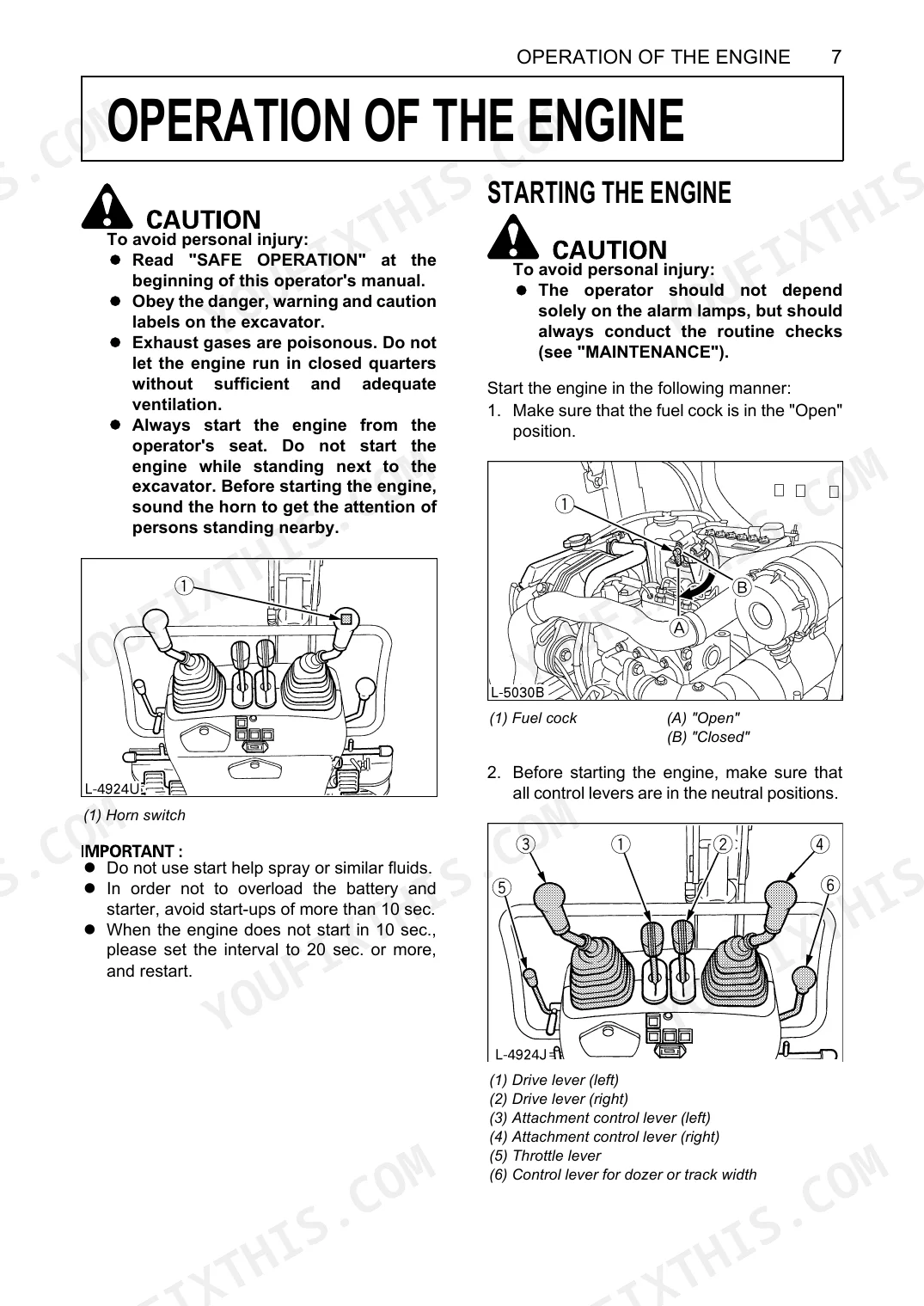
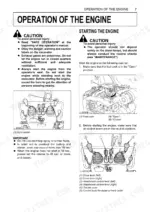
| Operation of the Engine | 26-30 | Starting engine, Hourmeter, Checkpoints after starting, Starting under cold conditions, Stopping engine, Engine stop lever, Starting with auxiliary battery, Overheat precautions |
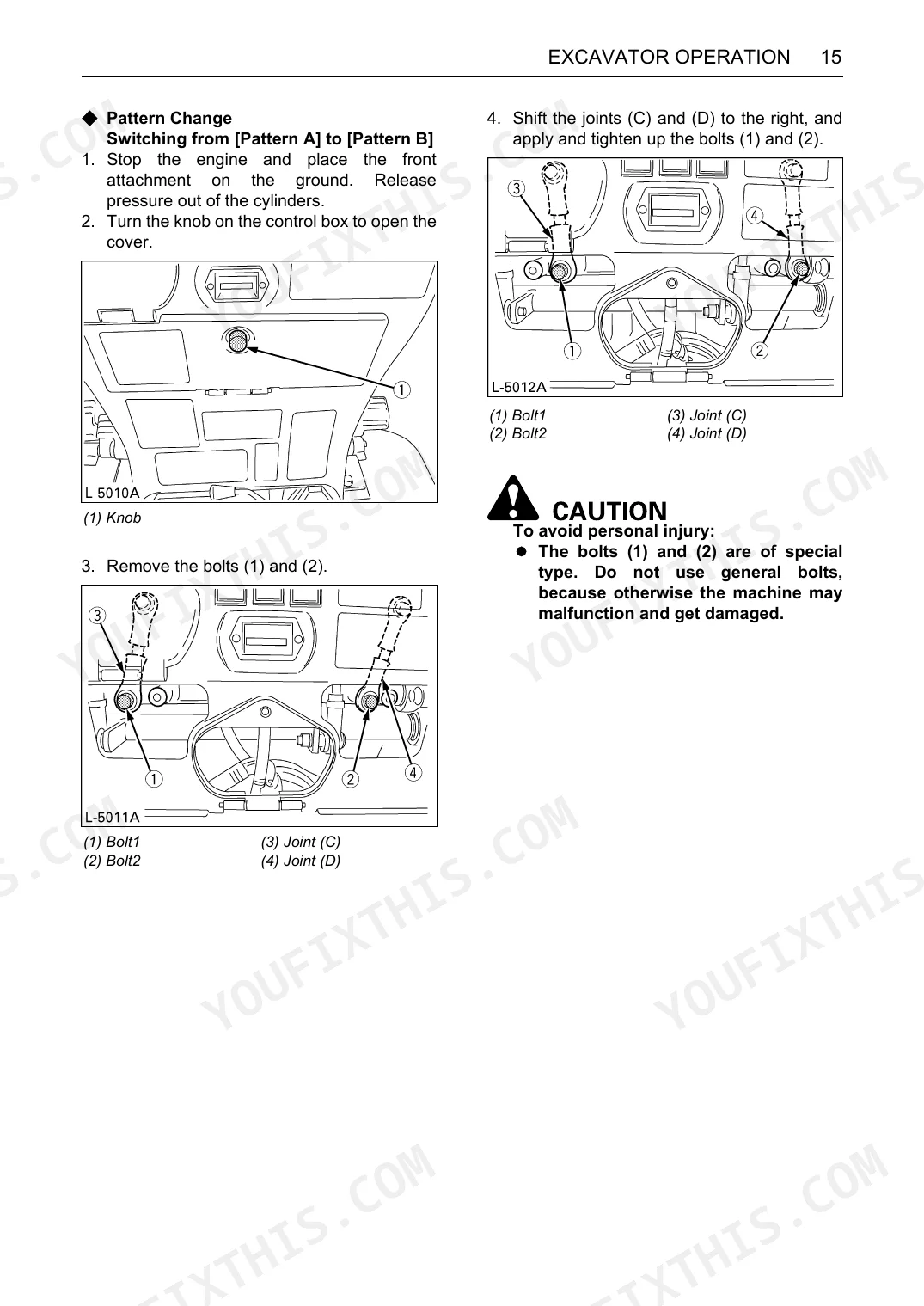
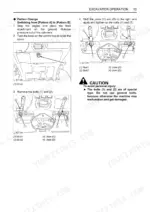
| Excavator Operation | 31-46 | Control observations, Running-in new excavator, Adjusting operator's seat, Controls for attachments, Pattern change, Boom/Arm/Bucket operation, Swivel (unit swing) |
| Maintenance | 53-70 | Maintenance intervals, Daily checks, Every 50/100/200/500/1000/1500/2000/3000 service hours, Annual/Biennial servicing, Other servicing, Purging fuel system, Adjustment of crawlers |
| Troubleshooting | 72-73 | Starting difficulties, Insufficient engine power, Engine suddenly stops, Abnormal exhaust gas color, Water temperature warning, Hydraulic system issues, Drive system issues |
| Operation in Cold Weather Conditions | 74 | Preparation for operation, Mixing ratio of water and anti-freeze, Procedure after work |
| Long Storage | 75-76 | Storage procedures, Operating after long storage, Periodic replacement of important component parts |
| Recommended Oils | 77 | Engine oil viscosity, Gear oil viscosity, Hydraulic oil viscosity, Grease, Fuel types |
| Main Dimensions | 78 | Overall length, Overall height, Overall width, Min. ground clearance, Digging height, Digging depth, Turning radius |
| Lifting Capacity | 79-80 | ISO 10567 standards, Load point, Machine positions, Operating cylinder, Bucket consideration, Over front (blade up/down), Over side (track width 860 mm) |
Quick Reference Specifications
| Specification | Value | Page |
|---|---|---|
| Compressed air pressure for cleaning air filter element | under 205 kPa (2.1 kgf/cm²) | p. 64 |
| Air filter element cleaning interval | every 200 hrs | p. 53 |
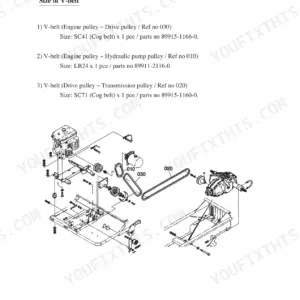
| Fan belt deflection | about 8 mm | p. 62 |
| Fan belt tension adjustment interval | every 200 hrs | p. 53 |
| Hydraulic hoses replacement interval | Every 2 years or 4000 hours | p. 76 |
| Fuel hose replacement interval | Every 2 years or 4000 hours | p. 76 |
| Radiator hoses check interval | every 200 hours or every 6 months, whichever comes first | p. 63 |
| Radiator hoses replacement interval | every two years | p. 67 |
| Battery electrolyte specific gravity | between 1.27 and 1.29 | p. 61 |
| Battery condition check interval | every 50 hrs | p. 53 |
| Machine weight | 920 kg | p. 21 |
| Standard bucket volume (CECE) | 0.022 m³ | p. 21 |
Kubota K008-3 Common Problems This Manual Covers
Kubota K008-3 engine cranks slowly or won't start in cold morning temperatures p. 74
Start with the cold-weather preparation steps on page 74. Match fuel grade to the temperature range; page 77 lists approved types. Test battery specific gravity: a full charge reads between 1.27 and 1.29 (page 61). If it reads low, charge or swap the battery before cranking again.
Manual Section: Operation in Cold Weather ConditionsWater temperature warning lamp on during operation, machine running hotter than normal p. 72
Stop work and let the engine idle down. Coolant sits at the radiator, where capacity is approx. 2.3 L (page 67). Inspect the fan belt for wear or slippage, with correct deflection about 8 mm (page 62), then clear any debris off the radiator fins. Page 72 has the full troubleshooting steps.
Manual Section: TroubleshootingBoom, arm, or bucket feels weak and slow, won't complete a full lift p. 72
Confirm hydraulic fluid level before you start; the tank holds approx. 12.4 L, with total system volume approx. 14.4 L (page 66). Walk the machine, checking every hose and joint fitting for seeping or visible leaks. With level correct and no leaks, turn to the hydraulic fault checks on page 72.
Manual Section: TroubleshootingUpper structure won't swing left or right, swing lever has no effect p. 25
Look at the swing lock pin first (page 25). It secures the upper structure during transport and has to be pulled and stowed before the swing controls respond. If swing stays dead once the pin is out, check hydraulic fluid level; total system volume is approx. 14.4 L (page 66).
Manual Section: Before StartMachine drifts or pulls to one side, won't travel in a straight line p. 70
Clear both tracks of packed dirt, stones, and debris caught between the rollers and track links. Then measure crawler tension on each side; slackness past 0.98 in. (25 mm) means the track needs readjustment (page 70). Uneven tension side to side is the usual cause of straight-line drift.
Manual Section: MaintenanceEngine suddenly loses power, stalls out, or stops during normal dig cycles p. 72
Check fuel level first; the tank holds 12 L (page 21), and a low-fuel stumble is easy to miss. Pull the air filter element and look for clogging, cleaned every 200 hours (page 53) with compressed air under 205 kPa (2.1 kgf/cm²) (page 64). Make sure engine oil sits within range on the dipstick.
Manual Section: TroubleshootingFrequently Asked Questions
What are the torque specs for the Kubota K008-3?
When you adjust the crawlers, torque the grease nipple to between 98 to 108 N-m (10 to 11 kgf-m). That figure holds the tension correctly once the adjustment is done.
Why is my Kubota K008-3 not starting?
A few things cause hard starts: fuel that is too viscous, air or water in the fuel system, or oil viscosity that runs too high in winter. A nearly dead battery or weak compression will also stop it. The fixes are checking and adding fuel, purging the fuel system, warming the engine, or recharging the battery.
What are the replacement specifications for air filter element?
Clean the air filter element every 200 operating hours and replace it every 1000. In very dusty or sandy conditions, shorten that replacement interval. When the time comes, fit new outer and inner elements together, never just one.
What are the replacement specifications for fan belt?
Adjust fan belt tension every 200 hours, and replace the belt outright if inspection turns up any wear, cracks, or tears. A loose, worn, or broken belt left in service invites engine overheating or a battery that never fully charges.
How quickly can I access this Kubota K008-3 manual after buying?
It is an 81-page searchable PDF, ready the moment you pay. Open it on any device; pull it up on your phone while you're under the hood. No shipping, no waiting.
Is this Kubota K008-3 Operator Manual printable?
No restrictions at all. Print individual pages, full chapters, or the entire manual. The PDF is completely unlocked.
Document Quality
This document is a scanned PDF, but it includes an OCR layer, allowing you to search and copy the full text. The text quality is generally crisp and easy to read throughout the manual. Diagrams and illustrations are raster images, meaning they may not be perfectly sharp at high zoom, but their labels remain readable. Pages are clean with very few scan artifacts or distortions. Please note that page 9 is intentionally blank.

Reviews
There are no reviews yet.