


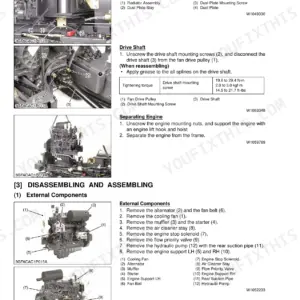
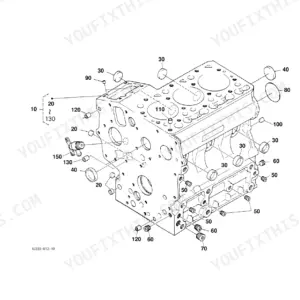
Diesel Particulate Filter work on the V3800 and V6108 leaves no room for guesswork, and this Kubota OEM manual (#9Y111-07331) lays out the factory sequence across 37 pages. It walks through separating, disassembling, and reinstalling the DPF muffler full assembly, with the maintenance flow that tells you when to clean a filter versus exchange it. Torque figures are spelled out where they matter: the T0, T1, and T2 exhaust temperature sensors go to 25.0 to 35.0 N·m. There are clear limits for filter reuse too, including how to confirm cell depth stays within 106 mm with a 0.60 to 0.80 mm pin gauge. Bookmarks and full text search let a tech jump straight to the page they need instead of scrolling the whole file.
What's Inside This Kubota V3800, V6108 Manual
| System | Pages | Key Topics |
|---|---|---|
| Information | 3-8 | Safety First, Danger, Warning, Caution, Important, Note, Before You Start Service, Start Safely |
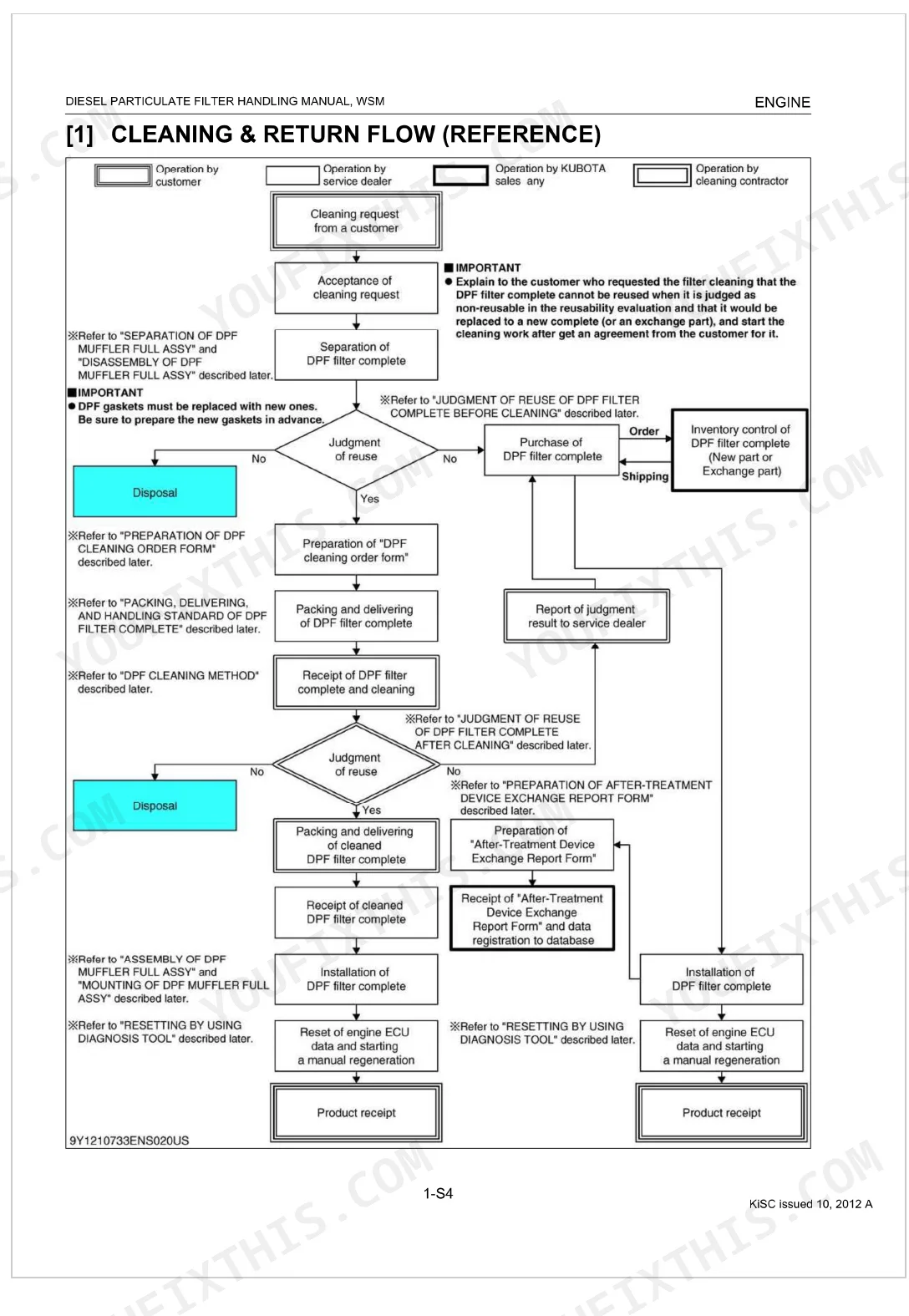
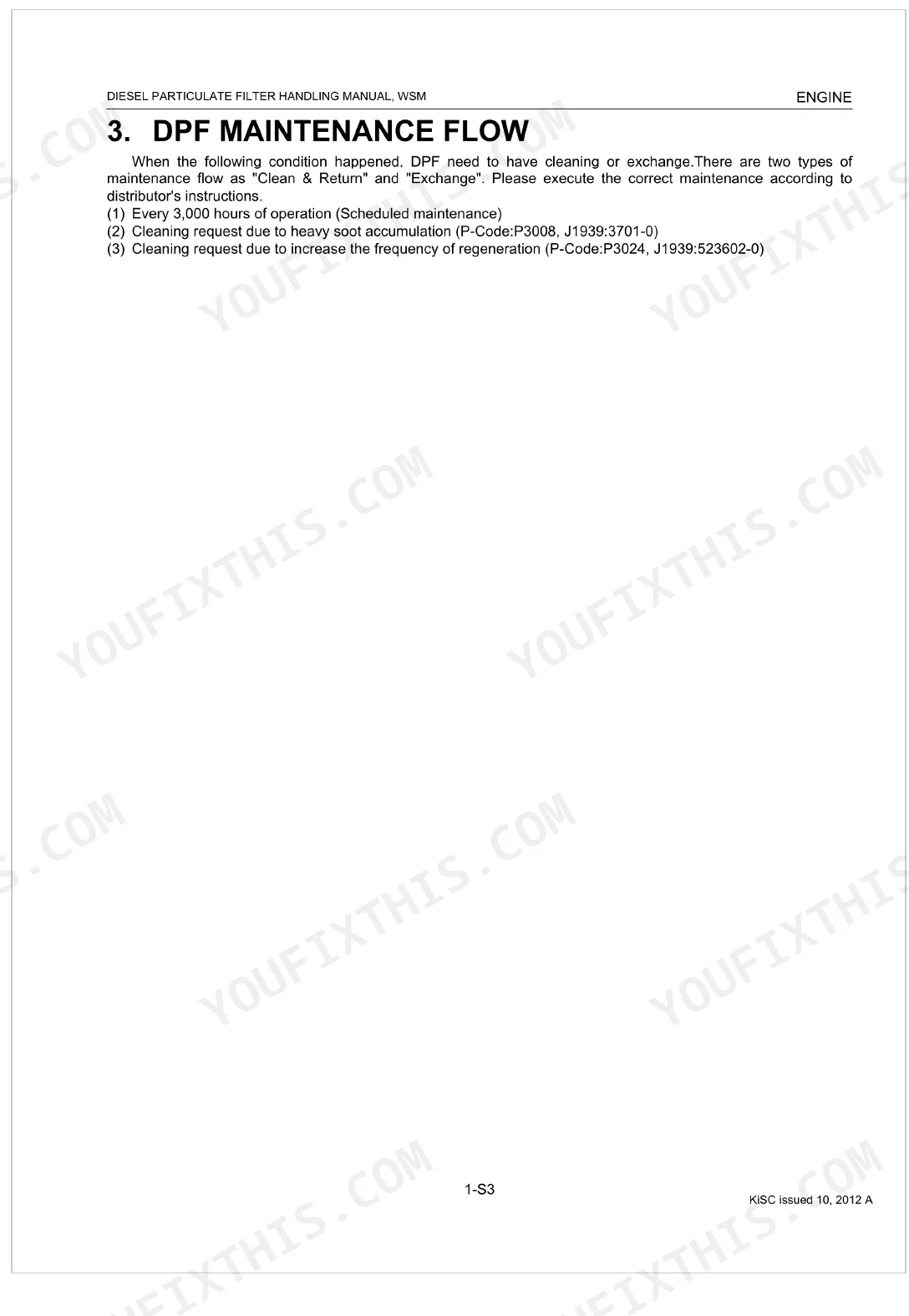
| Servicing | 9 | Function of Diesel Particulate Filter, DPF Regeneration and DPF Cleaning, DPF Maintenance Flow (Cleaning & Return Flow, DPF Exchange Flow) |
| Function of Diesel Particulate Filter (DPF) | 10 | - |
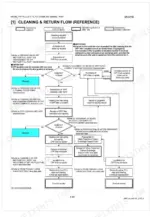
| DPF Maintenance Flow | 12-14 | Cleaning & Return Flow (Reference), DPF Exchange Flow (Reference) |
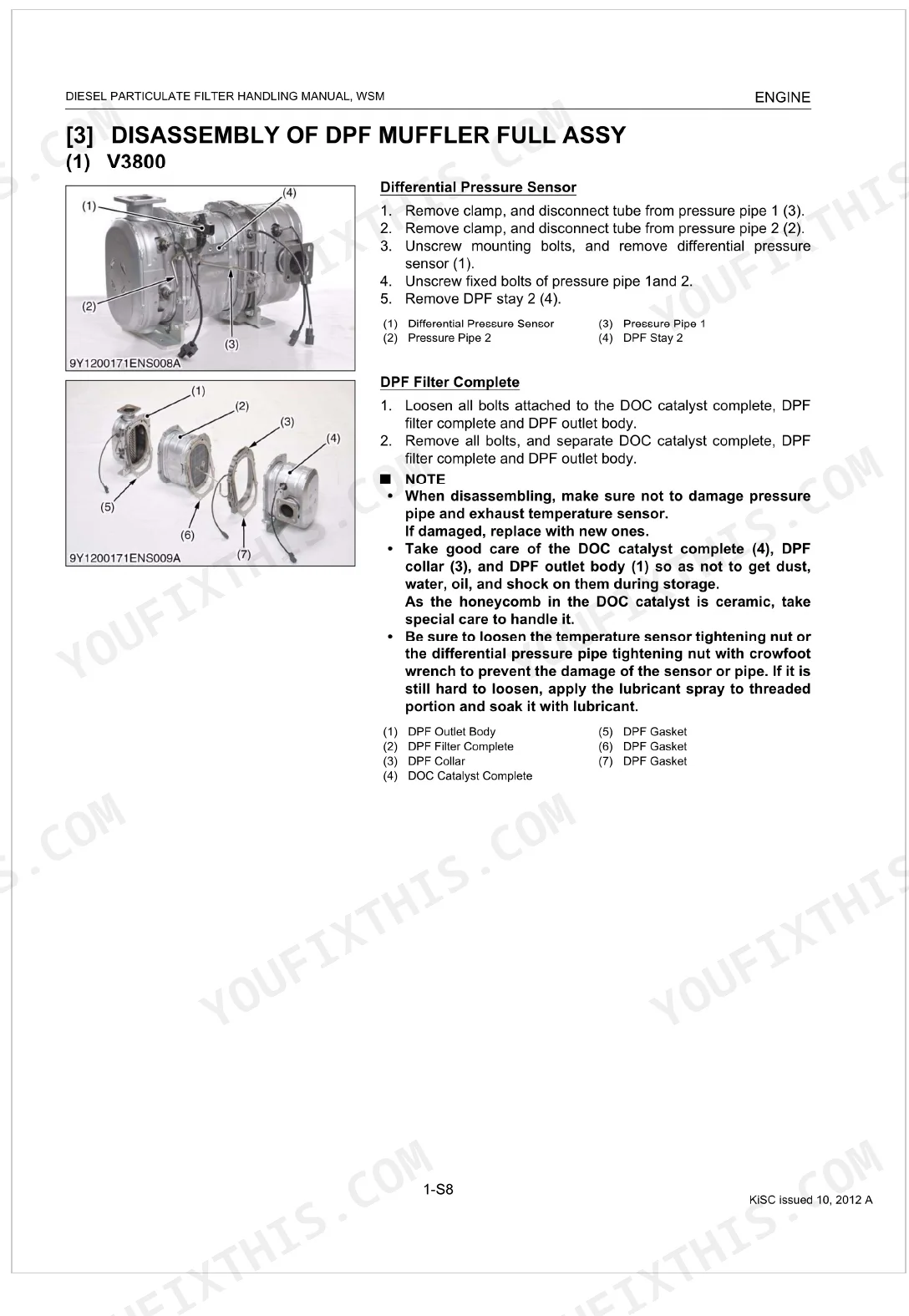
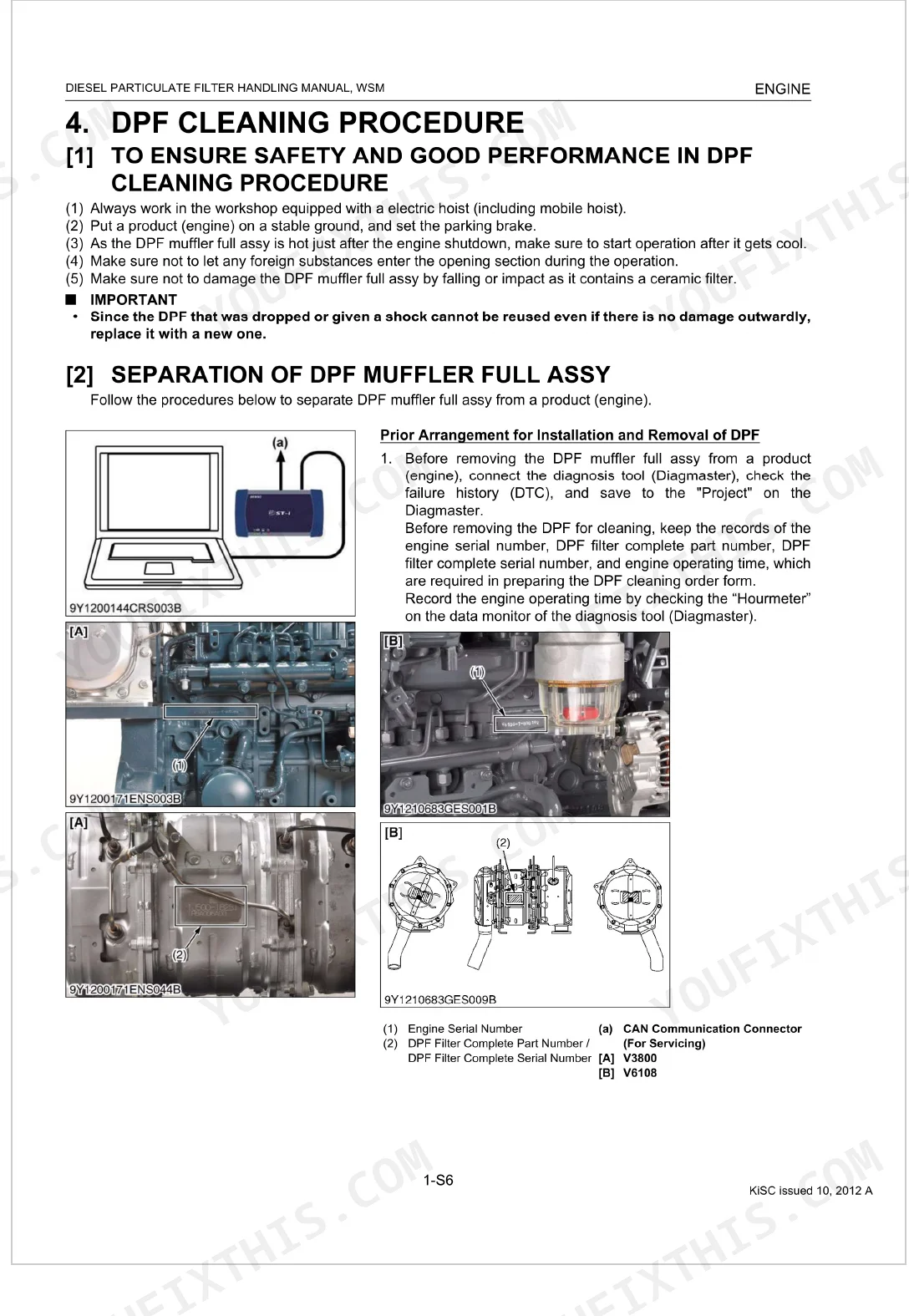
| DPF Cleaning Procedure | 15-36 | To Ensure Safety and Good Performance in DPF Cleaning Procedure, Separation of DPF Muffler Full Assy, Disassembly of DPF Muffler Full Assy |
| Editor | 37 | KUBOTA Farm & Industrial Machinery Service, Ltd, Address, Contact Information, Publication Details |
Quick Reference Specifications
| Specification | Value | Page |
|---|---|---|
| All Models | ||
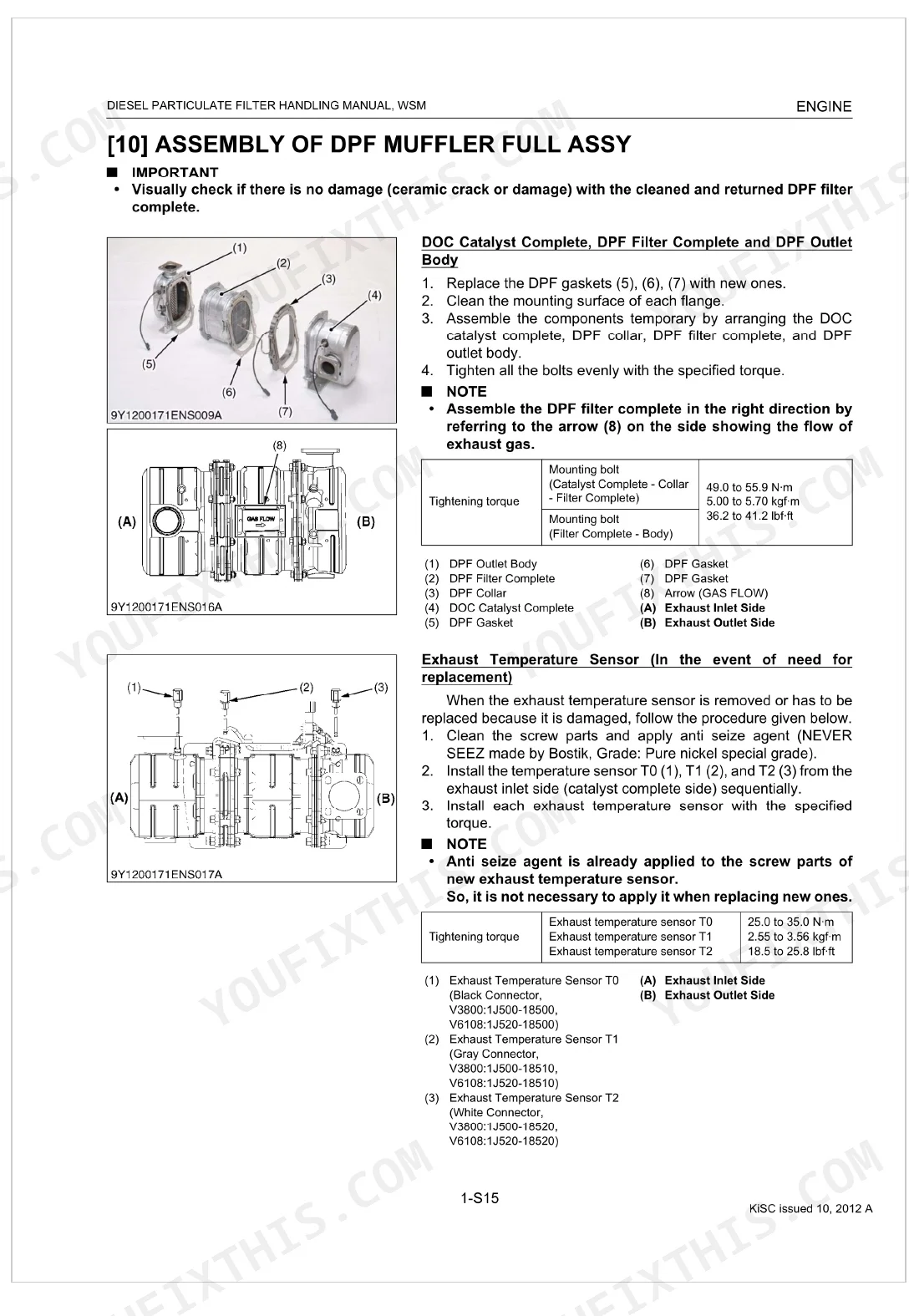
| Exhaust Temperature Sensor T0, T1, T2 tightening torque | 25.0 to 35.0 N·m | p. 24 |
| DPF Cleaning Interval | 3,000 hours | p. 11 |
| Pin Gauge Diameter for DPF Cell Depth Measurement | 0.60 to 0.80 mm | p. 23 |
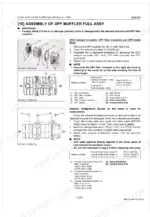
| DPF Muffler Assembly Bolt Torque (Catalyst Complete - Collar - Filter Complete) | 49.0 to 55.9 N·m | p. 24 |
| Exhaust Temperature Sensor Torque (T0, T1, T2) | 25.0 to 35.0 N·m | p. 24 |
| Pressure Pipe Torque (Pipe 1 & 2) | 16.0 to 23.0 N·m | p. 25 |
| Differential Pressure Sensor Mounting Bolt Torque | 9.80 to 11.3 N·m | p. 25 |
| DPF Muffler Full Assy Mounting Bolt Torque | 49.0 to 55.9 N·m | p. 26 |
| DPF Stay 1 Mounting Bolt Torque | 49.0 to 55.9 N·m | p. 26 |
| V3800 | ||
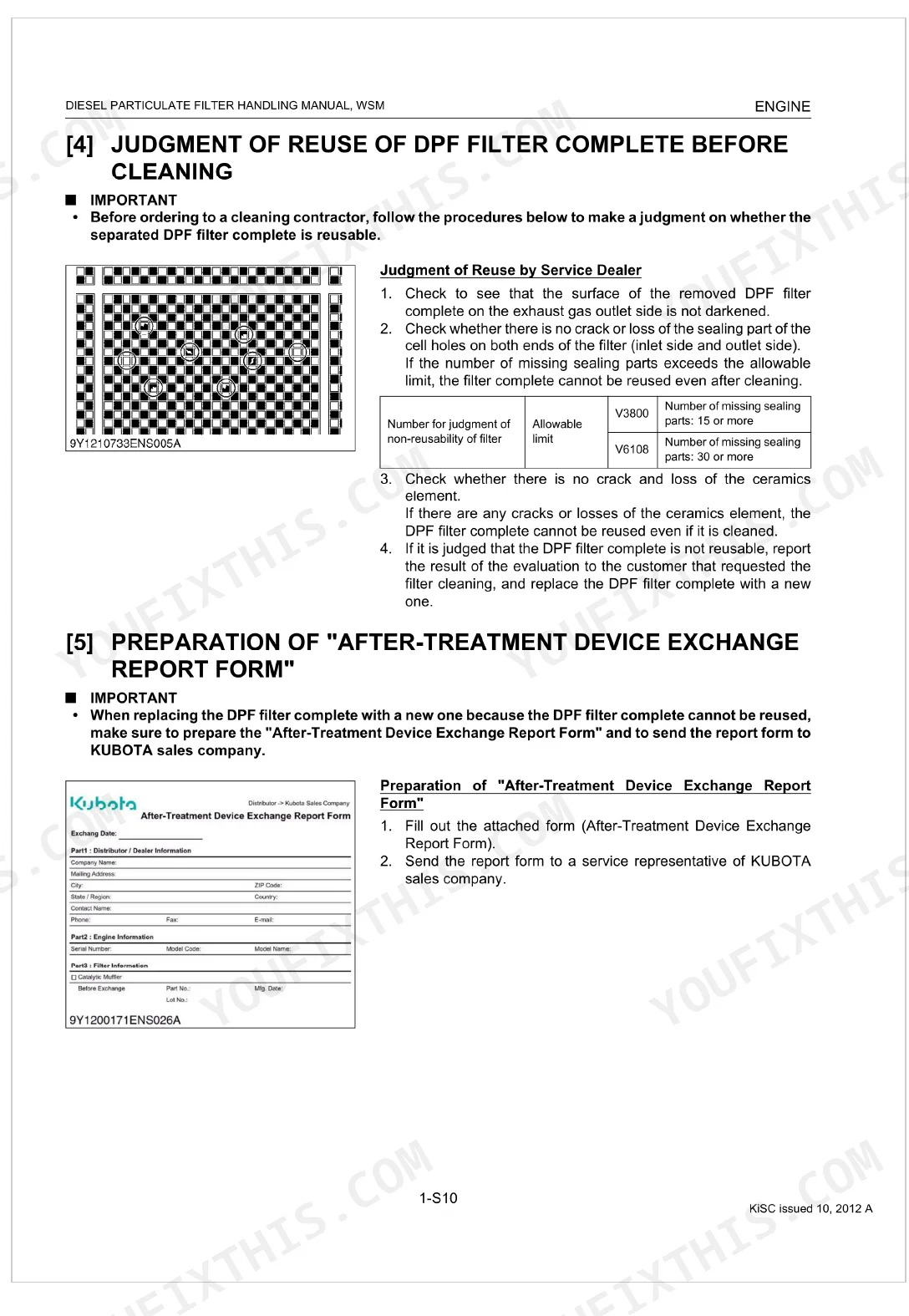
| DPF Filter Allowable Cell Depth | 106 mm | p. 23 |
| V6108 | ||
| DPF Filter Allowable Cell Depth | 106 mm | p. 23 |
Kubota V3800, V6108 Common Problems This Manual Covers
Kubota V3800 DPF warning light on, engine derated, parked regeneration lamp flashing p. 11
Check the maintenance log against the 3,000-hour cleaning interval on page 11. If ash accumulation has triggered the warning, a parked regeneration is likely needed. Confirm exhaust outlet is clear, engine is at operating temperature, and no active fault codes are present before initiating the regen cycle.
Manual Section: DPF Regeneration and Ash Cleaning ProceduresDPF filter plugged past regeneration threshold, failed burn cycles, engine power cut p. 19
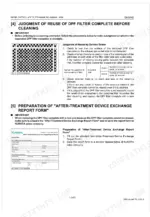
Remove the DPF muffler assembly following the separation steps on page 15. Before sending the filter for cleaning, inspect each cell with a 0.60 to 0.80 mm pin gauge; cells with ash depth exceeding 106 mm fail the reuse standard on page 23 and require full filter replacement.
Manual Section: DPF Filter Reuse Judgment Before CleaningECU continues to flag DPF fault codes after filter cleaning and reinstallation p. 27
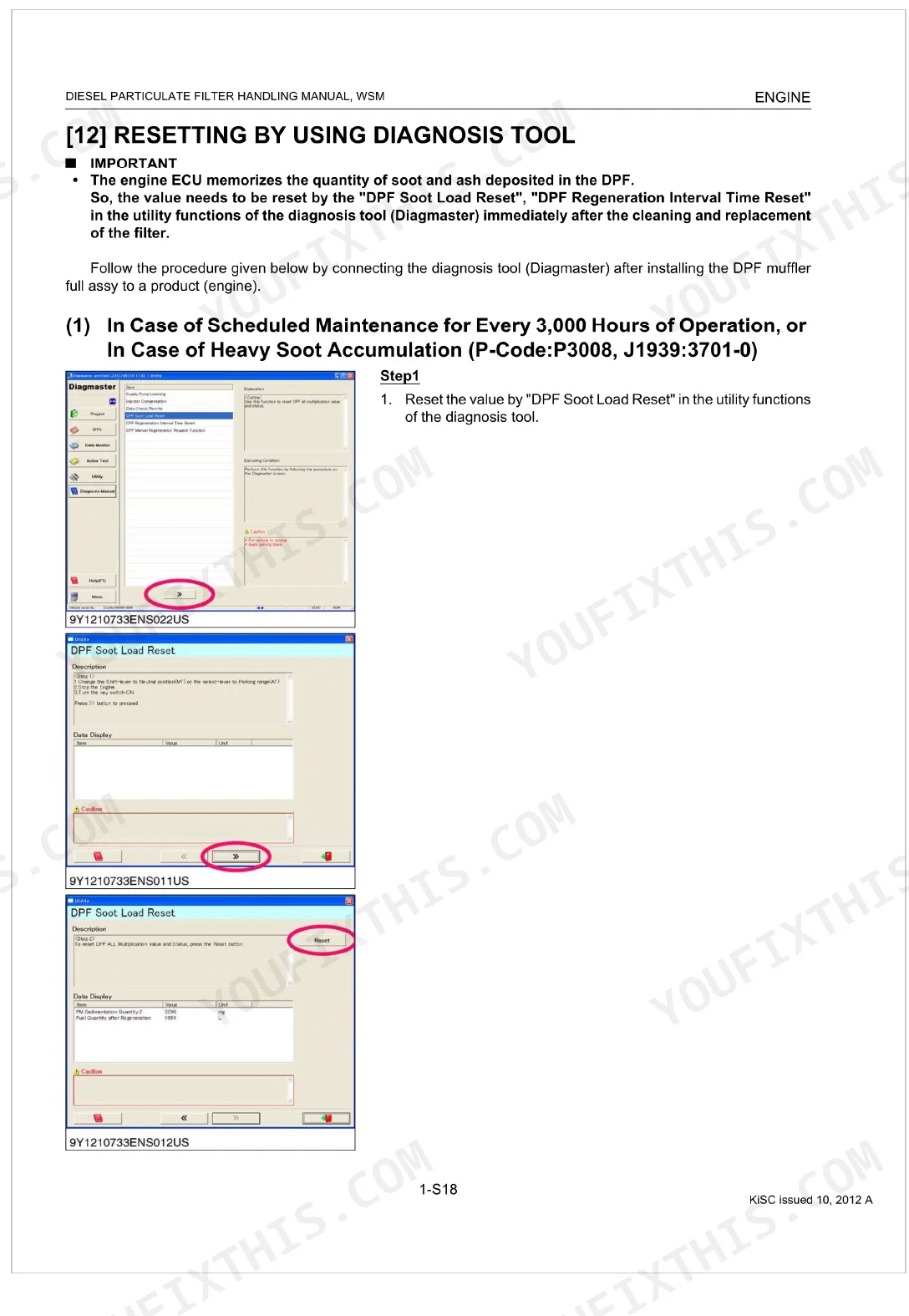
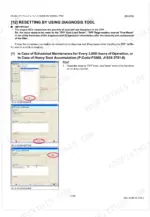
Connect the diagnosis tool and run the DPF Soot Load Reset and DPF Regeneration Interval Time Reset on page 27. Both resets are required after any cleaning service; the ECU tracks cumulative soot load in hours and will continue flagging faults against stale 3,000-hour baseline data until reset.
Manual Section: Resetting DPF Data Using Diagnosis ToolFrequently Asked Questions
How do I reset the Kubota V3800 engine fault code?
Heavy-soot fault codes on the Kubota V3800 (P-Code:P3008, J1939:3701-0) clear through the Diagmaster diagnosis tool. Run the "DPF Soot Load Reset" and the "DPF Regeneration Interval Time Reset" from its utility functions right after you clean or replace the filter. Page 27 walks through each step.
How do I clear Kubota V3800 error codes after repair?
Once a repair or cleaning is done on the V3800, the ECU still holds the old soot and ash totals, so the codes stay until you reset them. Open the Diagmaster diagnosis tool, then run the "DPF Soot Load Reset" and "DPF Regeneration Interval Time Reset" from its utility functions. Page 27 has the details.
How to reset Kubota V3800 error code
Error codes tied to DPF soot and ash on the V3800 come from values the ECU keeps in memory. Reset them with the "DPF Soot Load Reset" and "DPF Regeneration Interval Time Reset" functions in the Diagmaster diagnosis tool. Do this as soon as the filter is cleaned or replaced. See page 27.
How to clear Kubota V3800 fault codes
The Diagmaster diagnosis tool clears V3800 fault codes after DPF cleaning or replacement. Run its "DPF Soot Load Reset" and "DPF Regeneration Interval Time Reset" utility functions so the engine ECU's stored values match the work you just did. The procedure sits on page 27.
How to reset Kubota V6108 engine warning light
On the V6108, the DPF warning light stays on while the ECU holds outdated soot and ash totals. Plug in the Diagmaster diagnosis tool and run the "DPF Soot Load Reset" and "DPF Regeneration Interval Time Reset" utility functions as soon as the filter is cleaned or replaced. Page 27 covers it.
How quickly can I access this Kubota V3800, V6108 manual after buying?
Right after checkout. It is a 37-page searchable PDF you download on the spot and open on a computer, tablet, or phone. Nothing ships, so no waiting.
Can I print specific sections of this Kubota V3800, V6108 Workshop Manual?
Yes, with no limits. The PDF is DRM-free, so print whatever sections you want to carry out to the shop. Standard letter or A4 paper both work fine.
Document Quality
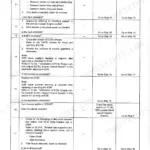
This document is a high-quality scanned PDF with an accurate OCR layer, allowing you to search and copy the full text. The text is crisp and very easy to read throughout all pages. Diagrams and illustrations are clear raster images, and all labels within them are perfectly readable. The pages are clean, free from scan artifacts, stains, or skewed content. There are a few blank pages that act as section dividers, which is typical for this type of manual.
Reviews
There are no reviews yet.