
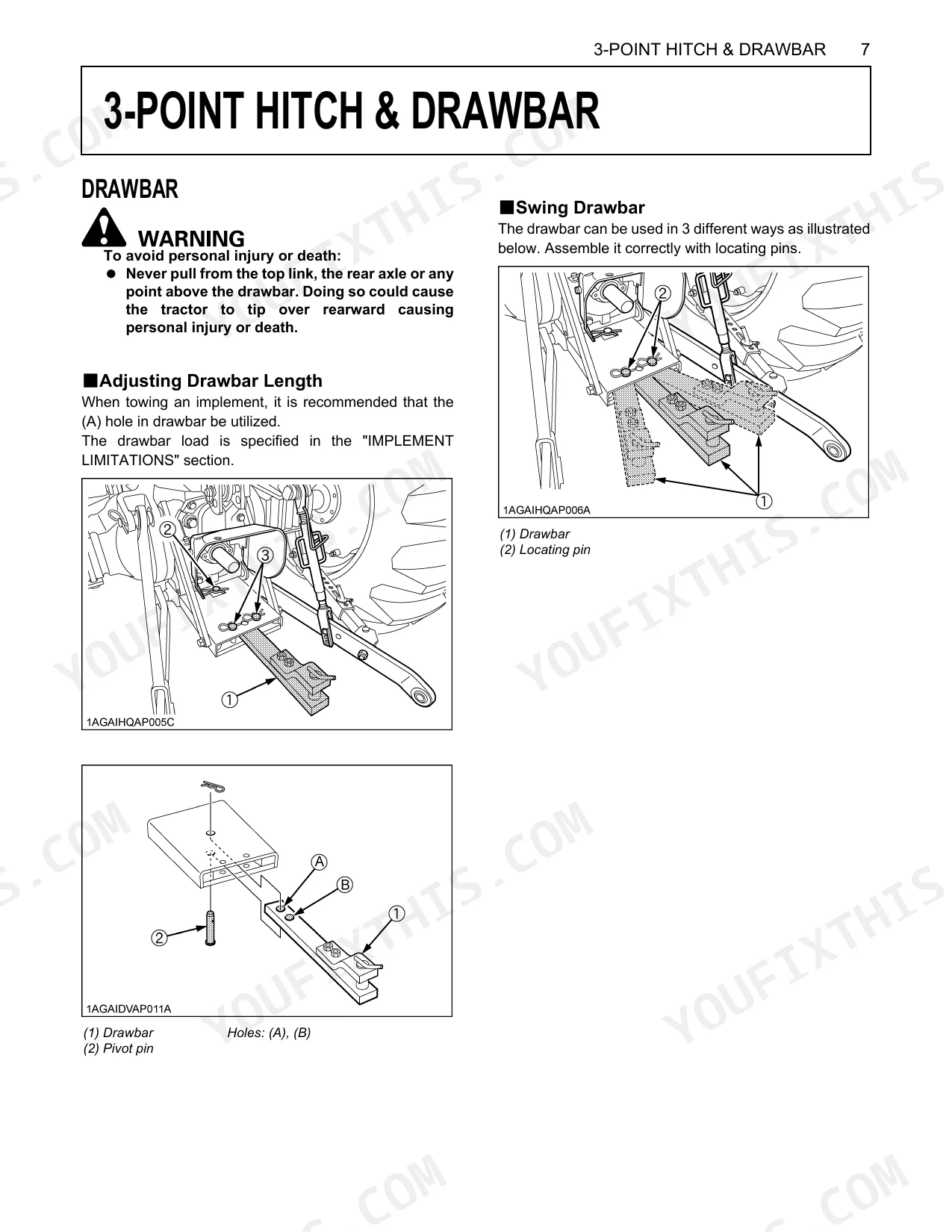
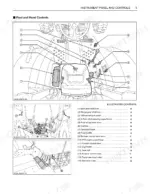
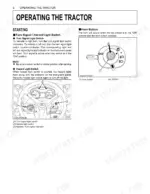
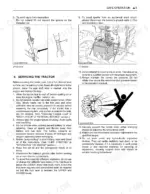
Built for owners running the M7040SUH or M7040SUHD, this 25-page Operator Manual keeps the focus on safe operation and factory-correct setup. The first ten pages work through ROPS protocols, slope handling, PTO safety, and child hazard warnings. From there, a full specification table lays out engine, dimensions, traveling system, and the hydraulic unit, followed by the instrument panel breakdown. Shuttle shift lever, differential lock pedal, 3-point hitch lowering speed knob, front wheel drive lever, and the rest of the hand and foot controls each get their place. Fill the fuel tank to 70 L, confirm the engine spins at 2600 rpm, and keep the 232 N-m torque ceiling in mind. When the machine is down, you want the right numbers, not forum guesses. Bookmarks jump you to any section. Open it on a tablet at the machine and keep working.
What's Inside This Kubota M7040SUHD Operator Manual
| System | Pages | Key Topics |
|---|---|---|
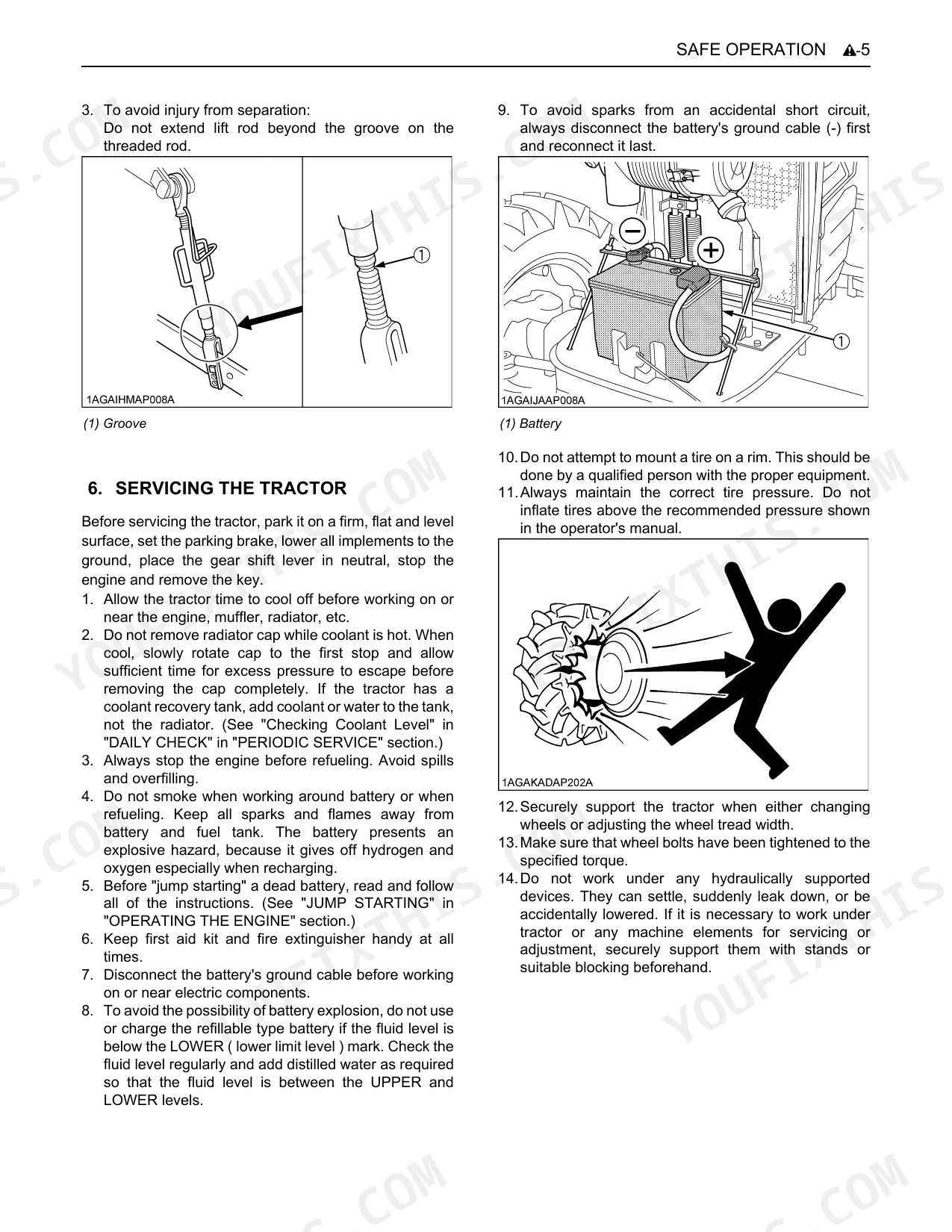
| Safe Operation | 5-14 | Before Operating The Tractor, Cab, Rops, Rear Wheels, Starting, Working, Safety For Children, Operating On Slopes |
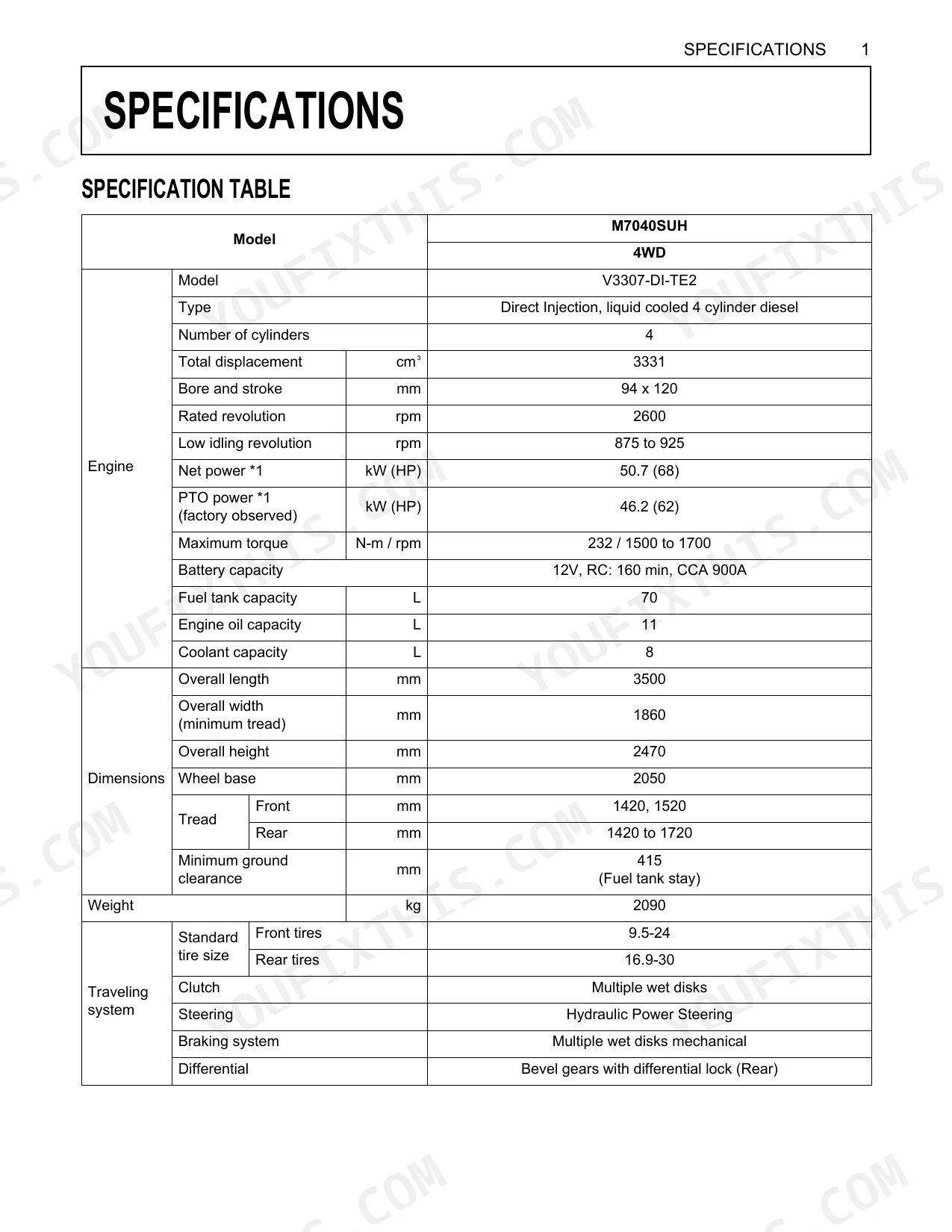
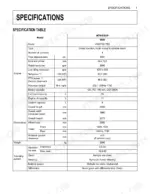
| Specifications | 15-17 | Specification Table (Model, Engine, Dimensions, Weight, Traveling System, Hydraulic Unit, Pto) |
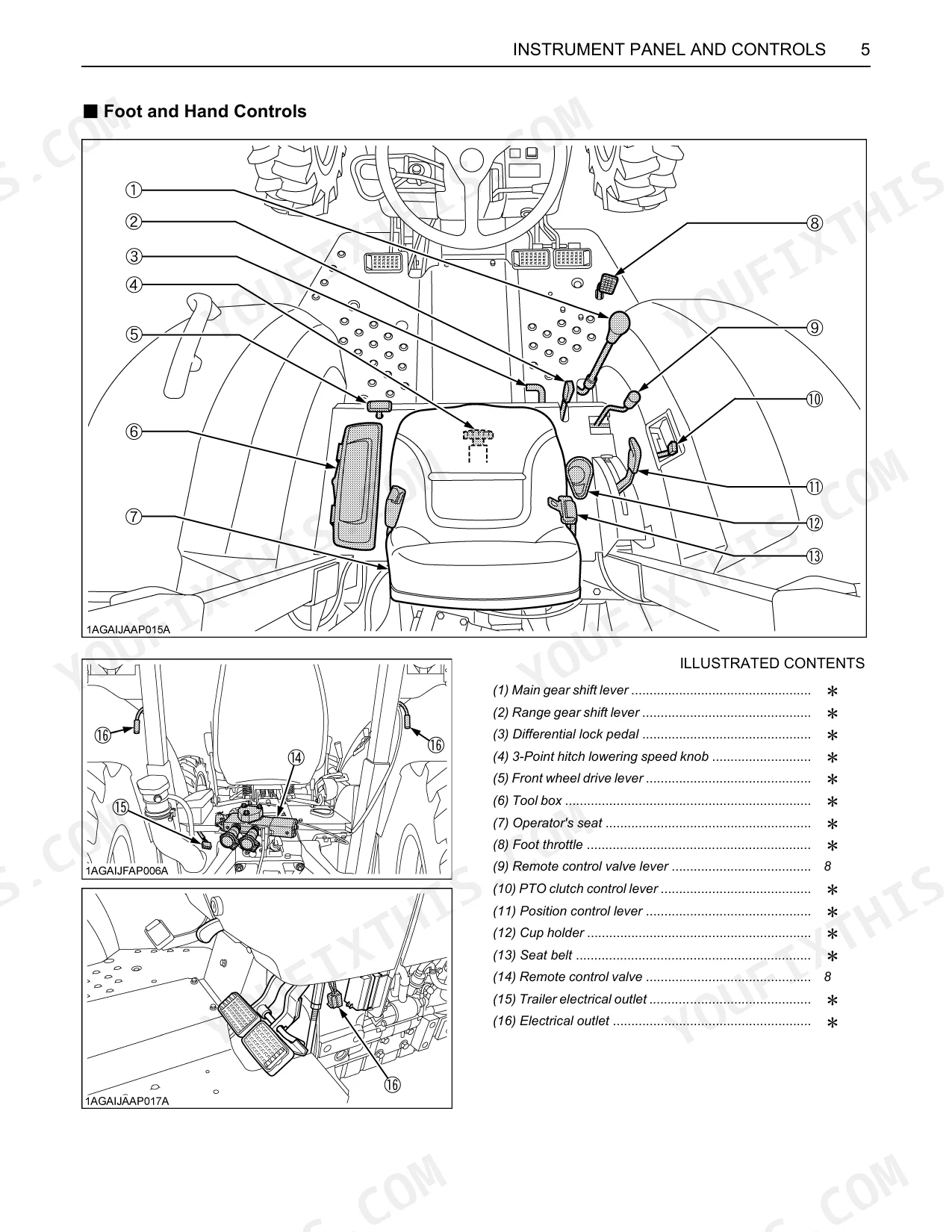
| Instrument Panel And Controls | 18-19 | Instrument Panel |
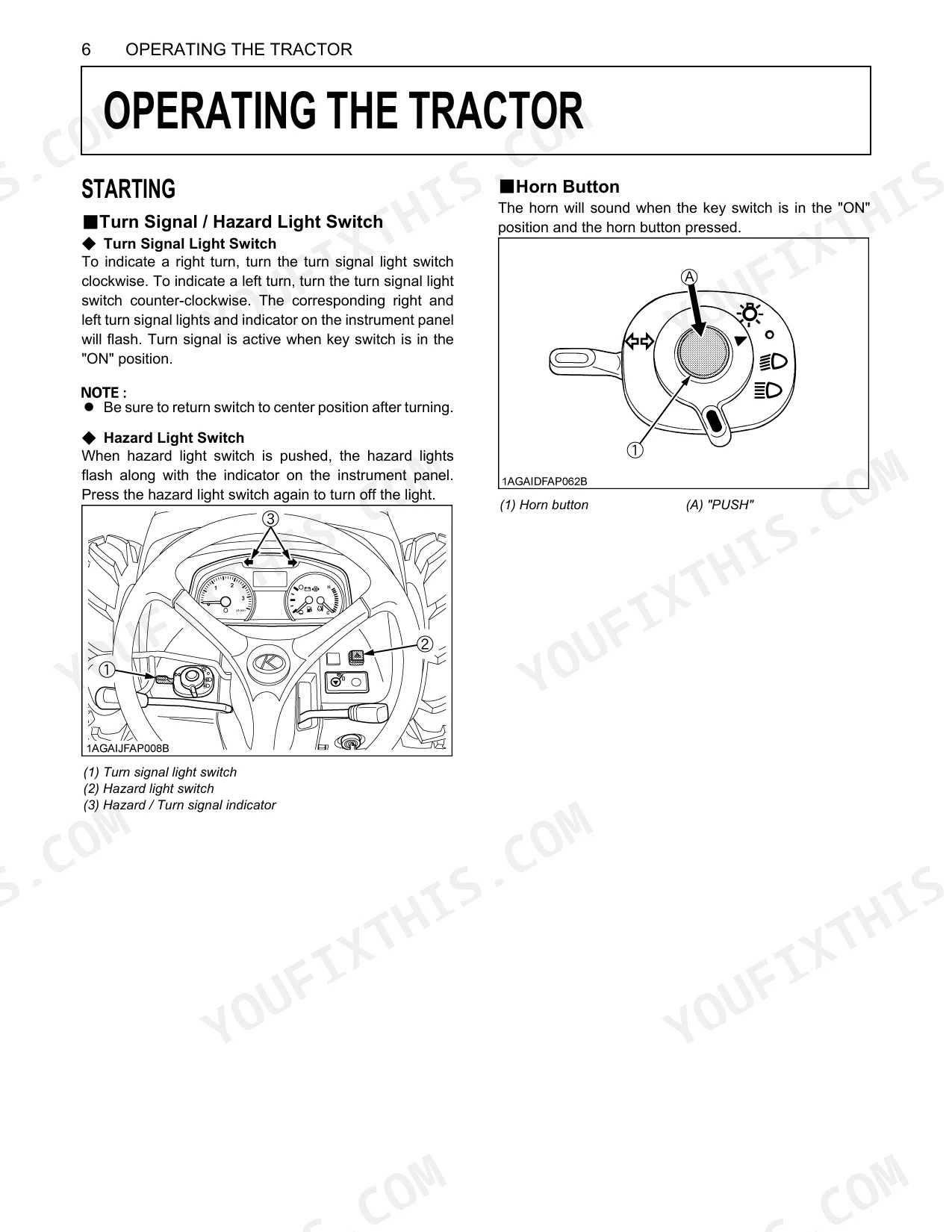
| Operating The Tractor | 20 | Starting (Turn Signal / Hazard Light Switch, Turn Signal Light Switch, Hazard Light Switch), Horn Button |
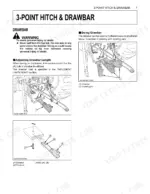
| Point Hitch & Drawbar | 21 | Drawbar |
| Hydraulic Unit | 22-23 | Remote Hydraulic Control System (Remote Control Valve, Remote Control Valve Lever), Example: Installing Triple Segment Valve, Lever Position |
| Periodic Service | 24 | Service As Required (Replacing Fuse), Fuse Capacity, Replacing Light Bulb (Capacity) |
| Options | 25 | Double Acting Remote Hydraulic Control Valve With Detents And Self-Cancelling, Double Acting Remote Hydraulic Control Valve With Float Position, Front End Weights |
Quick Reference Specifications
| Specification | Value | Page |
|---|---|---|
| Total displacement | 3331 cm³ | p. 15 |
| Rated revolution | 2600 rpm | p. 15 |
| Maximum torque | 232 N-m | p. 15 |
| Battery capacity CCA | 900A | p. 15 |
| Fuel tank capacity | 70 L | p. 15 |
| Engine oil capacity | 11 L | p. 15 |
| Coolant capacity | 8 L | p. 15 |
| Weight | 2090 kg | p. 15 |
| Hydraulic pump capacity | 43.9 L/min | p. 16 |
| Max. lifting force (At lifting points) | 1900 kg | p. 16 |
| Hydraulic system pressure | 19.1 MPa | p. 16 |
| PTO/Engine speed | 540 / 2295 rpm | p. 16 |
Kubota M7040SUHD Common Problems This Manual Covers
Hydraulic system weak under load, 3-point hitch won't lift to full height p. 22
Check the hydraulic pump capacity (43.9 L/min, page 16) and system pressure (19.1 MPa, page 16). When the system feels weak, don't hold the remote control valve lever in the 'pull' or 'push' position for long stretches; that forces oil through the relief valve and overheats it (page 23). If performance stays low, contact your Kubota dealer.
Manual Section: Hydraulic Unit4WD does not engage or hesitates noticeably when the switch is activated p. 18
Confirm the front wheel drive lever is set correctly for 4WD; page 19 lists it among the controls. The manual stops short of step-by-step 4WD troubleshooting, so if engagement still hesitates, have your Kubota dealer inspect it.
Manual Section: Instrument Panel And ControlsEngine cranks slowly or won't start on cold mornings, battery seems charged p. 20
Start with the fuel level, since tank capacity is 70 L (page 15). Beyond the basic starting procedure on page 20, the manual offers no cold-crank troubleshooting, so a persistent slow crank warrants a call to your Kubota dealer.
Manual Section: Operating The TractorCab heater blows cold air with climate control set to maximum heat p. 18
Verify the coolant level sits at the correct mark; capacity is 8 L (page 15). Watch the temperature gauge on page 18 to confirm the engine has reached normal operating temperature before expecting heat. If it's fully warm and still blowing cold, have the coolant valve actuator checked at your Kubota dealer.
Manual Section: Instrument Panel And ControlsLoader curl and bucket-down functions noticeably weaker than lift, front attachment struggles p. 22
Inspect the remote control valve lever positions on page 22 and match the detent and float settings to your attachment. The pump moves 43.9 L/min (page 16). As with the lift circuit, keep the lever out of 'pull' or 'push' once the cylinder bottoms out, or the oil overheats through the relief valve (page 23). Persistent weakness means a dealer visit.
Manual Section: Hydraulic UnitWarning light on instrument panel stays lit after startup, meaning not clear p. 18
Shut the tractor down if a warning light stays lit after startup. The manual carries no detailed legend for the panel lights, so let your Kubota dealer diagnose the cause.
Manual Section: Instrument Panel And ControlsFrequently Asked Questions
How to troubleshoot Kubota M7040SUHD hydraulic failure
Once the remote cylinder reaches the end of its stroke, don't keep the lever in "pull" or "push"; that sends oil through the relief valve and overheats it. Hunt for suspected leaks with a piece of cardboard or wood rather than your hands, since pressurized fluid can cause serious injury. Route the load side of implement cylinders to ports [B], [D] or [F], which have a built-in load check valve to prevent leak down.
Is this Kubota M7040SUHD Operator Manual a digital download?
Yes. It's a 25-page searchable PDF available the moment checkout clears. Open it on a laptop, tablet, or phone and bring it straight to the shop floor.
Can I print specific sections of this Kubota M7040SUHD Operator Manual?
Absolutely. No DRM or copy protection. Print the whole manual or just the pages you need. Any home or office printer works.
Document Quality
This document is a scanned PDF with an optical character recognition (OCR) layer, allowing you to search and copy the full text content. The text quality is consistently crisp and clear on every page, making it very easy to read. All diagrams and illustrations are clear raster images, and their labels are sharp and perfectly readable. The pages are clean, free from any scan artifacts, stains, or skewed content. Please note there is one blank page (page 4) included in the document.


Reviews
There are no reviews yet.