
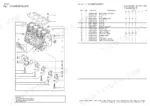
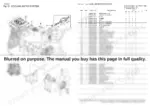
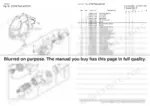
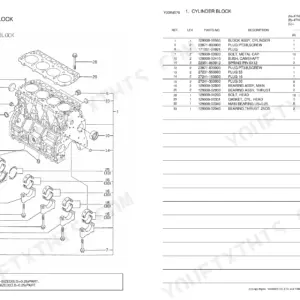
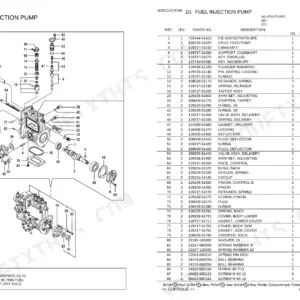
Part of the Yanmar Parts Manuals.
The RHF4 turbocharger is off, the studs came out ugly, and the job stalls until you can put a part number on the one gasket you cannot describe over the phone. This Yanmar parts catalog, publication Y00R5650, is built for that moment on the 4TNV84T-GGE, 4TNV84T-DSA, DSA2, and DSA3 diesel engines, with listings for the 4TNV88-DSA and 4TNV88-GGE as well.
Its 40 pages of exploded diagrams and parts lists run the whole engine: cylinder block, crankshaft and piston, cylinder head and bonnet, camshaft and driving gear, lubricating oil system, cooling water, fuel injection pump and valves, starting motor, generator, and the complete gasket set. Where GGE and DSA builds differ, the catalog carries separate pages for each, so you order for the engine on your stand, not its cousin.
The PDF downloads instantly and travels on a phone or laptop, so the numbers are with you at the bench, at the supplier's counter, or wherever the engine sits.
What's Inside This Yanmar 4TNV84T / 4TNV88 Series Parts Manual
| System | Pages | Key Topics |
|---|---|---|
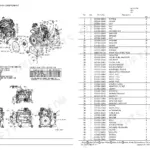
| Engine Section | 2-2 | Cylinder Block, Gear Housing 4TNV84T-DSA, DSA2, DSA3, Gear Housing 4TNV84T-GGE, Flywheel Housing & Oil Sump, Cylinder Head & Bonnet, Suction Manifold, Exhaust Manifold, Camshaft & Driving Gear |
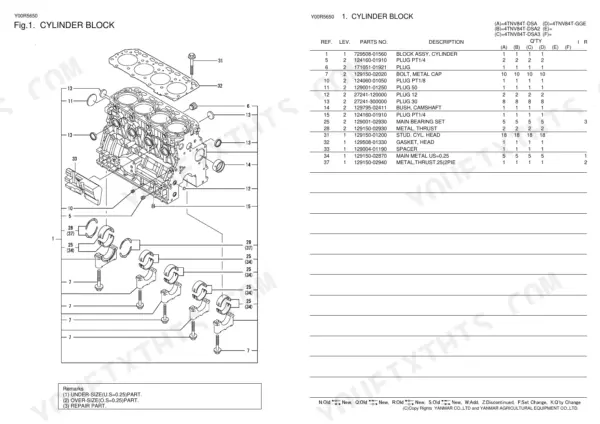
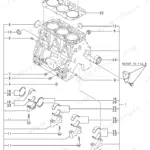
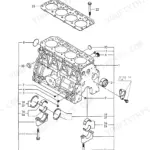
| Cylinder Block | 3-3 | Exploded View Diagram, Part Numbers, Assembly Specifications |
| Gear Housing | 4-4 | Exploded View Diagram, Part Numbers, Assembly Specifications |
| Gear Housing | 5-5 | Exploded View Diagram, Part Numbers, Assembly Specifications |
| Flywheel Housing & Oil Sump | 6-6 | Exploded View Diagram, Part Numbers, Assembly Specifications |
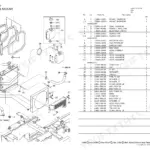
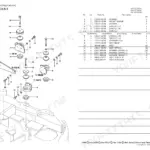
| Cylinder Head & Bonnet | 7-8 | Exploded View Diagram, Part Numbers, Continuation |
| Suction Manifold | 9-9 | Exploded View Diagram, Part Numbers, Assembly Specifications |
| Exhaust Manifold | 10-10 | Exploded View Diagram, Part Numbers, Assembly Specifications |
| Camshaft & Driving Gear | 11-11 | Exploded View Diagram, Part Numbers, Assembly Specifications |
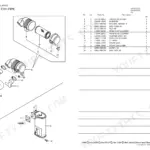
| Turbine | 12-12 | Exploded View Diagram, Part Numbers, Assembly Specifications |
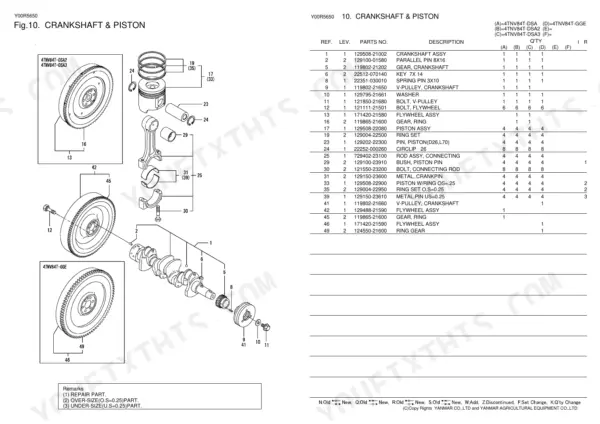
| Crankshaft & Piston | 13-13 | Exploded View Diagram, Part Numbers, Assembly Specifications |
| Lub.oil System | 14-14 | Parts List, Remarks |
| Lub Oil Line | 15-15 | Exploded View Diagram, Part Numbers, Assembly Specifications |
| Cooling Water System | 16-16 | Exploded View Diagram, Part Numbers, Assembly Specifications |
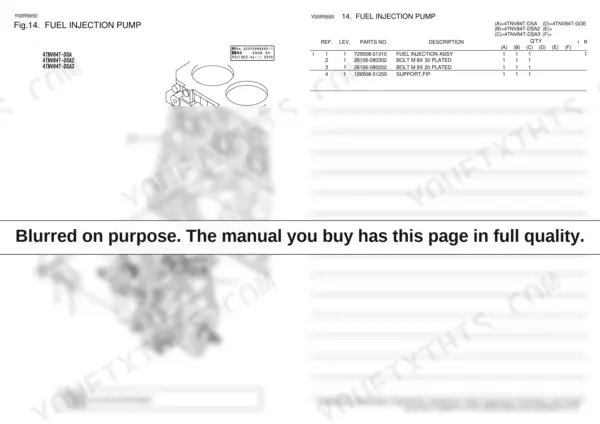
| Fuel Injection Pump | 17-17 | Exploded View Diagram, Part Numbers, Assembly Specifications |
| Fuel Injection Pump | 18-18 | Exploded View Diagram, Part Numbers, Assembly Specifications |
| Fuel Injection Valve | 19-19 | Exploded View Diagram, Part Numbers, Assembly Specifications |
| Fuel Injection Valve | 20-20 | Exploded View Diagram, Part Numbers, Assembly Specifications |
| Fuel Line | 21-21 | Loose Parts |
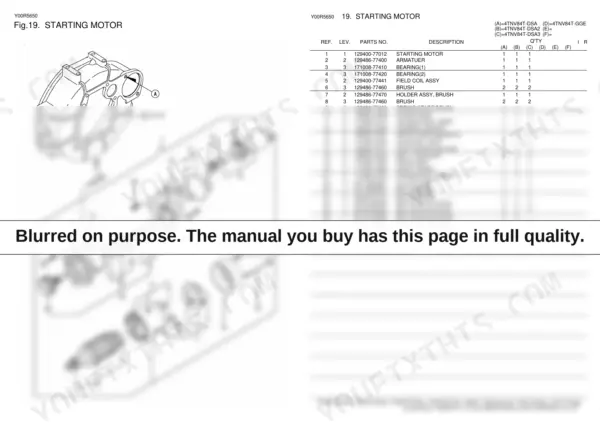
| Starting Motor | 22-22 | Exploded View Diagram, Part Numbers, Assembly Specifications |
| Starting Motor | 23-23 | Exploded View Diagram, Part Numbers, Assembly Specifications |
| Generator | 24-24 | Loose Parts |
| Gasket Set | 25-25 | Optional Parts |
| Fuel Injection Pump (Inner Parts) | 26-27 | Exploded View Diagram, Part Numbers, Continuation |
| Governor (Inner Parts) | 28-28 | Parts List, Remarks |
| Fuel Injection Pump (Inner Parts) | 29-31 | Parts List Continuation, Remarks Continuation |
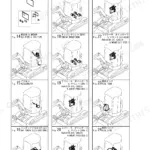
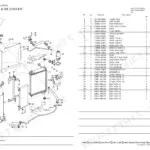
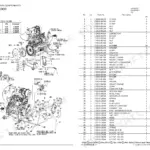
| Optional Kit | 32-40 | Engine Foot, Air Cleaner, Exhaust Manifold, Silencer & Tall Pipe, Ho-P Driving, Oil Coller, Radiator, Electric Parts |
Yanmar 4TNV84T / 4TNV88 Series Common Problems This Manual Covers
Hard starting after fuel contamination
Dirty fuel, air leaks, and clogged filters are the usual reasons one of these engines cranks but will not light. Once contamination has been through the system, the Fuel Line section identifies every pipe, hose, and fitting so you replace the whole path instead of chasing the leak twice.
Manual Section: Fuel LineOverheating and coolant loss at pump
Water pump wear, a stuck thermostat, and seeping hose connections are recurring complaints on these engines. The Cooling Water System pages list the pump assembly, thermostat, thermo case gasket, cooling fan, and pipes by number, so a cooling refresh goes in as one parts order.
Manual Section: Cooling Water SystemTurbocharger oil leaks and lost boost
A tired turbo shows up as smoke, oil in the intake, or power that fades under load. The Turbine section covers the RHF4 turbocharger along with its gaskets, stud bolts, and nuts, the hardware you do not want to reuse once it has been heat cycled.
Manual Section: Turbine p. 12Low oil pressure worries
Oil pressure concerns usually end with the cooler, filter, and their plumbing coming off for inspection. The Lub.Oil System section lays out the oil cooler assembly, filter and bracket, dipstick, and oil pipes so you can see how the circuit fits together and what to renew.
Manual Section: Lub.Oil System p. 14Exhaust manifold gasket leaks
Heat cycling loosens manifold bolts and burns out gaskets, which arrives as ticking under load and soot streaks at the flange. The Exhaust Manifold section gives the gasket and bolt numbers for a clean reseal.
Manual Section: Exhaust Manifold p. 10Head repairs after an overheat
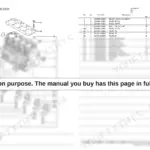
An overheat often leaves a weeping head gasket or damaged valve gear behind. The Cylinder Head & Bonnet section runs two pages of parts lists, identifying everything from the head itself down to the small hardware you only find broken after teardown.
Manual Section: Cylinder Head & Bonnet p. 7Knock and vibration from the bottom end
Progressive vibration or a knock that follows load means the bottom end comes apart. The Crankshaft & Piston section lists the crankshaft assembly, piston and rod assemblies, flywheel, and V-pulley, the parts you will be measuring and likely replacing during a rebuild.
Manual Section: Crankshaft & Piston p. 13Frequently Asked Questions
Which Yanmar engines does this parts catalog cover?
It is Yanmar publication Y00R5650 for the TNV series, covering the 4TNV84T-GGE and the 4TNV84T-DSA, DSA2, and DSA3 diesel engines, and it also carries listings for the 4TNV88-DSA and 4TNV88-GGE.
Is this a workshop manual with torque specs and clearances?
No. This is the factory parts catalog: exploded diagrams and part numbers for identification and ordering. It tells you exactly which gasket, bearing, or bolt to buy, but it does not contain rebuild procedures, valve lash, or cylinder head torque sequences; pair it with a service manual for those.
Are the GGE and DSA variants broken out separately?
Yes. Where the builds differ the catalog carries separate sections, starting with Gear Housing pages for the 4TNV84T-DSA, DSA2, DSA3 and for the 4TNV84T-GGE, and continuing through the fuel injection pump, injection valve, starting motor, and governor listings. p. 4
Does it include turbocharger parts?
Yes. The Turbine section covers the RHF4 turbocharger together with its mounting gaskets, stud bolts, and nuts, so you can order the sealing hardware in the same pass as the unit itself. p. 12
What do I get after purchasing this Yanmar 4TNV84T-GGE & variants manual?
A 40-page Parts Catalog in searchable PDF format, available the moment you complete checkout. View on computer, tablet, or phone, with no shipping wait.
Can I print this manual?
Yes. Many mechanics print the section they need for their own shop and bring it to the bench.
Reviews
There are no reviews yet.