
Part of the Yanmar Repair Manuals.
A YD25 panel that powers up blank, or chirps an alarm you cannot decode, stops an engine as surely as a dead battery, and every hour spent guessing at the harness is an hour the engine sits. This 20 page Yanmar YD25 Operation Manual (publication 164100-29010) is the factory document for the YD25 instrument panel used with Yanmar JH and 4LV engine models.
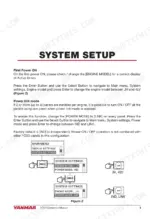
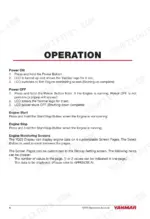
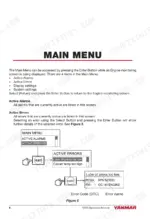
Inside you get the System Setup routine for selecting the engine model and power link mode, the Operation pages for starting, stopping, and cycling through the engine monitoring screens, and a Main Menu chapter covering active alarms, active errors, error codes (DTC), and display settings.
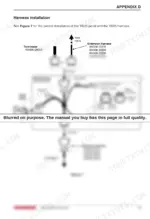
The back of the book carries the working data: technical specifications including the 8 to 16 VDC supply range, dimensional drawings, and harness installation instructions down to the 3A accessory fuse and mating connector. Download the PDF, wire the panel right, and get the engine running again.
What's Inside This Yanmar YD25 Manual
| System | Pages | Key Topics |
|---|---|---|
| Overview | 4 | LCD Display, Power, Start/Stop, Select, Enter |
| System Setup | 5 | First Power on, Power Link Mode, Engine Model, Power Mode |
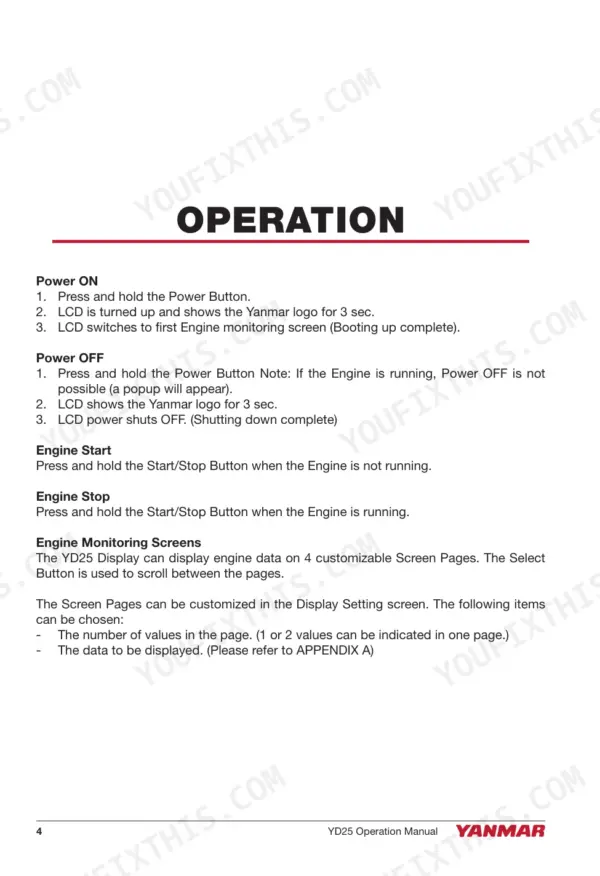
| Operation | 6-7 | Power on, Power Off, Engine Start, Engine Stop, Engine Monitoring Screens, Screen Pages |
| Main Menu | 8-11 | Active Alarms, Active Errors, Display Settings, System Settings, Error Code (DTC), Fuel Sensor |
| Menu Structure | 12 | Main Menu, Active Alarms, Active Errors, Display Settings, System Settings, Engine Model |
| Dimensional Drawings | 13 | |
| Technical Specifications | 14 | Electrical, Supply Voltage, Power Consumption, LCD Display, Display Resolution, Waterproof Rating |
| Harness Installation | 15-20 | Terminator, YD25 Harness, Accessory Power, Fuse, Mating Connector, Fuel Tank Sensor |
Quick Reference Specifications
| Specification | Value | Page |
|---|---|---|
| Product weight | 115 g | p. 14 |
| Accessory Power Fuse | 3A Max | p. 15 |
| Accessory Power Voltage | 12VDC | p. 15 |
| Supply voltage (min) | 8 VDC | p. 14 |
| Supply voltage (max) | 16 VDC | p. 14 |
| Power consumption | 100 mA | p. 14 |
| Display Size | 2.5" diagonal | p. 14 |
| Display Resolution | 164 X 64 pixels | p. 14 |
| Brightness | 100 mcd | p. 14 |
| Operating temperature (min) | -10°C | p. 14 |
| Operating temperature (max) | +65°C | p. 14 |
| Fuse rating | 3A | p. 15 |
Yanmar YD25 Common Problems This Manual Covers
Panel dead at key on
Nothing on the LCD, no buzzer, no lights usually traces back to power or ground rather than a failed panel. The Harness Installation section lays out the YD25 harness, terminator, and fuse so you can check each connection point in order.
Manual Section: Harness Installation p. 15Alarm sounding with an error code
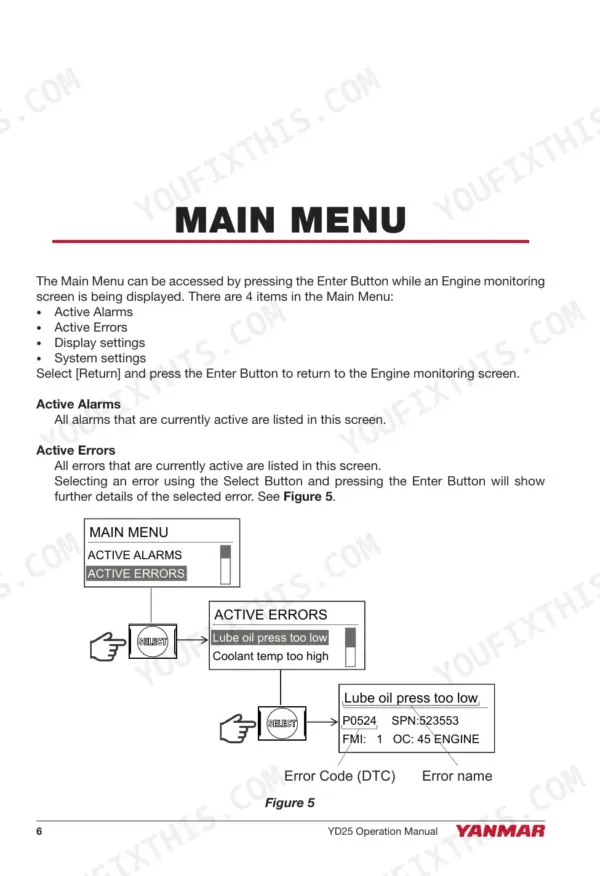
When the buzzer goes off, the Main Menu section shows how to view active alarms, active errors, and error codes (DTC), so you know exactly what the panel is reporting before you touch a wire.
Manual Section: Main Menu p. 8Wrong engine model set at first power on
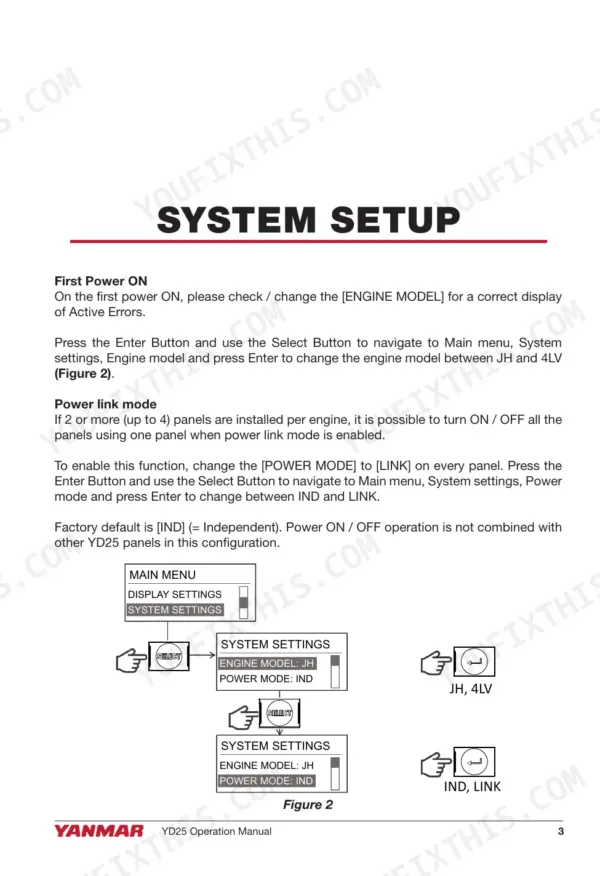
If initial setup was skipped or rushed, the panel can behave oddly from day one. The System Setup section covers first power on, engine model selection, and choosing IND or LINK power mode.
Manual Section: System Setup p. 5Fuel gauge stuck or reading wrong
A fuel readout that never moves often comes down to the tank sender or its setting. The Main Menu section covers the fuel sensor setting, and the harness pages show the fuel tank sensor connection.
Manual Section: Main Menu p. 8Display blanks out while cranking
The panel needs a minimum of 8 VDC, and a tired battery can sag below that under the starter. The Technical Specifications section gives the supply voltage range so you can rule the panel in or out with a meter.
Manual Section: Technical Specifications p. 14Trouble after accessories tied into the harness
Owners report intermittent panel behavior after extra gear was spliced into the wiring. The Harness Installation section covers accessory power and its 3A fuse so add-ons draw power the way Yanmar intended.
Manual Section: Harness Installation p. 15Frequently Asked Questions
Which Yanmar engines does this YD25 manual apply to?
It covers the Yanmar YD25 instrument panel, publication 164100-29010, used with Yanmar JH and 4LV engine models. The System Setup section shows how to select the correct engine model when the panel is first powered on. p. 5
Does it explain how to read alarms and error codes?
Yes. The Main Menu section walks through viewing active alarms, active errors, and error codes (DTC), along with display settings and system settings, so you can identify what the panel is flagging before troubleshooting. p. 8
Is wiring and installation covered?
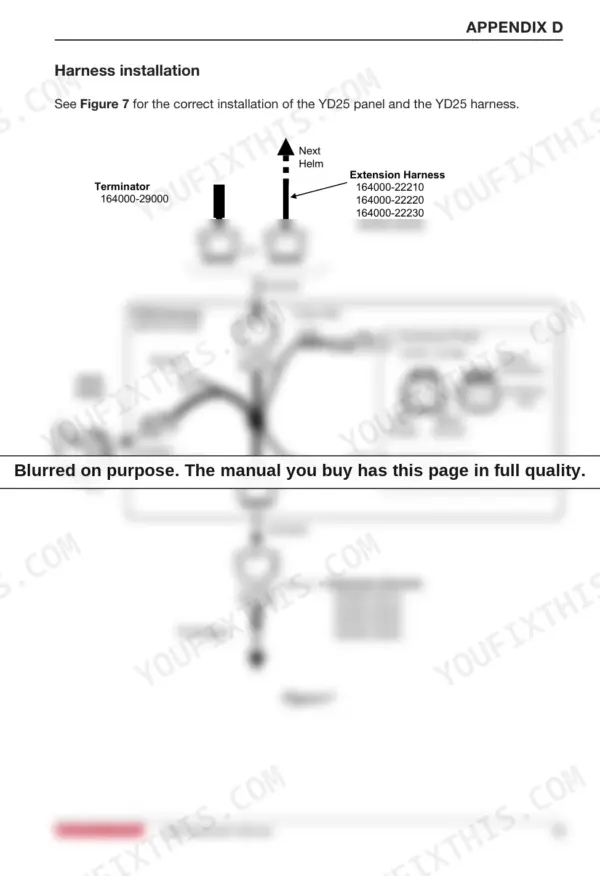
The Harness Installation section covers the YD25 harness, terminator, accessory power with its 3A fuse, the DT06-2S mating connector, and the fuel tank sensor connection. Dimensional drawings for mounting the panel are included as well. p. 15
Are technical specifications for the panel included?
Yes. The Technical Specifications section lists the 8 to 16 VDC supply voltage range, 100 mA power consumption, the 2.5 inch LCD with 164 x 64 pixel resolution, operating temperature range, and waterproof rating. p. 14
How will I receive this Yanmar YD25 Operation Manual?
This is a 20-page searchable PDF ready for immediate download. Works on any device, so pull it up on your phone while you're under the hood. No shipping, no waiting.
Is this Yanmar YD25 Operation Manual printable?
Yes. Many mechanics print the section they need for their own shop and bring it to the bench.
Can I find wiring schematics in this Yanmar YD25 manual?
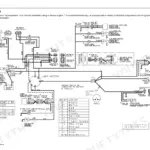
Yes, this Yanmar YD25 Operation Manual includes a wiring diagram for the electrical system.


Reviews
There are no reviews yet.