
Looking for the official daily maintenance and operating guidelines for your JCB JS70 Tracked Excavator? This 120-page JCB JS70 Operator Manual PDF (OEM #9801/6720) breaks down every cab control, dashboard fault message, and routine service schedule required to run your machine safely. Inside, you get a full explanation of the display monitor, precise excavating techniques, and step-by-step procedures for swapping buckets or connecting hydraulic hoses. Open to the maintenance section for complete 10-hour to 2000-hour service intervals, ensuring you never miss a critical fluid change or greasing point. Verify your battery electrolyte level is sitting at exactly 6 mm (0.25 in) and secure the M16 travel motor bolts to 270-310 Nm before tracking across the job site. A skipped daily check can sideline your entire operation. Grab this bookmarked download directly on your phone, jump straight to the service schedules, and keep your equipment digging.
Complete the set for your JS70
- Repair Manual: JCB JS70, Isuzu 4JB1 PAA-04 Service Manual (incl. Wiring)
What's Inside This JCB JS70 Operator Manual
| System | Pages | Key Topics |
|---|---|---|
| Introduction | 9-16 | About This Handbook, Safety First, Safety Check List, Safety Decals, Identifying Your Machine |
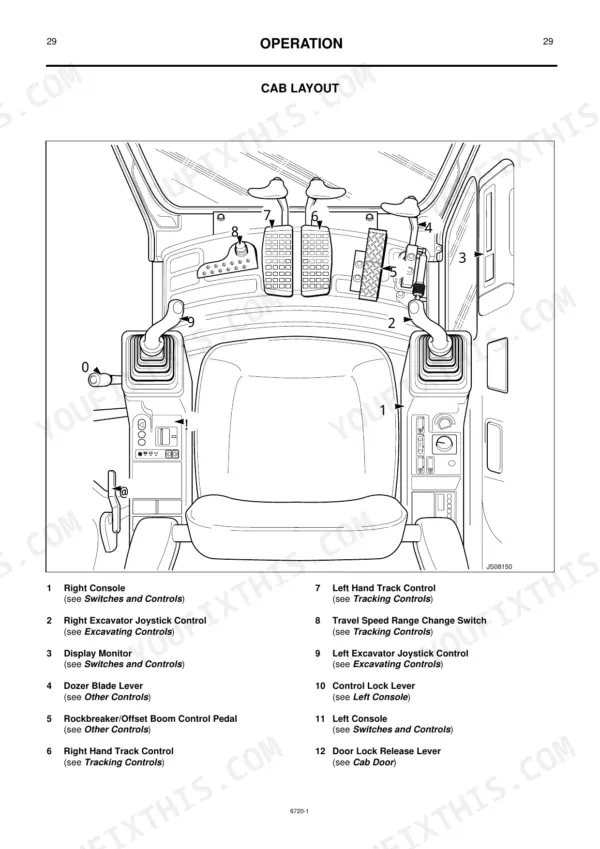
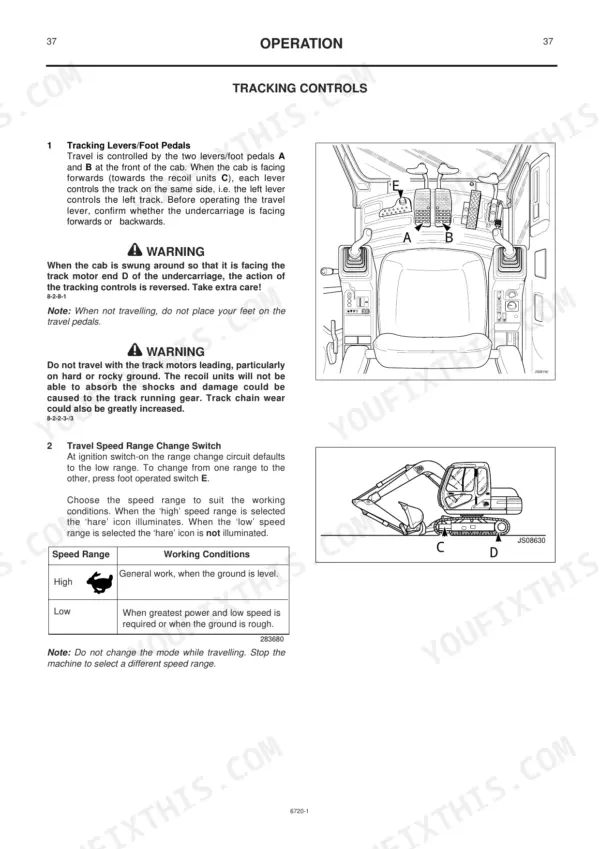
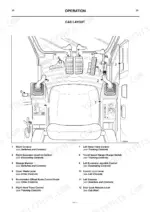
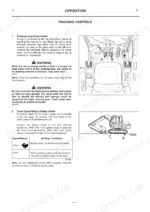
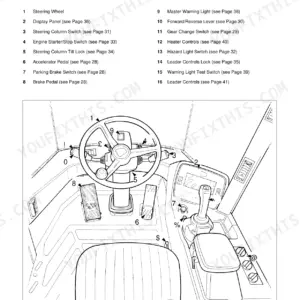
| Operation | 17-62 | Before Entering the Cab, Cab Layout, Switches and Controls, Tracking Controls, Excavating Controls, Starting the Engine, Operating Precautions, Transporting the Machine, Installing a Bucket, Digging, Lifting |
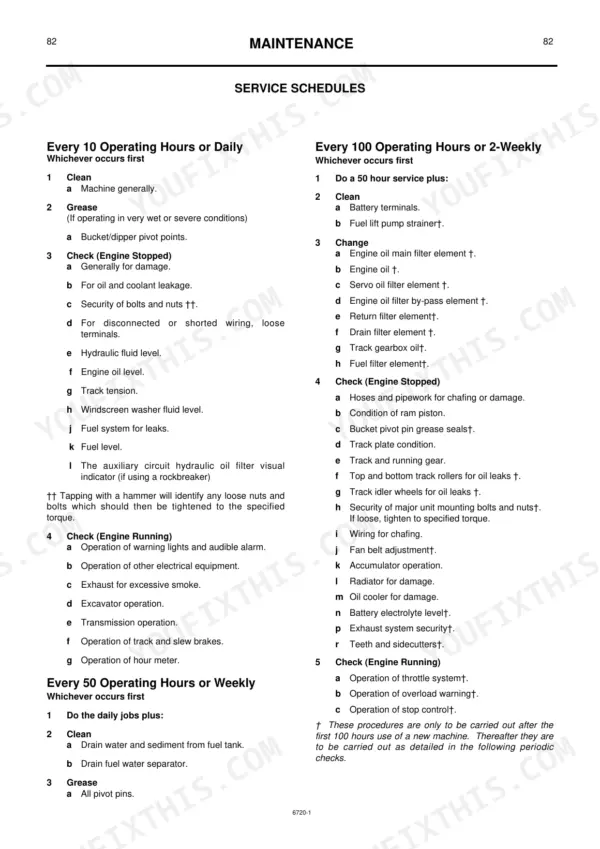
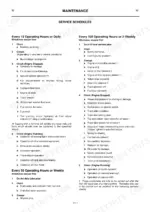
| Maintenance | 63-104 | Service Contracts, Regular Maintenance and Lubrication Schedules, Every 10 Operating Hours (Daily), Every 250 Operating Hours, Every 500 Operating Hours, Every 1000 Operating Hours, Every 2000 Operating Hours |
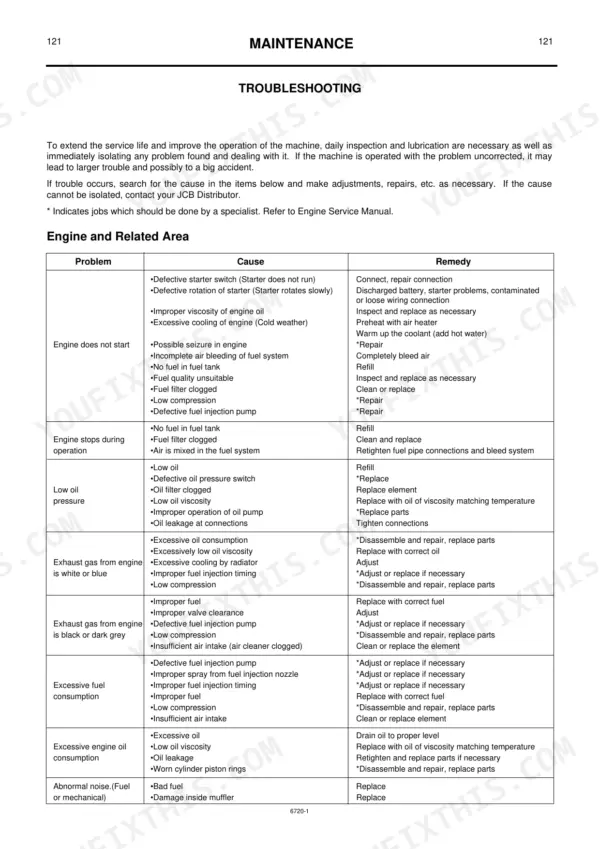
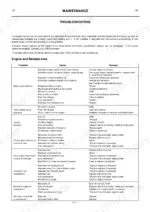
| Troubleshooting | 105-110 | Engine and Related Area, Monitor Display - Fault Messages, Operating Controls, Travelling, Component Location Diagrams |
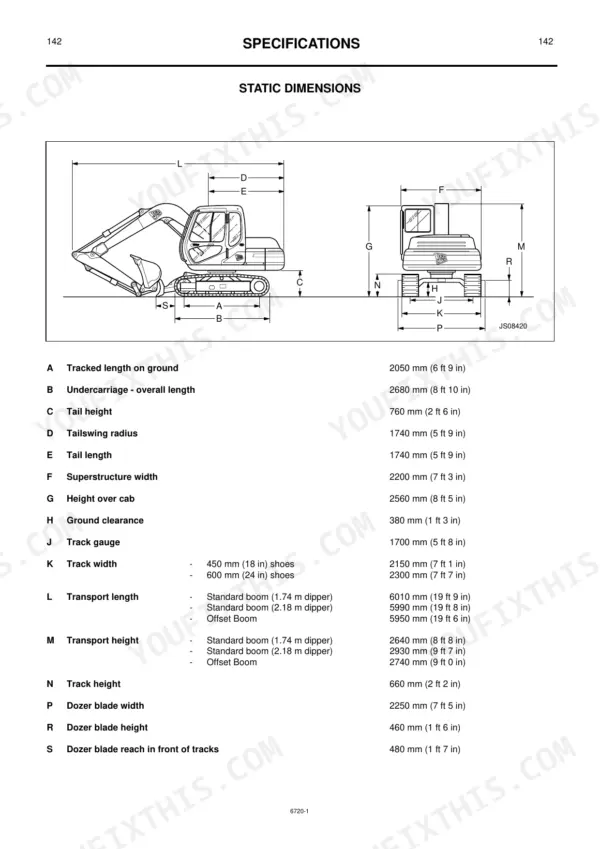
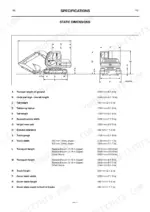
| Specifications | 111-120 | Lifting (Craning) Regulations and Safe Working Loads, Static Dimensions, Shipping Weights (Approximate), Dig Depth Chart, Noise and Vibration Data |
Quick Reference Specifications
| Specification | Value | Page |
|---|---|---|
| Travel Motor Bolt Tightening Torque (M16) | 270-310 Nm | p. 68 |
| Battery Electrolyte Level | 6 mm (0.25 in) | p. 100 |
| Battery Bolt Tightening Torque (M10) | 20-30 Nm | p. 68 |
| Emergency Back-up Switch Fuse Rating | 10 A | p. 99 |
| Engine Oil Capacity | 6.8 litres | p. 104 |
| Slew Gearbox Grease Capacity | 0.2 kg | p. 104 |
| Track Gearbox Oil Capacity | 2 x 1.7 litres | p. 104 |
| Hydraulic System Fluid Capacity | 92 litres | p. 104 |
| Slew Ring - Gear Teeth Grease Capacity | 3.2 kg | p. 104 |
| Cooling System Capacity | 10.1 litres | p. 104 |
| Fuel Tank Capacity | 140 litres | p. 104 |
JCB JS70 Common Problems This Manual Covers
Monitor display shows overheat fault message and high temperature warning light flashes during heavy digging operations
Stop the machine immediately and review the troubleshooting procedures on page 105. Inspect the radiator for debris blockage. Verify the cooling system is full by topping it off to its maximum 10.1 litres capacity, detailed on page 104. Clean the exterior cooling fins thoroughly.
Manual Section: Troubleshooting Procedures p. 105Hydraulic pump does not build pressure and the boom attachment sinks down slowly when left suspended
Check the hydraulic fluid level sight glass daily. If low, fill the system to its maximum 92 litres capacity as specified on page 104. Inspect all hoses and adaptors for visible leaks. Verify the control lockout lever is fully disengaged before operating the machine.
Manual Section: Maintenance p. 104Insufficient travel force and rough movement from the undercarriage tracks when driving over uneven terrain
Inspect the undercarriage for excessive mud buildup or jammed rocks. Check the travel motor mounting hardware on page 68 and torque the M16 bolts to 270-310 Nm. Verify correct track tension by measuring the sag at the center roller before continuing operation.
Manual Section: Maintenance p. 68Frequently Asked Questions
How do I reset the hydraulic system on a JCB JS70?
The manual describes "Air Bleeding Procedures" for the hydraulic system, which is necessary after replacing hydraulic oil or components. To bleed air from the hydraulic pump, temporarily loosen air bleeding plug A, then operate the priming pump knob B until no air bubbles are present, as detailed on page 92. This process helps re-initialize the hydraulic system after maintenance. p. 92
What does the hydraulic warning light mean on a JCB JS70?
The "Oil Pressure Low" icon (item 11) on the Display Monitor indicates a hydraulic warning, specifically if the oil pressure falls too low. If this light illuminates, stop the engine immediately, check the oil level, and top up if necessary, as described on page 31. Further troubleshooting for low oil pressure is available on page 107. p. 31
Why are the hydraulics not working on a JCB JS70?
Hydraulics may not work due to several issues, including low hydraulic oil, a clogged suction filter, or oil leakage inside the hydraulic pump. Other causes can be air in the hydraulic pump, or the main relief valve pressure being set too low, as detailed in the "Troubleshooting" section on page 108. For attachment-related issues, causes like insufficient engine output or a defective main relief valve are listed. p. 108
How do you fix JCB JS70 tracked excavator engine will not start or cranks weakly during early morning cold weather operation?
Inspect the battery connections and verify the electrolyte level is at 6 mm (0.25 in) above the plates as shown on page 100. Check the emergency back-up switch fuse on page 99 and replace it if blown with a new 10 A fuse. p. 100
How will I receive this JCB JS70 Operator Manual?
You get a 120-page searchable PDF that downloads instantly after checkout. Open it on your laptop, tablet, or phone, and bring it right to the shop floor.
Can I print this manual?
Yes. Print the pages you need for the job in your own shop, and bin them when they get greasy.
Reviews
There are no reviews yet.