
Part of the Kubota Operator Manuals.
This is the factory operator's manual for the Kubota U48-4 compact excavator, covering machines built with the V2607-DI-E3-BH-6 and V2607-DI-E3-BH-4 diesel engines. It is a 124-page reference delivered as a downloadable PDF you can open on a phone, tablet, or shop computer and print whenever you want a page beside the machine.
Inside you get the full operating procedure: instrument panel and LCD display, pre-operation and cab controls, engine starting including cold-weather and auxiliary-battery starts, dozer operation, and the Two Pattern Selection System. It also carries maintenance intervals, other adjustments and replacements, recommended oils, lifting capacity tables, and a troubleshooting section covering engine, hydraulic, drive, and AI system faults.
With it you can operate the U48-4 correctly, follow the service schedule, read warning screens, and work through common problems before they cost you a day of downtime.
What's Inside This Kubota U48-4 Operator Manual
| System | Pages | Key Topics |
|---|---|---|
| Abbreviation List | 2 | Api, Astm, Cece, Din, En, FOPS, ROPS, Sae |
| General Symbols | 3 | Safety Alert Symbol, Warning Lamp Meanings, Operation Directions, Read Operator's Manual, Lock/Unlock, Engine Stop Control Lamp |
| Foreword & Safety First | 4 | Kubota Quality Engineering, Manual Importance, Safety Alert Symbol, DANGER/WARNING/CAUTION Definitions |
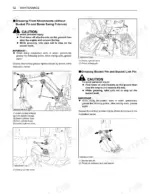
| Safe Operation | 9-21 | Before Operation Checks, Operating the Excavator, Safety for Children, Safe Loading and Transport, Maintenance Safety, Danger/Warning/Caution Labels |
| Machine Overview & Technical Data | 23-25 | Dealer Service, Technical Specifications, Machine Part Identification, Engine/Excavator Serial Numbers, Operating Weight, Engine Power |
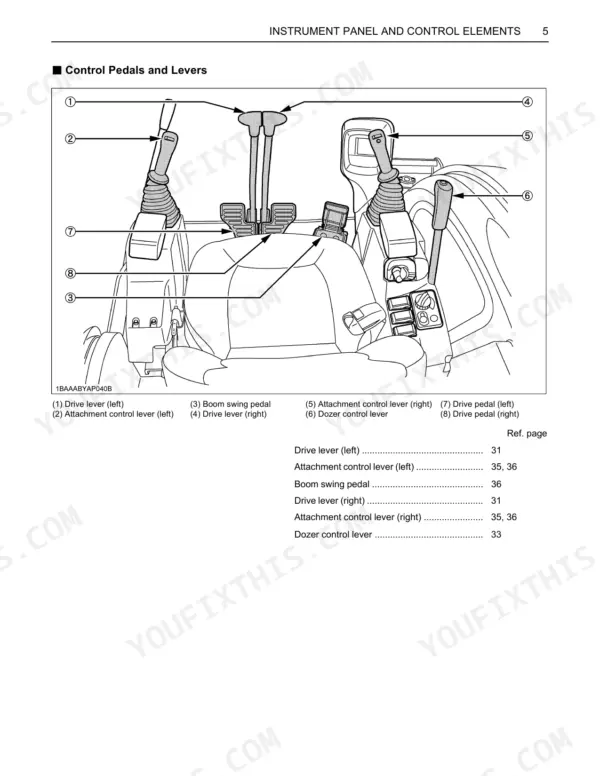
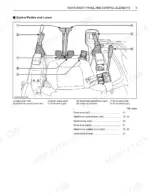
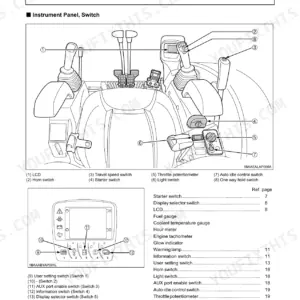
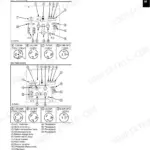
| Instrument Panel & Control Elements | 26-27 | LCD Display, Starter Switch, Throttle Potentiometer, Travel Speed Switch, Horn Switch, Control Pedals and Levers |
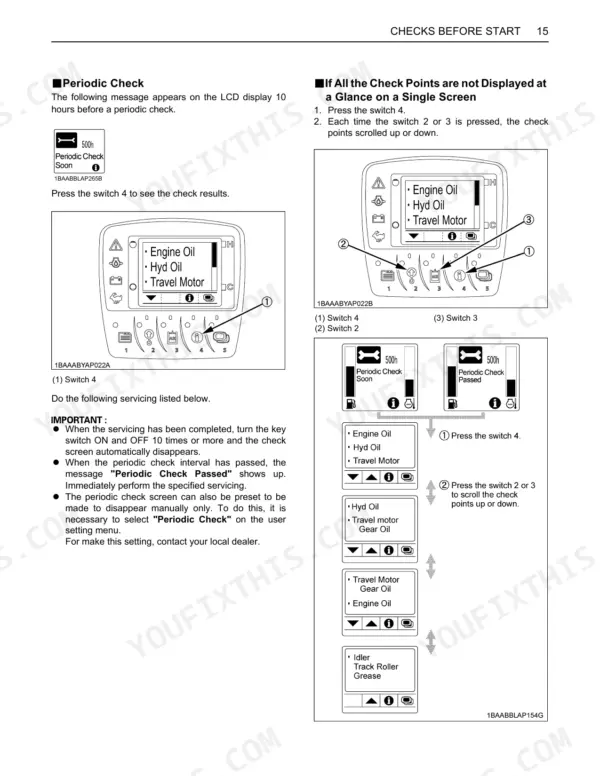
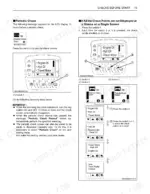
| Pre-Operation Checks & Cab Controls | 28-45 | Daily Checks, Starter Switch Operation, Display Selector Switch, LCD Display (normal/warning), Clock Setting, Log Record, Periodic Check |
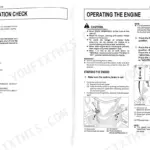
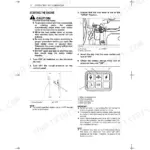
| Operation of the Engine | 46-49 | Starting Engine (normal/cold Conditions), Auxiliary Battery Start, Check Points After Starting, Stopping Engine, Precautions in Case of Overheat |
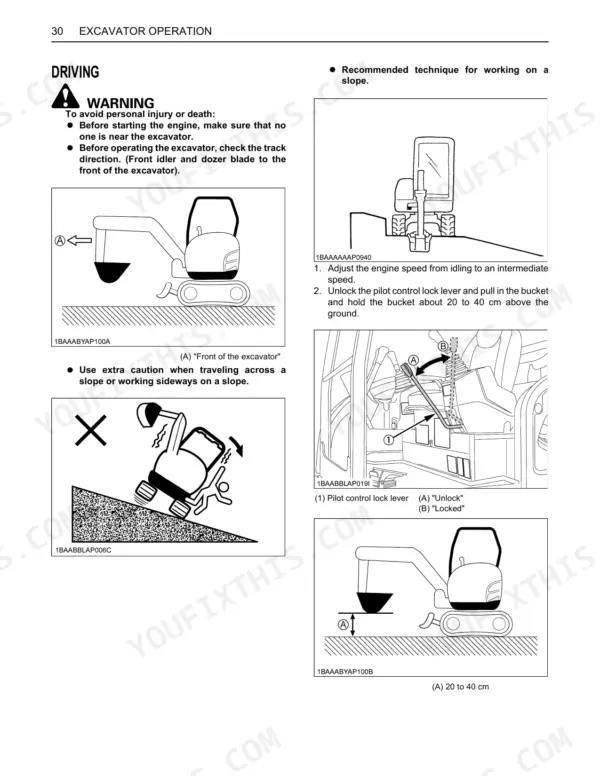
| Excavator Operation | 50-69 | Running-In of New Excavator, Adjusting Operator's Seat, Driving (Levers, Turns, Slopes), Dozer Operation, Two Pattern Selection System (Tpss), Boom/Arm/Bucket Operation |
| Transporting & Lifting | 70 | Transporting on a Truck, Towing the Machine, Lifting of the Excavator, Shackle/cable Requirements, Lifting Capacity Guidelines |
| Maintenance & Service Schedules | 52-78 | Maintenance Intervals, Opening/closing Covers, Tool/grease Gun Storage, Daily Checks, Service Hour Checks (50, 200, 250, 500, 1000, 1500, 2000, 3000 Hrs), Annual/Biennial Servicing |
| Other Adjustments & Replacements | 79-83 | Purging of the Fuel System, Adjustment of Tracks (rubber/steel), Changing the Bucket, Fuses (Replacing, Capacities, Circuits), Auxiliary Electric, Slow Blow Fuse |
| Troubleshooting & Error Screens | 84-85 | Engine Issues, Hydraulic System Faults, Drive System Problems, Ai System Errors, Display Screen Messages, Warning Messages, System Errors, Periodic Check Notices |
| Cold Weather, Storage & Fluids | 86-89 | Preparation for Cold Weather, Procedure After Done Work, Long Storage Procedures, Operating After Long Storage, Recommended Oils (Engine, Hydraulic, Gear, Grease, Fuel) |
| Dimensions, Lifting Capacity & Specifications | 90-95 | Main Dimensions, Lifting Capacity Tables (Over-Front, Over-Side, Blade up/down), Rubber/steel Track Lifting, Engine Specifications, Performance Data, Fluid Capacities |
Quick Reference Specifications
| Specification | Value | Page |
|---|---|---|
| Fuel tank capacity | 68 L | p. 24 |
| Engine oil volumes (with engine oil filter) | 9.0 L | p. 71 |
| Operating weight (CAB) | 4775 kg | p. 24 |
| Engine power SAE J1955 gross | 31.2 kW | p. 24 |
| Rated speed | 2200 rpm | p. 24 |
| Unit swing speed | 9.3 rpm | p. 24 |
| Travel speed (Fast) | 4.9 km/h | p. 24 |
| Max. pressure (AUX1 port) | 20.6 MPa | p. 24 |
| Max. pressure (AUX2 port) | 17.2 MPa | p. 24 |
| Drive unit oil volume | 0.9 L | p. 71 |
| Hydraulic tank oil volume | 45 L | p. 74 |
| Whole hydraulic oil volumes | 79 L | p. 74 |
Kubota U48-4 Common Problems This Manual Covers
Hard starting in cold weather
The V2607 diesel can crank slowly or fail to catch in low temperatures if the cold-start routine is skipped. The engine section covers starting under cold conditions and starting from an auxiliary battery.
Manual Section: Operation of the Engine p. 46Weak hydraulics or fault messages
Slow boom, arm, or dozer movement and unexpected error screens often trace to hydraulic supply or system faults. The troubleshooting section lists hydraulic, drive, and AI system symptoms alongside display and warning messages.
Manual Section: Troubleshooting & Error Screens p. 84Track tension and adjustment
Rubber or steel tracks that run loose cause tracking problems and accelerated wear on rollers and idlers. The adjustments section shows how to set track tension correctly.
Manual Section: Other Adjustments & Replacements p. 79Overheating from missed daily checks
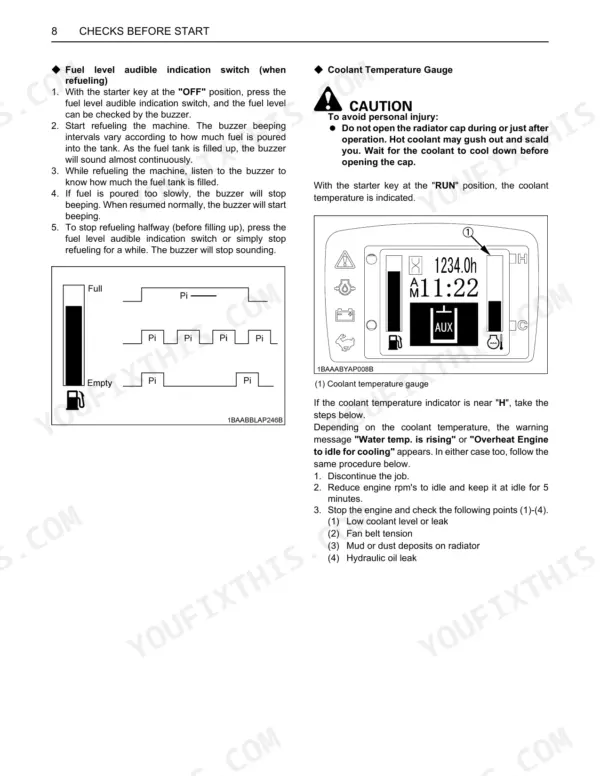
Overheating on a hard-worked excavator often starts with a low coolant level or a clogged radiator that a daily check would catch. The pre-operation checks cover coolant, fuel, and oil levels before each shift.
Manual Section: Pre-Operation Checks & Cab Controls p. 28Deferred maintenance shortening component life
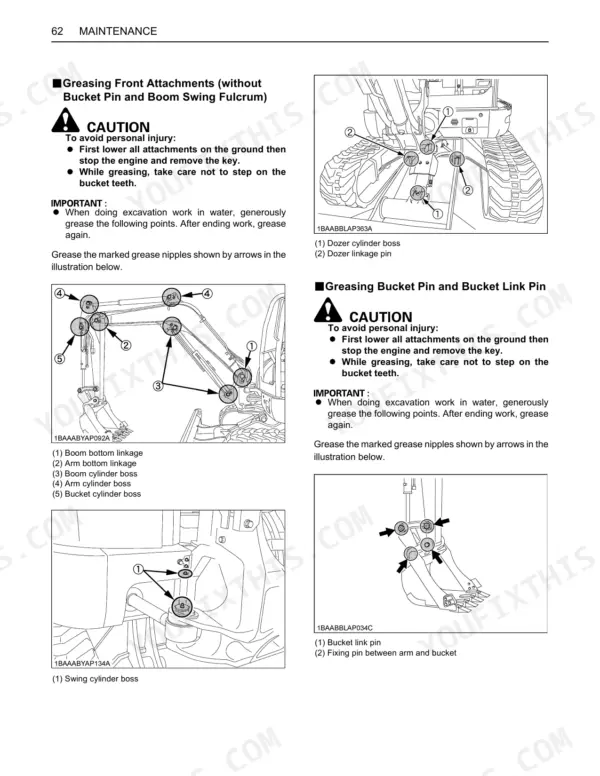
Skipping the scheduled oil, filter, and greasing intervals leads to premature engine and hydraulic wear. The maintenance section lays out the 50, 250, 500, 1000, and 2000 hour service tasks.
Manual Section: Maintenance & Service Schedules p. 52Warning lamps and display messages
An unfamiliar warning lamp or LCD message can halt work until the cause is understood. The instrument panel section explains the LCD display, warning lamps, and switches.
Manual Section: Instrument Panel & Control Elements p. 26Frequently Asked Questions
Which machine and engine does this manual cover?
It covers the Kubota U48-4 compact excavator built with the V2607-DI-E3-BH-6 and V2607-DI-E3-BH-4 diesel engines. It is the operator's manual for running and maintaining the machine.
Is this an operator manual or a service manual?
This is the operator's manual. It covers operation, cab controls, maintenance intervals, adjustments, recommended oils, and a Troubleshooting section, rather than full component teardown and rebuild procedures.
Does it list key specifications like weight and fluid capacities?
Yes. The machine overview and technical data give an operating weight of 4775 kg for the cab machine and a 68 L fuel tank, along with engine power and hydraulic figures. p. 23
Does the manual include lifting capacity charts?
Yes. The dimensions and lifting capacity section provides over-front and over-side lifting capacity tables for both rubber and steel tracks, with blade up and blade down figures. p. 90






Reviews
There are no reviews yet.