
Part of the Case Operator Manuals.
From safety decals and cab controls through daily inspections, travel and swing operation, periodic maintenance, and breaker and crusher work, the Case CX80 operator manual PDF (OEM ID 87490339 NA) walks the excavator end to end across 196 pages. Maintenance takes up the biggest share of the book. It covers the periodic check list, fuel and lubricant charts by ambient temperature, air bleeding for the pump, cylinders, and swing motor, travel reduction gear oil service, and track shoe tension adjustment. Your monitor display, switch panel, and fuse layout are mapped in the controls section, and the maintenance chapter carries a bolt and nut torque table plus troubleshooting charts. Change the engine oil filter every 500 hours, both air cleaner elements at 1,000, and the pilot and return filter elements at 2,000. A guessed torque figure is how track shoes work loose. Buy it once and the bookmarked, text-searchable file is yours for as long as you run the CX80.
What's Inside This Case CX80 Operator Manual
| System | Pages | Key Topics |
|---|---|---|
| To the Owner | 3 | |
| Safety Labels | 4 | |
| For Safe Driving | 5-10 | Rust Preventative Cover, Cylinder Rods, Rust Prevention Operation, Warming Up Operation, Anti-Rust Oil, Storage Procedures |
| Safety Section | 11-42 | Precaution Identification Plates (Identification Plates Inside the Cabin, Outside Identification Plate, On Parts), Prior to Operation (Confirmation of Safety Items) |
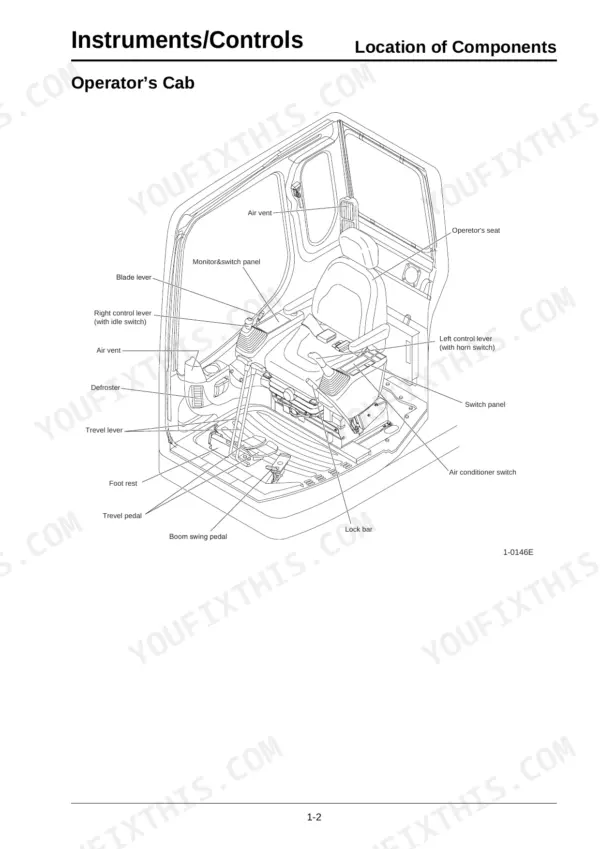
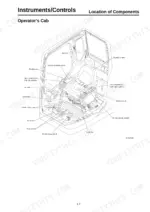
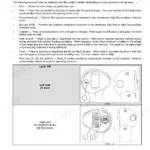
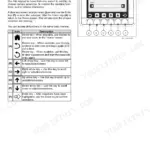
| Instruments and Controls | 43-70 | Location of Components (Overall View, Operator’s Cab), Right Console, Monitor & Switch Panel (Moniter Display), Left Console (Switch), Air Conditioner |
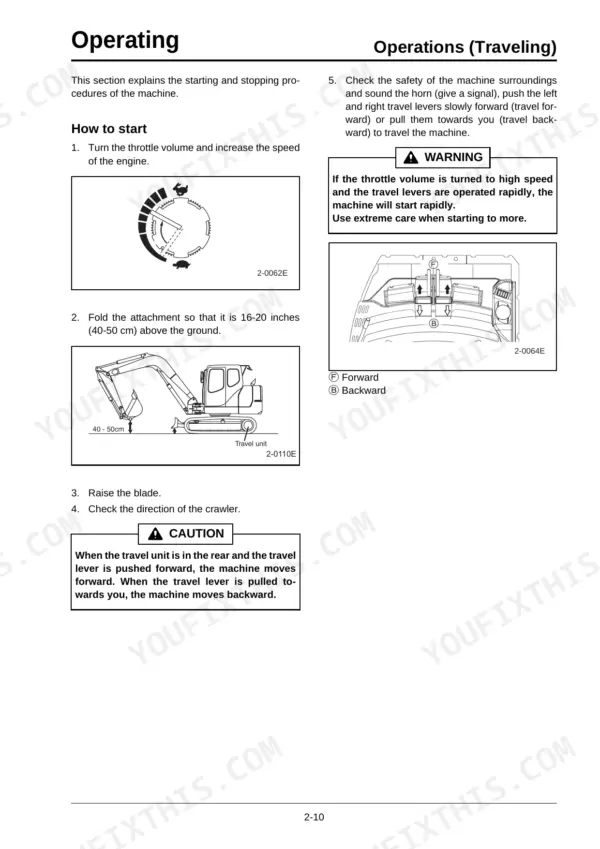
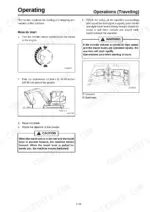
| Operating Instructions | 71-110 | Operation of New Machine, Daily Inspections, Starting and Stopping the Engine, Warm-Up Operation, Operations, Bucket: Turning Over and Replacement |
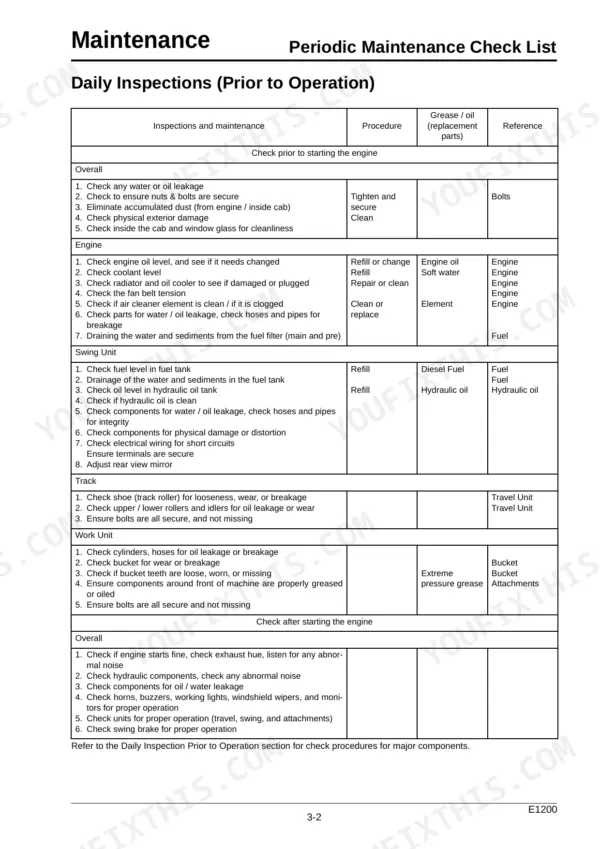
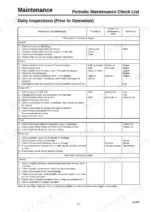
| Inspections and Maintenance | 111-170 | Periodic Maintenance Check List, Fuel / Lubricants for Different Ambient Temperature Settings, Genuine Case Company LLC Parts and Elements (Disposable Items) |
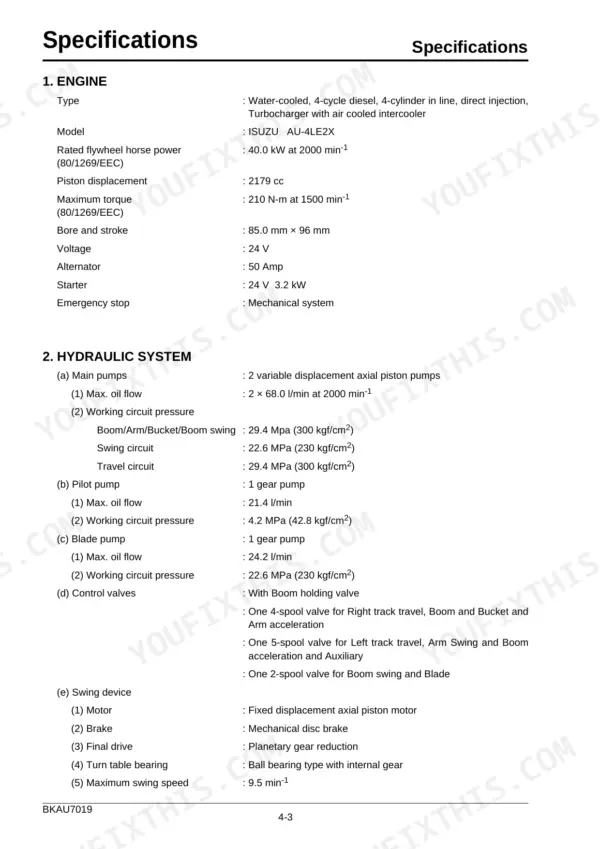
| Specifications | 171-184 | Conversion Factors |
| Optional Components | 185-196 | Breakers (Handling the Breaker, When Using a Hydraulic Breaker, Operating the Breaker, Importance of Hydraulic Oil Control), Crusher (Using the Crusher), Load Lifting Operation |
Quick Reference Specifications
| Specification | Value | Page |
|---|---|---|
| Air cleaner element (Outer) replacement interval | Every 1000 hrs. | p. 117 |
| Air cleaner element (Inner) replacement interval | Every 1000 hrs. | p. 117 |
| Engine oil filter replacement interval | Every 500 hrs. | p. 117 |
| Pilot oil filter element replacement interval | Every 2000 hrs. | p. 117 |
| Return filter element replacement interval | Every 2000 hrs. | p. 117 |
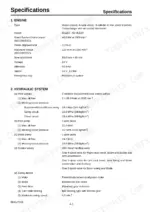
| Engine Rated Flywheel Horsepower | 40.0 kW at 2000 min-1 | p. 174 |
| Main Pump Max Oil Flow | 2 x 68.0 l/min at 2000 min-1 | p. 174 |
| Boom/Arm/Bucket/Boom Swing Working Circuit Pressure | 29.4 MPa (300 kgf/cm2) | p. 174 |
| Swing Circuit Working Circuit Pressure | 22.6 MPa (230 kgf/cm2) | p. 174 |
| Travel Circuit Working Circuit Pressure | 29.4 MPa (300 kgf/cm2) | p. 174 |
| Hydraulic System Capacity | 97.3 liter | p. 179 |
| Fuel Tank Capacity | 100 liter | p. 179 |
Case CX80 Common Problems This Manual Covers
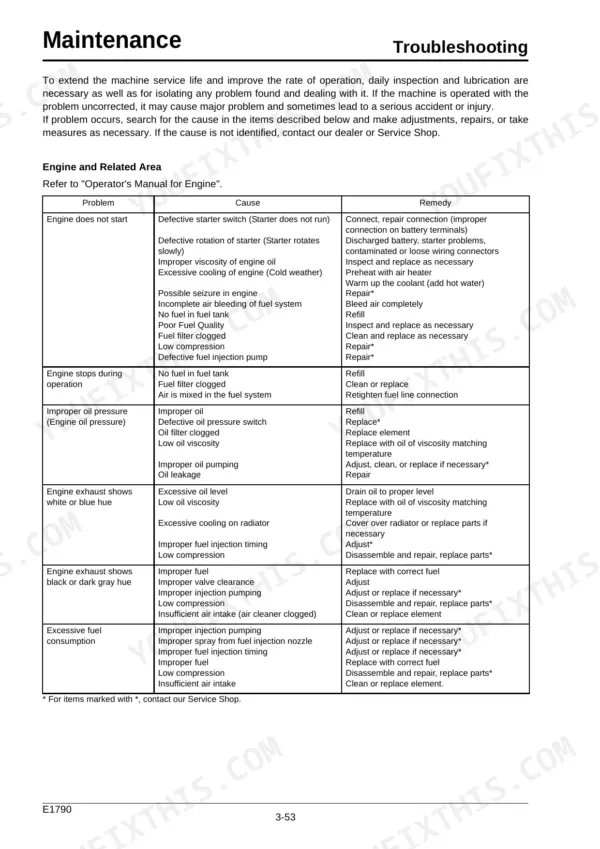
Case CX80 engine will not start or stops on its own shortly after starting
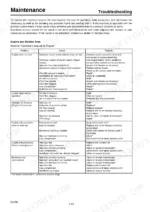
Check the low fuel warning on the display monitor first; a dry 100 liter tank (page 179) is the cheapest fix there is. If fuel is good, work through the engine start and engine stop checks, and watch exhaust color once it fires to narrow down the cause.
Manual Section: Engine and Related Area Troubleshooting p. 164Overheat warning lights up on the display monitor while working the machine
Check fan belt deflection against 0.39-0.59 in (10-15 mm) following page 138 once the engine has cooled; a slack belt cannot keep the fan up to speed. Adjust the belt before returning to work, then run through the display monitor overheat checks in the troubleshooting section starting on page 164.
Manual Section: Display Monitor Troubleshooting p. 164Low engine oil pressure warning comes on at the display monitor after startup
Check the crankcase oil level with the engine shut off, and do not run it again until you find the cause; crankcase capacity is 9.0 liter per page 179. Verify the engine oil filter was replaced on its 500 hour interval (page 117), then work through the oil pressure checks.
Manual Section: Engine and Related Area Troubleshooting p. 164Hydraulic pump making abnormal sound with low pressure and weak working attachments
Check the hydraulic oil level first, since no oil, low pressure and abnormal sound sit together in the pump troubleshooting chart. Inspect around the pump for oil leakage. Verify the return and pilot filter elements were changed at 2000 hrs. and the suction filter at 5000 hrs. per page 117.
Manual Section: Hydraulic Pump Troubleshooting p. 166Boom, arm, or bucket lowers by itself with the controls in neutral
Inspect the boom, arm and bucket cylinders for oil leakage, then wipe them clean and recheck after a shift so a fresh weep stands out. Ground the bucket every time you leave the seat until it is fixed. Work through the attachment lowering and cylinder oil leakage checks in the troubleshooting section starting on page 167.
Manual Section: Working Attachments Troubleshooting p. 167Machine pulls crooked or travels rough with insufficient power when tracking straight ahead
Inspect the travel motor mounting bolts and track shoe bolts for looseness before digging into hydraulics. Torque travel motor bolts to 267-312 N·m and shoe bolts to 245 ± 25 N·m following the table on page 139. Then run the insufficient power, rough travel and crooked travel checks in the troubleshooting section starting on page 167.
Manual Section: Travel Troubleshooting p. 167Frequently Asked Questions
How do I bleed air from the fuel system on a CASE CX80?
The fuel system is designed to bleed air automatically when the engine is started. If you have replaced the fuel filter, you do not need to perform a manual bleeding procedure; simply start the engine and the system will purge the air. p. 130
What are the replacement specifications for the main fuel filter element on the Case CX80?
The main fuel filter element (Part ID No. KNH0404) should be replaced every 500 hours of operation. p. 117
What are the replacement specifications for the engine air filter elements on the Case CX80?
The air cleaner uses a double element system. Both the outer element (Part ID No. KAH1386) and the inner element (Part ID No. KAH1219) should be replaced every 1000 hours. p. 117
What is the correct fan belt tension for the engine?
The fan belt tension is correct when pushing between the fan pulley and the generator pulley results in a deflection of 0.39 to 0.59 inches (10 to 15 mm) under a force of approximately 98N (10 kgf). p. 138
What is the required torque for the crawler shoe bolts on the Case CX80?
The shoe bolts on the crawler must be tightened to a torque of 245 ± 25 N•m. p. 139
Do I get instant access to this Case CX80 Operator Manual?
You get a 196-page searchable PDF that downloads instantly after checkout. Open it on your laptop, tablet, or phone, and bring it right to the shop floor.
Am I free to print this Case CX80 Operator Manual?
Yes. Print the pages you need for the job in your own shop, and bin them when they get greasy.






Reviews
There are no reviews yet.