
Part of the Case IH Operator Manuals.
All 392 pages of this Case IH Farmall® 110N, 100N, 90N, 80N Operator Manual (OEM #48042335) focus on one thing: keeping your 2015–2017 tractor running the way Case IH intended. Inside, you get a full controls walkthrough covering the operator's platform, seat adjustments, forward and side controls, and every dashboard indicator you'll encounter at startup. The working operations section walks you through 4WD engagement, brake procedures, clutch operation, air conditioning, and cab pressurizing — exactly what you need before the wheels turn. Top off your fluids with confidence: fuel tank holds 71.00 L, engine oil takes 9.50 L, and the transmission/hydraulic/PTO system requires 44.00 L. Your machine is down. Get the factory answer, not a guess from a forum thread. Bookmarked by section and keyword-searchable — open it on your tablet, find the spec, and get back to work.
What's Inside This Case IH Farmall 80N–110N Operator Manual
| System | Pages | Key Topics |
|---|---|---|
| General Information | 11-26 | Note to the Owner, Intended Use, Electro-Magnetic Compatibility (Emc), Manual Scope and Required Training Level, Metric and Imperial Units Abbreviations, Identification Plates |
| Safety Information | 27-66 | Safety Rules and Signal Word Definitions, Safety Rules - General Information, Safety Rules – Maintenance, Safety Rules - Wheels and Tires, Safety Rules – Explosions and Fires |
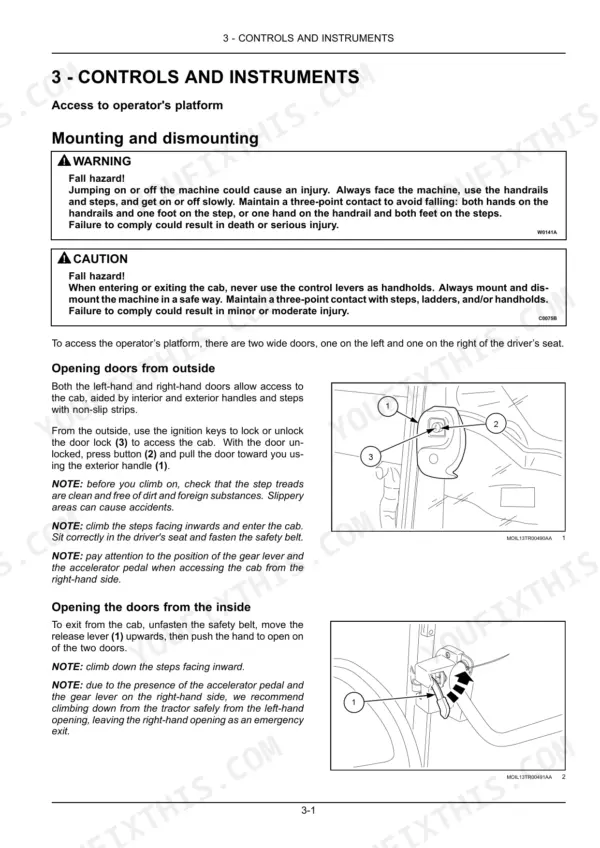
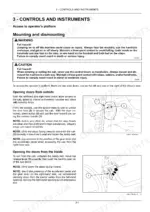
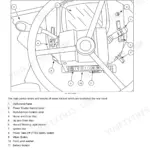
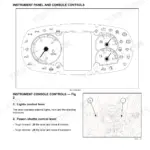
| Controls and Instruments | 67-106 | Access to Operator's Platform, Operator's Seat, Forward Controls, Left-Hand Side Controls, Right-Hand Side Controls, Overhead Controls, Exterior Controls, Display |
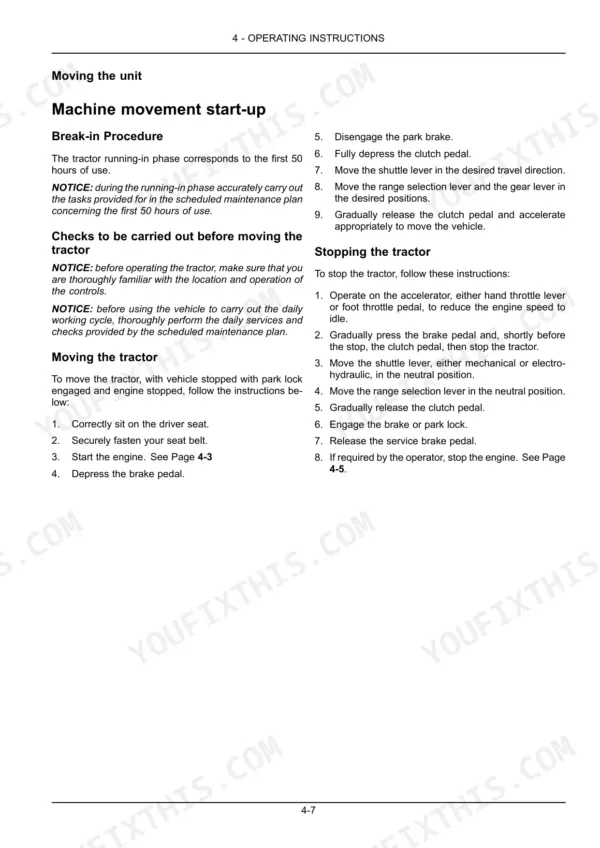
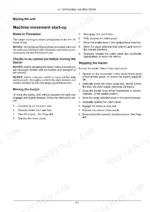
| Operating Instructions | 107-130 | Commissioning the Unit, Starting the Unit, Stopping the Unit, Moving the Unit |
| Transport Operations | 131-132 | Road Transport, Recovery Transport |
| Working Operations | 133-218 | Engine Accelerator Controls, Clutch Pedal, Brakes, Four-Wheel Drive (4WD), Air Conditioning, Cab Pressurizing System |
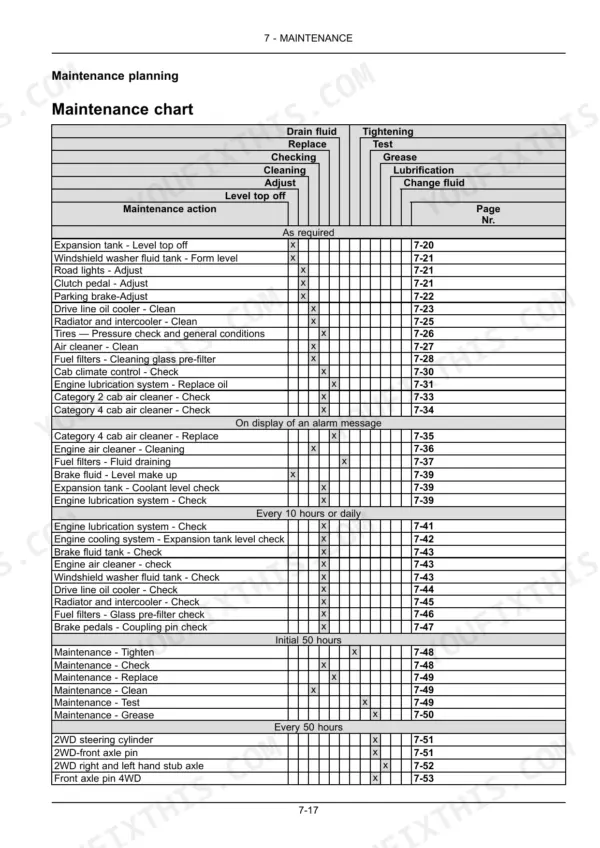
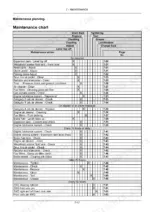
| Maintenance | 219-346 | Maintenance Planning, As Required, At Warning Message Display, Every 10 Hours or Daily, Initial 50 Hours, Every 50 Hours, Every 100 Hours |
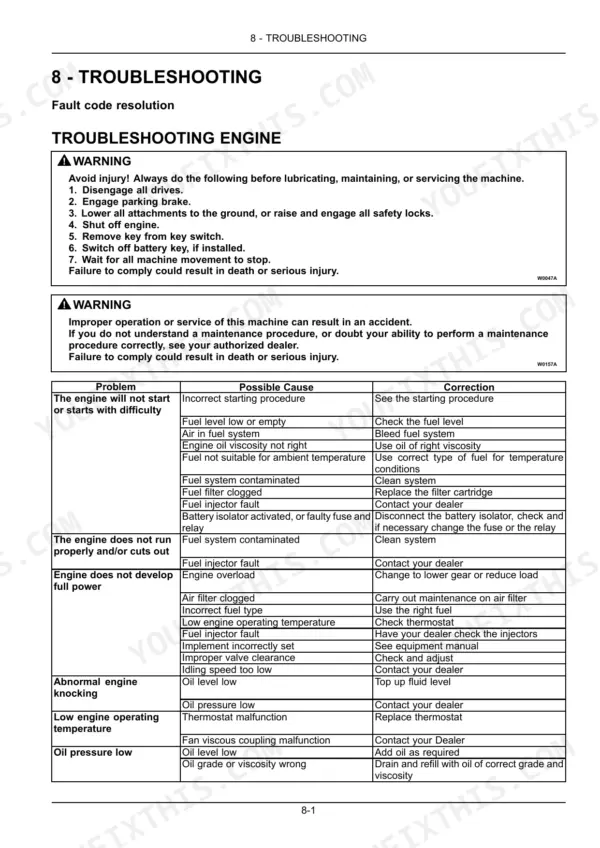
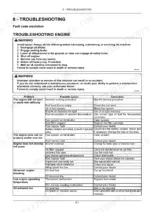
| Troubleshooting | 347-354 | Fault Code Resolution, Alarm(s), Symptom(s) |
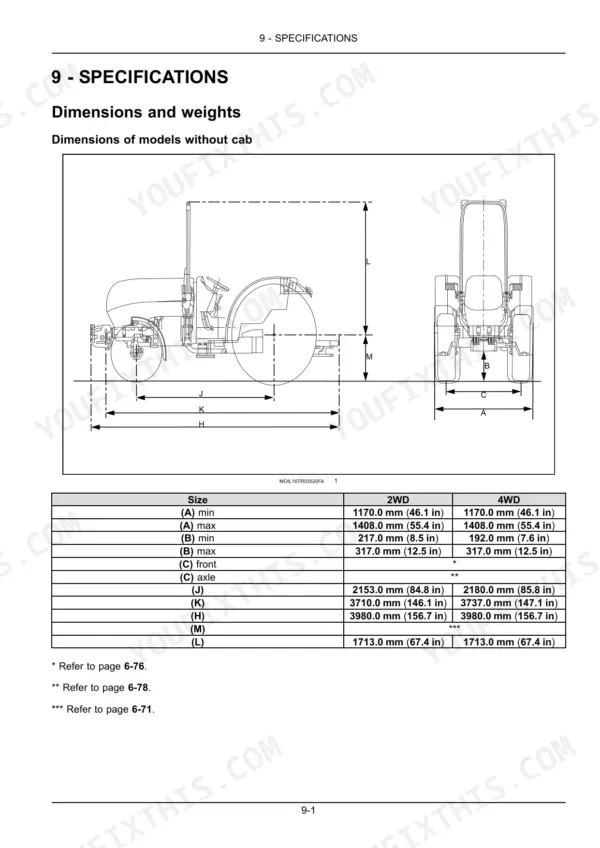
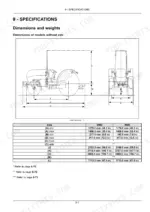
| Specifications | 355-380 | Dimensions and Weights, Maximum Permitted Loads on Front and Rear Axle, Maximum Permitted Loads on Drawbar, Additional Equipment Attachment Points |
| Accessories | 381-392 | Tool Box, Radio |
Quick Reference Specifications
| Specification | Value | Page |
|---|---|---|
| models without cab | ||
| Engine cooling system capacity, models without cab | 14.00 L (3.70 US gal) | p. 230 |
| models with cab | ||
| Engine cooling system capacity, models with cab | 16.00 L (4.23 US gal) | p. 230 |
| All Models | ||
| Fuel tank capacity | 71.00 L (18.76 US gal) | p. 230 |
| Engine oil capacity | 9.50 L (2.51 US gal) | p. 230 |
| Rear axle (bevel drive, final drives and brakes), transmission, hydraulic lift, power take-off and hydrostatic steering fluid capacity | 44.00 L (11.62 US gal) | p. 230 |
| Rated Engine Speed | 2300 RPM | p. 375 |
| Peak Torque speed | 1500 RPM | p. 375 |
| Engine Compression Ratio | 17:1 | p. 375 |
| Minimum turning radius, not brake assisted | 3.4 m (133.86 in) | p. 378 |
| Maximum steering angle | 55° | p. 378 |
| Alternator Maximum power with engine at 2300 RPM | 1.4 kW | p. 378 |
| Maximum vertical load on drawbar (CEE – 694.142.001) | 715 kg (1576 lb) | p. 360 |
Case IH Farmall 80N–110N Common Problems This Manual Covers
Brake pedals feel soft or require excessive travel before the tractor slows
Check the hydraulic service brakes troubleshooting procedure on page 350. Inspect the brake fluid level and verify the brake pedals are properly latched together for road travel. Soft pedals often indicate air in the system or low fluid; refer to the fluid capacities on page 230 for the correct system fill. Do not operate on public roads until braking response is confirmed normal.
Manual Section: Hydraulic Service Brakes Troubleshooting p. 350Cab air conditioning not cooling, or dust entering operator area during field operations
Check that the cab recirculation filter is clean and seated correctly; a clogged or misfit filter is the most common cause of both dust ingress and poor cooling. Inspect the compressor belt condition visually. Verify the climate control is not set to heating mode. For a full diagnosis of refrigerant level or airflow faults, follow the cab climate control troubleshooting steps on page 350.
Manual Section: Cab Climate Control Troubleshooting p. 350Frequently Asked Questions
How do you fix case IH Farmall 110N, 100N, 90N, or 80N warning light stays on after startup, operator unsure what action to take?
Check the alarms and warning symbols table on page 351. Red indicator lamps require immediate action; amber lamps indicate a caution condition. Identify the specific symbol displayed, then cross-reference the detailed warnings table on pages 352-353 for the exact cause and remedy. Do not continue operating until you understand what the warning requires. p. 351
How do you fix engine cranks but won't start, or starts rough and lacks power at rated 2300 RPM?
Check the engine troubleshooting procedures on page 347. Verify fuel level in the 71.00 L (18.76 US gal) tank and confirm the fuel shutoff is open. Inspect air filter condition and check for water in the fuel separator bowl. If the engine starts but runs rough, allow coolant to reach operating temperature before applying load. p. 347
How do you fix hydraulic system fault light appears, three-point hitch raises slowly or won't lift implement?
Verify the combined transmission and hydraulic fluid level; total system capacity is 44.00 L (11.62 US gal). Check the hydraulic filter service indicator on the dash. If fluid level is correct and the filter is not flagged, review the hydraulic system troubleshooting steps on page 349 and check that the rear hitch control is not set to a position that limits lift speed. p. 349
How do you fix DPF regeneration warning appears during field work, operator uncertain whether to stop or continue?
Do not ignore a DPF warning. Review the regeneration procedures on pages 99-102 in the Controls and Instruments section. If automatic regeneration is in progress, maintain engine speed and avoid shutting down mid-cycle. If the manual regeneration indicator appears, park in an open area away from crop residue and follow the on-screen prompts to initiate a parked regeneration before resuming work. p. 99
How quickly can I access this manual?
Immediate download of the complete 392-page searchable Operator Manual. Access it on any device, from a laptop at your desk to a phone in the field.
Am I able to print pages from this manual?
Yes, print as many copies as you want, and there are no restrictions. Many mechanics print the section they need and bring it to the shop floor.



Reviews
There are no reviews yet.