
Part of the Case IH Operator Manuals.
All 276 pages of this Case IH Farmall 55A, Farmall 65A, and Farmall 75A Operator Manual (OEM #51590513) focus on one thing: keeping your tractor running safely and on schedule. Inside, you get a full controls walkthrough covering every platform switch, seat adjustment, and exterior control, plus a dense maintenance section built around real intervals: every 10 hours, 50, 100, and 300. Packed with daily inspection procedures, fluid service steps, and a troubleshooting section with fault code resolution and symptom charts, this is the book your dealer hands you at delivery. Your alternator is spec'd at 120 A output with a 100 A·h charge rating; when the engine lubricant symbol lights up, press switch (2) on symbol (B) to reset it after service. No more squinting at a worn decal or guessing whether that warning clears itself. Bookmarked and searchable: find any procedure in seconds on your phone or laptop, right there in the cab.
Complete the set for your FARMALL 55A, FARMALL 65A, FARMALL 75A
- Repair Manual: Case IH Farmall 75A Service Manual — Wiring Diagrams
- Repair Manual: Case IH Farmall 45A, 55A Service Manual — Wiring Diagrams
- Repair Manual: Case IH Farmall 45A, 55A Tractor Service Manual
What's Inside This Case IH FARMALL 55A, FARMALL 65A, FARMALL 75A Operator Manual
| System | Pages | Key Topics |
|---|---|---|
| General Information | 9-22 | Note to the Owner, Foreword, Advice, Product Identification, Product Identification Tractor Identification Information |
| Safety Information | 23-44 | Safety Rules Tractor Jack Points, Safety Rules Preventing Fire and Explosion, Personal Safety Getting in and Out of the Tractor, Note to the Owner Tractor Use, Noise Level |
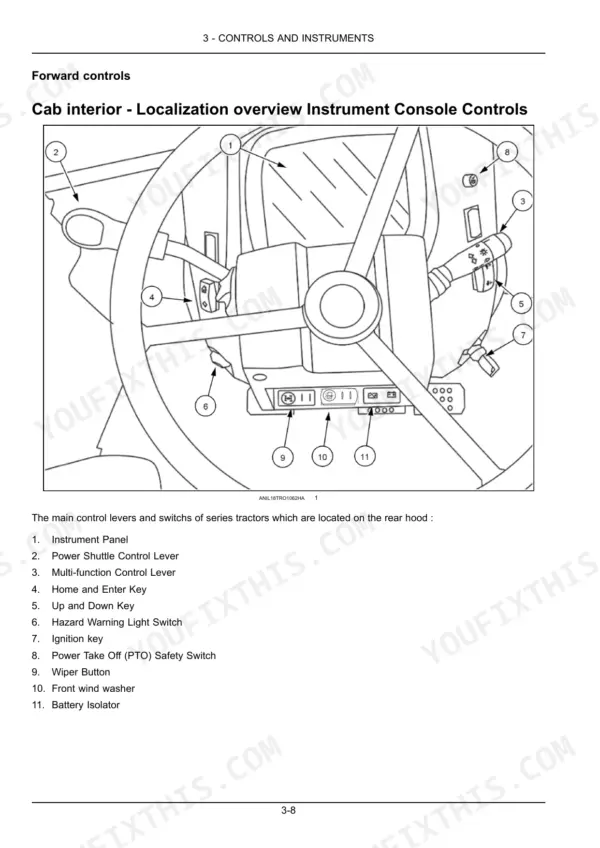
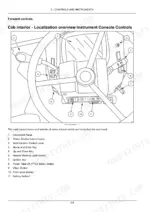
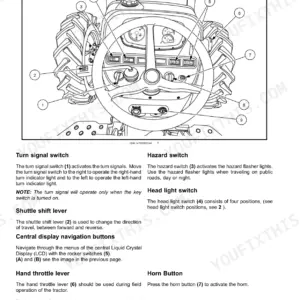
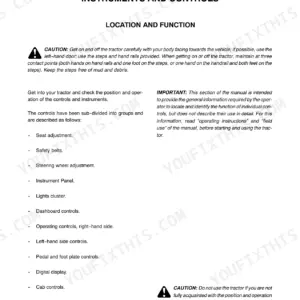
| Controls and Instruments | 45-90 | Access to Operator's Platform, Operator's Seat, Instructional Seat, Forward Controls, Left-Hand Side Controls, Right-Hand Side Controls, Overhead Controls, Exterior Controls |
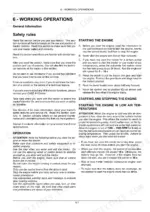
| Operating Instructions | 91-92 | Starting the Unit |
| Transport Operations | 93-94 | Road Transport |
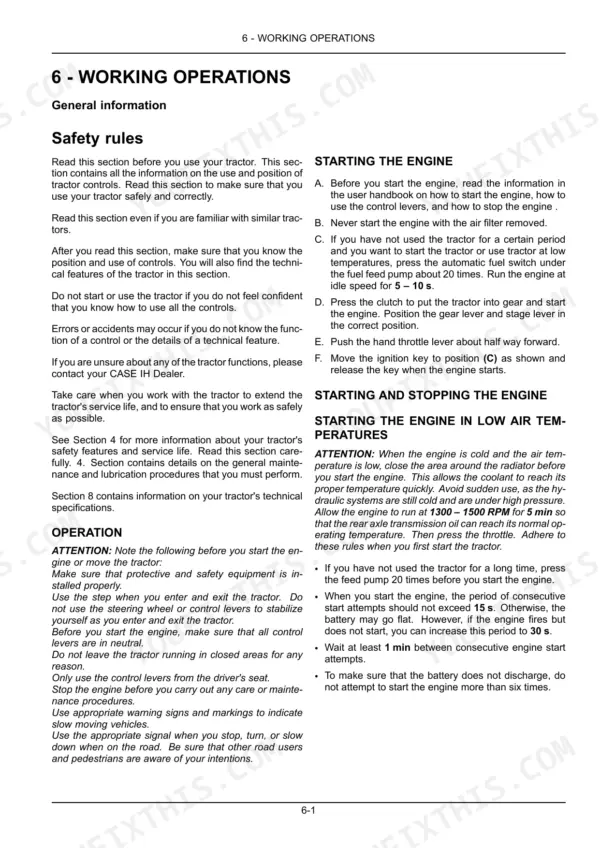
| Working Operations | 95-144 | Wheels and Tires, Towbar |
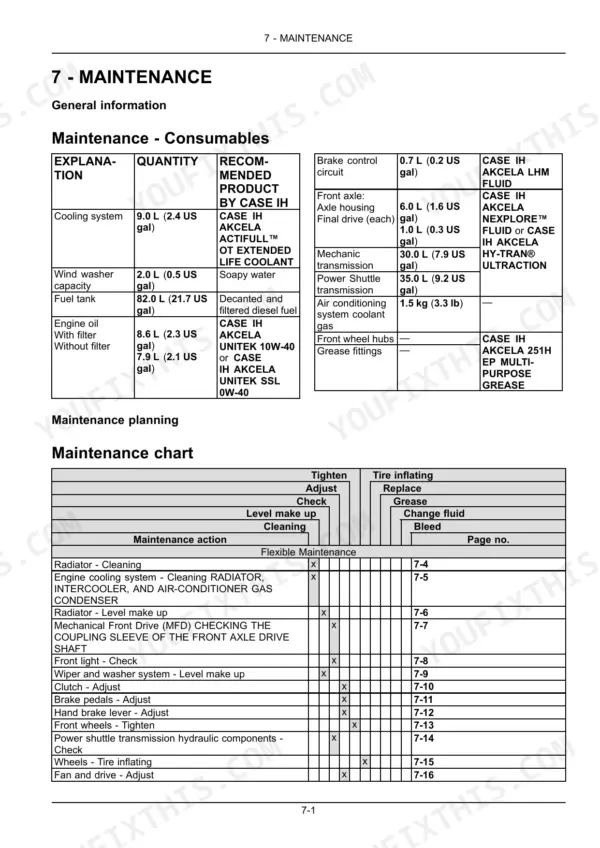
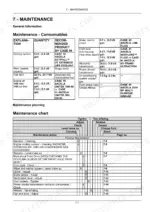
| Maintenance | 145-218 | Maintenance Planning, Flexible Maintenance, When the Warning Lamp Lights, Every 10 Hours or Each Day, Every 50 Hours, Every 100 Hours, Every 300 Hours |
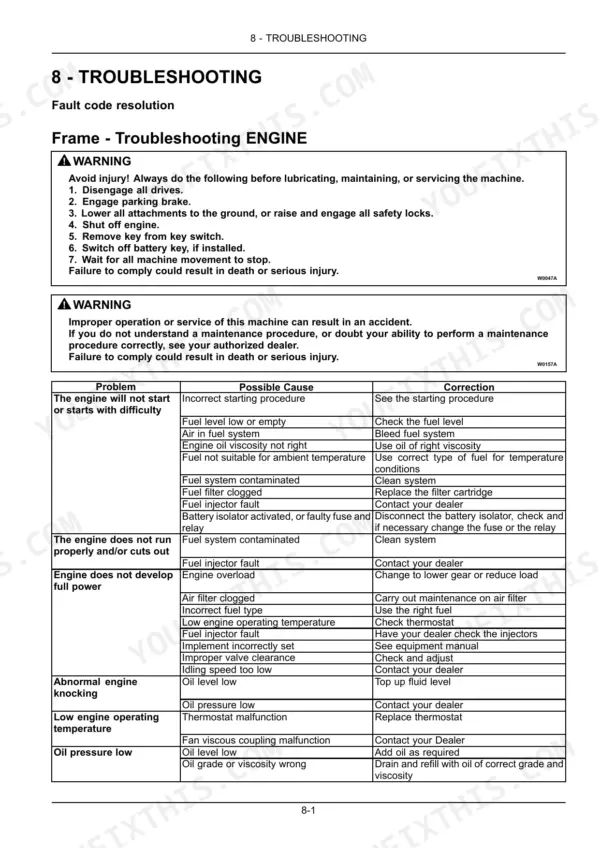
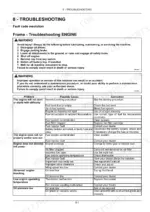
| Troubleshooting | 219-226 | Fault Code Resolution, Symptom(s) |
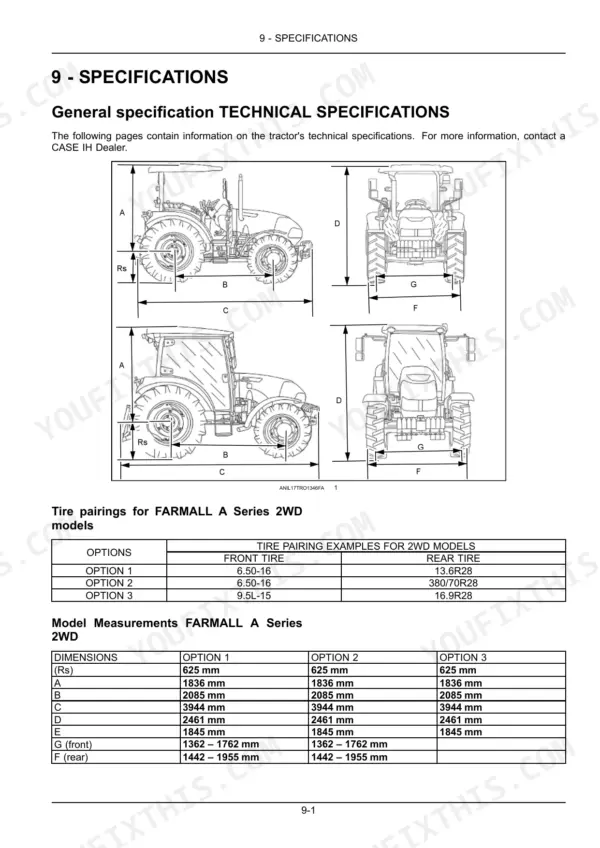
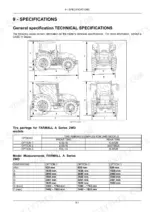
| Specifications | 227-236 | General Specification Technical Specifications, Accessories - Weight, Engine - General Specification, Air Cleaners and Lines - General Specification |
| Accessories | 237-266 | Accessories - Overview Front Loader-Personal Safety, Accessories - Operating Front Loader-Joystick |
| Forms and Declarations | 267-276 | Service Record First 50 Hours Maintenance Form – Customer Copy, Service Record First 50 Hours Maintenance Form – Dealership Copy |
Quick Reference Specifications
| Specification | Value | Page |
|---|---|---|
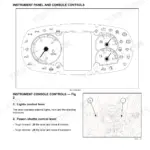
| Resetting the Lubricant Change | Press switch (2) on symbol (B) to reset after engine lubricant symbol appears on screen. | p. 84 |
| Active Failure Warning Display (Correction for hydraulic system fault) | Contact your nearest CASE IH dealer. | p. 87 |
| Fuel filter replacement | Remove the fuel filter cartridge (1). Replace with a new one. | p. 186 |
| Alternator current | 120 A | p. 234 |
| Alternator charge | 100 A·h | p. 234 |
| Air filter dimensions | 159 – 379 mm | p. 230 |
| Air filter replacement interval | once a year or when cracks appear | p. 164 |
| Engine oil pressure low (Correction for oil level low) | Add oil as required | p. 219 |
| Engine oil pressure low (Correction for oil grade or viscosity wrong) | Drain and refill with oil of correct grade and viscosity | p. 219 |
| Hydraulic lift capacity from bottom connecting arms | 2700 kg | p. 232 |
| Hydraulic lift capacity reduced (Correction for system overload) | Reduce load or use a suitable cylinder | p. 222 |
| Hydraulic fluid overheating (Correction for fluid level too high or low) | Top up oil | p. 222 |
Case IH FARMALL 55A, FARMALL 65A, FARMALL 75A Common Problems This Manual Covers
Rear three-point hitch struggles to lift implements or won't reach full height
Verify the implement weight does not exceed 2,700 kg, which is the rated hydraulic lift capacity from the lower link arms. If overloaded, reduce the load or use a suitable cylinder as noted on page 222. Check hydraulic oil level and inspect the system for external leaks before continuing work.
Manual Section: Rear Three-Point Hitch Troubleshooting p. 222Engine air filter restriction indicator light comes on or engine loses power in dusty conditions
Inspect and clean the air filter element after every 300 hours of use. Replace the air filter (dimensions 159 to 379 mm) once a year or immediately if you find cracks or tears, as noted on page 164. Tap the element gently to dislodge dust; never use compressed air on the inner safety element.
Manual Section: Maintenance p. 164Engine lubricant change symbol stays lit on the instrument cluster after completing scheduled oil service
Reset the service reminder after completing your oil change (8.6 L capacity with filter): locate switch (2) next to symbol (B) on the instrument cluster and press it to clear the indicator, as shown on page 84. The system will not clear itself; skip this step and the warning reappears at next startup.
Manual Section: Controls and Instruments p. 84Frequently Asked Questions
How to reset engine oil change reminder on Farmall 55A
To reset the lubricant change reminder, first display the programming menu by pressing the switch (2), (B) icon for more than three seconds. Then, press switch (3) on icon (D) until an engine lubricant symbol appears on the screen. If the lubricant has already been changed, press switch (2) on symbol (B) to reset it, and a confirmation sign will appear once the process is complete. p. 84
How do you fix case IH Farmall battery charge warning light illuminates on the instrument cluster during operation?
Check the 12 V battery terminals for loose connections or corrosion and clean as needed. Inspect the alternator drive belt for cracks or slippage. The system uses a 120 A alternator rated for 100 A·h; if the warning remains after checking connections and belt condition, contact your nearest Case IH dealer. p. 234
How do you fix engine oil pressure warning light illuminates on the dashboard and engine power drops?
Stop the tractor immediately and check oil level on the dipstick. Top up to the MAX mark if low; the engine holds 8.6 L with filter. If level is correct, verify the oil grade and viscosity match the specification on page 219. Do not restart until the cause is identified. p. 219
How do you fix engine loses power under load or fuel system warning appears on the display?
Replace the fuel filter cartridge as described on page 186. The common rail injection system is sensitive to contaminated fuel; inspect the fuel tank for water or debris before installing the new filter. Fill the tank (capacity 82.0 L) with clean diesel and bleed the system before restarting. p. 186
What format is this manual in?
This is a 276-page searchable PDF ready for immediate download. Works on any device, so pull it up on your phone while you're under the hood. No shipping, no waiting.
Can I print specific sections of this manual?
Absolutely. No DRM or copy protection. Print the whole manual or just the pages you need. Any home or office printer works.



Reviews
There are no reviews yet.