
This is the Kubota operator's manual covering the T1880, T2080, and T2380 lawn tractors, fitted with the Kubota GH540V, GH737V, and GH738V gasoline engines. It is the 78-page factory book, written for owners and mechanics who mow with and maintain these machines.
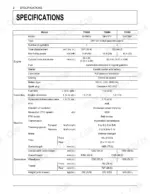
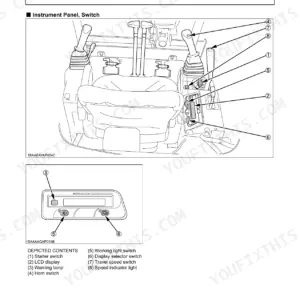
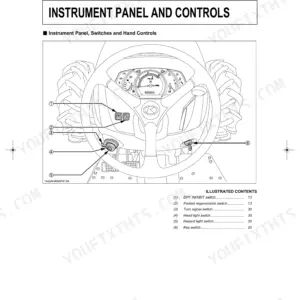
It explains safe operation, the instrument panel and controls, mounting and leveling the mower deck for a clean finish, starting and stopping the engine, and checking the safety systems before you cut. The specification and maintenance sections give capacities, tire pressures, belt tensions, spark plug gaps, and blade bolt torque, along with the service intervals each model needs.
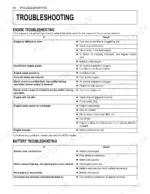
The troubleshooting charts cover engine, battery, machine, and mower faults so you can trace a problem yourself. It downloads as a PDF you can read on a phone, tablet, or computer, or print for the shop, putting the correct Kubota figures for all three T-series tractors in one place.
Complete the set for your T1880, T2080, T2380
What's Inside This Kubota T1880, T2080, T2380 Operator Manual
| System | Pages | Key Topics |
|---|---|---|
| Safe Operation | 8-15 | Before Operating, Pulling Loads, Children, Danger, Warning and Caution Labels, Care of Danger |
| Mower Mounting | 20-24 | Attaching the Mower, Adjusting the Mower Deck (for Beautiful Finish Cut) |
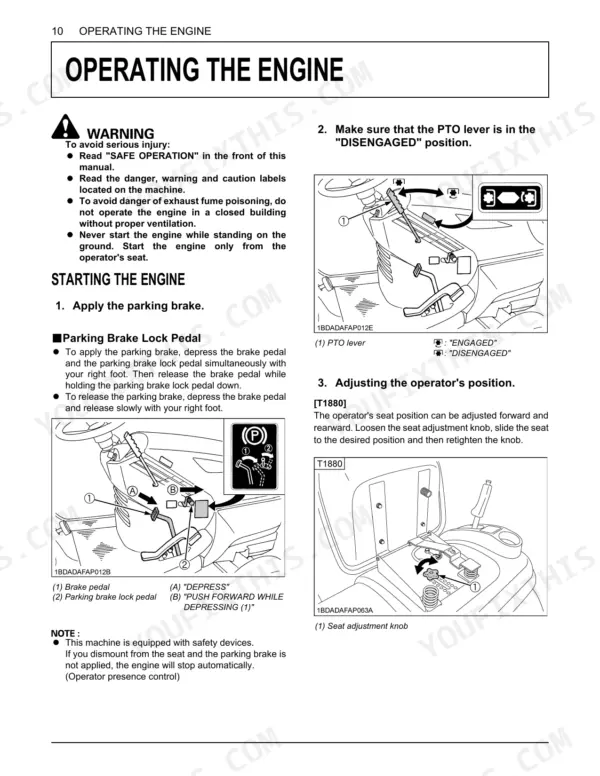
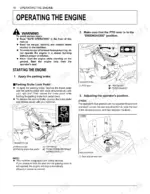
| Operating the Engine | 25-30 | Starting the Engine, Cold Weather Starting, Checking Safety Systems, Check While Operating the Engine, Stopping the Engine, Warming Up |
| Operating the Machine | 31-36 | Operating New Machine, Starting, Stopping, Parking |
| Operating the Mower | 37-43 | Making the Most of Your Mower, Cutting Height, Every 25 Hours, Every 50 Hours, When Operating Mulching Function, To Change the Operating Mode From Mulching to Side Discharge, Clamp |
| Storage | 74 | Storage Procedure (Repair Parts As Necessary, Check Bolts and Nuts and Tighten As Necessary, Apply Grease or Engine Oil to Parts Most Likely to Rust, Inflate the Tires to a Little Above the Standard Pressure Levels, Lower the Mower to the Ground, Remove the Battery From the Machine, Recharge It, Adjust the Electrolyte to the Proper Level, And Store in a Cool Dry Place, Drain Fuel Tank, Fuel Lines, And Carburetor, Or Use a Fuel Stabilizer, To Prevent Deterioration of the Gasoline, Store the Machine Where It Is Dry and Sheltered From Rain, Moisture Content in Most Grasses CAN Damage the Mower and Grass Catcher If These Components Are Not Properly Cleaned After Use) |
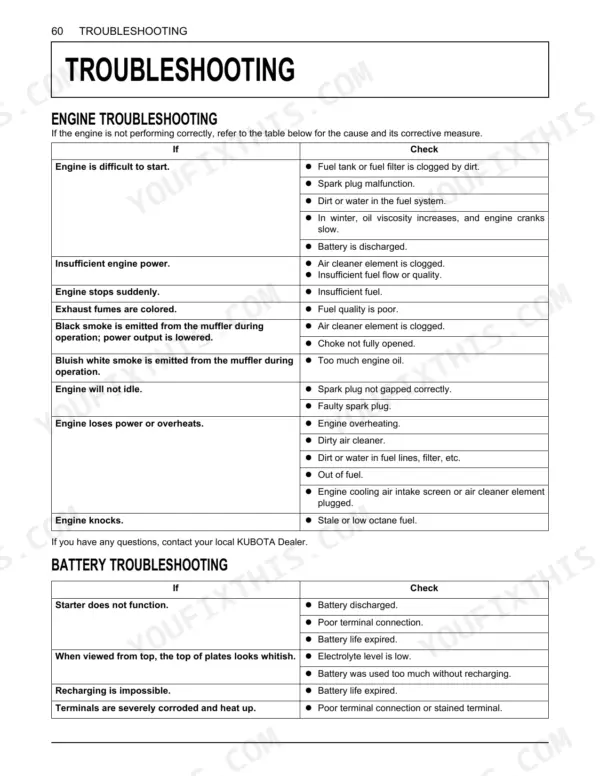
| Troubleshooting | 75-77 | Engine Troubleshooting, Battery Troubleshooting, Machine Troubleshooting, Mower Troubleshooting |
Quick Reference Specifications
| Specification | Value | Page |
|---|---|---|
| All Models | ||
| General Torque Specification (M8, 7T bolt) | 23.5 - 27.5 N-m | p. 73 |
| PTO belt tension (adjusted length L) | 75 to 78 mm (2.95 to 3.07 in.) | p. 54 |
| PTO belt tension (replacement length L) | 78 to 81 mm (3.07 to 3.19 in.) | p. 54 |
| Clearance between belt support bracket and pulley | 1 to 2 mm (3/64" to 5/64") | p. 21 |
| Clearance between belt support bracket and belt | 6 to 7 mm (15/64" to 9/32") | p. 21 |
| Blade tip height difference (Left to Right) | less than 3 mm (1/8 in.) | p. 22 |
| Rear blade height relative to front blade | 5 mm (0.2 in.) higher | p. 23 |
| Battery type | 10U1L | p. 17 |
| Battery voltage | 12V | p. 17 |
| Recommended spark plug | CHAMPION RC12YC | p. 60 |
| T2080, T2380 | ||
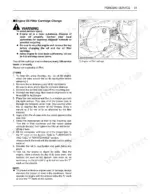
| Air cleaner element replacement interval (T2080, T2380) | every 100 Hrs | p. 44 |
| T1880 | ||
| Air cleaner element replacement interval, T1880 | every 100 Hrs or annually | p. 44 |
Kubota T1880, T2080, T2380 Common Problems This Manual Covers
Will not start after sitting
Battery and starting trouble after storage is one of the most common owner complaints on these lawn tractors. The battery troubleshooting chart lists the connection and charge checks to run first.
Manual Section: Troubleshooting p. 75Deck belt wear, poor engagement
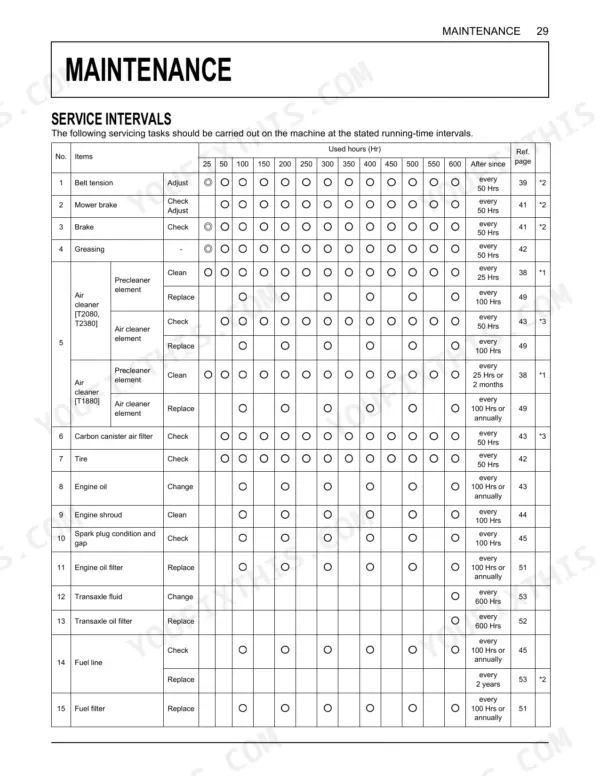
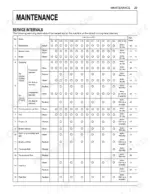
Worn belts and pulleys cause loss of deck engagement and weak drive performance. The maintenance section covers PTO belt tension and the belt service intervals that keep the deck driving.
Manual Section: Maintenance p. 29Uneven cut or scalping
An uneven finish or scalped patches usually trace to a deck that is out of level or set up wrong. The mower mounting section covers adjusting the deck for a clean, even cut.
Manual Section: Mower Mounting p. 20Safety interlock blocks start or PTO
The operator presence and interlock switches stop the engine or PTO if the start sequence is wrong or a switch has failed. The engine operation section covers checking the start, OPC, and PTO safety systems.
Manual Section: Operating the Engine p. 25Blades leave stripes or vibrate
Dull or bent blades leave stripes and cause vibration through the deck. The operating the mower section covers blade condition and getting the most from the mower.
Manual Section: Operating the Mower p. 37Loss of drive or jerky movement
Weak traction or jerky travel points to hydrostatic fluid, belt slippage, or linkage adjustment. The machine troubleshooting chart helps you narrow the cause before deeper work.
Manual Section: Troubleshooting p. 75Frequently Asked Questions
Which models does this manual cover?
It covers the Kubota T1880, T2080, and T2380 lawn tractors with the Kubota GH540V, GH737V, and GH738V gasoline engines. This is the 78-page factory operator's manual for all three models.
What is the mower blade bolt torque?
The manual specifies a mower blade mounting bolt torque of 103 to 118 N-m. The Maintenance section covers blade and deck service, including the torque values for reassembly. p. 29
What engines and capacities do these tractors have?
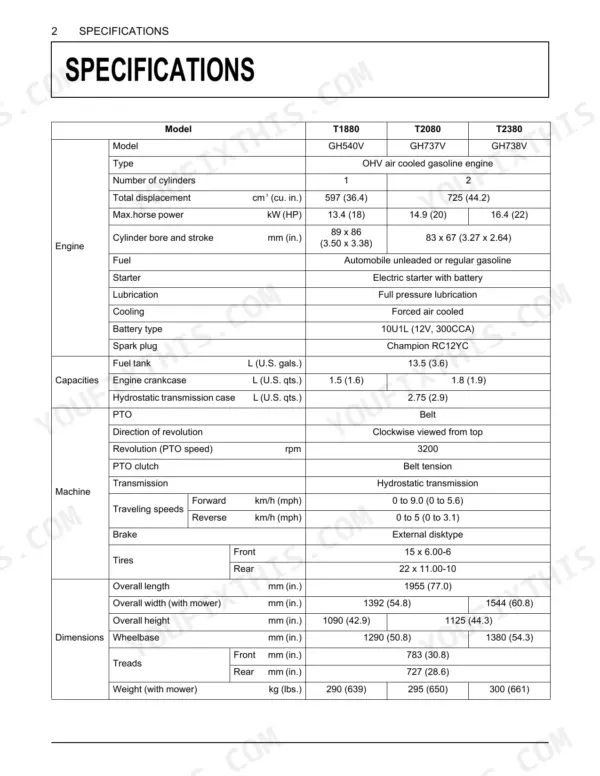
The Specifications section lists the GH-series gasoline engines, engine and hydrostatic transmission oil capacities, the 13.5 L fuel tank, tire pressures, and other figures for each model. p. 17
What do I get after purchasing this Kubota T1880 manual?
A 78-page Operator Manual in searchable PDF format, available the moment you complete checkout. View it on a computer, tablet, or phone. No shipping wait.
Does this Kubota T1880 manual allow printing?
Yes. Print the sections you need to take out to the shop for your own use. Standard letter or A4 paper works.
Reviews
There are no reviews yet.