
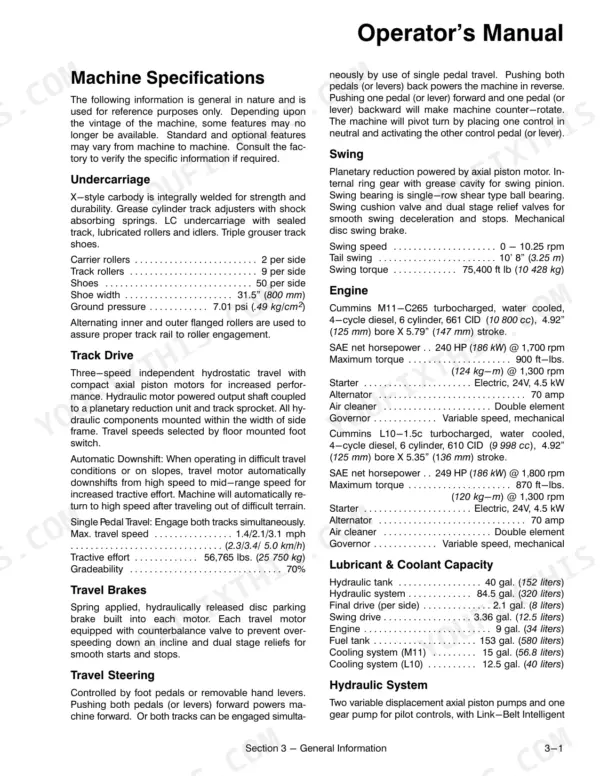
Operating safety, both cab control consoles, the systems control monitor, working modes, transport and storage: this 83-page Link-Belt 4300 Q operator manual PDF (OEM ID 820) takes each of them in turn for the Quantum-series crawler excavator. Both consoles are laid out switch by switch, and the monitor chapter decodes the bar graph and message display, so you know what a warning means before your hands reach the joysticks. Later chapters set out the H, S, L and F working modes, auto idle, free swing, hand signals, hammer installation, daily checks, break-in and emergency shutdown, then close with loading, unloading and long-term storage. Rig for 13,230 lb (6000 kg) when the counterweight comes off, and set track shoe bolts at 555 to 685 ft lb. A remembered shoe bolt torque can cost you a track. Bookmarks and a text layer handle the screen; print the daily check pages and let them collect grease on the bench.
What's Inside This Link-Belt 4300 Q Operator Manual
| System | Pages | Key Topics |
|---|---|---|
| Operating Safety | 9-13 | Operator Awareness, Electrical Dangers, Protective Equipment, Signalmen and Bystanders, Inspections and Adjustments, Area Clearance, Traveling, Leaving the Station |
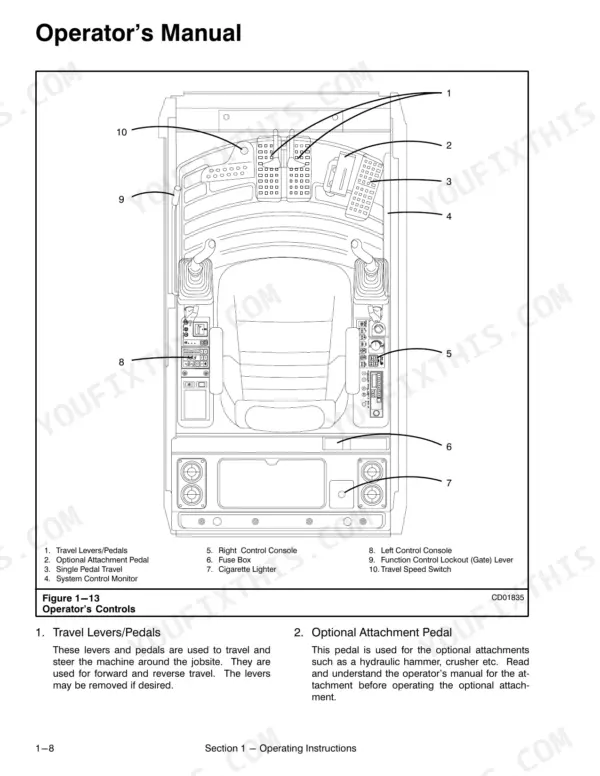
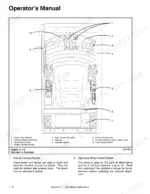
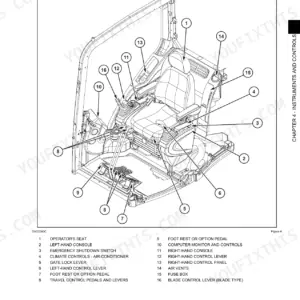
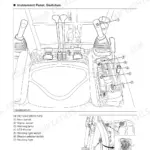
| Operator's Cab Controls | 14-21 | Right Control Console, Left Control Console |
| Systems Control Monitor | 22-24 | Bar Graph Display, Message Display |
| Operating System Controls | 25-26 | Engine Throttle Controls, Operation Modes, Working Modes, One Touch Idle, One Touch/Auto Idle, Joystick Controllers, Swing Operation, Free Swing Operation (to Swing the Upper) |
| General Operation and Hand Signals | 27-28 | Digging and Dumping Procedures, Hand Signals, During Operation Safety, Machine Stability |
| Operating in Water and Hydraulic Hammer Attachment | 29-30 | Operating in Water, Reversing the Bucket, Hydraulic Hammer Selection, Hydraulic Hammer Safety |
| Cab Heater and Operator Seat Adjustments | 31-32 | Cab Heater Shutoff Valve, Seat Height Adjustment, Seat Console Adjustment, Entering and Exiting Cab |
| Break-In Period and Starting/Shutdown Procedures | 33 | Break-In Period, Daily Checks, Engine Starting Procedure, Emergency Engine Shutdown |
| Front Windows and Anti-Vandal Guards | 34-35 | Opening Upper Window, Closing Upper Window, Removing Lower Window, Installing Lower Window |
| Counterweight and Transporting the Machine | 36-37 | Counterweight Removal, Counterweight Installation, Loading the Machine, Unloading the Machine |
| Machine Storage | 38-42 | Short Term Storage, Long Term Storage, Anti-Vandal Guard Installation, Anti-Vandal Guard Removal |
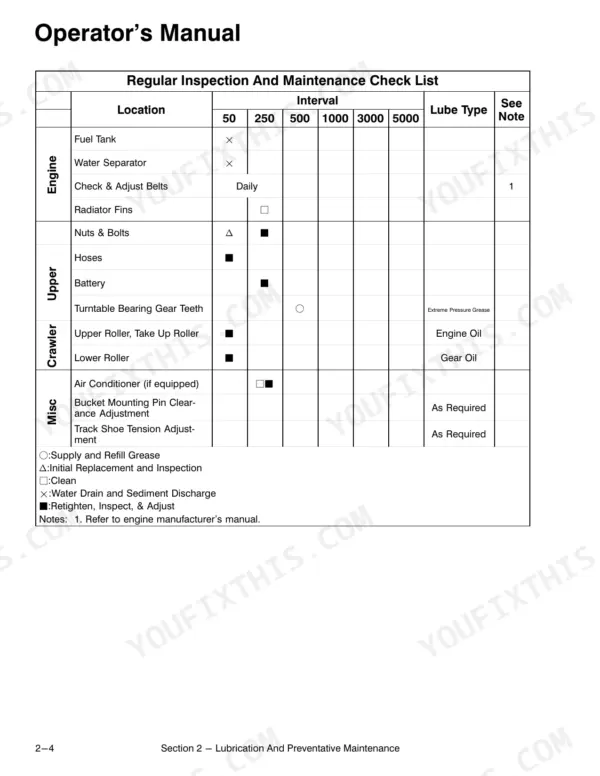
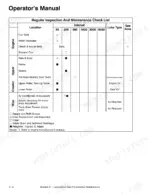
| Inspection Safety Precautions | 43-46 | Inspection and Maintenance Check List, Regular Inspection and Maintenance Check List |
| Lubrication | 47-54 | Swing Reduction Gear, Hydraulic Reservoir Water Drain, Adding Oil to the Hydraulic Reservoir, Hydraulic Reservoir Return Filter Change, Hydraulic System Pilot Oil Filter, Hydraulic System Air Bleeding |
| Periodic Maintenance | 55-61 | Cleaning Primary Air Cleaner Element, Track Tension Adjustment, Bolt Torque Check, Hydraulic Pressure Settings Chart |
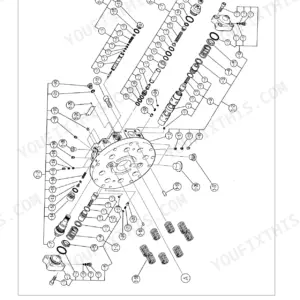
| Main Control Valve | 62-64 | Swing Circuit Pressure, Accumulator Pressure Verification |
| Paint Maintenance and Inspections | 65-66 | Inspections |
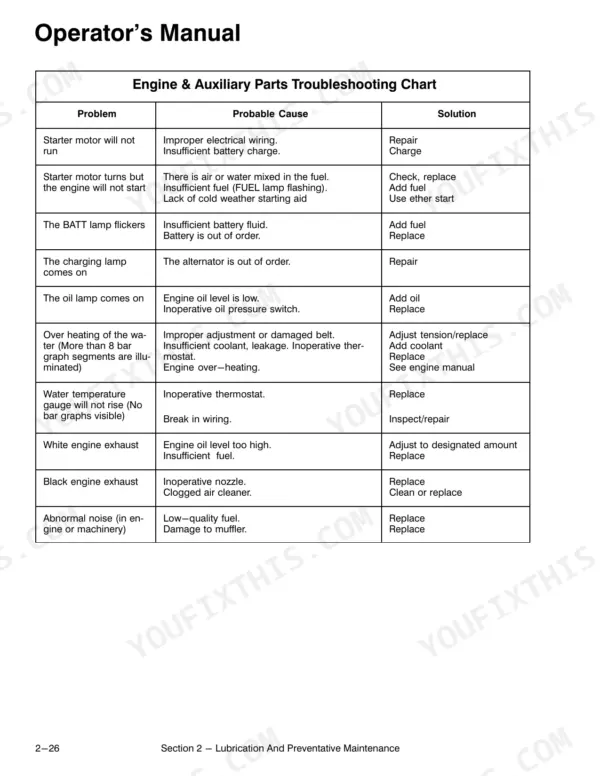
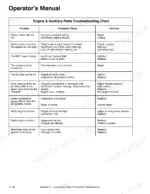
| Engine & Auxiliary Parts Troubleshooting Chart | 67-68 | Main Body Troubleshooting Chart |
| Fuel and Lubricant per Ambient Temperature Chart | 69-71 | |
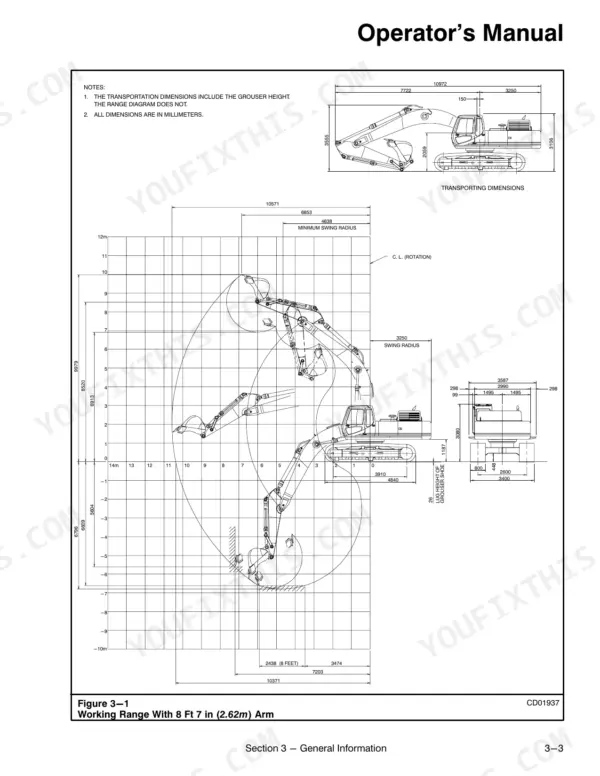
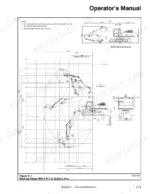
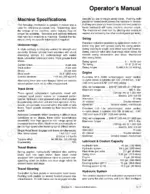
| Machine Specifications | 72-83 | Hydraulic Pumps, Lifting Capacities |
Quick Reference Specifications
| Specification | Value | Page |
|---|---|---|
| Shoe bolt | 555-685 ft lb | p. 58 |
| Carrier roller mounting bolt | 195-230 ft lb | p. 58 |
| Engine mounting bolt | 215-245 ft lb | p. 58 |
| Engine bracket | 75-90 ft lb, 130-145 ft lb | p. 58 |
| Counterweight weight | 13,230 lbs (6000 kg) | p. 36 |
| Counterweight mounting bolt torque | 1,200-1,500 ft lbs (166-207 kg m) | p. 36 |
| Main Relief Valve Setting (Standard) | 4,600 ± 150 psi (323 ± 10 kg/cm²) | p. 60 |
| Main Relief Valve Setting (Heavy Lift) | 5,050 ± 150 psi (355 ± 10 kg/cm²) | p. 60 |
| Boom Up Relief Valve Setting | 5,250 ± 150 psi (369 ± 10 kg/cm²) | p. 60 |
| Boom Down Relief Valve Setting | 4,150 ± 250 psi (291 ± 17 kg/cm²) | p. 60 |
| Arm In/Out Relief Valve Setting | 5,250 ± 150 psi (369 ± 10 kg/cm²) | p. 60 |
| Bucket Open/Close Relief Valve Setting | 5,050 ± 150 psi (355 ± 17 kg/cm²) | p. 60 |
Link-Belt 4300 Q Common Problems This Manual Covers
Traveling, swinging or attachment cylinder functions respond weak or slow from the joystick controllers
Check the traveling, swinging and attachment cylinder entries in the main body troubleshooting chart on page 68 and follow the listed causes in order. Verify that the operation mode and working mode selections described on page 25 suit the job. If the cylinders or swing motor were recently opened up, bleed the air from them using the hydraulic air bleeding procedure.
Manual Section: Main Body Troubleshooting p. 68Track shoe bolts working loose and track tension running slack on the undercarriage
Torque the track shoe bolts to 555-685 ft lb following the bolt torque check on page 58, then retighten the track roller mounting bolts and track guards to 385-445 ft lb. Adjust track tension using the track tension adjustment procedure, tightening or loosening it as needed. If the slack comes back, check the track drive entry on page 68.
Manual Section: Bolt Torque Check p. 58Frequently Asked Questions
How do you fix link-Belt 4300 Q BATT lamp or charging lamp stays lit after the engine starts?
Check the BATT lamp and charging lamp entries in the engine troubleshooting chart on page 67, then work through the listed causes in order. Read the message display on the systems control monitor, covered on page 22, for any alert that shows with the lamp. Park the machine instead of digging with a charging warning still lit. p. 67
How do you fix oil lamp comes on or stays lit with the engine running at working speed?
Shut the engine down, then check the oil lamp entry in the engine troubleshooting chart on page 67 before you chase anything else. Run through the daily checks on page 33 before the next start. Compare the machine's service record with the maintenance schedule on page 44, because a missed oil service is the first thing to rule out. p. 67
How do you fix engine water temperature climbs too high during long working shifts with the machine under load?
Check the water temperature entry in the engine troubleshooting chart on page 67 and work the listed causes top to bottom. Read the systems control monitor message display on page 22 for any warning that shows with it. Make sure every item on the maintenance schedule starting on page 44 is up to date before you put the machine back under load. p. 67
How do you fix starter motor will not turn the engine over when the key is switched to start?
Verify that the engine starting procedure on page 33 is being followed exactly, step by step, before you assume a fault. Check the starter motor entry in the engine troubleshooting chart on page 67 and work its listed causes in order. Check the BATT lamp entry on the same page as well, and watch that lamp at key on. p. 67
Is this Link-Belt 4300 Q manual a download or a disc?
A single searchable PDF file of 83 pages, downloadable right after payment. Nothing ships, nothing waits in the mail.
Am I able to print pages from this Link-Belt 4300 Q manual?
Yes. Print a chapter or just the pages for the job at hand, for use in your own shop. Any home or office printer works.



Reviews
There are no reviews yet.