
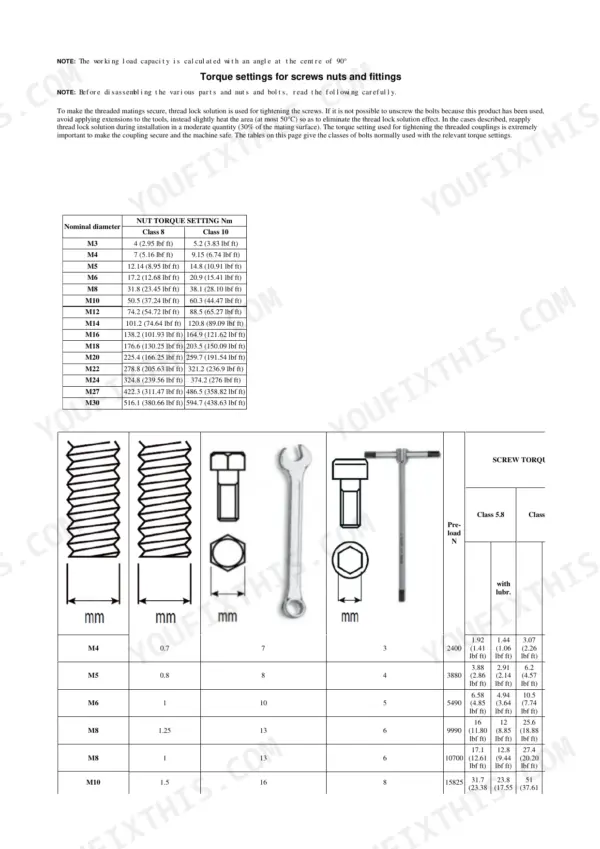
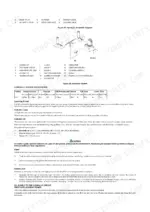
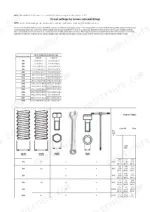
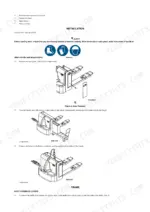
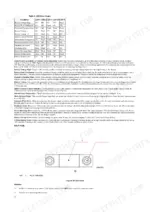
Torque settings for screws, nuts and fittings, including the correct method for applying female fittings, open this 65-page Hyster P40UT service manual PDF, which also carries the P2.0UT designation and A3B0 code for this powered pallet truck (OEM ID 4291082). Electrical schematics are drawn by controller and battery type, so the wiring you trace matches your truck's setup, while hydraulic schematics show the circuit that lifts and lowers a load. Fault tables decode error codes from both the AC-0 and 1230 controllers, and the Zapi and Curtis configuration menus are covered along with fault log access. Set electromagnetic brake clearance between 0.2 mm and 0.6 mm. Controller and fuse posts take 6 N·m (4.5 lbf ft). Bookmarked and text-searchable, this copy is a one-time purchase.
What's Inside This Hyster P40UT Manual
| System | Pages | Key Topics |
|---|---|---|
| General Safety Rules | 2-7 | Torque Settings for Screws Nuts and Fittings (Special Torque Specifications, Correct Method for Applying Female Fittings) |
| Presentation | 8 | Identification Data Plate |
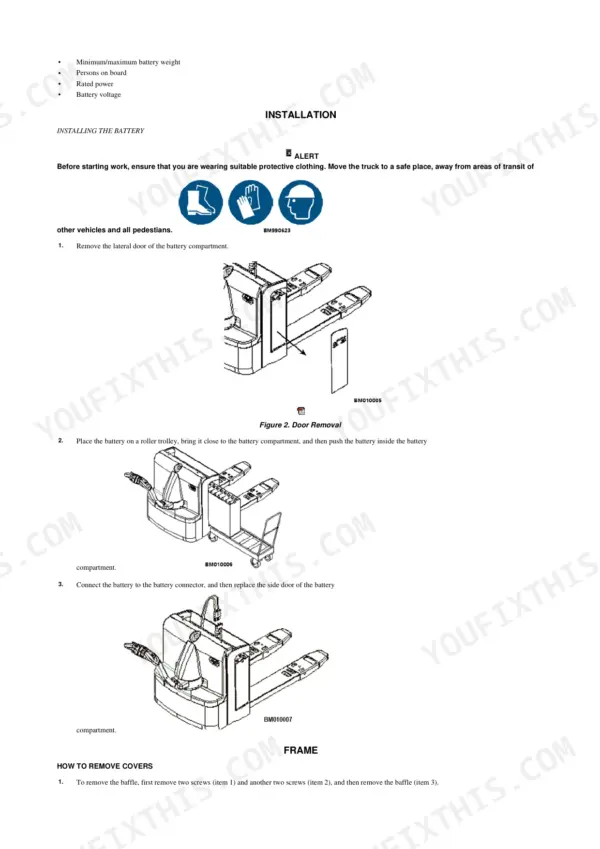
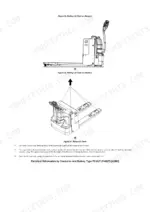
| Installation | 9-10 | Installing the Battery, Disassemble the Front and Rear Carriage Frames |
| Lifting Mechanism | 11 | Operation, Lift Cylinder |
| Load Wheel | 12-13 | Wheel Specification, Single Load Wheel Model (Install), Two Load Wheel Model (Install) |
| Caster | 14-16 | Adjustment, Replace, Disassemble, Assemble |
| Rear Link and Load Wheel Assembly | 17-18 | Remove, Install |
| Fork Height Adjustment | 19-21 | Remove Drive Wheel Assembly, Steering Bearing |
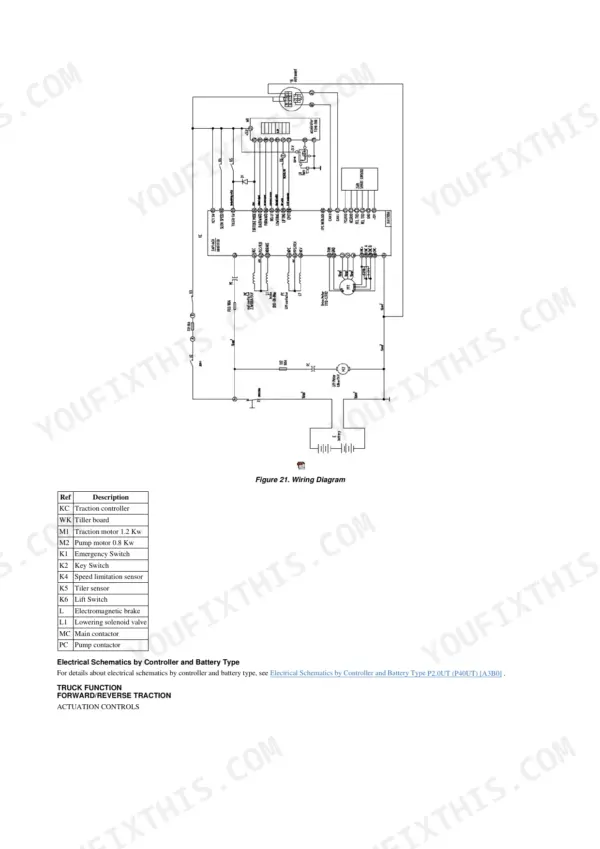
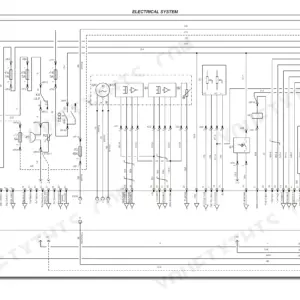
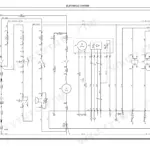
| Electrical System | 22 | Wiring Diagrams (Electrical Schematics by Controller and Battery Type) |
| Truck Function | 23-24 | Emergency Reverse Manoeuvre, Snail Function, Steering Wheel, Fork Lifting/Lowering |
| Standard Configuration of Module Parameters | 25-26 | Fork Lifting/Lowering, Traction-Pump |
| Electrical System Components | 27-32 | Charger (Remove, Mode/Battery Type Selection, Troubleshooting, Error Modes), Bolt Fuse (Remove), Contacts (Remove), AC Controller (Remove), Horn's Wave Filter (Remove) |
| Lead-Acid Battery | 33 | Remove |
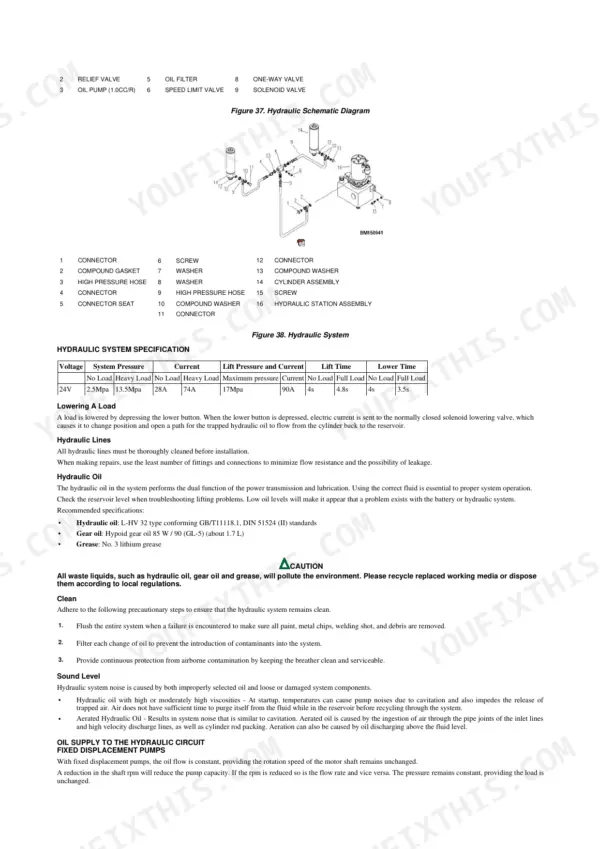
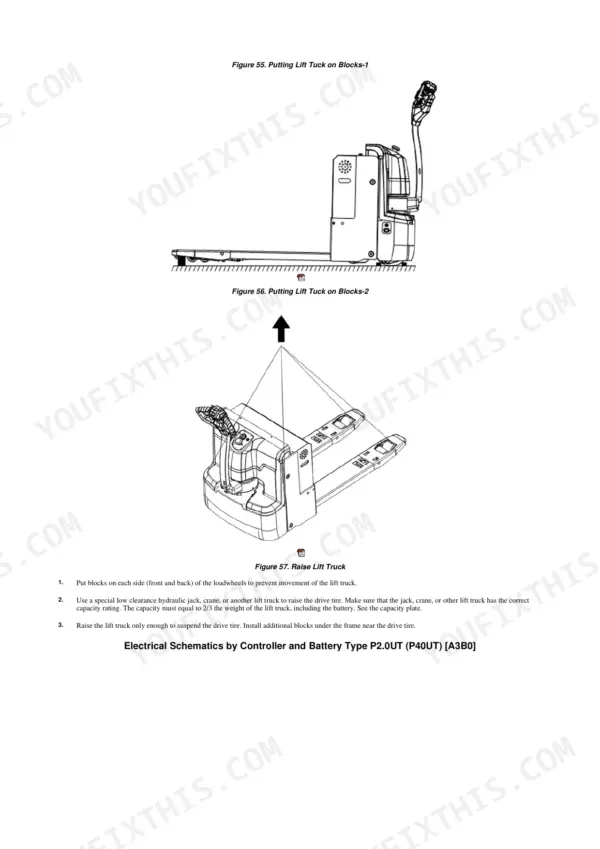
| Hydraulic System | 34-38 | Operation (Lifting a Load, Hydraulic System Specification, Lowering a Load, Hydraulic Lines, Hydraulic Oil, Clean, Sound Level), Oil Supply to the Hydraulic Circuit |
| Braking System | 39-41 | Electromagnetic Brake (Adjust Brake Clearance, Brake Check, Remove Brake, Install Brake) |
| Diagnostics and Measurements | 42-51 | Tester Menu, Combi Ac0 Traction Control, Troubleshooting (Error: Code of AC-0 Controller, Codes of 1230 Controller), Mechanical Faults |
| Motors | 52 | Traction Motor, Pump Motor, Motor Encoder, Carbon Brush, Commutator |
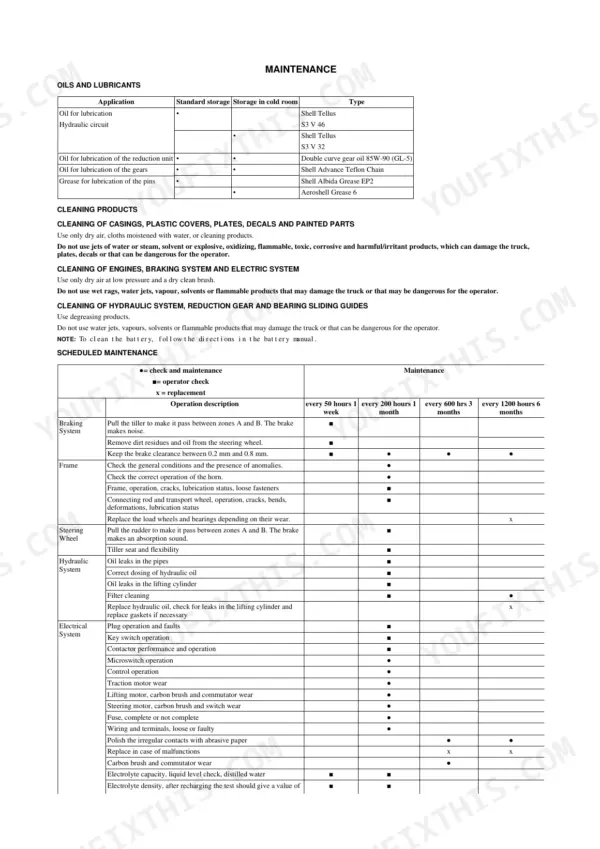
| Maintenance | 53-65 | Oils and Lubricants |
Quick Reference Specifications
| Specification | Value | Page |
|---|---|---|
| Controller and fuse post torque | 6 N·m (4.5 lbf ft) | p. 7 |
| Traction motor power | 1.2 Kw | p. 23 |
| Brake clearance | 0.2 mm to 0.6 mm | p. 40 |
| Inverter maximum current | 150 A | p. 27 |
| Inverter maximum temperature | 78 °C | p. 27 |
| Brake assembly mounting capscrews torque | 12 to 14 N·m | p. 43 |
| Hydraulic oil capacity | 1.7 L | p. 35 |
| Hydraulic system relief pressure | 16 Mpa | p. 37 |
| Electromagnetic brake clearance | 0.2 mm - 0.6 mm | p. 40 |
| Brake motor capscrew torque | 12-14 N·m | p. 42 |
Hyster P40UT Common Problems This Manual Covers
Hyster P40UT battery charger LEDs do not flash at all when plugged into 120V AC power
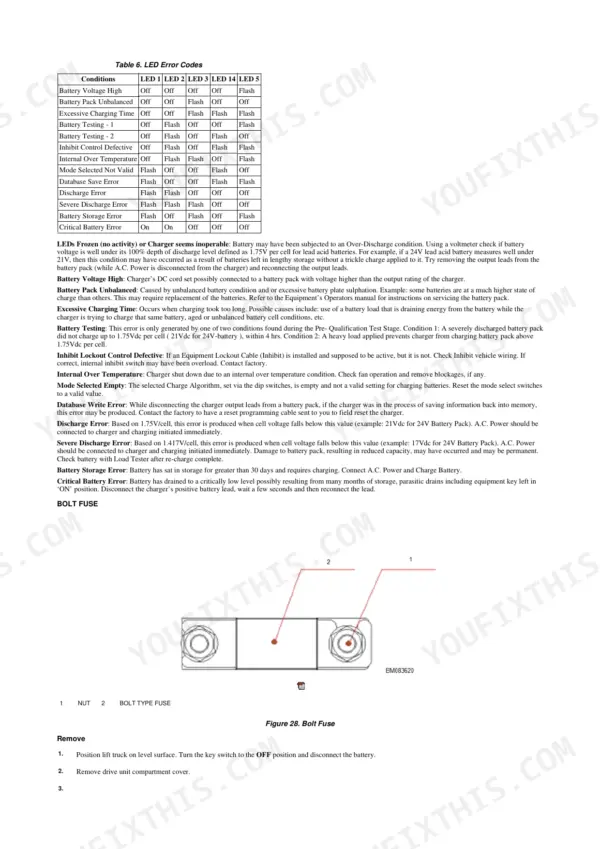
Connect the charger plug to a 120 volt AC source using a 20 amp rated extension cord and watch all 5 LEDs, following page 28. If none flash, inspect all cabling for loose or corroded connectors and broken wires, repair, and retest. If the LEDs still do not flash at least once, replace the charger.
Manual Section: Charger Troubleshooting p. 28Charger shows Discharge Error or Severe Discharge Error LED code on a 24V lead acid pack
Measure battery voltage with a voltmeter and match the LED pattern to the code table on page 29. Discharge Error trips below 21 Vdc on a 24V pack, and Severe Discharge Error trips below 17 Vdc. Connect AC power and start charging immediately. After a severe discharge, check the battery with a load tester once the recharge completes, because capacity loss may be permanent.
Manual Section: Charger Troubleshooting p. 29Hydraulic pump noise at startup that sounds like cavitation when raising the forks
Verify the reservoir holds L-HV 32 hydraulic oil, because high viscosity oil cavitates at startup and traps air (page 35). Inspect the inlet line pipe joints, high velocity discharge lines and cylinder rod packing for air ingestion, and check that oil is not discharging above the fluid level. Tighten or replace any loose or damaged system components.
Manual Section: Hydraulic System Troubleshooting p. 35Forks lift slowly or fail to lift a heavy load even with a charged battery
Check the reservoir level first, since low oil mimics a battery or hydraulic fault (page 35). Compare lift time against 4.8 s with a heavy load. If oil is correct, check relief pressure against 16 MPa per page 37: key OFF, battery disconnected, DO NOT OPERATE tag on the handle, and never put hands on pressurized components. Torque the lock nut to 15 Nm. Only trained, authorized techs adjust it.
Manual Section: Hydraulic System Troubleshooting p. 37Electromagnetic brake fails the hold on grade test or brake performance feels substandard
Run the hold on grade test with a full capacity load on a 10 percent grade, forks uphill, and never stand below or ride the truck (page 40). If it slips, turn the key OFF, disconnect the battery, block the wheels and discharge the capacitors, then measure brake clearance against 0.2 mm to 0.6 mm. Do not alter the standoff bolts (page 41). Torque brake capscrews to 12 to 14 N·m (page 43).
Manual Section: Braking System Check p. 40Hydraulic oil leaks from the breather filler cap during operation after a top off
Check the oil level against the full level mark, because overfilling forces oil out the breather during operation (page 36). Before working on it, turn the key OFF, tag the control handle DO NOT OPERATE and disconnect the battery (page 37). Remove the breather, correct the level to the full mark, and refit it. Run the truck to operating temperature, recheck the level, and inspect for leaks.
Manual Section: Hydraulic System p. 36Frequently Asked Questions
How do I access the diagnostic menu on the Hyster P40UT?
To access the Zapi AC0 controller diagnostic menu, open the Zapi menu and press the top Left and Right buttons simultaneously to enter the Config menu. The display will show 'SET MODEL', and you can then use the ROLL UP or ROLL DOWN buttons to reach the desired menu. p. 49
What causes a Hyster P40UT to not start?
A forklift that cannot start may be caused by a depleted battery, loose wire connectors, a burned fuse, or an accelerator malfunction. You should check, charge, or replace the battery, tighten connector screws, replace the fuse, or replace the accelerator as needed. p. 48
What is the torque specification for the drive wheel hub nut on the Hyster P40UT, A3B0, P2.0UT?
The torque specification for the drive wheel hub nut on both the 70 x 250 Polyurethane and 70 x 250 Rubber drive wheels is 160 N•m (118 lbf ft). p. 12
What is the recommended hydraulic oil for the Hyster P40UT?
The recommended hydraulic oil is L-HV 32 type, which conforms to GB/T11118.1 and DIN 51524 (II) standards. Always ensure the system remains clean when changing oil. p. 35
How do I adjust the brake clearance on the Hyster P40UT, A3B0, P2.0UT powered pallet truck?
To adjust the brake clearance, ensure the distance between the pad and the magnetic steel component is between 0.2 mm and 0.6 mm (0.0078 inch - 0.0236 inch). Loosen the coupling screw, adjust the length of the hollow screw, and tighten the screw again, ensuring the three screws are adjusted evenly. p. 40
Will this Hyster P40UT Service Manual download right away?
Straight to your device: 65 pages of searchable Service Manual, downloadable the moment payment goes through.
Can I print pages of this Hyster P40UT manual for my own shop?
Yes. It prints from any PDF reader, so run off the pages you need for your own repair work.


Reviews
There are no reviews yet.