
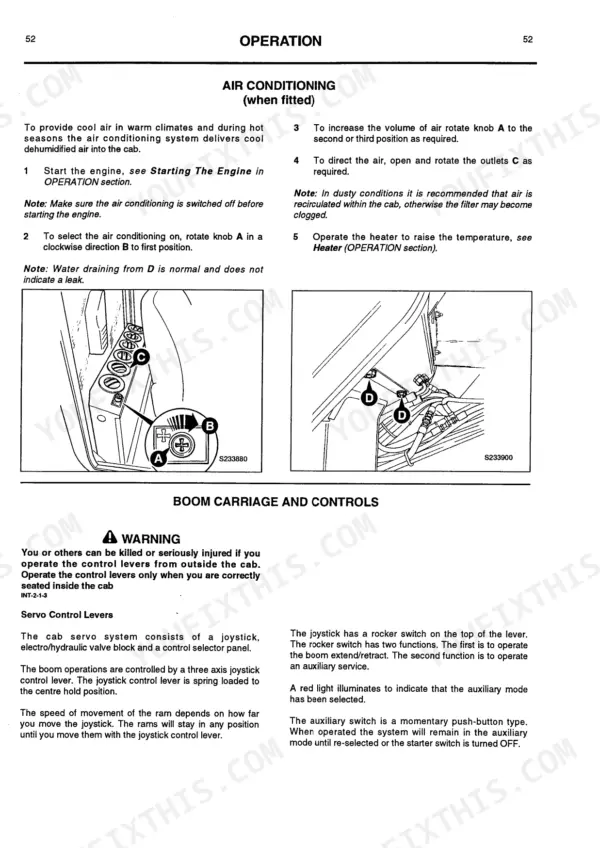
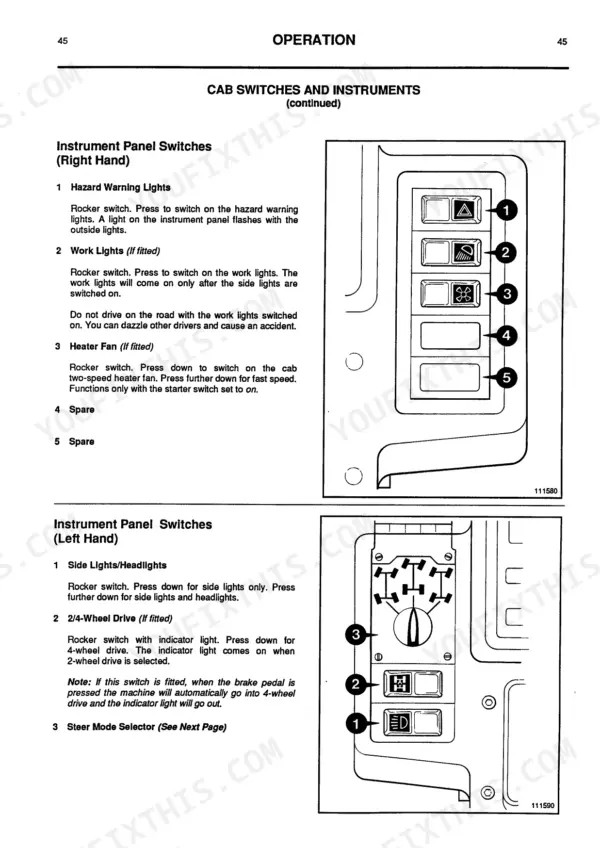
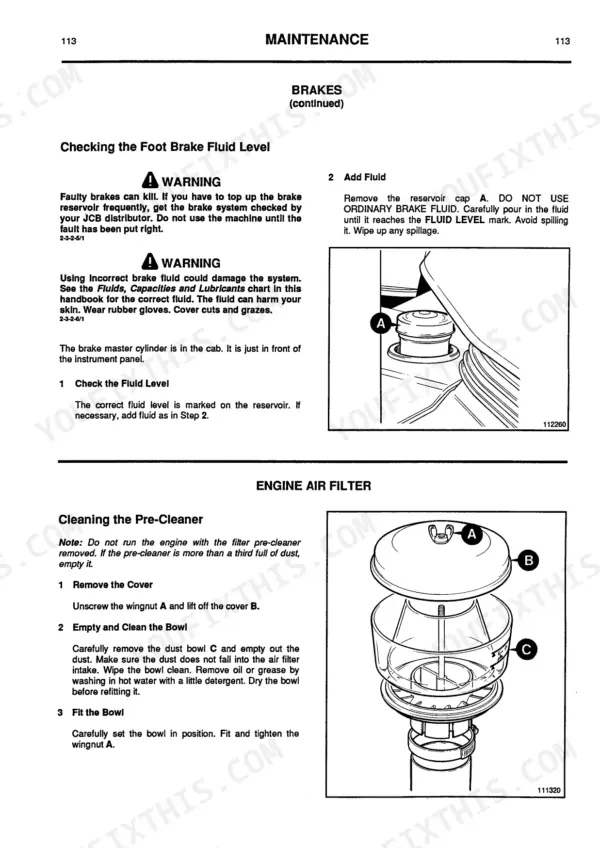
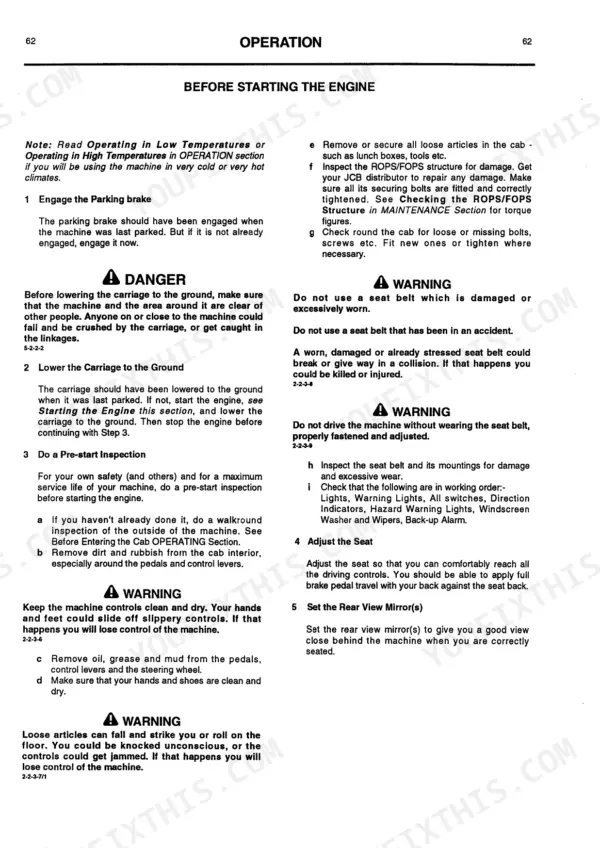
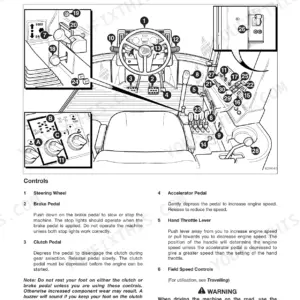
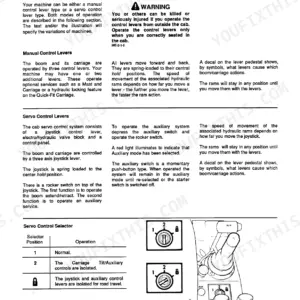
Keeping your Loadall basic servo machine running safely starts with this 204-page JCB 525-58 operator manual PDF (OEM #9801/7970), which also covers the 525-67, 527-58, 527-67, 530-67, and 535-67 variants. Inside, you get complete daily maintenance schedules, detailed cab control layouts, and precise load charts for handling palleted or irregular loads. Open up to step-by-step operating procedures that guide you through everything from reading the safe load indicator to phasing the 4-wheel steering system. Swap out the hydraulic and transmission oil filters right at the 250-hour mark, and torque your roadwheel bolts to exactly 680 Nm (500 lbf/ft) before moving heavy materials. Guessing at daily service limits destroys equipment. Download this bookmarked file, pull up the specific maintenance intervals on your phone, and get to work safely.
Other edition of this manual
- JCB Loadall 525-58 – 537-130 Operator Manual Original price was: $29.99.$19.99Current price is: $19.99.
What's Inside This JCB 525–535 Operator Manual
| System | Pages | Key Topics |
|---|---|---|
| Safety Notices | 3-7 | Study This Handbook Before Starting the Machine, Attachment Approval, Signal Word Meanings, Machine Security |
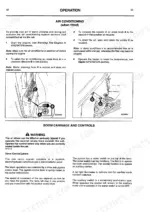
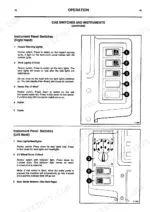
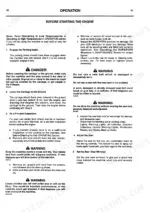
| Operation | 25-76 | Introduction, Before Entering the Cab, Entering & Leaving the Cab |
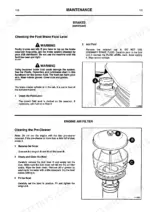
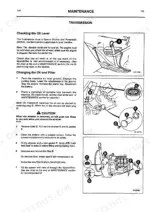
| Maintenance | 77-123 | Lubricants - Health and Safety, Service Requirements, Boom Safety Strut, Engine Bonnet and Cover, Radiator Grille, ROPS/FOPS Structure, Checking for Damage, Greasing |
| Optional Attachments | 124-147 | Introduction, Installing and Removing Q-Fit Attachments, Platform, Shovel, Concrete Skip, Multipurpose Shovel, Industrial Fork Frames, Standard Forks |
| Specifications | 148-153 | Static Dimensions, Performance Dimensions, Tyres and Pressures, Noise and Vibration Data |
| Service Record Sheet | 154-155 | First 100 Hr., 500 Hr./6 Month, 1000 Hr./12 Month, 1500 Hr./18 Month, 2000 Hr./24 Month, 2500 Hr./30 Month |
| Warranty and Procedure | 156 | Examination of Goods, Manufacturer's Liability, Manufacturer's Warranty, Defective Parts Return, Registration Card, Warranty Cessation |
Quick Reference Specifications
| Specification | Value | Page |
|---|---|---|
| All Models | ||
| Roadwheel Tightness - Front | 680 Nm (500 lbf/ft) | p. 111 |
| Roadwheel Tightness - Rear | 680 Nm (500 lbf/ft) | p. 111 |
| Engine Oil Filter Change Interval | 250 Hr | p. 95 |
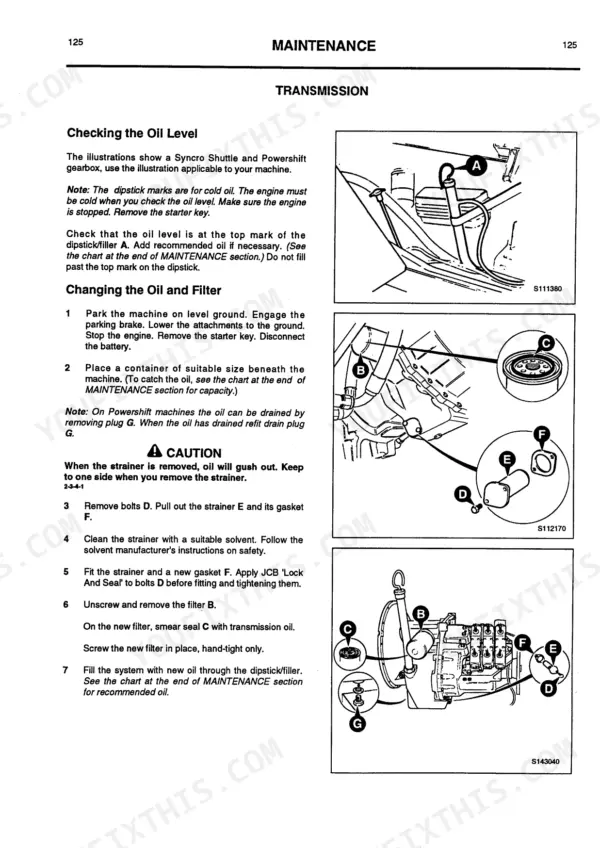
| Transmission Oil Filter Change Interval | 250 Hr | p. 95 |
| Hydraulic Oil Filter Change Interval | 250 Hr | p. 95 |
| Fuel Tank Capacity | 90 Litres (20 Gal) | p. 120 |
| Engine Oil Capacity | 10 Litres (2.2 Gal) | p. 120 |
| Engine Coolant Capacity | 17 Litres (3.7 Gal) | p. 120 |
| 525-58, 525-67, 527-58, 527-67 | ||
| Gearbox Oil Capacity (525-58, 525-67, 527-58, 527-67) | 18.25 Litres (4.0 Gal) | p. 120 |
| Hydraulic Tank Capacity (525-58, 525-67, 527-58, 527-67) | 152 Litres (33.5 Gal) | p. 120 |
| 530-67, 535-67 | ||
| Gearbox Oil Capacity (530-67, 535-67) | 14.75 Litres (3.3 Gal) | p. 120 |
| Hydraulic Tank Capacity (530-67, 535-67) | 157 Litres (34.5 Gal) | p. 121 |
JCB 525–535 Common Problems This Manual Covers
Strange rattling noise from the cab roof structure when driving over rough terrain.
Inspect the ROPS/FOPS structure for damage or missing hardware. Torque the ROPS/FOPS structure Bolt A to exactly 244 Nm (180 lbf ft) as specified on page 103. Verify the cab mounts are secure and grease the boom safety strut points to eliminate vibration noises during normal operation.
Manual Section: Maintenance p. 103Frequently Asked Questions
What are the torque specs for wheel nuts on a JCB 525/527/530/535?
The correct torque for wheel nuts on JCB 525, 527, 530, and 535 models is 680 Nm (500 lbf ft) for both front and rear wheels, across various tire sizes including 17.5 - LR 24, 15.5/80 - 24, 15.5-25, and 19.5 LR 24. It is recommended to check wheel nut torques every two hours on new machines or after wheel removal until they stay correct, and daily before starting work. p. 111
How do you fix JCB 525-67 front-rear axle indication lost with flashing warning lights on the dashboard?
Inspect the wheel speed sensors and wiring loom underneath the axle box sections. Check the dashboard indicator meanings. Verify the front tyre pressure is exactly 3.7 Bar (54 lbf/in²) as uneven rolling diameter can trigger sensor faults.
How do you fix intermittent joystick control function or unexpected loss of machine control inputs during operation?
Verify the electrical connectors and wiring loom in the operator controls layout. Inspect the control-stick switches for poor contact. Check the transmission oil filter, ensuring it was replaced at the 250 Hr service interval to maintain servo pressure.
How do you fix engine oil pressure warning light flashing on the dashboard immediately after morning startup?
Check the engine oil level using the dipstick before starting the machine (page 116). Fill the system to the specified 10 Litres (2.2 Gal) capacity (page 136) if low. Inspect the engine bonnet and cover area for visible fluid leaks before checking the dashboard warning indicator meaning (page 50). p. 50
How quickly can I access this manual after buying?
Immediate download of the complete 204-page searchable Operator Manual. Access it on any device, from a laptop at your desk to a phone in the field.
Am I able to print pages from this manual?
Yes. Print a chapter or just the pages for the job at hand, for use in your own shop. Any home or office printer works.
Reviews
There are no reviews yet.