Operator training and qualifications open the Mitsubishi ESR15N operator manual PDF, an 81-page Operation and Maintenance Manual (OEM ID WEBU2900-03) covering 17 reach truck variants across the ESR, EDR and ESS series. Controls get the closest attention: battery connector, operator presence pedal, lift, sideshift and reach/retract controls, plus separate 24 and 36 volt control panels with the operator display, keypad and optional pre-selected shelf height. Your maintenance schedule follows, with prestart inspection, service intervals, battery specific gravity and electrolyte checks, and battery removal and charging. Refill the hydraulic system with 8.7 U.S. gal (33 L) and the drive unit with 1.2 U.S. gal (4.5 L), using the oils listed under Recommended Oils. Ordering a new battery? Check it against the 38.58 in compartment width first. The Instructions for Ordering Parts help you quote the right part number the first time, and bookmarks in this text-searchable PDF take you straight to them.
What's Inside This Mitsubishi ESR15N-ESS20N Operator Manual
| System | Pages | Key Topics |
|---|---|---|
| Operation and Maintenance Manual | 1-2 | ESR Series Models, EDR Series Models, ESS Series Models |
| How to Use This Manual | 4 | Safety Alert Symbol, Safety Signs and Notices, Directional Terms |
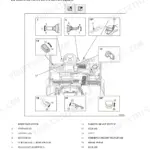
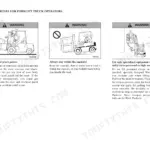
| Safety Rules for Reach Truck Operators | 5-20 | General, Location of Warning and Safety Decals, Warning Operation Decal, Safety Rules, Operating Precautions |
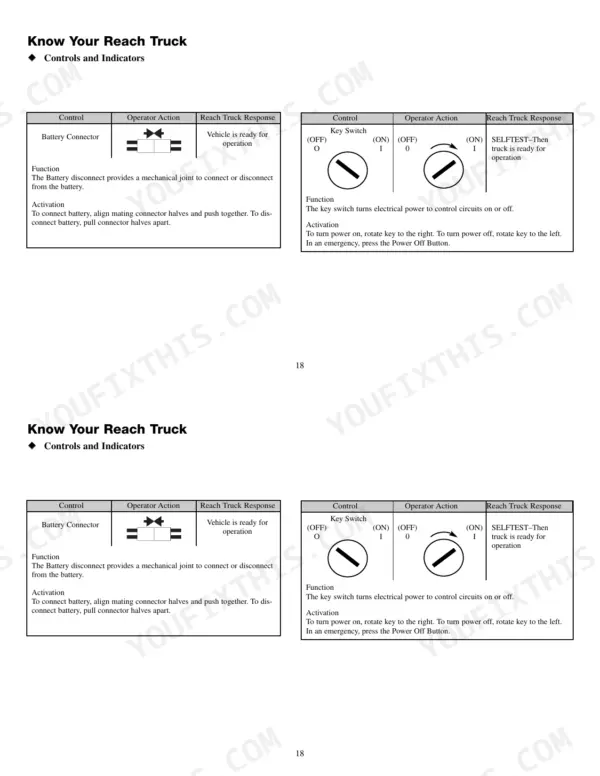
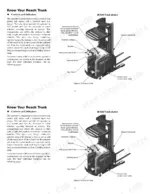
| Controls and Indicators | 21-28 | Battery Connector, Key Switch, Operator Presence Pedal, Horn, Directional/Speed Control, Lift/Lower Control, Sideshift Control, Reach/Retract Control |
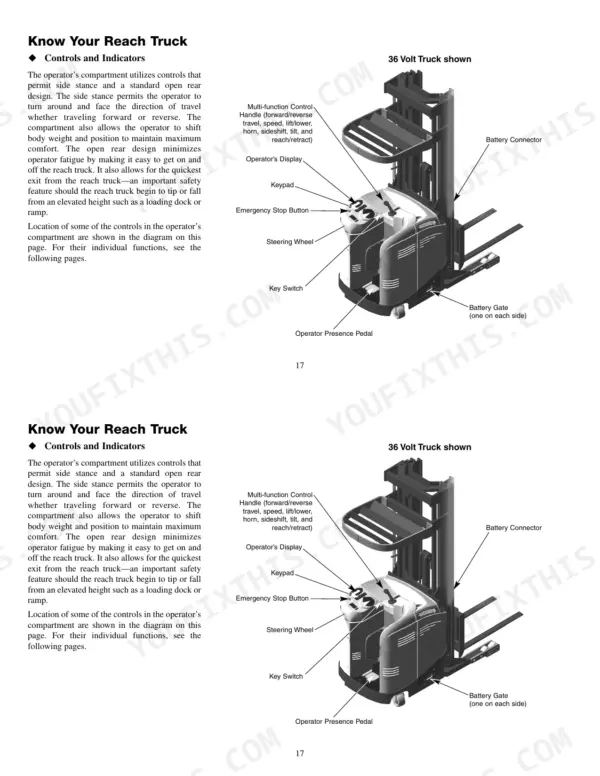
| Operator Control Panel, 36 Volt | 29 | Emergency Power Off Switch, Operators Display, Control Handle, Enter Button, Down Button, Up Button, Steering, Exit Button |
| Operator Display, 36 Volt | 30-38 | The Keypad |
| Using the Pre-Selected Shelf Height (Option), 36 Volt | 39 | Deposit Load, Retract Load |
| Operator Control Panel, 24 Volt | 40-57 | Emergency Power Off Switch, Operator Display, Control Handle, Steering, Option Buttons, Keyswitch |
| Special Situations | 58-59 | Care in Cold Weather, Care in Hot Weather, Cold Storage Specifications, Care in Severe Dust or Lint Conditions |
| Storing the Reach Truck | 60 | End of Shift Storage, Long Term Storage, Reach Truck Shipping |
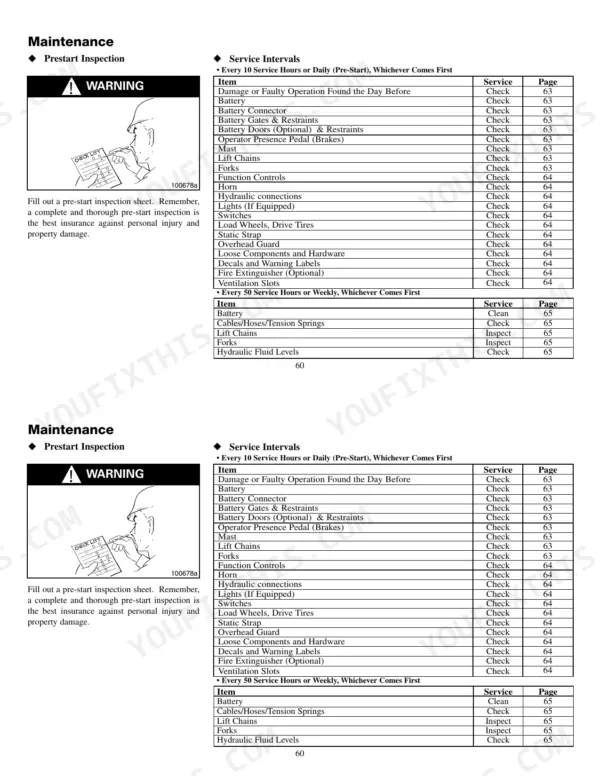
| Maintenance | 61-75 | General, Inspection Precautions, Maintenance Schedule, Prestart Inspection, Service Intervals, Hydraulics, Battery Specific Gravity Check, Battery Electrolyte Level Check |
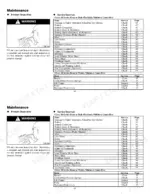
| Service Data | 76-77 | Recommended Oils, Refill Capacities, Compartment Dimensions |
| To the Mitsubishi Reach Truck Owner | 78-81 | Instructions for Ordering Parts, Mitsubishi Reach Truck Owner, Transfer of Ownership Report for MCFA Customers Only |
Quick Reference Specifications
| Specification | Value | Page |
|---|---|---|
| Hydraulic System Refill Capacity | 8.7 U.S. gal (33 L) | p. 76 |
| Drive Unit Fluid Refill Capacity | 1.2 U.S. gal (4.5 L) | p. 76 |
| Drive Unit Fluid Capacity | 1.2 gallons | p. 69 |
| Fork Weight | 45 kg | p. 44 |
| Battery Compartment Width | 38.58 in | p. 77 |
| Battery Compartment Height | 31.65 in | p. 77 |
Mitsubishi ESR15N-ESS20N Common Problems This Manual Covers
Mitsubishi ESR20N-36V operator display shows Alarm on mod #2 battery low with lift disabled
Check the Battery State-of-Charge reading on the operator display. Page 35 says the battery warning symbol appears at 20% energy and lift cut-out follows after approximately 1/2 hour of driving. Drive slowly to the charger and recharge. Charge only in a well ventilated area with no smoking, flames or spark-producing equipment nearby, because charging generates explosive gases (pages 9 and 11).
Manual Section: Performance Limiting Codes p. 36Drive or pump speed control overheating with truck slowed and temperature text message on display
Drive the truck slowly to a spot where it is out of the way and poses no danger to others. The first thermal limit only slows the function; a second limit disables the truck. Find the reason for overheating before driving again (page 35). Check the table on page 36: mod #2 high temperature limits speed or traction, mod #5 limits current or lift.
Manual Section: Thermal Monitoring p. 35Fault code on operator display after key on with travel and lift functions disabled
Turn the key switch back to the ON position and watch the display. If the fault code returns, for example Alarm on mod #1 can bus less than 0, contact a service technician. Page 36 is clear: do not operate the truck until the problem is corrected. Write the exact message down so the technician starts with the right information.
Manual Section: Fault Codes p. 36Intermittent alarms keep showing up but clear before the code can be read on display
Press ENTER to open the display menus, scroll with UP/DOWN to Alarms in Menu 1, then press ENTER again, following page 37. The truck stores up to 16 alarm failures, each with code, module, date, time, hours and battery charge status. Note which module keeps repeating and hand that record to your service technician.
Manual Section: Alarm History p. 37SelfTest at key switch ON displays fault code instead of Battery State-of-Charge reading
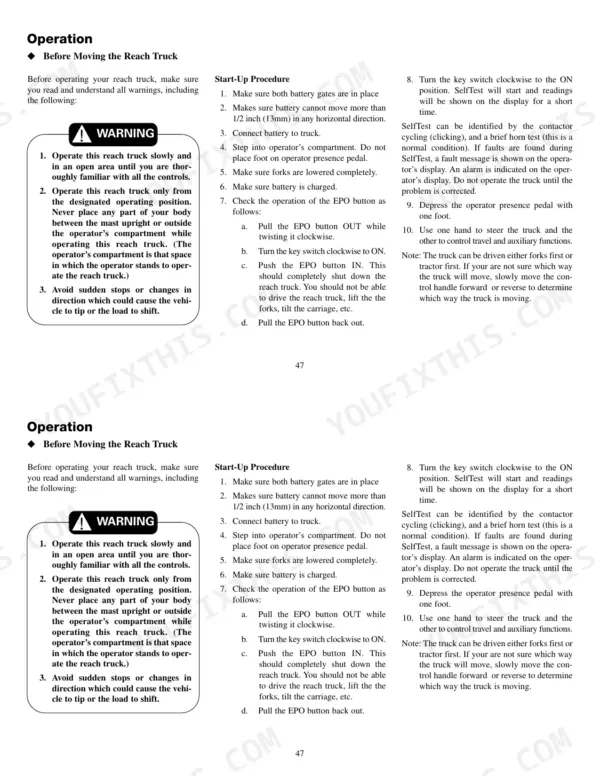
Verify both battery gates are in place, the battery cannot move more than 1/2 inch (13 mm) in any direction, and the battery is connected, per page 51. Turn the EPO switch Up, turn the key ON and keep off the operator presence pedal (page 37). Listen for contactor clicking and the horn. If a fault code still shows, contact a service technician.
Manual Section: SelfTest p. 35Lift mechanism disabled with forks stuck in raised position and unable to lower
Park the truck in a non-operating area, never on a ramp or grade, and hang warning tags on the forks, following page 20. Set barriers so nobody stands or passes under the raised forks. Remove the key, attach a DO NOT OPERATE tag to the truck, and disconnect or remove the battery before calling for service.
Manual Section: Parking a disabled machine p. 20Frequently Asked Questions
How do I access diagnostic mode and retrieve stored fault codes?
To access the alarm history, press the ENTER button, then use the UP/DOWN buttons to scroll to alarms in menu 1 and press ENTER again. The system can record up to 16 different alarm failures, and you can scroll through them using the UP/DOWN buttons to view the code, module, date, time, hours, and battery status. p. 37
How do I reset the truck after an emergency-stop or fault-code condition?
If a fault code occurs, it will disable the system until the problem is corrected. You must turn the key switch back to the ON position to clear the fault after the issue is resolved; do not operate the truck before correcting the problem. p. 36
What is the procedure for checking the hydraulic oil level?
To check the hydraulic oil level, park the truck on a level surface, lower the forks completely, turn off the key, and unplug the battery. Remove the operator's back pad to access the reservoir and check the level. p. 71
What is the service interval for changing the hydraulic reservoir filter on Mitsubishi ESR, EDR and ESS reach trucks?
The hydraulic reservoir filter should be changed every 1000 service hours or 6 months, whichever comes first. p. 65
What is the hydraulic system refill capacity on Mitsubishi ESR15N, EDR13N and ESS15N series reach trucks?
The approximate refill capacity for the hydraulic system is 8.7 U.S. gallons (33 liters). p. 76
What format is this Mitsubishi ESR15N-24V manual in?
A single searchable PDF file of 81 pages, downloadable right after payment. Nothing ships, nothing waits in the mail.
Is this Mitsubishi ESR15N-24V Operator Manual printable?
Yes. Many mechanics print the section they need for their own shop and bring it to the bench.