Battery recharging and replacement, daily checks before operation and the semi-annual inspection service are set out in this 35-page Mitsubishi SBP12N operator manual PDF (OEM ID WWHSU - 00211), written for five SBP forklift truck variants from the SBP10N to the SBP16NI. Safety instructions, including guidance for site supervision, lead into the operating environment, the control panel and operating devices, driving instructions, and load handling with lifting capacity. Later chapters handle maintenance safety, additional service work, transportation and storage, then technical specifications covering weights, wheels and tyres, dimensions, performance and motors. Measure the brake air gap on 1600 kg trucks against 0.2 mm new and 0.55 mm maximum, and replace the drive wheel once its 230 mm diameter wears to 218 mm. For an alarm, start with the troubleshooting and alarms chapter. Bookmarks and a text layer take you straight to those limits, so your semi-annual inspection gets done to Mitsubishi's own figures.
What's Inside This Mitsubishi SBP10N-SBP16NI Operator Manual
| System | Pages | Key Topics |
|---|---|---|
| Truck | 4 | General Information, Electromagnetic Compatibility, Delivery |
| Safety Instructions | 5-7 | Instructions for Site Supervision |
| Operating Environment | 8-9 | General Information, Free Space, Bearing Capacity of the Floor, Using Elevators, Driving on Ramps, Driving on Loading Bridges |
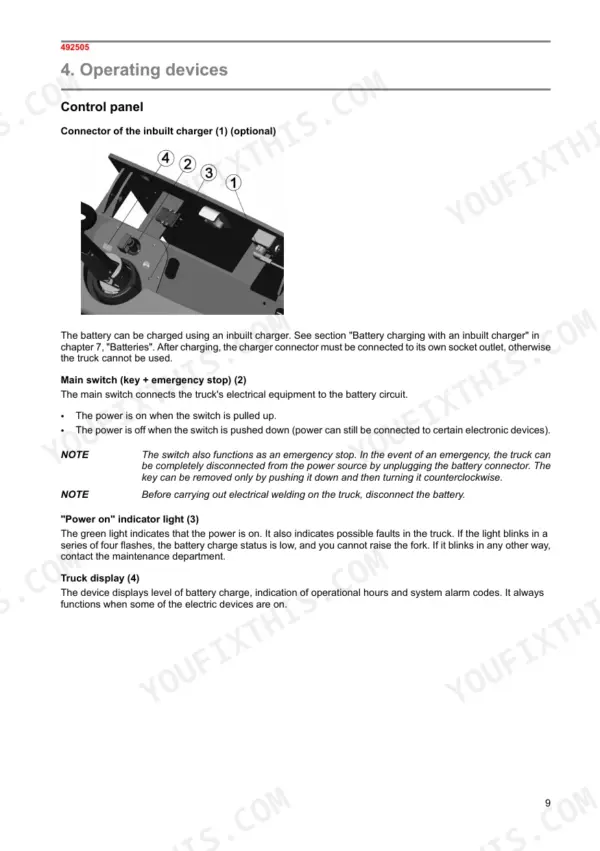
| Operating Devices | 10-12 | Control Panel |
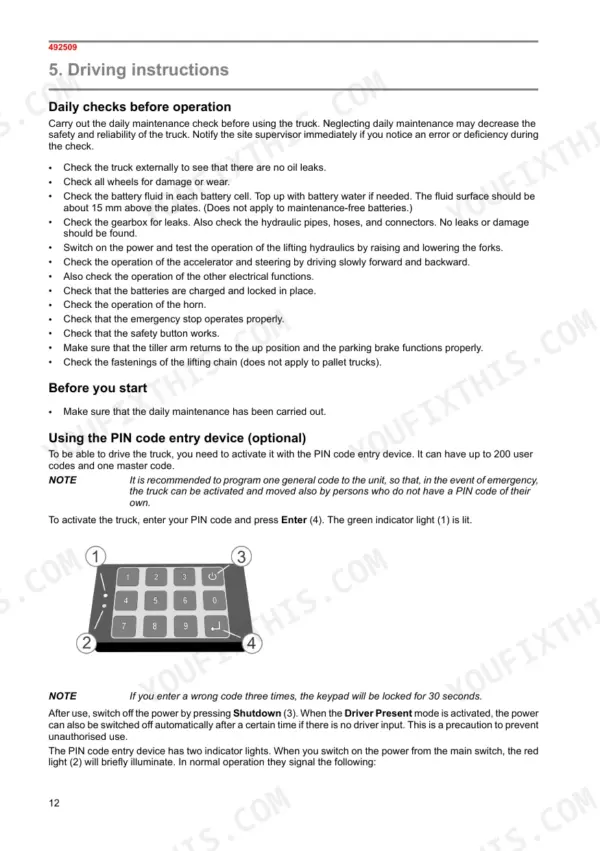
| Driving Instructions | 13-15 | Daily Checks Before Operation, General Driving Instructions |
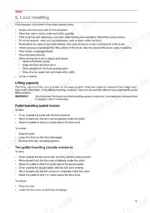
| Load Handling | 16-18 | Lifting Capacity |
| Batteries | 19-21 | Recharging the Battery, Replacing the Battery |
| Maintenance | 22-23 | Safety Instructions for Maintenance |
| Service | 24-26 | Semi-Annual Inspection Service, Additional Maintenance Work |
| Transportation and Storage | 27 | Transportation, Lifting the Truck |
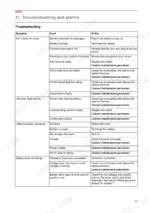
| Troubleshooting and Alarms | 28-29 | Troubleshooting, Alarms, Truck Does Not Move, Lift Pump Does Not Run, Lifting Functions Improperly, Battery Does Not Charge |
| Technical Specifications | 30-35 | Identification, Weights, Wheels and Tyres, Dimensions, Performance, Motors |
Quick Reference Specifications
| Specification | Value | Page |
|---|---|---|
| All Models | ||
| Drive wheel diameter when new | 230 mm | p. 25 |
| Drive wheel replacement diameter | 218 mm | p. 25 |
| Drive wheel diameter (new) | 230 mm | p. 25 |
| Fuse 1F1 (Line contactor) | 10A | p. 26 |
| Fuse 4F1 (Drive motor) | 200A | p. 26 |
| Fuse 5F1 (Pump motor) | 100A | p. 26 |
| Tightening momentum of fuse terminals | 4.5 ±1 Nm | p. 26 |
| 1600 kg capacity truck | ||
| Air gap in the brake (1600 kg capacity truck) | 0.2 mm when new, maximum gap 0.55 mm | p. 24 |
| Brake pad thickness (1600 kg capacity truck) | 8.5 mm when new, minimum thickness 5.5 mm | p. 24 |
| Brake pad thickness (new) | 8.5 mm | p. 24 |
| Transmission oil volume | 0.6 l | p. 25 |
| 1000 and 1200 kg capacity trucks | ||
| Brake pad thickness (new) | 7.6 mm | p. 24 |
Mitsubishi SBP10N-SBP16NI Common Problems This Manual Covers
Mitsubishi SBP12N or SBP16N truck with key switch on and accelerator applied does not move
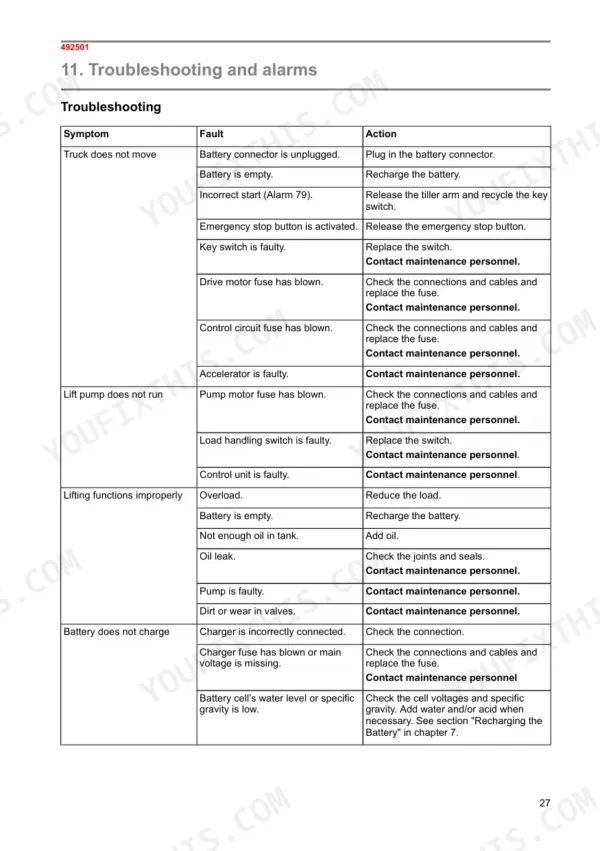
Check the battery connector is plugged in, recharge a flat battery, release the emergency stop. For Alarm 79 (incorrect start), release the tiller arm and recycle the key switch per page 28. Before opening the electrical cover, switch off truck power and remove rings and watches (page 22). Check connections and cables, then replace a blown drive motor fuse 4F1 (200A, page 26). Replace a faulty key switch; for a faulty accelerator, contact maintenance personnel.
Manual Section: Troubleshooting p. 28Load handling switch pressed to raise forks but lift pump motor does not run
Check that truck power is switched off and metal jewellery removed before opening the electrical system cover (page 22). Inspect the connections and cables, then replace a blown pump motor fuse 5F1 (100A, page 26). If the load handling switch is faulty, replace the switch as page 28 directs. If the control unit is faulty, stop there and contact maintenance personnel.
Manual Section: Troubleshooting p. 28Lifting hydraulics weak or forks rise improperly when raising a loaded pallet
Check the load and reduce it if the truck is overloaded; recharge a flat battery (page 28). Check the hydraulic oil level and fill the tank to ¾ volume with ISO 11158 HM/HV/HR-VG32 oil (VG15 in freezer warehouses) per page 25. Inspect joints and seals for leaks, never by hand, and release hydraulic pressure before opening the system (page 22). For a faulty pump or dirty, worn valves, contact maintenance personnel.
Manual Section: Troubleshooting p. 28Integrated charger connected at end of shift but the battery does not charge
Check the charger connection first. If the charger fuse has blown or mains voltage is missing, switch off truck power before opening any electrical cover (page 22), check the connections and cables, replace the fuse and contact maintenance personnel (page 28). Check cell voltages and specific gravity; add water and/or acid as needed, keeping fluid about 15 mm above the plates on batteries that are not maintenance-free (page 13).
Manual Section: Troubleshooting p. 28Three-colour indicator light on the integrated charger flashing and charging stops automatically
Check the flash pattern against the alarm table on page 29. Flashing green (Timeout): verify the battery capacity. Flashing red-yellow-green (Thermal): verify the charger fan operation. Flashing yellow-green (Selection): verify the selector's position. Flashing red-yellow (Battery current) or red-green (Battery voltage) means the charger control logic has lost output control; replace the charger.
Manual Section: Alarms p. 29Drive wheel worn down and truck no longer standing upright on the caster wheels
Measure the drive wheel diameter: 230 mm when new, and replace the wheel once it reaches 218 mm, per page 25. Compensate wear in between with the adjustment plates of the caster wheel so the truck always stands upright. Check the side castor wheels and load wheels for condition, and confirm the driving wheel fastening bolts are tight. If anyone must work underneath, support the truck on jacks (page 22).
Manual Section: Additional maintenance work p. 25Frequently Asked Questions
What are the drive wheel replacement specifications for the Mitsubishi SBP10N, SBP12N, SBP12NI, SBP16N, SBP16NI?
The drive wheel has a diameter of 230 mm when new. It must be replaced once its diameter wears down to 218 mm. p. 25
What is the transmission oil capacity for the 1600 kg capacity Mitsubishi SBP10N, SBP12N, SBP12NI, SBP16N, SBP16NI?
For 1600 kg capacity trucks, the transmission oil should be filled to a volume of 0.6 liters. The oil level must reach the lower edge of the checking hole. p. 25
What is the tightening torque for the fuse terminals on the Mitsubishi SBP10N, SBP12N, SBP12NI, SBP16N, SBP16NI?
The tightening momentum for the fuse terminals is 4.5 ±1 Nm. p. 26
What is the brake pad thickness spec for 1000 and 1200 kg Mitsubishi SBP10N, SBP12N, SBP12NI, SBP16N, SBP16NI trucks?
For 1000 and 1200 kg capacity trucks, the brake pad thickness is 7.6 mm when new, and the minimum thickness is 7.4 mm. p. 24
What is the required hydraulic oil level in the tank?
The hydraulic oil tank should be filled to 3/4 of its volume. p. 25
What do I get after purchasing this Mitsubishi SBP10N manual?
All 35 pages arrive as one searchable PDF at checkout. Read it at the desk, then take the phone out to the machine.
Am I able to print pages from this Mitsubishi SBP10N manual?
Yes. Print the sections you need to take out to the shop for your own use. Standard letter or A4 paper works.