
Part of the Case Operator Manuals.
Looking for the Case CX250C operator manual PDF direct from the factory? This 292-page Case CX250C Crawler Excavator Operator Manual (OEM #47510043) puts every operating procedure, safety rule, and maintenance schedule in one place, exactly as Case built it. You get a controls section covering air suspension seat adjustments, hand control levers and pedals, the System Display and Function Control Panel, and Diesel Particulate Filter regeneration. Maintenance covers grease point locations, engine and cooling service, fuel system steps, and a full interval schedule for your hydraulic circuit and major components. Turntable lubrication calls for 14.5 kg (32.0 lb) of Case AKCELA 251H EP Multi-Purpose Grease every 500 hours; tighten the fuel filter drain plug to 8-12 N·m (5.9-8.9 lb ft). Your machine is down. Bookmark the section you need, open it on any device, and get the right answer on the first try.
What's Inside This Case CX250C Operator Manual
| System | Pages | Key Topics |
|---|---|---|
| General Information | 7-16 | Safety Rules, Note to the Owner, Product Identification, Left, Right, Front and Rear of the Machine, Electro-Magnetic Interference, Main Components |
| Safety Information | 17-50 | Safety Rules, Safety Decals, Hand Signals |
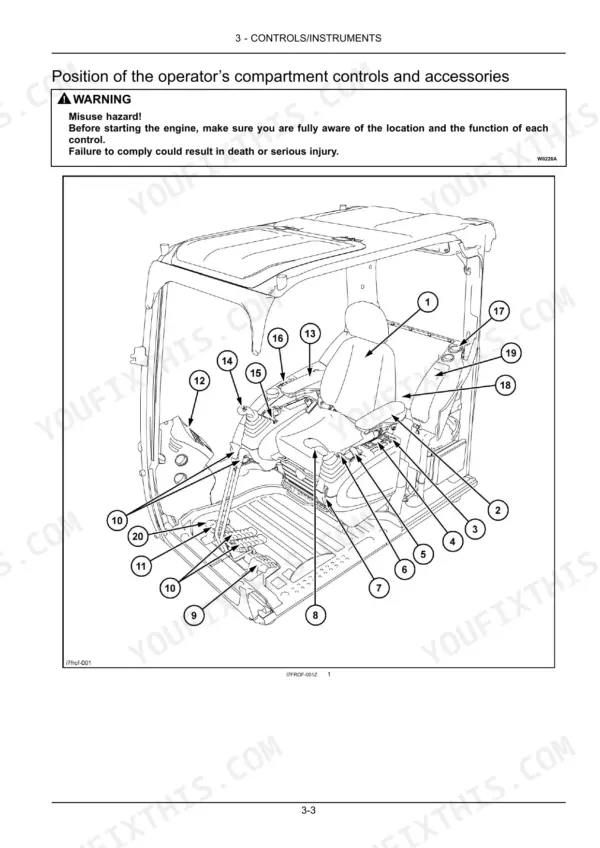
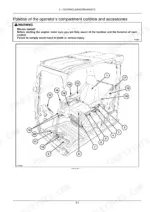
| Controls/Instruments | 51-126 | Air Suspension Seat Adjustments, Hand Control Levers and Pedals, System Display and Function Control Panel, Monitor Switches, Diesel Particulate Diffuser (Dpd), Heating |
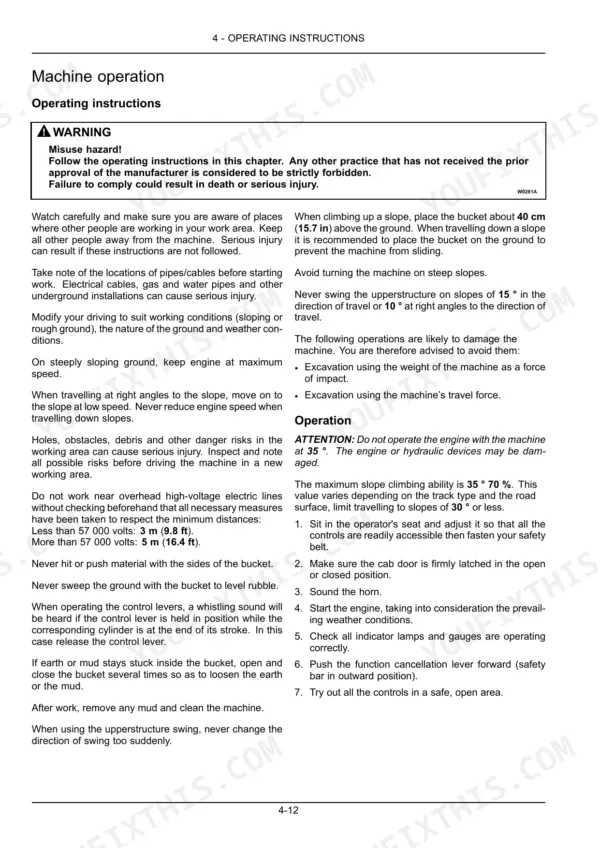
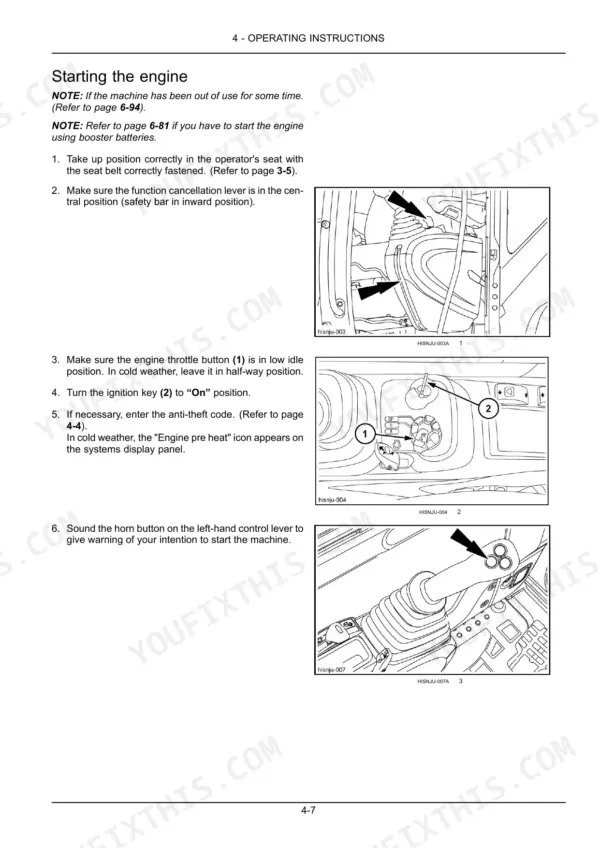
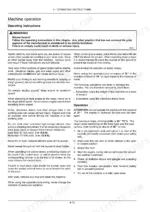
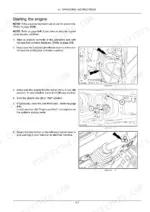
| Operating Instructions | 127-168 | Anti-Theft Protection, Starting the Engine, Bringing the Machine Up to Operating Temperature, Machine Travel, Load Handling (Except Lr Type) |
| Transport Operations | 169-178 | Locking the Long Reach Attachment for Transport (Lr Type), Transporting the Machine, Tie Downs for Shipping, Procedure, Towing |
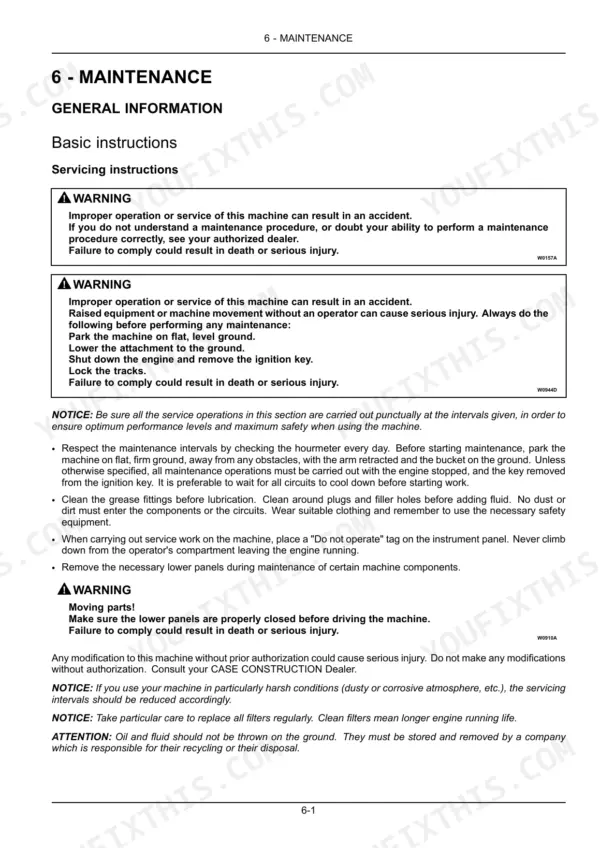
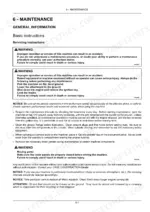
| Maintenance | 179-272 | Fluids, Fuels and Lubricants, Grease Points, Engine, Cooling System, Fuel System, Hydraulic Circuit |
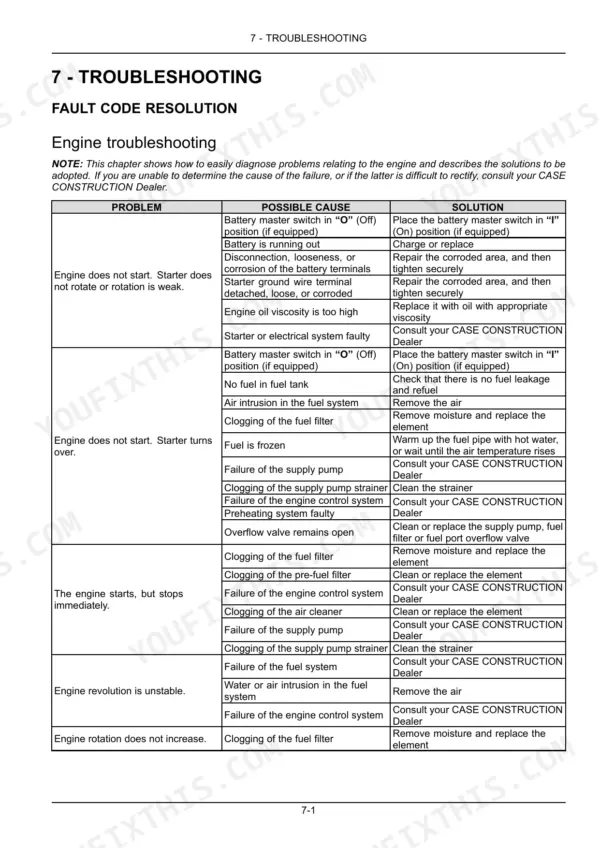
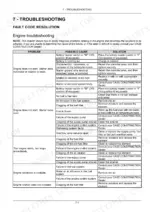
| Troubleshooting | 273-274 | Engine Troubleshooting |
| Specifications | 275-286 | General Specification, Noise Level, Weight, Dimension |
Quick Reference Specifications
| Specification | Value | Page |
|---|---|---|
| Hydraulic system pressure release procedure | 1. Place the machine on flat, level ground, lower the attachment to the ground and stop the engine. 2. Turn the ignition key to the “On” position. 3. Push the function cancellation lever forward (safety bar in outward position). 4. Operate the control levers from right to left and front to rear a dozen times approximately. 5. Turn the ignition key to the “Off” position (shut down). 6. Press the button on top of the breather on the hydraulic reservoir to release any residual pressure. | p. 214 |
| Fuel filter drain plug tightening torque | 8 - 12 N·m (5.9 - 8.9 lb ft) | p. 210 |
| Grease type | CASE AKCELA 251H EP MULTI-PURPOSE GREASE (NLGI 2) | p. 183 |
| Turntable grease capacity | 14.5 kg (32.0 lb) | p. 198 |
| Wiper operation warning | Do not operate the wipers when the front glass is dry. Doing so could damage the wipers. | p. 73 |
| Cylinder rod leakage definition (Very oily or weeping) | Each time the cylinder rod is extended, a ring of oil can be seen on the rod. | p. 244 |
| Cylinder rod leakage definition (Leakage) | Each time the rod retracts, the excess oil drips from the gland. | p. 244 |
| Engine oil capacity (with remote oil filter) | 29.6 l (7.8 US gal) | p. 275 |
| Cooling system capacity | 30.2 l (8.0 US gal) | p. 187 |
| Fuel tank capacity | 410 l (108.3 US gal) | p. 275 |
| Total hydraulic system capacity | 250 l (66.0 US gal) | p. 275 |
Case CX250C Common Problems This Manual Covers
Black or white smoke from exhaust during normal operation
White smoke on a cold morning usually clears after warmup — allow adequate warm-up time before loading the machine. If white smoke persists under load, check engine oil level; overfilling beyond capacity can cause this. Black smoke points to the air cleaner or DPD system: inspect the air cleaner element for restriction and check whether a DPD warning is active on the monitor. The DPD filter requires inspection every 4500 hours per page 254. See the exhaust smoke troubleshooting table on page 274.
Manual Section: Troubleshooting p. 274Oil visible on cylinder rods after retraction, dripping from gland seal area
Inspect each cylinder rod closely during daily walk-around. A weeping condition means a ring of oil appears on the rod each time it extends; a leaking seal drips excess oil from the gland each time the rod retracts — both definitions are on page 244. Before any repair, release hydraulic system pressure: lower the attachment to the ground, stop the engine, turn ignition to On, cycle the control levers a dozen times, then press the breather button on the hydraulic reservoir per the procedure on page 214. Total hydraulic system capacity is 250 l (66.0 US gal) — note the fluid level after inspection.
Manual Section: Maintenance p. 244Attachment moves sluggishly or swing feels weak after sitting overnight in cold weather
Verify the machine is brought up to operating temperature before loading — this is covered in the startup procedure in the Operating Instructions section. Check engine oil viscosity: high-viscosity oil in cold conditions is listed on page 273 as a cause of weak rotation. Inspect hydraulic fluid level in the reservoir. Allow the engine to idle and cycle the attachment controls gently for several minutes until hydraulic oil warms and flow normalizes. If sluggishness continues under normal temperatures, check for a clogged fuel filter reducing engine power per the troubleshooting chart on page 273.
Manual Section: Troubleshooting p. 273Quick coupler fails to lock or unlock attachment, safety indicator not confirming engagement
Inspect the quick coupler pin visually before each use — a broken, bent, or missing pin prevents proper locking. Check that the safety device is not fouled with mud or debris. Verify hydraulic hose connections at the coupler cylinder are secure; a loose connection drops the pressure needed to actuate the lock. Lubricate the coupler cylinder bottom pin, locking pivot, cylinder top, and hook pivot every 50 hours with CASE AKCELA 251H EP MULTI-PURPOSE GREASE (NLGI 2) per page 183. The standard bucket pin diameter is 90 mm (3.5 in) — confirm the attachment pin matches this spec. See for the full quick coupler troubleshooting procedure.
Manual Section: MaintenanceFrequently Asked Questions
What are the torque specs for CASE CX250C engine bolts?
The torque specifications for the engine bolts on the CASE CX250C excavator are provided in the manual. For M10 screws, the torque is 64-74 N·m (47-54 lb ft), and for M16 screws, it is 206-247 N·m (152-182 lb ft). These values are for screws with diameters of 17 mm and 24 mm respectively. p. 256
How to reset hydraulic pressure on CASE CX250C?
To release pressure in the hydraulic system, first place the machine on flat, level ground, lower the attachment, and stop the engine. Turn the ignition key to the “On” position, then push the function cancellation lever forward. Operate the control levers from right to left and front to rear about a dozen times, then turn the ignition key to “Off”. Finally, press the button on top of the breather on the hydraulic reservoir to release any residual pressure. p. 214
How do you fix case CX250C check engine warning light on display, engine cranks but won't fire?
Check the battery master switch is fully engaged and terminals are clean and tight. Verify fuel level — the tank holds 410 l (108.3 US gal). Inspect the fuel pre-filter and main filter for clogging; air intrusion in the fuel system is a common no-start cause on this machine. Review the troubleshooting chart on page 273 for the full engine no-start decision tree covering battery, fuel supply, and engine control system faults. p. 273
How do you fix engine starts, runs for a few seconds, then shuts down immediately?
Check fuel level first — even a low tank can starve the supply pump on a slope. Inspect the fuel filter and strainer for clogging; a blocked filter will cut fuel delivery within seconds of startup. Verify no air has entered the fuel lines. If the fuel system looks clean, the engine control system may be logging a fault — consult the troubleshooting chart on page 273 covering supply pump, strainer, and control system failures. p. 273
What do I get after purchasing this Case CX250C manual?
Immediate download of the complete 292-page searchable Operator Manual. Access it on any device, from a laptop at your desk to a phone in the field.
Is this Case CX250C Operator Manual printable?
No restrictions at all. Print individual pages, full chapters, or the entire manual. The PDF is completely unlocked.






Reviews
There are no reviews yet.