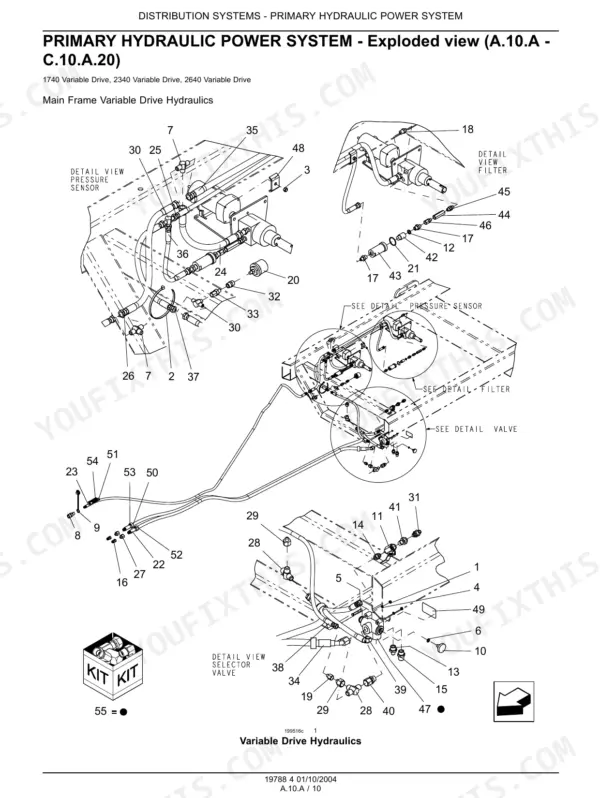
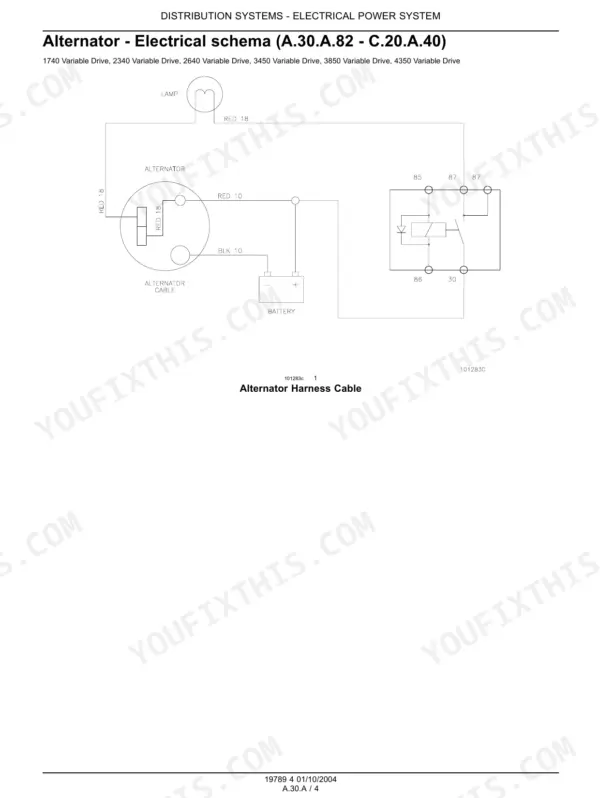
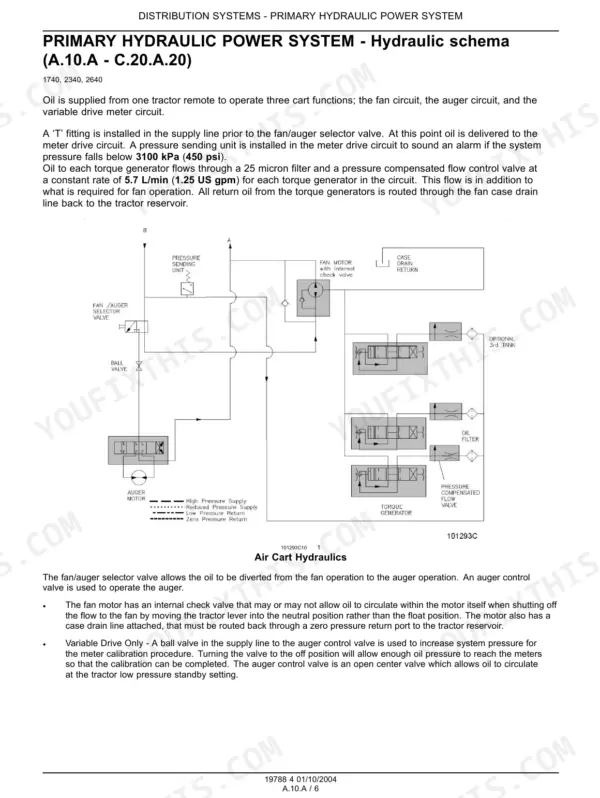
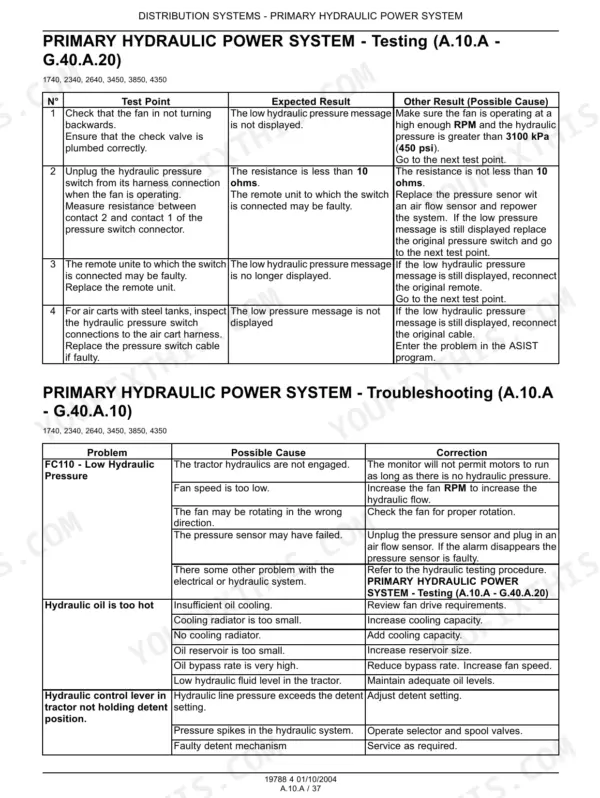
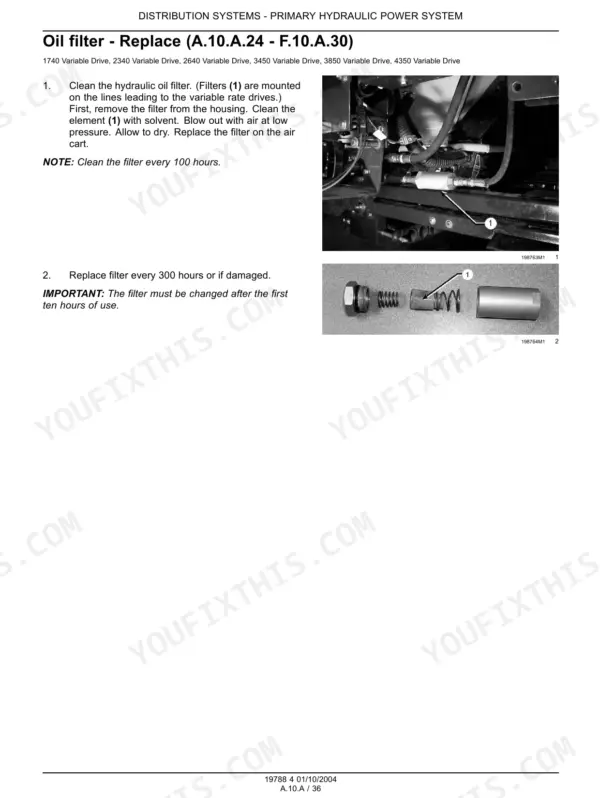
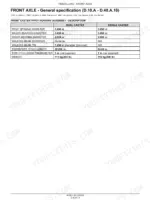
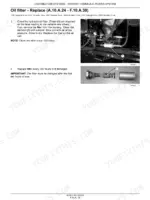
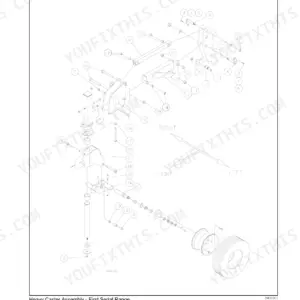
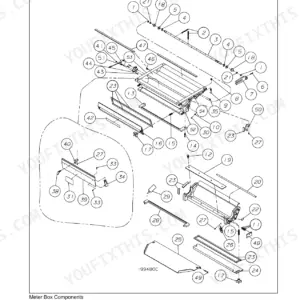
Hunting for a Flexi-Coil 3450 service manual PDF? This 646-page factory service manual (OEM #GI-090V1) spans all six air cart models: 1740, 2340, 2640, 3450, 3850, and 4350. You get wiring diagrams for the electronic control and flow monitoring systems, hydraulic schematics for the fan and variable drive circuits, and troubleshooting charts for every seeding system: mechanical, electronic, fan, air, and metering. Pneumatic schemas trace airflow from the collector right down to the outlet valves and distribution lines. Clean the hydraulic oil filter every 100 hours, and verify meter calibration by turning the roller 100 revolutions; a calibration number of 116 should put 160 lb in the bag. Seeding season won't wait for guesswork. Bookmarked, with a full text layer: pull any spec up on your phone in the field and keep drilling.
What's Inside This Flexi-Coil 1740–4350 Manual
| System | Pages | Key Topics |
|---|---|---|
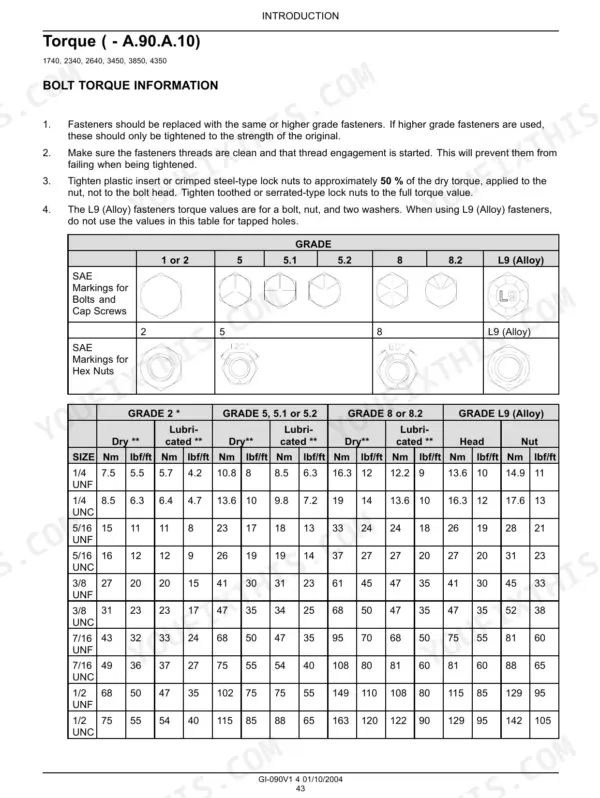
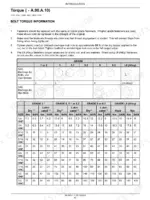
| Introduction | 4-79 | Foreword, Decals, Hand Signals, Safety Rules, Torque, Basic Instructions, Definition, Abbreviation |
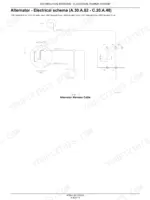
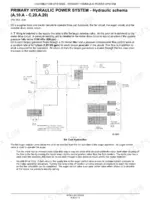
| Distribution System | 80-241 | Primary Hydraulic Power System, Electrical Power System, Lighting System, Electronic System |
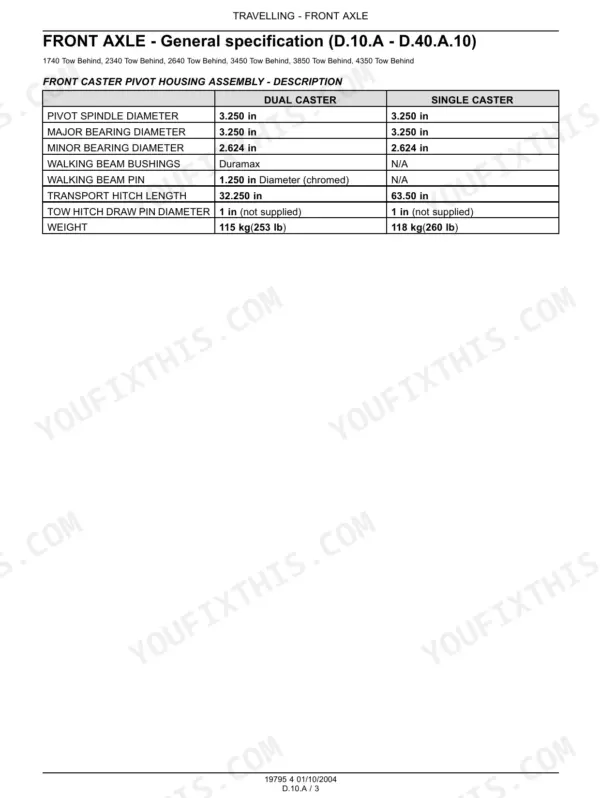
| Travelling | 242-271 | Front Axle, Rear Axle, Wheels and Tracks |
| Working Arm | 272-287 | Hitch Front Hitch, Hitch Rear Hitch |
| Seeding Mechanical System | 288-327 | Hydraulic Line, Auger Drive System, Tank Maintenance, Auger Tension Adjust, Troubleshooting |
| Seeding Electronic System | 328-435 | Electronic Control, Command Switches, Flow Monitoring, Sensing System, Troubleshooting |
| Seeding Fan System | 436-473 | Fan Capacities, Motor Overhaul, Hydraulic Lines, Fan Cleaning, Troubleshooting |
| Seeding Air System | 474-549 | Air Flow, Collector Configuration, Pneumatic Schema, Outlet Valve, Distribution Line, Troubleshooting |
| Seeding Metering System | 550-627 | Mechanical Drive, Seed Meter Capacity, Meter Box, Variable Drive, Troubleshooting |
| Seeding Optional Tank | 628-643 | Pneumatic Schema, Variable Drive Hydraulic Line, Optional Tank Installation, Flow Setting, Manifold Lift |
Quick Reference Specifications
| Specification | Value | Page |
|---|---|---|
| 1740 | ||
| 1740 Air Cart Length (with auger) | 5.77 m | p. 56 |
| 1740 Air Cart Height | 3.78 m | p. 56 |
| 1740 Air Cart Front Tank Volume (95%) | 2320 L | p. 56 |
| 2640 | ||
| 2640 Air Cart Length (with auger) | 7.84 m | p. 59 |
| 2640 Air Cart Height | 3.84 m | p. 59 |

Flexi-Coil 1740–4350 Common Problems This Manual Covers
Flexi-Coil air cart shows tank calibration error on the monitor, calibration will not complete
Check the control system fuse and clean its clip; corrosion alone throws this error. Unplug the tank calibration switch connector, clean both halves, and check for backed-out pins with the wiring diagram. Then verify metering: turn the meter roller 100 revolutions; calibration number 116 should yield 160 lb in the bag (page 362).
Manual Section: Seeding Electronic SystemConsole power drops out over rough ground, monitor blanks and reboots mid-pass
Load test the cart battery first; a weak battery mimics dozens of electronic faults. Wire-brush both terminals and every ground strap, then chase intermittent connections through the harness with the wiring diagram. Once power holds steady, run the Air Actuator Cal from the service menu; it runs unattended for about 40 seconds (page 366).
Manual Section: Distribution SystemFan speed reads high then low, will not hold steady RPM under load
Test the hydraulic fan drive circuit with a gauge; normal oil pressure is 10340 to 13790 kPa (page 85). If pressure is low or spiking, inspect the supply and return lines for restriction before condemning the fan motor. Pull the fan housing cover and clean the impeller; buildup throws it out of balance and drags speed down.
Manual Section: Seeding Fan System p. 85Application rate runs light, tank has product left when acres say it should be empty
Perform a drive catch: disconnect the air package, bag the quick connects, run the cart down the field, then weigh the bags against the target rate (page 362). Check the meter drive for slippage, and confirm the variable rate drive is receiving its full 5.68 L/min oil flow (page 85) before blaming the calibration number.
Manual Section: Seeding Metering System p. 362Hydraulic oil overheats during seeding, control lever keeps dropping out of detent
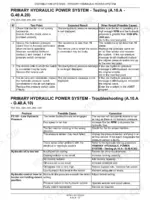
Work through the hydraulic troubleshooting chart; overheating and detent kick-out usually share one cause, restricted flow. Clean the hydraulic oil filter; the interval is every 100 hours (page 117). Inspect the fan motor return and case drain lines for kinks, and verify the tractor remote is set to constant flow, not intermittent.
Manual Section: Distribution SystemFrequently Asked Questions
How to reset Flexi-Coil 1740 monitor after calibration?
After completing the calibration procedure for the NH3 system, you can return the monitor to normal operation by pressing the AIR CART key. This action exits the calibration page and brings the monitor back to its standard display. p. 333
What do error codes on Flexi-Coil 3850 air cart monitor mean?
The Flexi-Coil 3850 air cart monitor displays various error codes to indicate system issues. For example, "FC111 - Memory Fault: EEPROM @ Console" signifies a memory failure within the console, while "FC134 - Missing or Bad NMEA" indicates that not all expected NMEA messages are being received from the GPS receiver. p. 220
How to fix fertilizer clumping on Flexi-Coil 2640 agitator?
To address fertilizer clumping, the manual suggests checking for and removing any lumps present in the fertilizer or seed, and ensuring debris screens are clear. If product accumulation is observed in the discharge area, it should be inspected and dislodged to restore proper flow. p. 615
How to reset Flexi-Coil 1740 monitor?
To restart the display monitor on a Flexi-Coil 1740, hold down the MODE key. This action will reset the display, which can be useful for clearing temporary issues or after making certain adjustments. p. 197
What format is this Flexi-Coil 1740 & variants manual in?
Instant PDF download. You get the full 646-page searchable Service Manual immediately after payment. Open it on your laptop, tablet, or phone right in the shop.
Can I print specific sections of this Flexi-Coil 1740 & variants Service Manual?
No restrictions at all. Print individual pages, full chapters, or the entire manual. The PDF is completely unlocked.
Can I find hydraulic circuit diagrams in this Flexi-Coil 1740 & variants manual?
Yes. The manual includes hydraulic circuit diagrams, system schematics, and component specifications with pressure ratings.


Reviews
There are no reviews yet.