
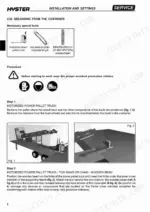
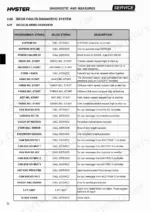
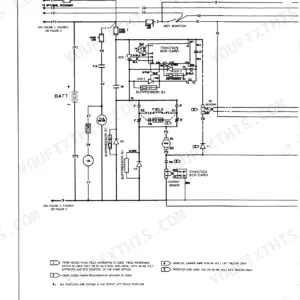
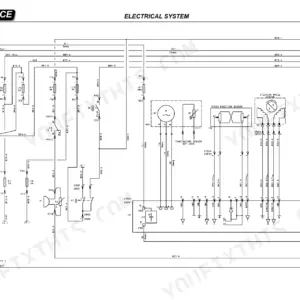
Faults logged by the diagnostic system get traced through controller connectors and the tester menu in this 747-page Hyster Service Manual (OEM ID 1600734), written for eight Hyster models from the C1.0 through the V35ZMU. Hydraulic schematics in this Hyster V30ZMU service manual PDF lay out each circuit by function, with the hydraulic pressures listed for each. Mechanical sections cover traction wheel disassembly and hydraulic stabilizers on the frame, lifting chain maintenance on the mast, cab side gates, fork replacement, reduction gear, braking, end-of-aisle slow-down sensors and a routine maintenance table. Cap shop air for cleaning parts at 1 bar (15 psi). Class 10 M12 screws torque to 88.5 Nm. For assembly of the truck, you need lifting gear matched to the listed capacities: a 2000 kg bridge crane and a 4 t lift truck. Bookmarked by section and text-searchable, the PDF lets you finish that assembly or a fork replacement to Hyster's own numbers.
What's Inside This Hyster C1.0 to C1.5L, V30ZMU, V35ZMU Manual
| System | Pages | Key Topics |
|---|---|---|
| Introduction | 13-24 | Identification Data and Capacity |
| Installation and Settings | 25-68 | Assembly of the Truck |
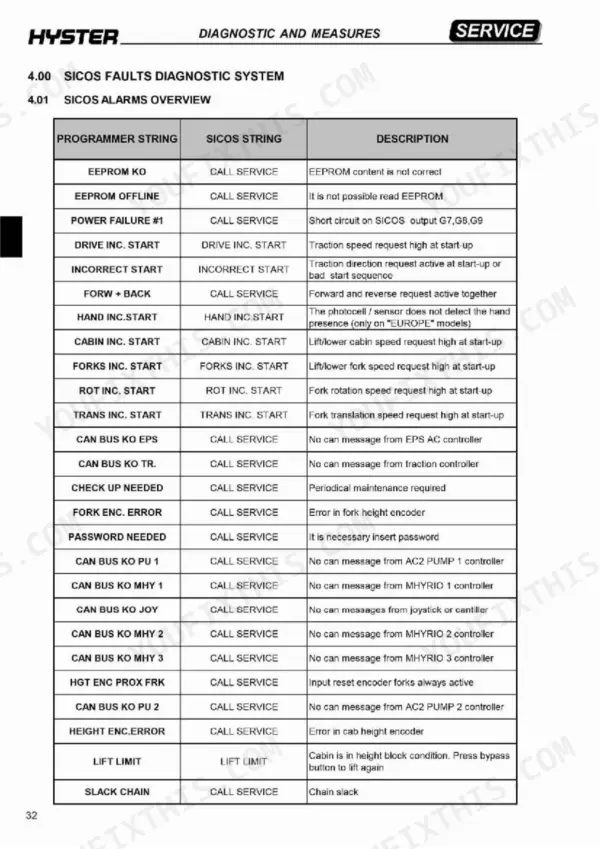
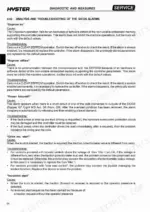
| Diagnostic and Measures | 69-150 | Controllers Connectors Description, Tester Menu, Faults Diagnostic System |
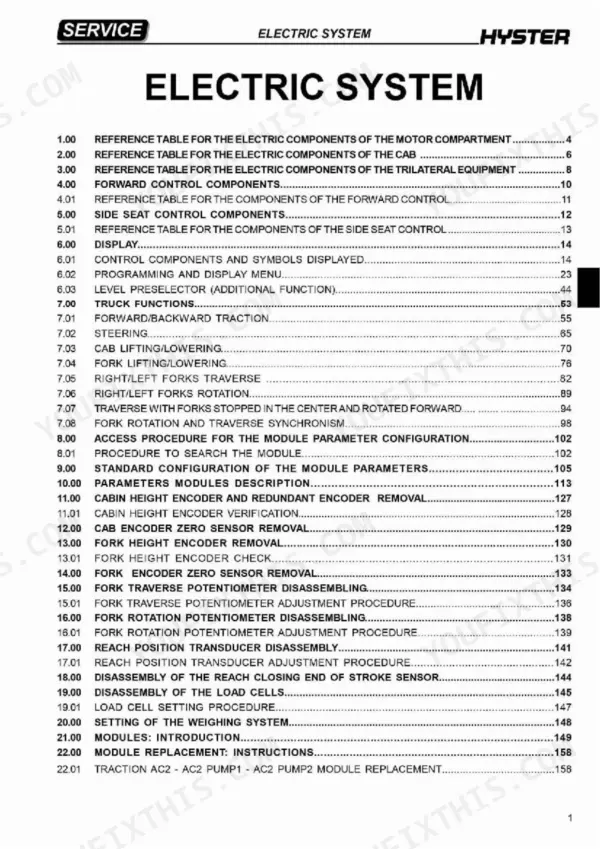
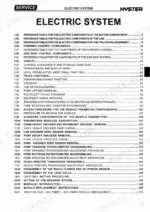
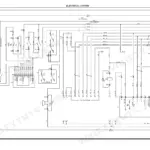
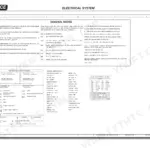
| Electric System | 151-377 | Forward Control Components, Standard Configuration of Module Parameters |
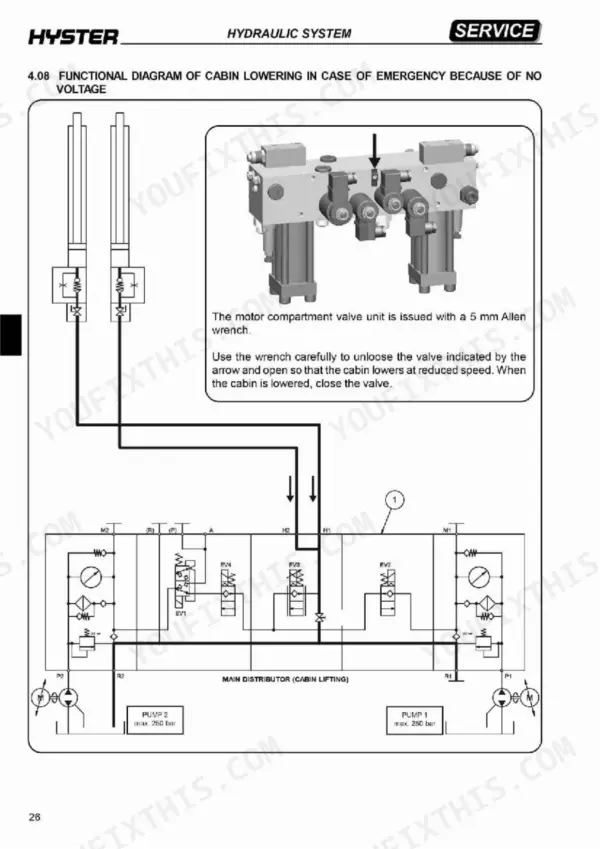
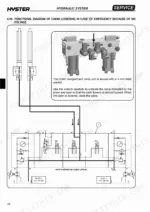
| Hydraulic System | 378-502 | Hydraulic Diagram for Function, Hydraulic Pressures |
| Frame Mechanics | 503-526 | Traction Wheel Disassembly, Hydraulic Stabilizers |
| Mast Mechanics | 527-607 | Mast Component Tables, Lifting Chain Maintenance |
| Cab Mechanics | 608-653 | Side Gate Components |
| Attachment Mechanics | 654-709 | Hydraulic Unit Components, Fork Replacement |
| Reduction Gear | 710-721 | Reduction Gear Component Identification |
| Braking System | 722-729 | Braking Systems |
| End of Aisle Slow-Down and Stop | 730-741 | Sensors and Magnets |
| Routine Maintenance | 742-747 | Routine Maintenance Table |
Quick Reference Specifications
| Specification | Value | Page |
|---|---|---|
| Maximum air pressure for cleaning parts | 1 bar (15 psi) | p. 4 |
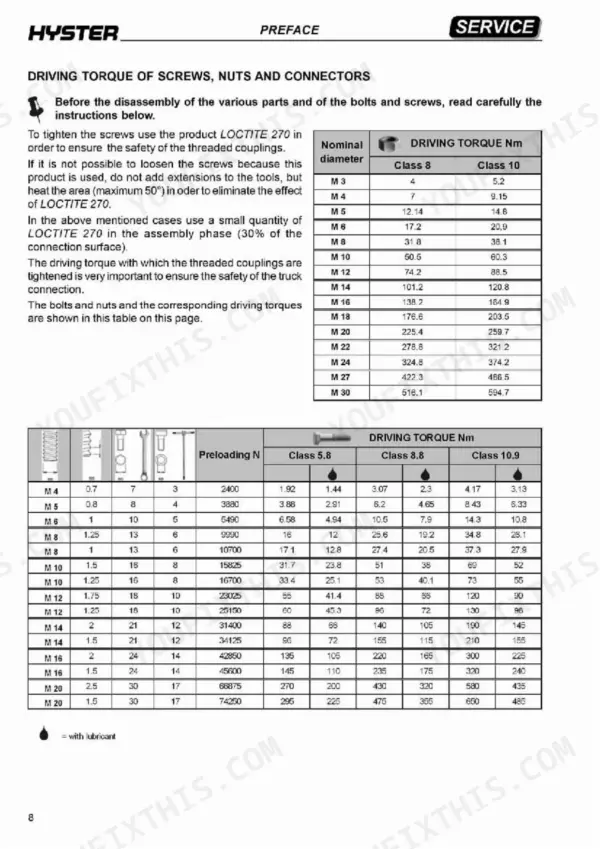
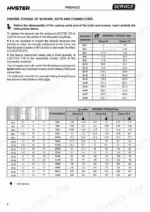
| Driving torque for M12 screws (Class 10) | 88.5 Nm | p. 8 |
| Rotary Metric Female Connector M12x1.5 torque | 20 Nm (min. 15 - max. 25) | p. 9 |
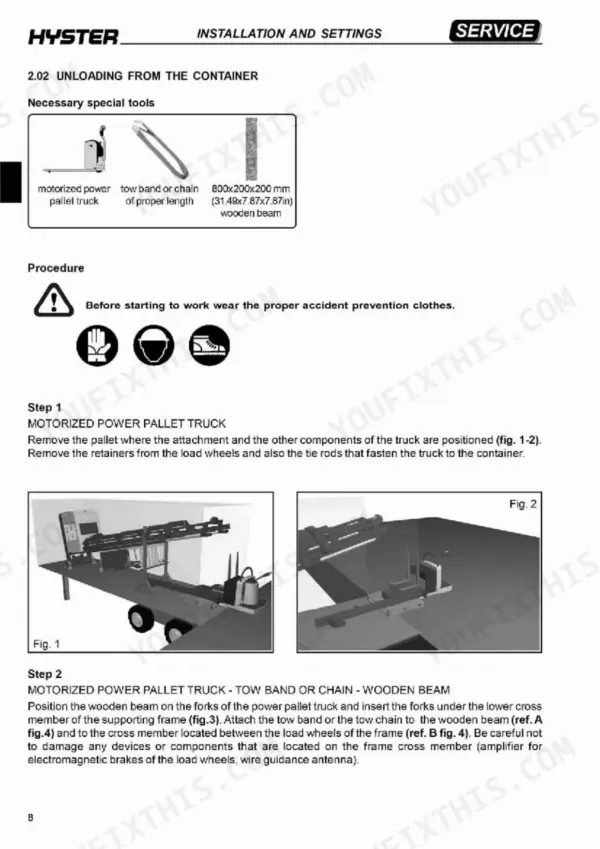
| Bridge crane carrying capacity | 2000 kg (314.96 st) | p. 57 |
| Lift truck carrying capacity | 4 t (629.89 st) | p. 57 |
| Encoder error frequency threshold | 40 Hz | p. 131 |
| Pump motor current limit at 100°C | 0 Amps | p. 133 |
| Pump motor current limit at 130°C | 0 Amps | p. 134 |
| Maximum pressure valve fastening screws torque | 5 Nm | p. 460 |
| Traction wheel bolt torque | 140 Nm (103 lbf-ft) | p. 504 |
| Compressed air cleaning pressure | 1 bar (15 psi) | p. 4 |
| Electromagnetic brake load wheel coil resistance | 4.8 ohm | p. 144 |
Hyster C1.0 to C1.5L, V30ZMU, V35ZMU Common Problems This Manual Covers
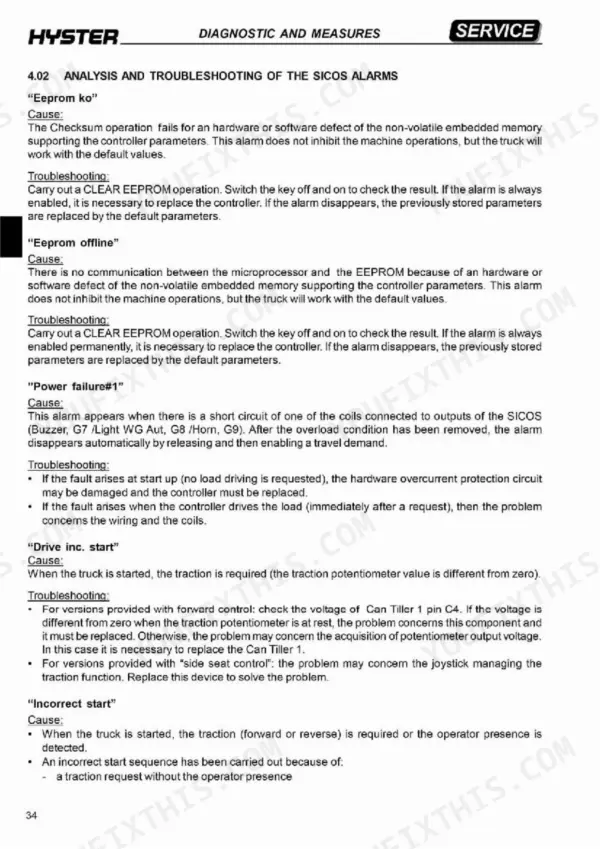
Hyster C1.0 to C1.5L order picker SICOS Incorrect start alarm at key on with traction request detected
Check both operator presence sensors and replace the one that fails, then confirm sensor acquisition in the Mhyrio2 tester menu following page 103. On forward control trucks, measure Can Tiller 1 pins C1 (FWD) and C5 (REV); voltage with the microswitch open means replace the microswitch. Pin C4 above zero with the potentiometer at rest condemns the traction potentiometer. Disconnect the battery before replacing parts (page 4).
Manual Section: Sicos Alarms Troubleshooting p. 103Hand inc. start alarm when the sensor does not detect hand presence on the forward control console
Measure pin A2 voltage at Can Tiller 0 (left hand) and Can Tiller 1 (right hand) following page 103. A reading lower than the hand-present value points to the photocell, so replace it. If the input reads 24V but the digital input stays off in the tester menu, replace the Can Tiller 1. On side seat control trucks, replace the joystick. Disconnect the battery before swapping parts (page 4).
Manual Section: Sicos Alarms Troubleshooting p. 103SICOS controller eeprom ko alarm, truck keeps working but runs on default parameter values
Clear the memory with the CLEAR EEPROM operation following page 102, then switch the key off and on to check the result. If the alarm stays enabled, replace the controller. If it clears, the stored parameters are now defaults, so check the configuration. Any parameter you personalize again may only be lower than the factory value, as page 66 states.
Manual Section: Sicos Alarms Troubleshooting p. 102Power failure #1 alarm from a short circuit on the SICOS buzzer, horn or wireguidance light output
Check when the fault appears, following page 102. At start up with no load requested, the overcurrent protection circuit is damaged; replace the SICOS controller. Right after a request, inspect the wiring and coils on the buzzer, light and horn outputs. Disconnect the battery before working on wiring (page 4). Once the overload is gone, release and re-enable a travel demand to clear it.
Manual Section: Sicos Alarms Troubleshooting p. 102Forks do not hold position and move at the end of their stroke with the pump motor off
Check fork position at the end of stroke with the pump motor off, following page 688. If the forks move, one of the two braking valves is likely dirty and must be replaced. Disconnect the battery before starting the replacement, as page 4 requires. When refitting any hydraulic pipe, do not twist it, since page 10 warns it can break under pressure.
Manual Section: Attachment Mechanics p. 688Load wheel electromagnetic brake output not activating or brake clearance out of specification
Check the load wheels electromagnetic brake output in the Mhyrio 1 tester menu following page 92: ON means the coil is supplied, OFF means not active. Disconnect the battery before any mechanical work on the brake, per page 4. Measure the brake clearance against 0.35 mm, the value listed on page 727, and work through the Braking System section if it is off.
Manual Section: Braking System p. 727Frequently Asked Questions
How do I clear stored fault codes on the Hyster C1.0, C1.3, or C1.5 models?
To clear stored fault codes, enter the 'MAIN MENU 1 / alarms' on the display. Once the list of the last 20 alarms is displayed, press the 'enter' key to clear all alarms, or press the 'out' key to quit without clearing. p. 99
What's the driving torque for an M10 class 10.9 bolt on Hyster C1.0, C1.3, C1.3L, C1.5s, C1.5M, C1.5L, V30ZMU, V35ZMU?
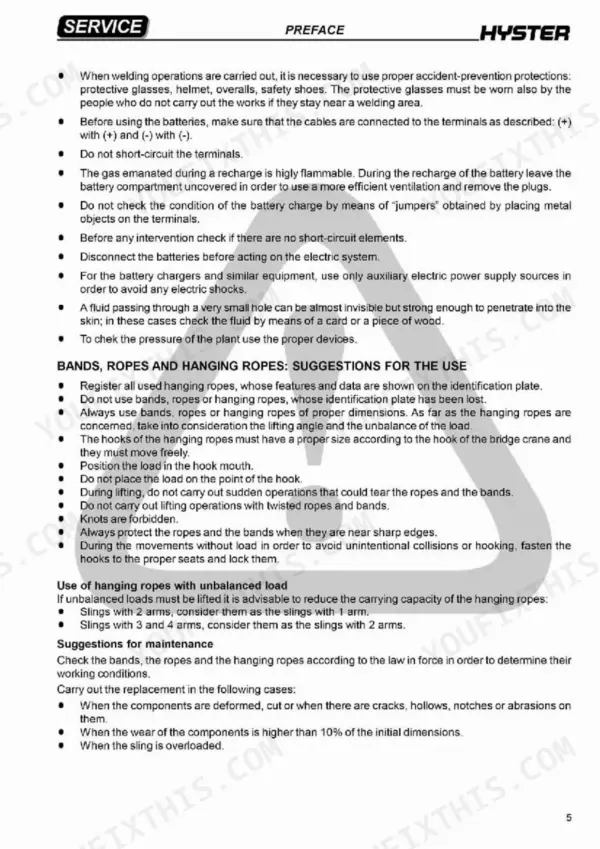
The driving torque for an M10 bolt of class 10.9 is 69 Nm. p. 8
What is the procedure for topping up the hydraulic tank oil?
Ensure the cab and forks are completely lowered. Loosen the fitting of the oil drain hose from the cab lifting cylinder to allow air to escape during topping up, then remove the tank filler cap and add oil using a funnel. Do not overfill; check the level using the transparent hose on the right side of the tank. p. 56
What torque secures the Hyster C1.0 traction wheel bolts to the reduction unit?
When reassembling the traction wheel, tighten the bolts securing the wheel to the reduction unit using a torque wrench set to 140 Nm (103 lbf-ft). p. 504
What is the correct oil type and quantity for the GK30 reduction gear?
For the GK30 reduction gear, use SHELL SPIRAX 80 W 90 for standard applications or SHELL TRANSAXLE 75 W 90 for cold store applications. The required quantity is 4.7 Liters. p. 712
Will this Hyster C1.0 Service Manual download right away?
This is a 747-page searchable PDF ready for immediate download. Works on any device, so pull it up on your phone while you're under the hood. No shipping, no waiting.
Am I able to print pages from this Hyster C1.0 manual?
Yes. Print the sections you need to take out to the shop for your own use. Standard letter or A4 paper works.


Reviews
There are no reviews yet.