
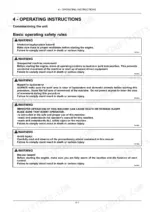
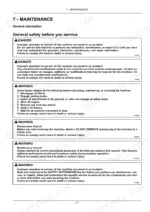

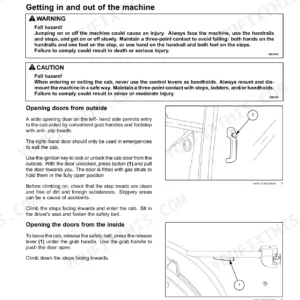
An hour from now you could have the remote valves and rear three point hitch set up correctly, working straight from this 388 page New Holland T4.100F operator manual PDF, OEM 48132256, the factory issued book for all four F variants of the T4 series, T4.80F through T4.110F. Maintenance fills roughly a third of the book: interval charts from the daily 10 hour checks out to the 3600 hour service, backed by fluid capacities, fuse and relay locations, and fault code resolution. Cab controls, PTO engagement, trailer braking, track adjustment, and ballasting each get their own walkthrough, with every dashboard indicator explained. Fill the shared rear axle, transmission, and hydraulic circuit with 44.00 L, then pull the rear wheel nuts to 310 N·m (228.6 lb ft). A wrong guess on capacity costs you a pump. This bookmarked, text searchable PDF keeps the number in front of you, so the tractor runs when the weather window opens.
Complete the set for your T4.80F, T4.90F, T4.100F…
- Repair Manual: New Holland T4.80F-T4.110LP Tractor Service Manual
Other edition of this manual
- New Holland T4.80F, T4.90F, T4.100F, T4.110F Operator Manual Original price was: $32.99.$19.99Current price is: $19.99.
What's Inside This New Holland T4.80F, T4.90F, T4.100F, T4.110F Operator Manual
| System | Pages | Key Topics |
|---|---|---|
| General Information | 11-26 | Note to the Owner, Intended Use, Electro-Magnetic Compatibility, Manual Scope and Required Training Level, Metric and Imperial Units Abbreviations, Identification Plates |
| Safety Information | 27-72 | Safety Rules and Signal Word Definitions, Safety Rules - General Information, Safety Rules - Maintenance, Safety Rules - Wheels and Tires, Safety Rules - Explosions and Fires |
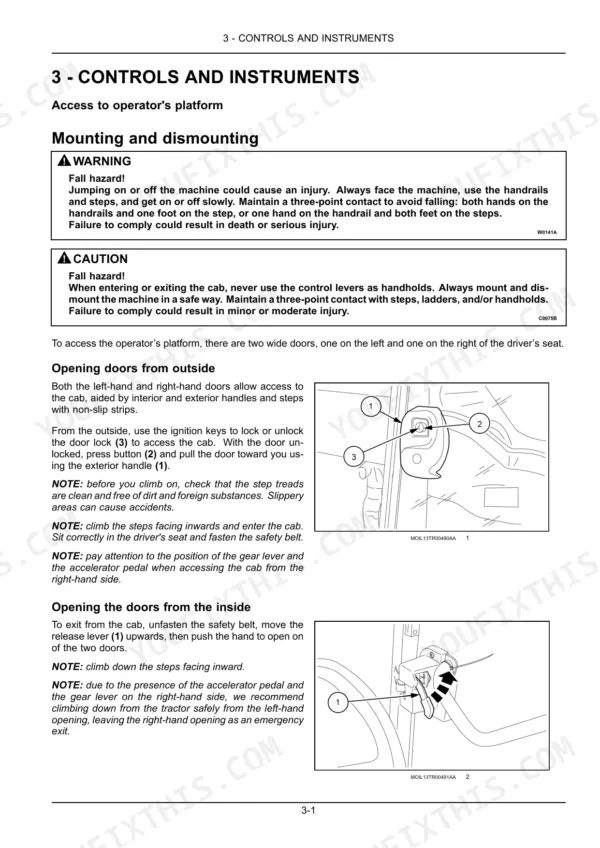
| Controls and Instruments | 73-108 | Access to Operator's Platform, Operator's Seat, Forward Controls, Left-Hand Side Controls, Right-Hand Side Controls, Overhead Controls, Exterior Controls, Display |
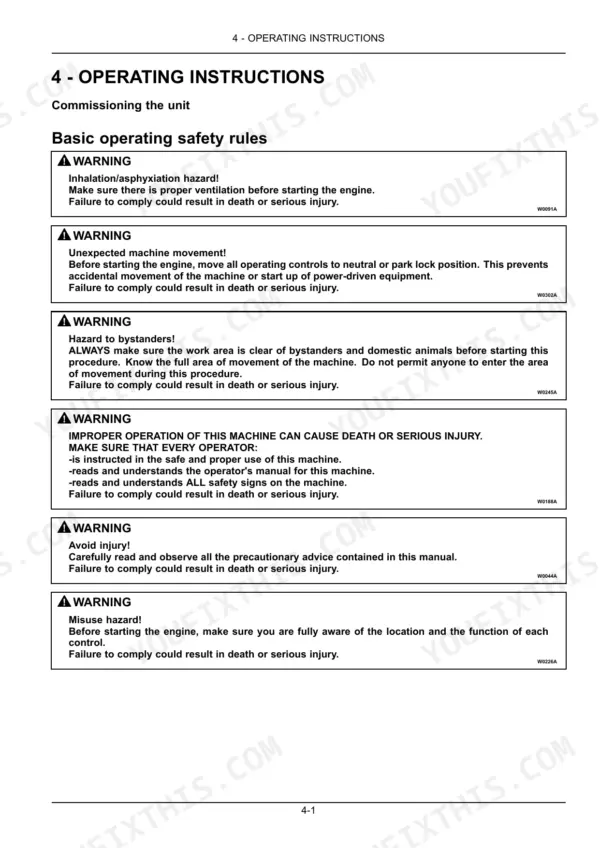
| Operating Instructions | 109-134 | Commissioning the Unit, Starting the Unit, Stopping the Unit, Moving the Unit |
| Transport Operations | 135-136 | Road Transport, Recovery Transport |
| Working Operations | 137-222 | Engine Accelerator Controls, Constant Engine RPM, Clutch Pedal, Brakes, Trailer Braking Systems, Four-Wheel Drive, Differential Lock System, Air Conditioning |
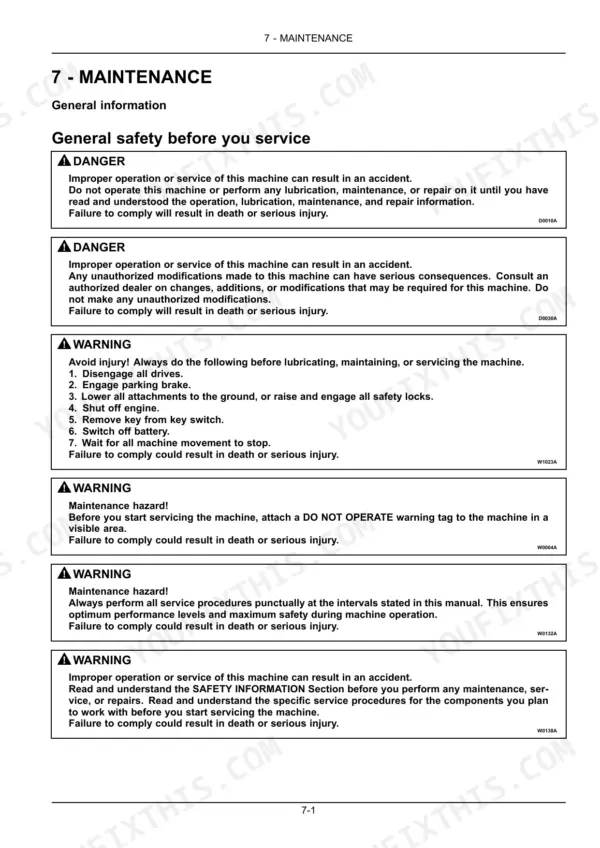
| Maintenance | 223-346 | Maintenance Planning, As Required, At Warning Message Display, Every 10 Hours or Daily, Initial 50 Hours, Every 50 Hours, Every 100 Hours, Every 300 Hours |
| Troubleshooting | 347-356 | Troubleshooting Engine, Electrical System Troubleshooting, Hydraulic Systems Troubleshooting |
| Specifications | 357-374 | Dimensions and Weights, Maximum Permitted Loads, Speed Tables |
| Accessories | 375-380 | Tool Box, Radio |
| Forms and Declarations | 381-388 | Ec Declaration of Conformity |
Quick Reference Specifications
| Specification | Value | Page |
|---|---|---|
| Front wheel torque | 220 N·m (162.3 lb ft) | p. 214 |
| Rear wheel torque | 310 N·m (228.6 lb ft) | p. 214 |
| Rear axle (bevel drive, final drives and brakes), transmission, hydraulic lift, power take-off and hydrostatic steering capacity | 44.00 L | p. 235 |
| Hydraulic oil filter tightening | 3/4 of a turn to 1 complete revolution | p. 284 |
| Disc to hub nuts - Front - M16 | 220 N·m (162.3 lb ft) | p. 290 |
| Disc to hub nuts - Rear - M18 | 310 N·m (228.6 lb ft) | p. 290 |
| Radio fuse | 5 A | p. 337 |
| Torque rate for M 20 x 2.5 bolts (Hole 1) | 400 – 450 N·m | p. 362 |
| Torque rate for M 20 x 2.5 bolts (Hole 2) | 400 – 450 N·m | p. 362 |
| Radio (FM) Frequency range | 87.5 – 107.9 MHz | p. 379 |
| Engine Oil Capacity (Cab models) | 9.50 L | p. 235 |
| Engine Oil Capacity (Model without cab) | 6.4 – 8.1 L | p. 235 |
New Holland T4.80F, T4.90F, T4.100F, T4.110F Common Problems This Manual Covers
New Holland T4.80F hydraulic oil sight glass empty, three-point hitch lifts slow and remotes feel weak
Check the hydraulic oil sight glass with the tractor level and the hitch lowered. Top up until the level shows; the combined rear axle, transmission, and lift system holds 44.00 L (page 309). If you keep adding oil, inspect remote couplers and hose connections for seepage before the next field day.
Manual Section: Maintenance p. 309Dead gauges or accessories cut in and out on open-station models, charge light flickers
Check the battery ground strap and terminal clamps first; clean off corrosion and retighten before chasing wiring. Verify the 100 A battery (page 373) holds charge overnight, then work through the electrical troubleshooting steps beginning on page 347. Wiggle test connectors at each switch while a helper watches the affected function.
Manual Section: Electrical System TroubleshootingOil film and drips under the transmission to rear axle joint after long workdays
Clean the case joint with degreaser and run the tractor for an hour to find the true source. Check the M 20 x 2.5 case bolts and retorque any loose ones to 400 to 450 N·m (page 362). Recheck the sight glass afterward; the rear axle, transmission, and hydraulics share 44.00 L.
Manual Section: Specifications p. 362Rear three-point hitch drops slowly or will not lift an implement to full height
Verify the hydraulic oil level at the sight glass first; a low reservoir starves the lift. Check position and draft control lever settings against the operating instructions on page 109, then follow the troubleshooting steps from page 347. Grease linkage pivots every 50 hours and inspect lift rod ball ends for wear.
Manual Section: Rear Three-Point Hitch TroubleshootingRadio dead or cuts out over rough ground, other electrics work fine
Check the 5 A radio fuse in the fuse panel first (page 337) and replace it if blown. Inspect the power and antenna plugs on the back of the set for loose pins and a solid ground. Verify reception across the FM band, 87.5 to 107.9 MHz (page 379), before condemning the radio.
Manual Section: Accessories p. 337Frequently Asked Questions
How do I view error codes stored in the control unit?
To view stored error codes, enter the programming menu by pressing the switch (2) on the symbol (D) for more than three seconds. Navigate using the switch (1) on the symbol (B) until the error codes screen (S1) is displayed, then press the switch (2) on the symbol (D) to view the codes in memory. The codes are displayed in sequence, each blinking for four seconds. p. 108
What is the procedure for resetting the oil change counter?
To reset the engine oil working hours counter, ensure the engine is switched off. Enter the programming menu by pressing the switch (2) on the symbol (D) for more than three seconds, then navigate to 'OIL RESET' using the switch (1) on the symbol (B). Press the switch (2) on the symbol (D) to select 'RESET', then press it again to confirm; the display will show 'OFF'. p. 107
What are the engine oil capacity specifications for the New Holland T4.80F, T4.90F, T4.100F, T4.110F?
The engine oil capacity for the T4 series is 9.50 L (2.09 UK gal) when the filter is included, or 6.4 – 8.1 L (1.4 – 1.8 UK gal) for the oil sump alone. p. 235
What is the correct front and rear wheel nut torque for the New Holland T4.80F, T4.90F, T4.100F, T4.110F?
For the front wheels (M16), the tightening torque is 220 N·m (162.3 lb ft). For the rear wheels (M18), the tightening torque is 310 N·m (228.6 lb ft). p. 214
What is the recommended engine oil for the T4 series?
The recommended engine oil for machines using Tier 4A F5 engines is CJ-4 grade oil, such as NEW HOLLAND AMBRA UNITEK 10W-40, NEW HOLLAND AMBRA UNITEK SSL 0W-40, or NEW HOLLAND AMBRA MASTERGOLD™ ENGINE OIL CJ-4 SAE 15W-40. p. 231
How quickly can I access this New Holland T4 Series manual after buying?
You download the Operator Manual yourself: 388 pages, searchable PDF, available immediately. Keep a copy on every device you use.
Can I print this New Holland T4 Series manual?
Yes. Print the pages or sections you need for your own shop use. Any standard printer works.
Reviews
There are no reviews yet.