


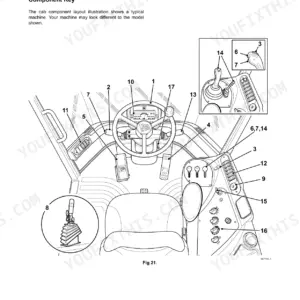
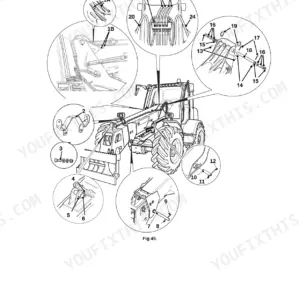
Keeping your excavators running daily starts with this 302-page JCB JS300, JS330, JS370 Operator Manual PDF (OEM #9831/1100). You get complete daily maintenance schedules, detailed fluid capacity charts, and step-by-step walk-around inspection procedures to catch minor issues before they completely sideline your machine. Open up the operations section to find full dashboard control layouts, error code definitions, and attachment handling rules designed to keep your operators safe and productive moving dirt. Verify your JS300 travel motor bolts are tightened to exactly 923 N.m and quickly confirm the F1 fuse for the amber warning light is rated at 10A before closing up the electrical panel. Unplanned downtime drains your profits fast. Download this bookmarked file directly to your smartphone or tablet, jump straight to the exact routine service spec, and get your crew back to digging.
Complete the set for your JS300, JS330, JS370
What's Inside This JCB JS300, JS330, JS370 Operator Manual
| System | Pages | Key Topics |
|---|---|---|
| Introduction | 3-11 | General |
| Acronyms Glossary | 12-16 | Safety |
| About the Product | 17-32 | Description (General, Intended Use, Log Moving/Object Handling, Optional Equipment and Attachments, Danger Zone, Main Component Locations) |
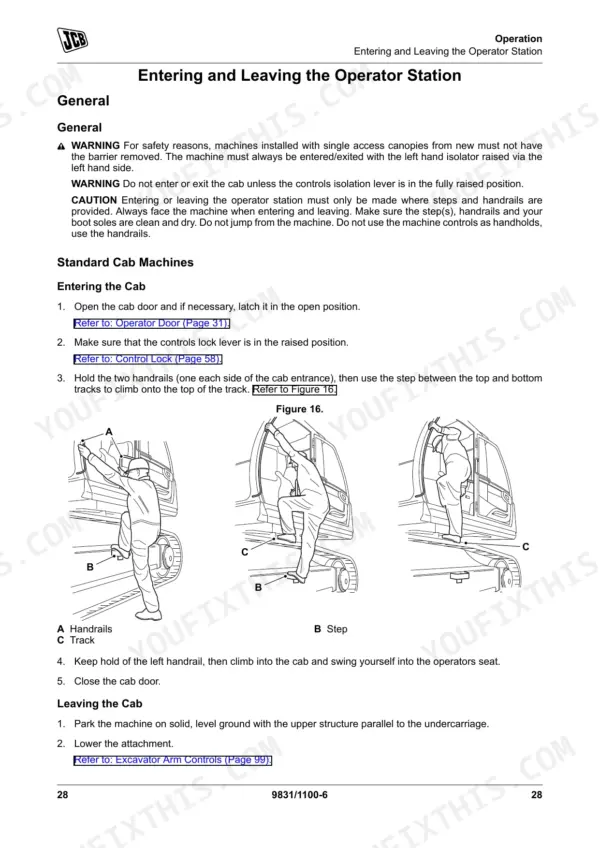
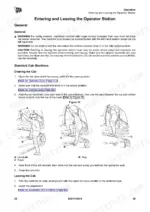
| Operation, Safety & Pre-Operation | 33-80 | Operating Safety (General, Worksite Safety, Risk Assessment), Walk-Around Inspection (General), Entering and Leaving the Operator Station (General, Emergency Exit) |
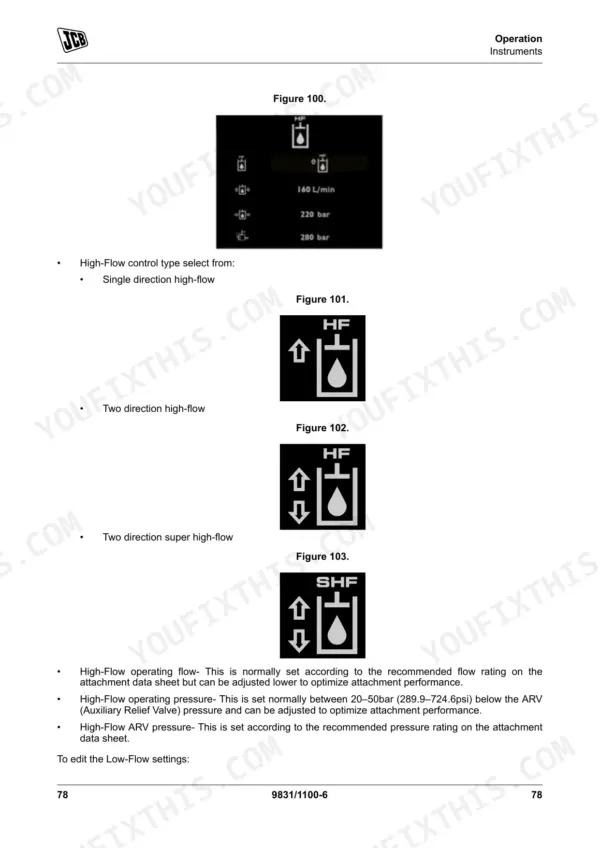
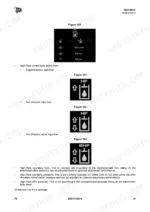
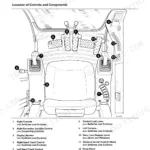
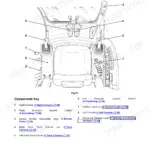
| Operation, Instruments, Controls & Dashboard | 81-130 | Fault Codes, Service Indicators, Display Alarms, Hydraulic Flow Settings, Diagnostic Menu |
| Operation, Attachment & Machine Controls | 131-184 | Bucket Linkage Settings, Proximity Switch Adjustment, High-Flow Auxiliary Hydraulics, Attachment Handling Rules |
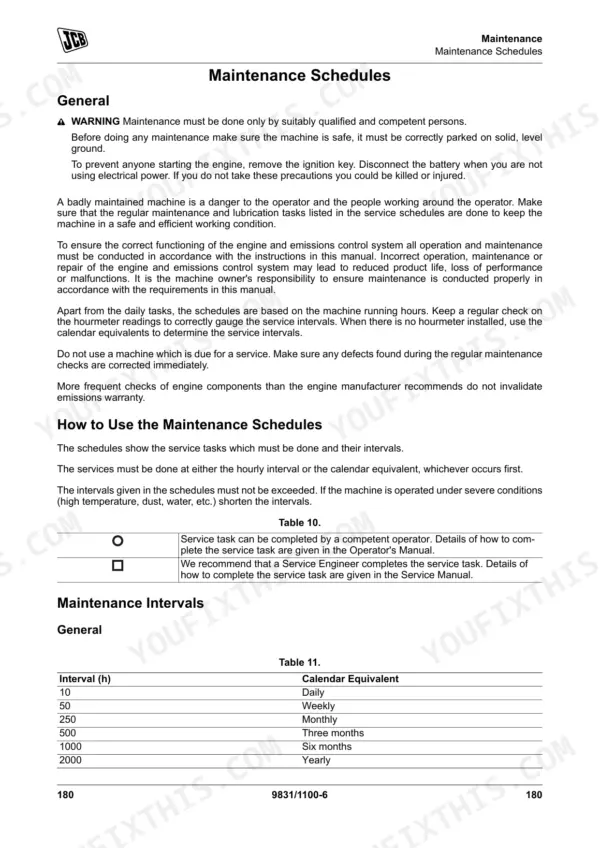
| Maintenance | 185-244 | Maintenance Safety, Maintenance Schedules, Service Points, Access Apertures, Body and Framework, Operator Station, Engine, Fuel System |
| Technical Data | 245-302 | Static Dimensions, Visibility Diagrams, Performance Dimensions, Vibration Emissions, Fluids, Lubricants and Capacities, Torque Values, Warranty Information |
Quick Reference Specifications
| Specification | Value | Page |
|---|---|---|
| JS300 | ||
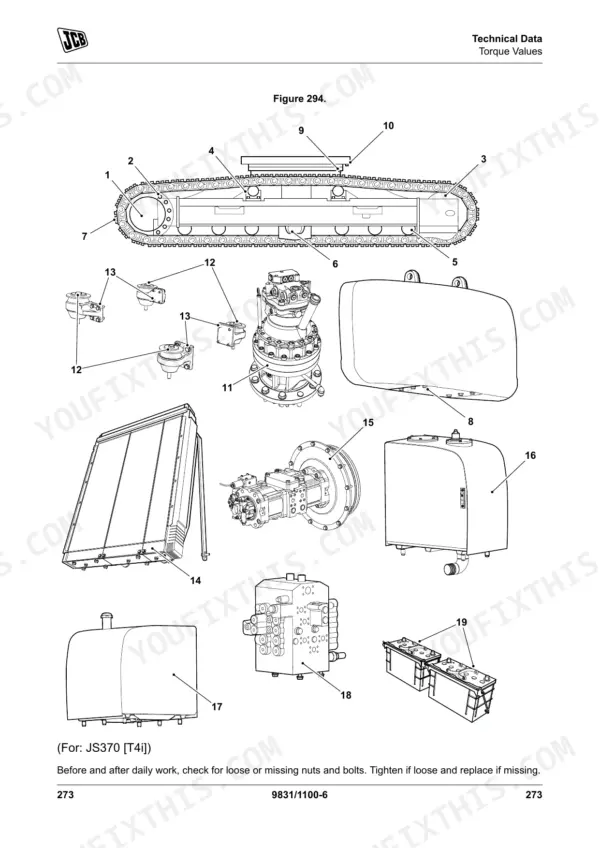
| Travel motor bolt tightening torque | 923 N.m | p. 286 |
| JS330 | ||
| Hex. bolt M6 tightening torque | 12.5 N.m | p. 283 |
| Hex. bolt M8 tightening torque | 30 N.m | p. 283 |
| All Models | ||
| F1 Beacon fuse rating | 10A | p. 290 |
| F2 Backlight fuse rating | 5A | p. 290 |
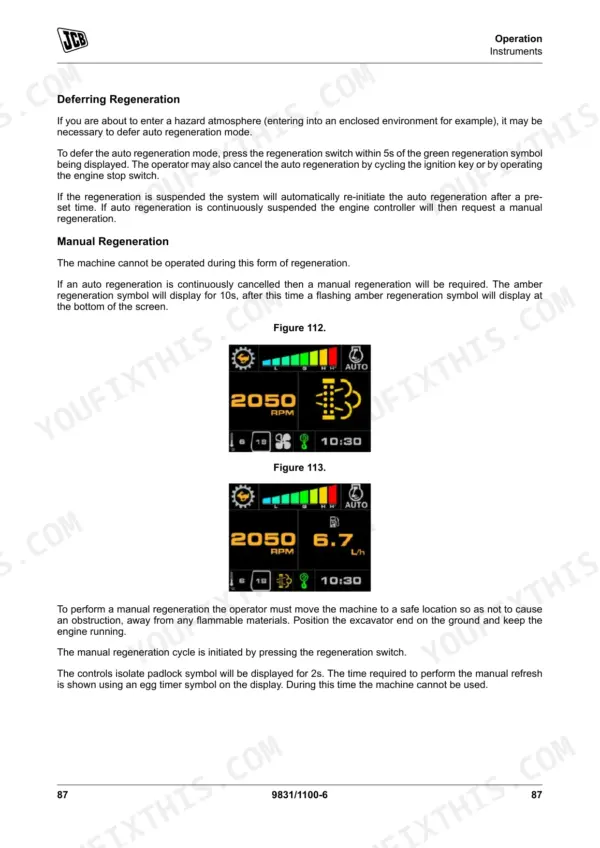
| Hydraulic Flow Settings Default Pressure | 170bar (2,464psi) | p. 88 |
| Bucket Linkage Clearance | 0.8mm | p. 132 |
| Proximity Switch Sensor Distance | 4.5 ± 0.5mm | p. 134 |
| Engine Oil Capacity | 51L | p. 279 |
| Cooling System Capacity | 45L | p. 279 |
| Slew Gearbox Oil Capacity | 14.5L | p. 279 |
| Minimum Track Tension | 25mm | p. 294 |
JCB JS300, JS330, JS370 Common Problems This Manual Covers
JCB JS300, JS330, and JS370 display erratic electronic faults or machine becomes completely inoperable after cab cleaning
Inspect the cab electrical components and fuse box per the procedures on page 291. Replace any blown fuses and clean the operator station without using high-pressure water or steam to prevent damage to the on-board computer.
Manual Section: Maintenance p. 291Loose or missing fasteners found around the rollover protection structure during daily pre-start walk-around inspections
Check all safety structure fasteners during your daily walk-around inspection. Torque the ROPS mounting bolts to the specification listed in the manual. Replace any missing hardware immediately before starting the engine or operating the excavator to maintain maximum operator protection in the cab.
Manual Section: Operation p. 218Hydraulic oil leaks and seal seepage noticed around hoses and filter housings during regular service intervals
Drain the system and inspect all fluid connections. Fit a new filter with new gaskets as noted on page 209. Replace O-rings and gaskets at the same time as the hoses, and refill the engine oil capacity to exactly 51L to ensure proper fluid levels.
Manual Section: Maintenance p. 209Tracks jumping off idlers or excessive undercarriage wear observed during rough ground travel
Measure the track sag at the center roller. Adjust the grease cylinder until the minimum track tension is exactly 25mm as specified on page 294. Clean any packed mud from the undercarriage daily to prevent premature wear on the track links and track rollers.
Manual Section: Technical Data p. 294Frequently Asked Questions
How do I reset the fault code on a JCB JS330?
When the JCB JS330 detects a service fault, the fault icon and code appear on the home screen, and the buzzer sounds momentarily. Press the enter button to acknowledge the code. The fault indicator remains on after acknowledgement. The manual does not provide a procedure for the operator to clear the code from the system — resolution requires fixing the underlying issue or a JCB dealer diagnostic tool. p. 91
How do I reset the hydraulic service warning on a JCB JS370?
When a service is required on the JCB JS370, a service symbol and fault indicator appear and remain on even after cycling the ignition. The manual states that only your JCB dealer can cancel this symbol and fault indicator. p. 95
What do error codes mean on a JCB JS300?
The JCB JS300 fault log display shows each fault code along with time, date, engine hours, and how many times the fault has been active. Color coding indicates severity: critical faults show in red, warnings in yellow, and trivial faults in gray. A comprehensive list of specific error code definitions is not provided in this operator manual. p. 84
How do I clear the display alarm on a JCB JS330 excavator?
The JCB JS330 buzzer activates when a message or fault occurs. Acknowledgeable messages and faults can be silenced by pressing the enter button on the display. Non-acknowledgeable faults continue to sound until the condition clears. p. 97
What is the torque spec for the JCB JS370 swing motor bolts?
For the JS370, the tightening torque for the slew equipment (swing motor) bolts is 410/874 N.m for M20/M24 bolt diameters, with a checking torque of 369/787 N.m. The wrench sizes required are 30mm and 36mm respectively. p. 274
How quickly can I access this manual after buying?
Immediate download of the complete 302-page searchable Operator Manual. Access it on any device, from a laptop at your desk to a phone in the field.
Can I print this manual?
Yes. Print individual pages or full chapters for your own shop use, on letter or A4 paper.
Reviews
There are no reviews yet.