
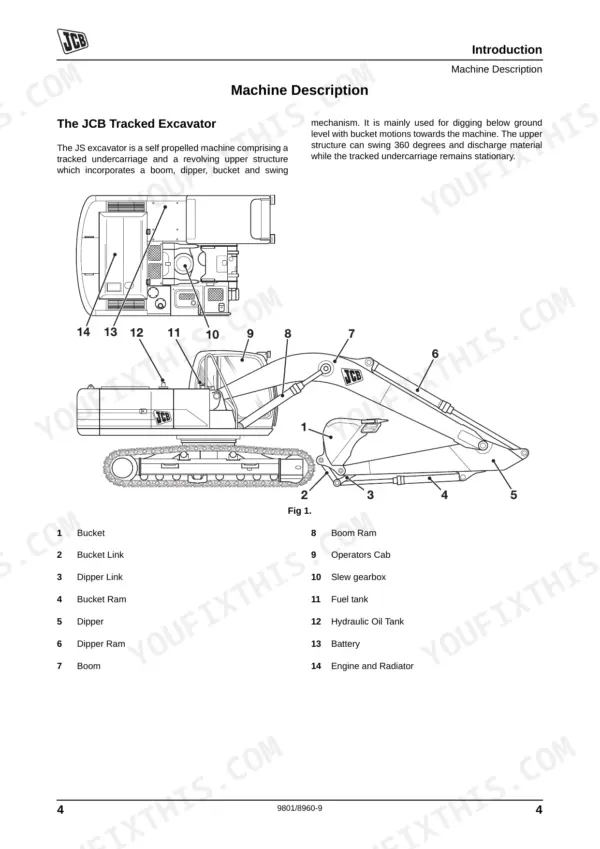
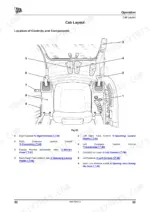
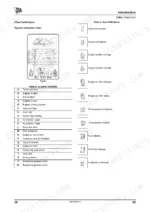
Need the exact operating procedures for your JCB Tracked Excavator? This 236-page operator manual covers the full JS110–JS330 Series, including the JS115, JS130, JS130LC, JS145, JS160, JS180, JS190, JS200, JS210, JS220, JS235, JS240, JS260, and JS330. Inside, you get a full breakdown of console layouts, routine service intervals, and safety protocols for the JS family. Packed with operational procedures for both monoboom and triple articulated setups, you will find exact fluid capacities, safe transport tie-down instructions, and daily maintenance schedules. Lock down your M20 turntable bearing bolts to 780–910 Nm and verify your pilot oil filter case to 24.4–34.3 Nm during routine service. Avoid risking costly downtime with bad information. Grab this bookmarked download, pull it up on your phone right in the cab, and get to work.
Complete the set for your JS110–JS330 Series
Other editions of this manual
- JCB JS130–JS460 Series Tracked Excavator Operator Manual Original price was: $30.99.$19.99Current price is: $19.99.
- JCB JS240–JS360 Series Operator Manual Original price was: $30.99.$19.99Current price is: $19.99.
- JCB JS115–JS235 Series Excavator Operator Manual Original price was: $32.99.$19.99Current price is: $19.99.
What's Inside This JCB JS110–JS330 Series Operator Manual
| System | Pages | Key Topics |
|---|---|---|
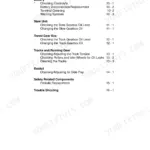
| Safety Notices | 7-28 | Machine Model and Serial Number, Using This Manual, Units of Measurement, Machine Orientation (Left/Right Side), Safe Machine Operation, Cross References |
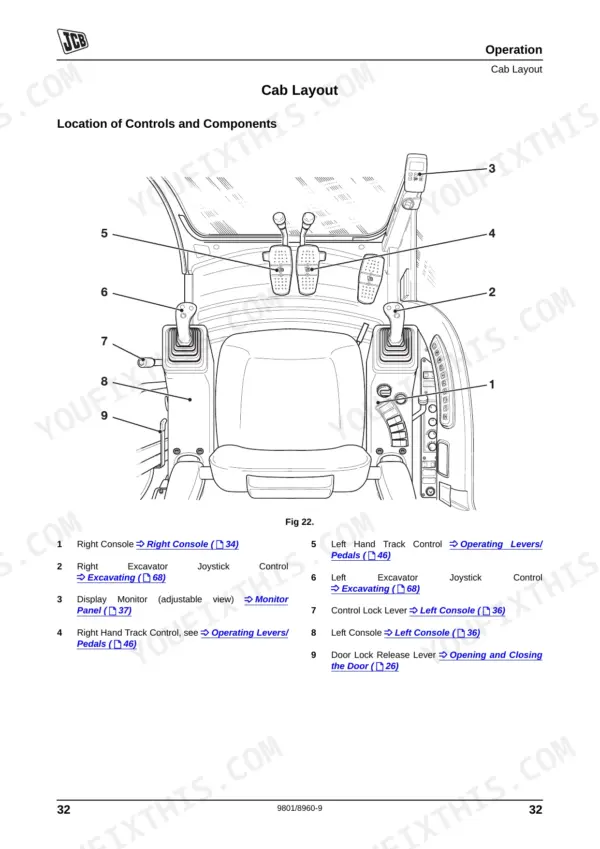
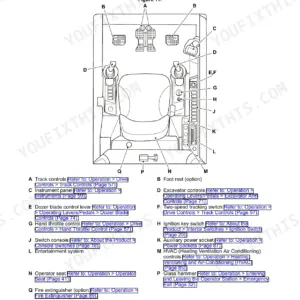
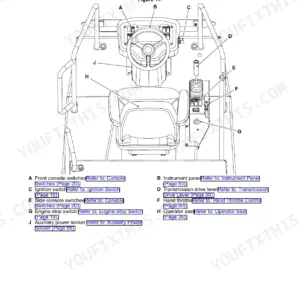
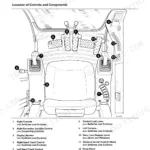
| Operation | 29-86 | Pre-Operation Checks, Entering and Leaving the Cab, Cab Controls and Instrumentation, Monitor Display and Fault Messages, Operating the Excavator |
| Refuelling | 87-88 | Fuel Level Check, Filling the Tank, Refuelling Pump (Early and Later Machines) |
| Moving a Disabled Machine | 89 | Limp Mode, Emergency Back-Up Switch, Mechanical Engine RPM Override |
| Transporting the Machine | 90-91 | Loading Onto Trailer, Securing to Trailer, Measuring Machine Height, Unloading |
| Lifting the Machine | 92-93 | Lifting Procedures for JS115–JS260 Machines, JS330 Machine Lifting Points |
| Storage | 94 | Storage Sites, Putting Into Storage, During Storage, Taking Out of Storage |
| Anti-Vandalism Guards (Option) | 95-96 | Unpacking, Fitting, Removing, And Storing the Guards |
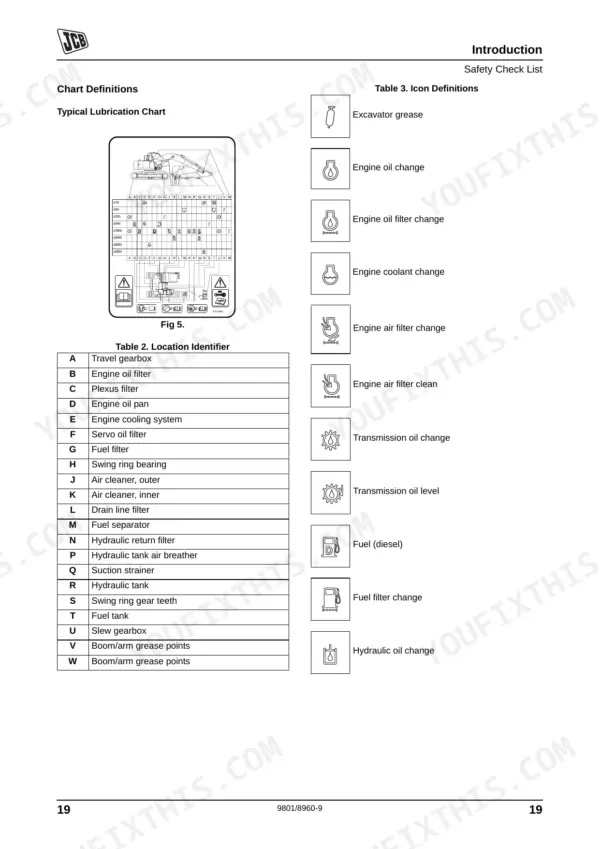
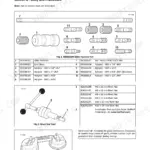
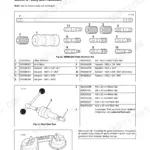
| Routine Maintenance | 97-178 | Service Schedules (250/500/1000/2000/4000/5000-hour Intervals), Engine Oil and Filter Service (13.2 L Capacity, p.110), Hydraulic Filter Replacement (Servo/Plexus/Return/Drain Elements), Air Cleaner Service (Dust Valve Every 10 Hours, p.103), Shoe Bolt Torque (M16, p.122), Turntable Bearing Torque (M16/M20, p.124), Travel Motor and Drive Sprocket Torque (JS330, p.125), Fops Torque (78.4 Nm, p.129), Plexus Filter Housing Torque (20 Nm, p.157), Pilot Oil Filter Torque (24.4–34.3 Nm, p.159) |
| Optional Attachments | 179-188 | Available Attachments, Operating Attachments, Hydraulic Rockbreaker (Preparation, Operation, Maintenance, Hammer Speed Settings) |
| Specifications | 189-236 | Static Dimensions for JS115, JS130, JS130LC, JS145, JS160, JS180/190, JS200/210/220, JS235, JS240/260 (Monoboom and Triple Articulated Boom), JS330 Monoboom, JS220/260 Long Reach |
Quick Reference Specifications
| Specification | Value | Page |
|---|---|---|
| JS130, JS145 | ||
| Shoe Bolt torque (M16) | 310~360 Nm / 640~750 Nm | p. 122 |
| JS200, JS210, JS220, JS235, JS240, JS260 | ||
| Turntable Bearing (Undercarriage) torque (M16) | 475~550 Nm | p. 124 |
| Turntable Bearing (Undercarriage) torque (M20) | 780~910 Nm | p. 124 |
| All Models | ||
| Plexus filter bolts E torque | 20 Nm | p. 157 |
| Pilot Oil Filter case to head B torque | 24.4 to 34.3 Nm | p. 159 |
| Air Cleaner Dust Valve cleaning interval | Check and Clean every 10 hours | p. 103 |
| Cab Mounted FOPS Torque | 78.4 Nm | p. 129 |
| JS330 | ||
| Travel Motor torque (M16) | 270~310 Nm | p. 125 |
| Drive Sprocket torque (M16) | 220~310 Nm | p. 125 |
| JS115, JS130, JS130LC, JS145, JS160, JS180, JS190 | ||
| Engine Oil Capacity | 13.2 litres | p. 110 |
| Fuel Tank Capacity | 253 litres | p. 110 |
| JS115, JS130, JS130LC, JS145 | ||
| Hydraulic System Capacity | 124 litres | p. 110 |
JCB JS110–JS330 Series Common Problems This Manual Covers
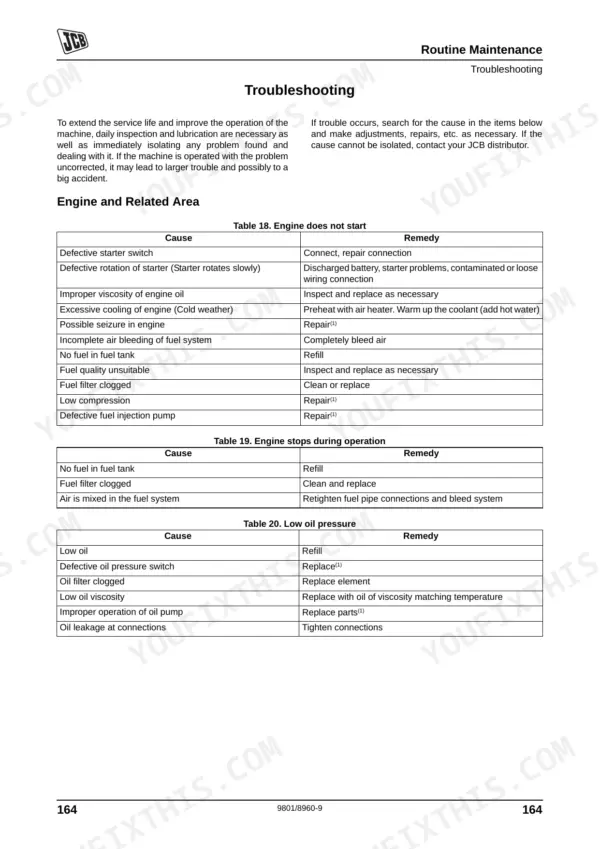
Engine power drops noticeably under load and black exhaust smoke appears from the stack
Check the air cleaner dust valve and clean out any accumulated dirt. You must check and clean the dust valve every 10 hours as detailed on page 103. Inspect the outer filter element for severe restriction and replace it if the warning light remains illuminated.
Manual Section: Engine Exhaust Gas (White/Blue/Black/Dark Grey) p. 103Rattling noise from the cab roof structure when tramming over rough terrain
Inspect the falling object protective structure mounting points for loose hardware. Retorque all cab mounted FOPS bolts to 78.4 Nm as instructed on page 129. Verify no structural cracks exist around the mounting brackets before returning the machine to service.
Manual Section: Routine Maintenance p. 129Intermittent loss of pilot pressure and joysticks are completely unresponsive during operation
Remove and inspect the pilot oil filter element for metal debris. Reinstall the housing and tighten the pilot oil filter case to head B torque between 24.4 to 34.3 Nm as shown on page 159. Bleed air from the pilot circuit before testing joystick response.
Manual Section: Hydraulic Pump Issues p. 159Frequently Asked Questions
What are the replacement specifications for Hydraulic filters?
The replacement specifications for hydraulic filters vary based on the type of filter and the operating conditions. For normal use, filters like the Servo Filter Element, Plexus Filter Element, Return Filter Element, and Drain Filter Element are typically changed at intervals such as 250, 500, 1000, 2000, 4000, or 5000 hours, as detailed in the Service Schedules. If using a breaker, crusher, or pulverizer, these filters must be changed whenever the period of use exceeds 100 hours, regardless of the total machine operating hours. p. 108
What are the replacement specifications for Engine air filters?
Engine air filter elements have specific replacement intervals. The outer air filter element should be changed at intervals such as 250, 500, 1000, 2000, 4000, or 5000 hours, or more frequently in dusty conditions, and immediately if the warning light on the instrument panel illuminates. The inner air filter element should be replaced at intervals such as 500, 1000, 2000, 4000, or 5000 hours, or at least every third time the outer element is changed. p. 141
How do you fix JCB JS115 excavator engine overheating indicator flashes on the monitor display during heavy digging operations?
Inspect the cooling package for debris and verify the fan belt slack is exactly 10 mm as shown on page 126. Check the engine oil dipstick and ensure the crankcase is filled to the 13.2 litres capacity specified on page 110. Clean the radiator fins. p. 126
How do you fix hydraulic functions become slow and attachment controls feel stiff when operating the machine?
Drain the hydraulic tank and check the Plexus filter for contamination. When reinstalling the filter housing, torque the Plexus filter bolts E to exactly 20 Nm as specified on page 157. Verify hydraulic fluid level is visible in the sight glass before resuming operation. p. 157
How will I receive this JCB JS110–JS330 Series Operator Manual?
You get a 236-page searchable PDF that downloads instantly after checkout. Open it on your laptop, tablet, or phone, and bring it right to the shop floor.
Can I print specific sections of this JCB JS110–JS330 Series Operator Manual?
Yes. Print the pages or sections you need for your own shop use. Any standard printer works.
Reviews
There are no reviews yet.