
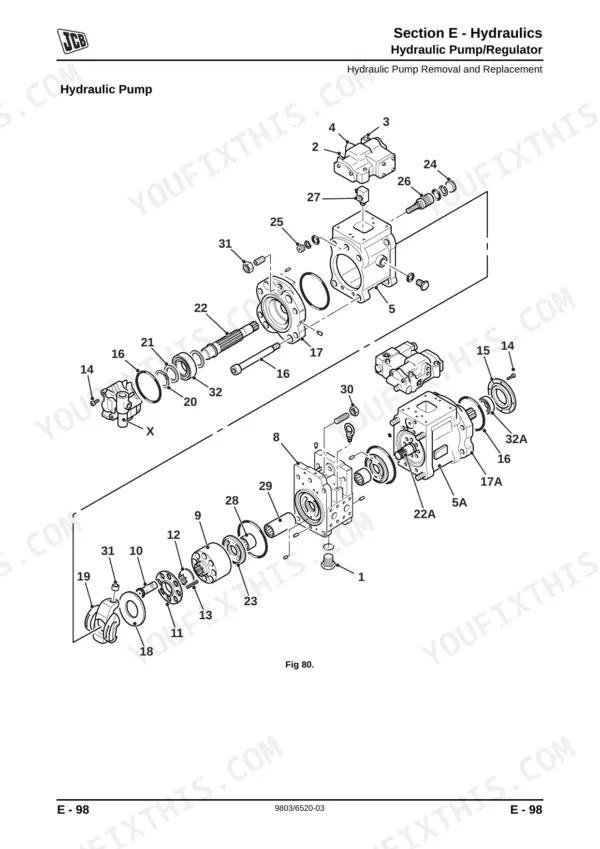
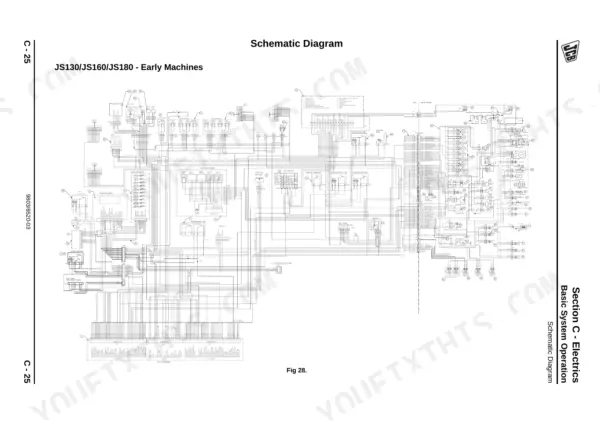
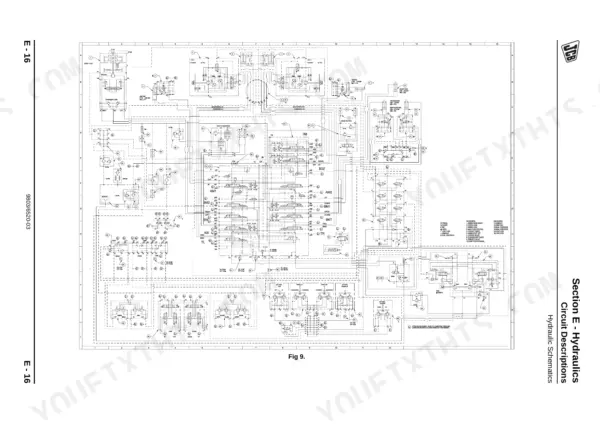
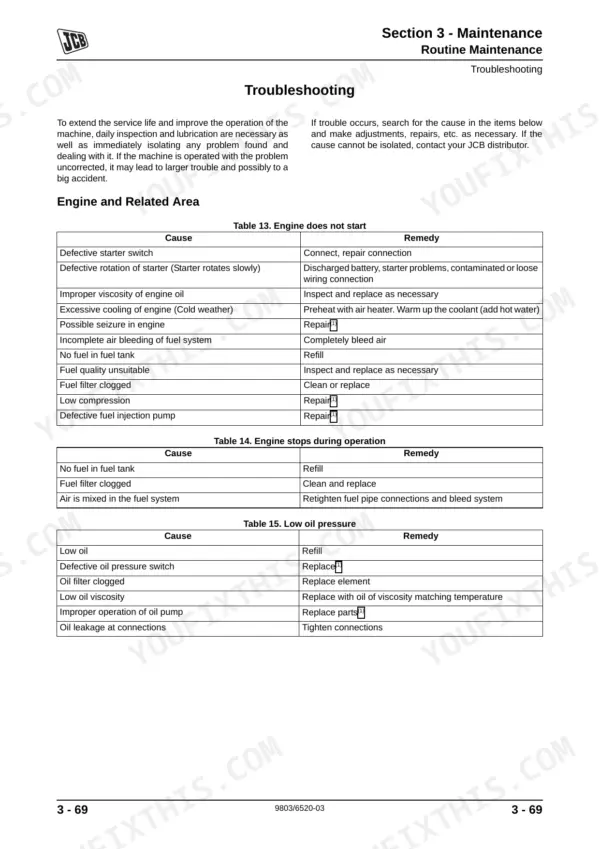
Looking for the factory procedures for your excavator? This 771-page JCB JS115–JS180 Series Service Manual PDF (OEM #9803/6520-3) details the complete hydraulic, electrical, and powertrain systems for the JS130, JS130LC, JS145, JS160, and JS180 variants. You get full hydraulic schematics detailing pump regulation and servo lines, plus extensive electrical circuit diagrams tracing the Advanced Management System. Open the troubleshooting guide to quickly diagnose monitor display fault messages, track motor pressure issues, or sluggish cycle times. Bleed air from the rams by idling the engine and stroking each cylinder five times to within 100 mm of the end, then lock down the plexus filter bolts to exactly 20 Nm. A dead machine digs no dirt. Save this bookmarked file to your tablet, pull up the right schematic right in the cab, and get your equipment back to work.
What's Inside This JCB JS115–JS180 Series Manual
| System | Pages | Key Topics |
|---|---|---|
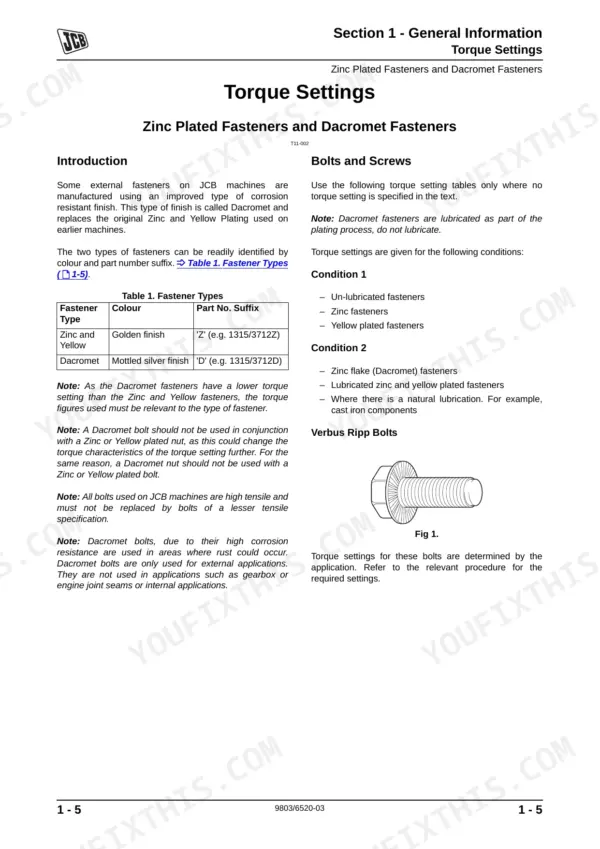
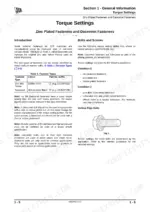
| General Information | 4-38 | Introduction (Schematic Codes), Identifying Your Machine, Torque Settings (Zinc Plated Fasteners and Dacromet Fasteners, Hydraulic Connections) |
| Care & Safety | 39-59 | Safety Notices (Introduction), Safety Check List (Safety - Yours and Others), Operating Safety, Maintenance Safety, Safety Decals (Safety Decal Recognition) |
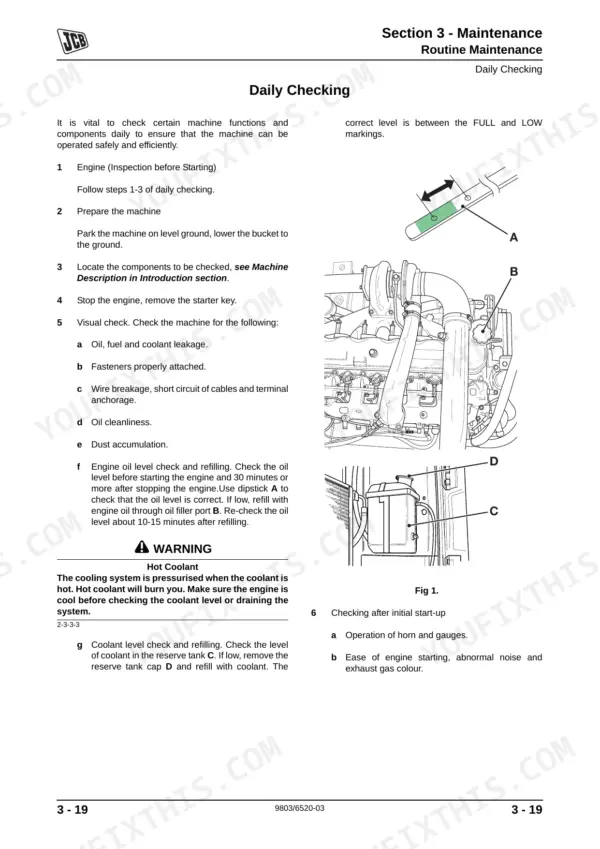
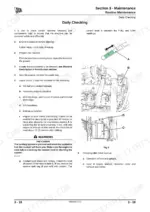
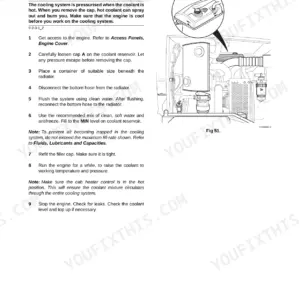
| Maintenance | 60-140 | Routine Maintenance (Introduction, Owner/Operator Support, Obtaining Replacement Parts, Lifting Regulations - Inspections and Tests) |
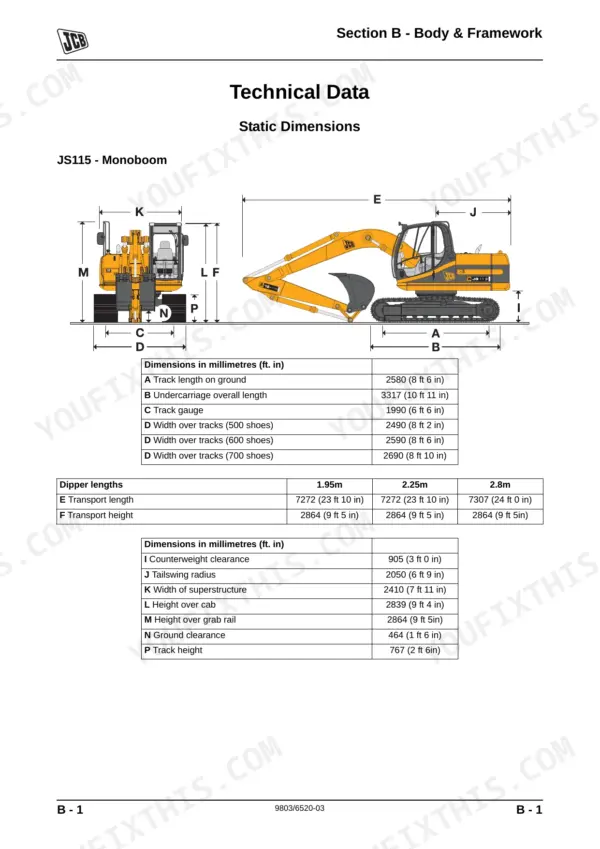
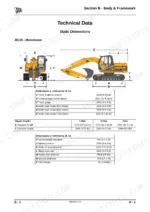
| Body & Framework | 141-197 | Technical Data (Static Dimensions, Dig Depth Chart, Shipping Weight, Attachments, Air Conditioning), Basic Operation (Air Conditioning), Fault Finding (Air Conditioning) |
| Electrics | 198-407 | Technical Data (Fuses) |
| Hydraulics | 408-677 | Technical Data, Basic System Operation (Hydraulic Component Location, Introduction to Hydraulic Schematic Symbols) |
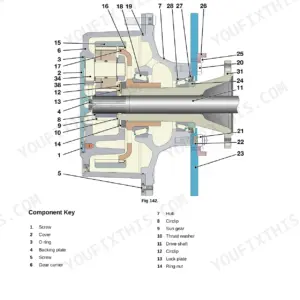
| Transmission | 678-730 | Technical Data (Travel Equipment), Fault Finding (Introduction), Track Motor (Removal and Replacement, Start Up and Running in, Dismantling and Assembly) |
| Track & Running Gear | 731-766 | Technical Data (Torque Specifications), Idler Wheel and Recoil Unit (Removal, Replacement), Idler Wheel (Dismantling, Assembly, Wear Limits), Recoil Unit (Dismantling, Assembly) |
| Engine | 767-771 | Technical Data (JS115 - JS180) |
Documents This Manual Refers To
The manufacturer cites these publications by number. We carry them:
Quick Reference Specifications
| Specification | Value | Page |
|---|---|---|
| All Models | ||
| Air Bleeding Procedure for Rams | Idle the engine at low speed and extend and retract each ram 5 times, stopping the ram 100 mm before the end of each stroke. Operate each ram 4 times for the full stroke to completely bleed the air. | p. 124 |
| Plexus Filter bolts E torque | 20 Nm (14.75 lbf ft) | p. 119 |
| Pilot Oil Filter case A torque | 24.4 to 34.3 Nm (2.5 to 3.5 kgf m, 18.07 to 25.5 lbf ft) | p. 121 |
| Main Hydraulic Pump Operating Pressure | 343 bar | p. 413 |
| JS115 | ||
| Main Hydraulic Pump Displacement Volume, JS115 | 55 (cc/rev) x2 | p. 413 |
| JS130-JS145 | ||
| Main Hydraulic Pump Displacement Volume, JS130-JS145 | 59 (cc/rev) x2 | p. 413 |
| JS115 - JS180 | ||
| Engine Oil Capacity | 13.2 litres | p. 77 |
| JS115 - JS145 | ||
| Hydraulic System Capacity (JS115 - JS145) | 124 litres | p. 77 |
| JS160/180 | ||
| Hydraulic System Capacity (JS160/180) | 142 litres | p. 78 |
| JS115/JS130LC/JS145 | ||
| Slew Motor Brake Torque (JS115/JS130LC/JS145) | 266 Nm | p. 414 |
JCB JS115–JS180 Series Common Problems This Manual Covers
JCB JS130 excavator loss of hydraulic power, boom and arm functions are extremely slow when warm
Test the main hydraulic pump operating pressure. Connect your gauge and verify the system reaches 343 bar as shown on page 413. If pressure falls short, inspect the pump regulator and torque the regulator securing screws to the value specified in the Hydraulics section of this manual before retesting cycle times.
Manual Section: Hydraulics p. 413Hydraulic ram movement feels spongy and chatters immediately after replacing boom or arm cylinder seals
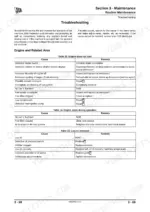
Bleed the trapped air from the rams using the procedure on page 124. Idle the engine at low speed and extend and retract each ram 5 times, stopping 100 mm before the end of the stroke. Operate each ram 4 times for the full stroke to finish bleeding.
Manual Section: Maintenance p. 124Engine starves for fuel under load or stalls randomly during heavy trenching operation
Replace the fuel filter element. Swap the old element since the strict replacement interval is 500 hours as specified on page 71. Lubricate the new seal, install the filter, and use a chain wrench to tighten it by a further 2/3 turn after the seal bites.
Manual Section: Maintenance p. 71Machine pulls heavily to one side and final drive clunks during forward travel
Inspect the final drive housing and track motor hardware. Check the mounting hardware on page 735 and torque the track motor mounting bolts to the value specified in the Track & Running Gear section of this manual. If the bolts are stretched or damaged, install new fasteners and verify the travel equipment operates without excessive noise.
Manual Section: Track & Running Gear p. 735Frequently Asked Questions
How do I reset the service indicator on a JCB JS115/JS130/JS145 excavator?
To reset the service indicator, press and hold the "Set" and "Mode" buttons on the EMS simultaneously for 20 seconds until "Service off" is displayed. Then, press "Ack" and enter the four-digit JCB dealer code using the "Up/Down" keys, accepting each digit with "Ack". Finally, press "Set" to save the code and extinguish the warning lamp. p. 329
How do I clear fault codes on a JCB JS160 or JS180 excavator?
To clear fault codes, use the Error Log Reset Tool. Double-click the icon to access the reset screen and then click the "send" button to reset all error logs. This tool is part of the Service Master 2 applications. p. 336
What does error code 101 CRANK mean on a JCB JS130LC hydraulic excavator?
Error code 101 CRANK means that a crank signal was not detected by the ECU1. p. 176
How do I reset the hydraulic pressure after repairs on a JCB JS145?
To restore the original Main Relief Valve (MRV) pressure after repairs, first increase the MRV pressure temporarily as detailed in the Auxiliary Relief Valves procedure. Then, follow the Main Relief Valve (MRV) Pressure procedure, ensuring the pressure is set to Standard: 314 bar (4554 lb/in2) or Power Boost: 343 bar (4975 lb/in2) as required. p. 497
How will I receive this Service Manual?
Instant PDF download. You get the full 771-page searchable Service Manual immediately after payment. Open it on your laptop, tablet, or phone right in the shop.
Can I print specific sections of this Service Manual?
Yes. Many mechanics print the section they need for their own shop and bring it to the bench.
Does this JCB JS115–JS180 Series manual include wiring diagrams?
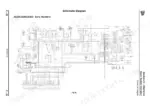
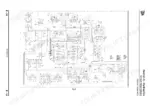
Yes. You'll find full electrical schematics with wire routing diagrams, connector identification, and circuit descriptions.
Reviews
There are no reviews yet.