
Part of the JCB Operator Manuals.
Getting the most out of your compact excavator starts with this 216-page JCB 65 R-1 operator manual PDF (OEM #9821/9450). Inside, you get complete daily maintenance schedules, a full breakdown of console switches, and step-by-step operating procedures for working with attachments like quickhitches and rockbreakers. Open to the technical data section to find exact fluid capacities, strict maintenance intervals, and dashboard warning symbol charts to keep your machine running smoothly. You also get clear instructions for safe transport and storage. Adjust your 400mm rubber track tension to exactly 15-25 mm before verifying the 83-liter fuel tank is topped off for a long shift. Ignored warnings and missed greasing schedules cost you serious downtime. Download this bookmarked digital file directly to your tablet, pull up the right specs in seconds, and get to work.
What's Inside This JCB 65 R-1 Operator Manual
| System | Pages | Key Topics |
|---|---|---|
| Acronyms Glossary | 11-12 | Cesar, Decu, DEF, ECU, Esos, Fogs, Fops, HVAC |
| Introduction | 13-18 | General, Name and Address of the Manufacturer, Product Compliance |
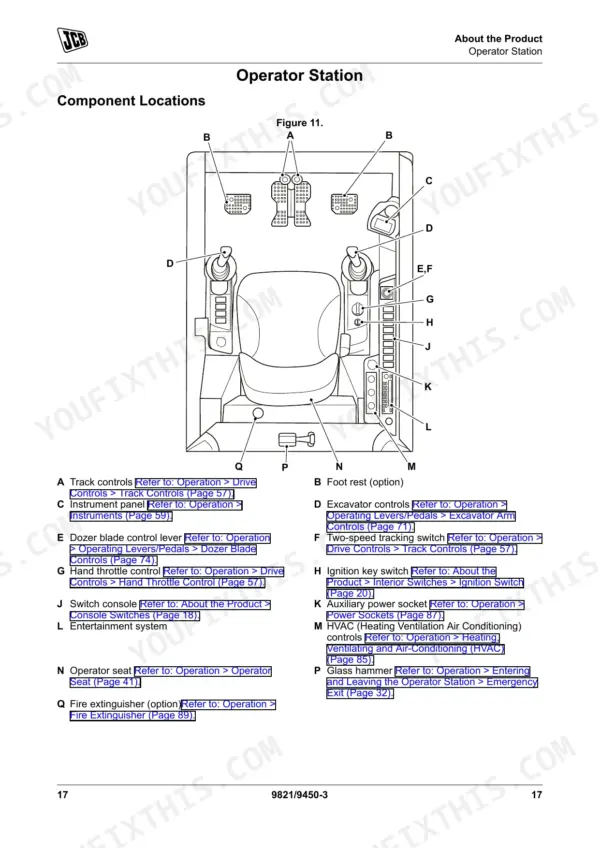
| About the Product | 19-34 | Description (General, Intended Use, Log Moving/Object Handling, Optional Equipment and Attachments, Danger Zone, Main Component Locations) |
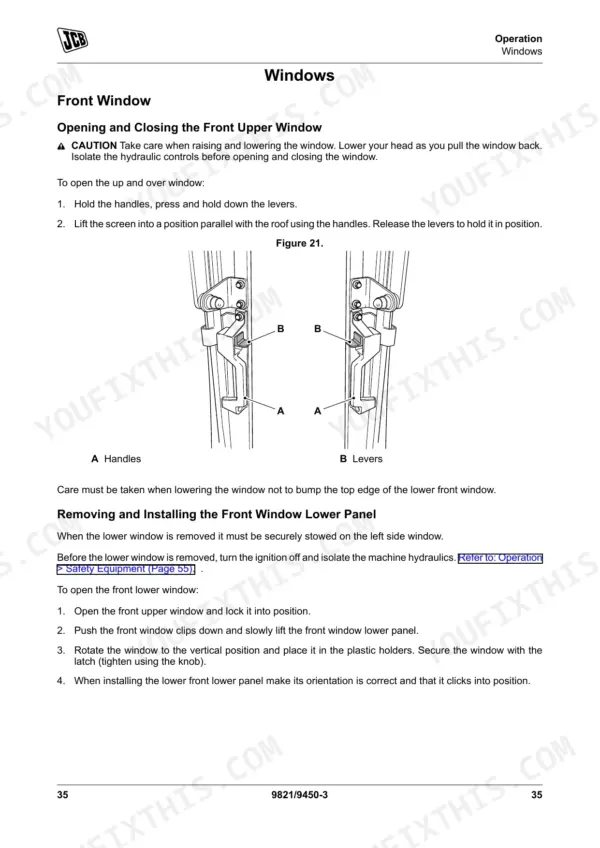
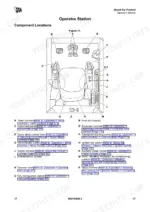
| Operation | 35-109 | Operating Safety, Walk-Around Inspection, Entering and Leaving the Operator Station, Doors, Windows, Sun Visor/Sunblind, Before Starting the Engine |
| Operating Environment | 110-111 | General, Operating in Low Temperatures, Operating in Extremely Low Temperatures, Operating in High Temperatures |
| Refuelling | 112-114 | General, Low Fuel Levels, Filling the Tank, Refuelling Pump |
| Attachments | 115-134 | Working with Attachments, Direct-Mounted Attachments, Quickhitch, Buckets, Rockbreaker |
| Preservation and Storage | 135-140 | Cleaning, Checking for Damage, Storage, Security |
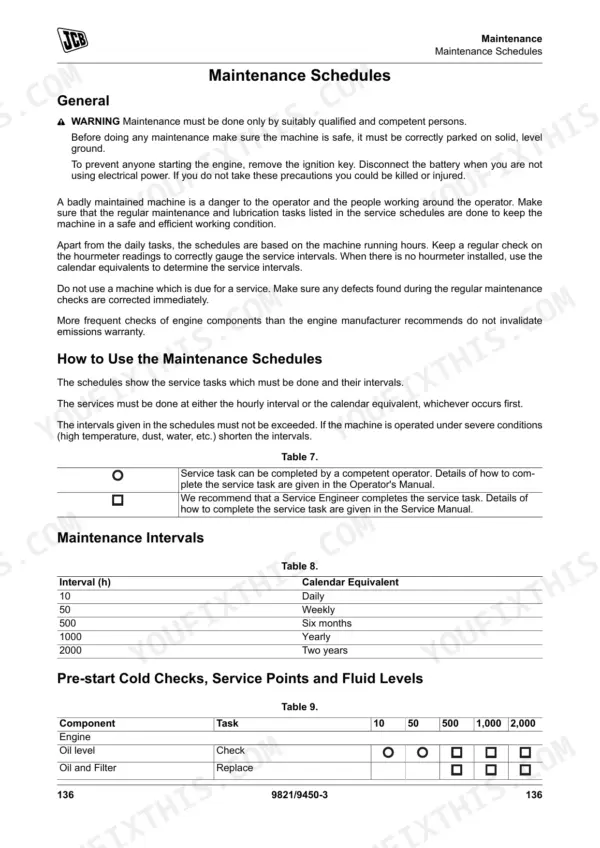
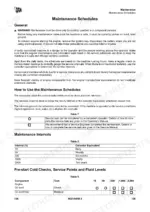
| Maintenance | 141-186 | Maintenance Safety, Maintenance Schedules, Maintenance Positions, Service Points, Access Apertures, Tools, Lubrication |
| Technical Data | 187-216 | Static Dimensions, Performance Dimensions, Noise Emissions, Vibration Emissions, Fluids, Lubricants and Capacities, Torque Values, Electrical System |
Quick Reference Specifications
| Specification | Value | Page |
|---|---|---|
| Rubber Track (400mm) Tension Range | 15 mm - 25 mm | p. 205 |
| Geo-grip Pad Track (400mm) Tension Range | 40 mm - 50 mm | p. 205 |
| Fuel Tank Capacity | 83 L | p. 196 |
| Engine Oil Capacity | 9.1 L | p. 196 |
| Hydraulic System Total Capacity | 92.5 L | p. 196 |
| Engine Coolant Capacity | 11.9 L | p. 196 |
| Auxiliary Hydraulic Circuit High Flow Pressure | 190 bar | p. 204 |
| Quickhitch System High Pressure | 250 bar | p. 204 |
| Noise at operator station (LpA) | 73 dB | p. 193 |
| Whole-body vibration emission | 0.41 m/s² | p. 195 |
| Rubber Track (400mm) Maximum Tension | 25 mm | p. 205 |
| System Voltage | 12 V | p. 201 |
JCB 65 R-1 Common Problems This Manual Covers
JCB 65 R-1 engine starts normally but hydraulics and travel controls do not respond to operator input
Inspect the left and right handle microswitches and foot pedals for debris. Check the troubleshooting procedures to verify operator presence switches are engaged. Test the battery connections to ensure the system receives the required 12 V specified on page 201.
Manual Section: OperationRubber track slapping against the undercarriage frame or slipping off the idler during tight turns
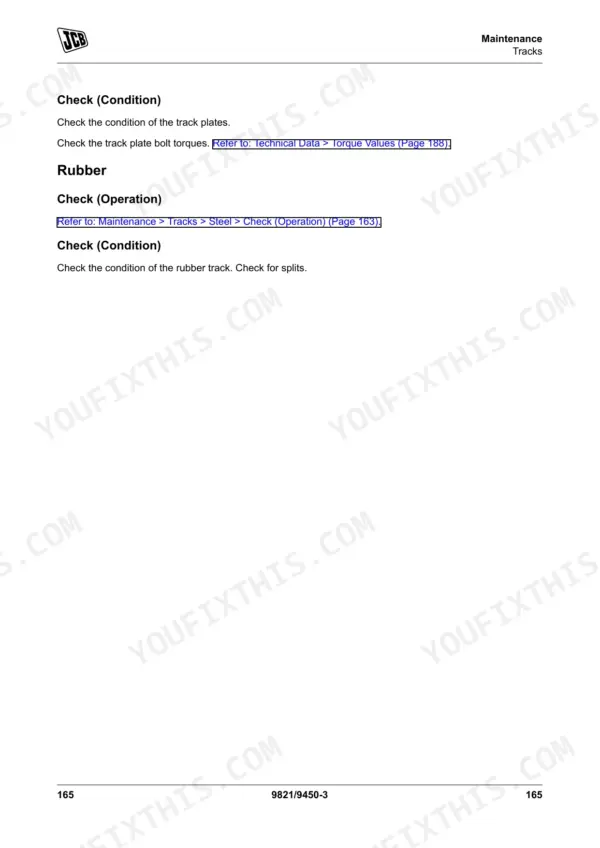
Measure the track sag midway between the idler and sprocket. Adjust the grease cylinder to achieve the proper tension range of 15 mm to 25 mm for 400mm rubber tracks, as listed on page 205. Clean built-up mud from the undercarriage before making adjustments.
Manual Section: Maintenance p. 205Direct-mounted attachments respond slowly or quickhitch mechanism fails to lock completely into place during operation
Check the quickhitch hydraulic lines for pinched hoses or leaks. Verify the system maintains the required 250 bar high pressure for the quickhitch circuit detailed on page 204. Inspect the hydraulic tank sight glass and fill to the 92.5 L total capacity if needed.
Manual Section: Attachments p. 204Engine temperature gauge reads high and coolant warning indicator flashes on dashboard after heavy digging
Inspect the cooling pack for dust accumulation and blow out with compressed air. Check the coolant level in the expansion tank and top off to the 11.9 L system capacity shown on page 196. Verify the radiator cap seals properly and holds pressure.
Manual Section: Maintenance p. 196Frequently Asked Questions
How do I reset the warning light on a JCB 65 R-1?
If a major warning is present, the instrument panel will display the warning on the right-hand side in red. The operator can acknowledge the fault to silence the warning buzzer by pressing the center button on the instrument display panel, but the warning symbol will stay illuminated on the screen until all faults are resolved. p. 75
What does the warning light on a JCB 65 R-1 mean?
The manual provides a table of notification symbols and their meanings. For example, a coolant temperature warning indicator and a battery-not-charging warning indicator are listed in the instruments section. p. 77
Why has the quick release stopped working on a JCB 65 R-1?
The quickhitch may stop working due to several reasons, including failure to install the latch hook locking pin, which can lead to a failure of the latching mechanism. Additionally, ingress of dirt into the quick release couplings can cause fluid leaks and difficulty in connecting or disconnecting them. p. 121
How do I tension the track on a JCB 65 R-1?
To tighten the track, remove the cover plate, add grease through the nipple in the adjusting screw until the track tension is correct, then rotate the track. To loosen the track, remove the cover plate (if installed) and loosen the adjusting screw until the track tension is correct, then rotate the track. Refer to Technical Data > Fluids section (Page 205) for the specific tension measurements. p. 176
How to reset fault code on JCB 65 R-1
If a major warning is present, the instrument panel will display the warning on the right-hand side in red. The operator can acknowledge the fault to silence the warning buzzer by pressing the center button on the instrument display panel, but the warning symbol will stay illuminated on the screen until all faults are resolved. p. 75
Is this JCB 65 R-1 Operator Manual a digital download?
This is a 216-page searchable PDF ready for immediate download. Works on any device, so pull it up on your phone while you're under the hood. No shipping, no waiting.
Can I print this manual?
Yes. Print a chapter or just the pages for the job at hand, for use in your own shop. Any home or office printer works.











Reviews
There are no reviews yet.