
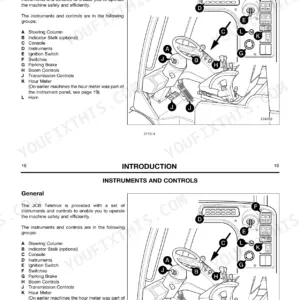
Part of the JCB Operator Manuals.
This is the JCB Robot 185 and 1105 Operator Handbook (publication 9801/4130) for these skid steer loaders, including the 185 H/F and 1105 HF high-flow variants, covering machines. It runs to 100 pages of operating and routine maintenance guidance.
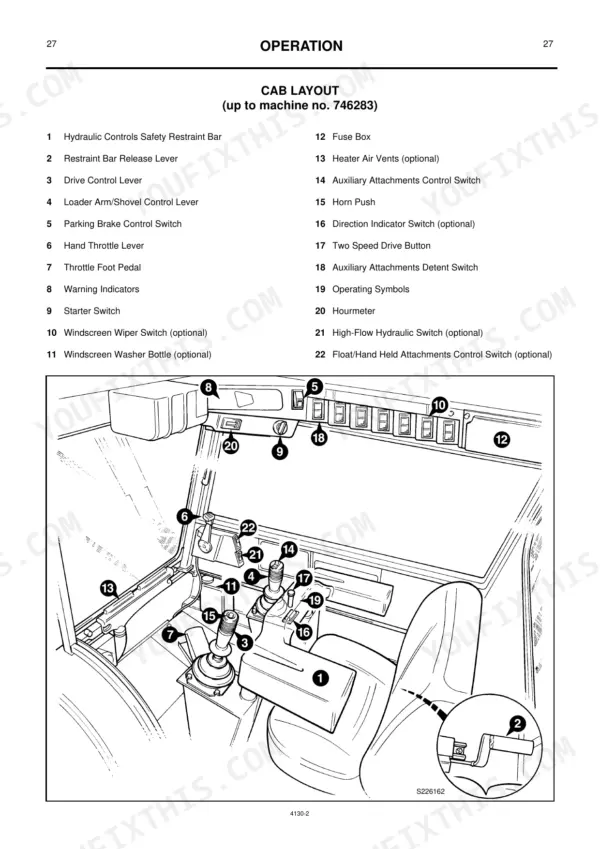
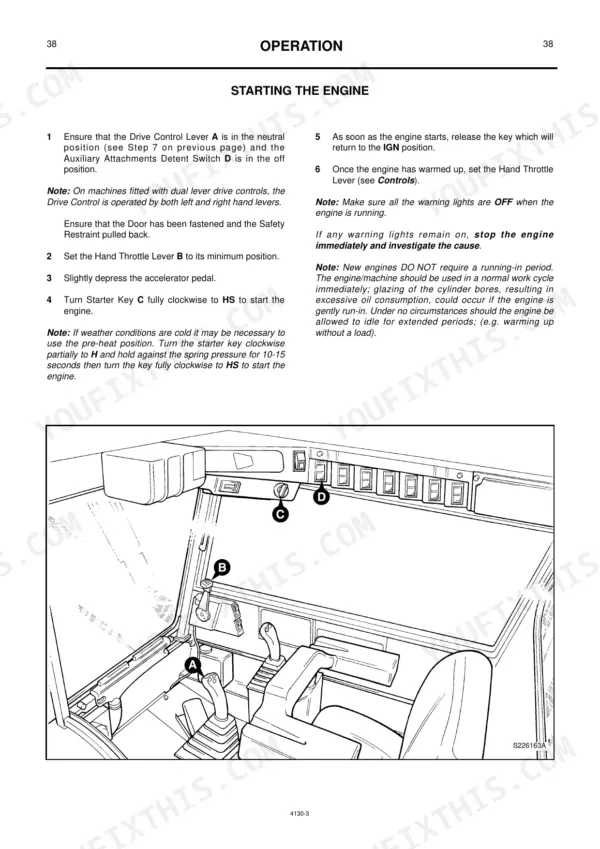
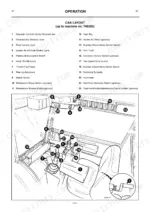
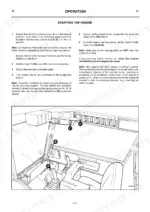
The handbook covers safety notices and checklists, entering and leaving the cab, controls, switches and warning indicators, starting and driving the machine, and using optional attachments such as the 6-in-1 shovel and pallet forks. A maintenance section explains daily and scheduled checks, transporting a disabled machine and the emergency load lower procedure.
A specification section lists rated lifting capacities, tipping loads, tyre data and dimensions, followed by service record sheets. For owners and operators of a Robot 185 or 1105, it is the reference for safe operation and keeping the machine maintained.
What's Inside This JCB Robot 185, 185 H/F, 1105, 1105 HF Operator Manual
| System | Pages | Key Topics |
|---|---|---|
| Safety Notices | 3-6 | Safety First - Yours and Other People's, Safety Check List (Operating Safety, Maintenance Safety), Safety Decals |
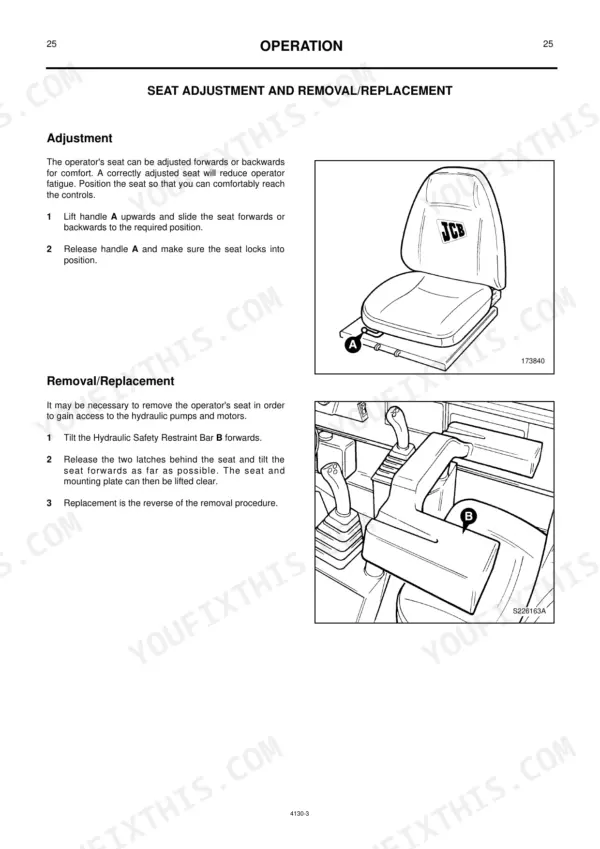
| Operation | 17-50 | Introduction, Before Entering the Cab, Entering/Leaving the Cab (Hydraulic Controls Safety Restraint Bar), Cab Door (Opening and Closing the Cab Door) |
| Maintenance | 51-78 | Moving a Disabled Machine, Transporting the Machine (Using a Trailer, Using a Truck, Transportation Safety), Emergency Load Lower Procedure, Testing the Parking Brake |
| Optional Attachments | 79-88 | Quick Release Couplings, Connecting/Disconnecting Hydraulic Hoses, Shovels, 6-In-1 Shovel, Pallet Forks, Creep Speed Control |
| Specification | 89-94 | Tyre Specification, Static Dimensions, Noise and Vibration Data, Tipping Loads |
| Service Record Sheet | 95-100 | Distributor Preparation Despatch Sheet, First 100 Hours Only, 500 Hrs./6 Months, 1000 Hrs./12 Months Annual Insurance & Shackle Inspection, 1500 Hrs./18Months |
Quick Reference Specifications
| Specification | Value | Page |
|---|---|---|
| All Models | ||
| Wheel bolt torque (Front) | 405 Nm (298 lbf ft, 41 kgf m) | p. 77 |
| Wheel bolt torque (Rear) | 405 Nm (298 lbf ft, 41 kgf m) | p. 77 |
| Non-inflatable tyre segment retaining nuts torque | 28 Nm (21 lbf ft, 3 kgf m) | p. 77 |
| Interior light fuse size | 15 amp | p. 85 |
| Beacon fuse size | 10 amp | p. 85 |
| Engine Oil Capacity | 10.7 litres | p. 78 |
| Hydraulic System Capacity | 70 litres | p. 78 |
| Fuel System Capacity | 99 litres | p. 78 |
| Wheel Bolt Torques (Front/Rear) | 405 Nm | p. 77 |
| Tyre Pressure (Dico/Armstrong 12 x 16.5) | 3.5 bar | p. 89 |
| Robot 185 | ||
| Robot 185 Rated Lifting Capacity | 850 kg | p. 89 |
| Robot 1105 | ||
| Robot 1105 Rated Lifting Capacity | 1050 kg | p. 89 |
JCB Robot 185, 185 H/F, 1105, 1105 HF Common Problems This Manual Covers
Hydraulics and drive quit suddenly
Owners report both hydraulics and drive stopping together, which usually points to an electrical interruption such as a relay, fuse or connection fault. The Maintenance section covers the checks and routine attention that keep these systems reliable.
Manual Section: Maintenance p. 51Water-in-fuel warning
A water warning means contamination has collected in the fuel system and must be drained. The Maintenance section covers the fuel and water drain points that clear it before it reaches the engine.
Manual Section: Maintenance p. 51Air filter warning
A clogged air filter element restricts breathing and triggers the air warning. The Maintenance section explains checking and renewing the element to restore airflow.
Manual Section: Maintenance p. 51Wheel drive motor hiccup or intermittent drive
Robot loaders can develop a drive motor hiccup or intermittent loss of drive as the hydraulic motors wear. The Maintenance section covers the routine checks and connection care that help catch it early.
Manual Section: Maintenance p. 51Attachment quick-coupler problems
Trouble connecting or releasing an attachment often comes from the quick release couplings and hose routine. The Optional Attachments section covers the couplings, connecting and disconnecting hoses, and fitting the 6-in-1 shovel and pallet forks.
Manual Section: Optional Attachments p. 79Misread warning indicators
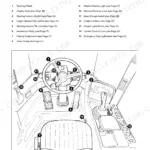
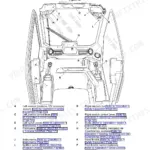
Ignoring or misreading a warning light lets a small fault grow. The Operation section explains the controls, switches and warning indicators so an operator knows what each one means.
Manual Section: Operation p. 17Frequently Asked Questions
Which models does this handbook cover?
It is the operator handbook for the JCB Robot 185 and 1105 skid steer loaders, including the 185 H/F and 1105 HF high-flow variants, for machines.
Is this an operator handbook or a service manual?
This is the operator handbook. It covers safe operation, controls, attachments and routine maintenance an operator handles, plus a specification section and service record sheets, rather than full workshop overhaul procedures.
Does it give wheel bolt torque figures?
Yes. The Maintenance section covers the wheel and tyre checks and lists the front and rear wheel bolt torque for refitting the wheels correctly. p. 51
How quickly is it delivered?
Instantly. The download link is available right after checkout, so there is no shipping wait.
Do I get instant access to this Jcb Robot 185 Operator Manual?
Immediate download of the complete 100-page searchable Operator Manual. Access it on any device with a standard PDF reader.
Can I print this Jcb Robot 185 manual?
Yes. Printing works from any reader and any printer, for your own shop use.









Reviews
There are no reviews yet.