
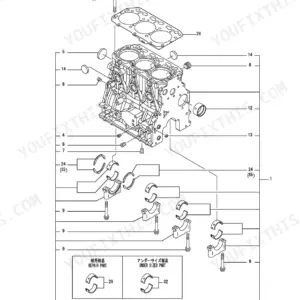
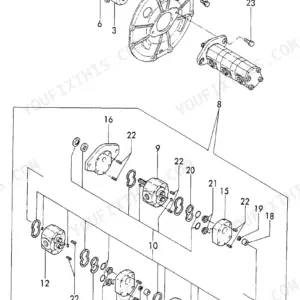
Part of the Yanmar Parts Manuals.
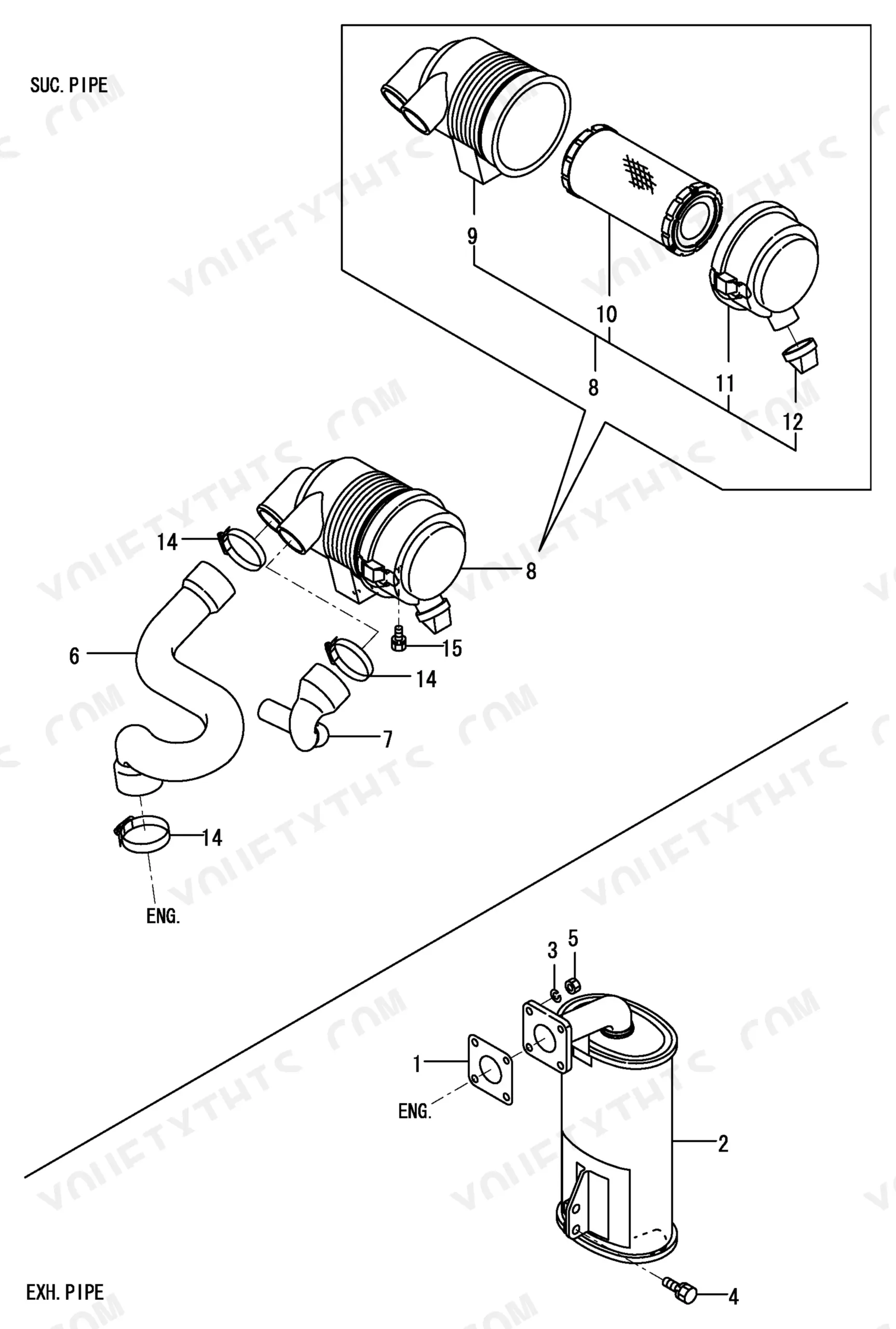
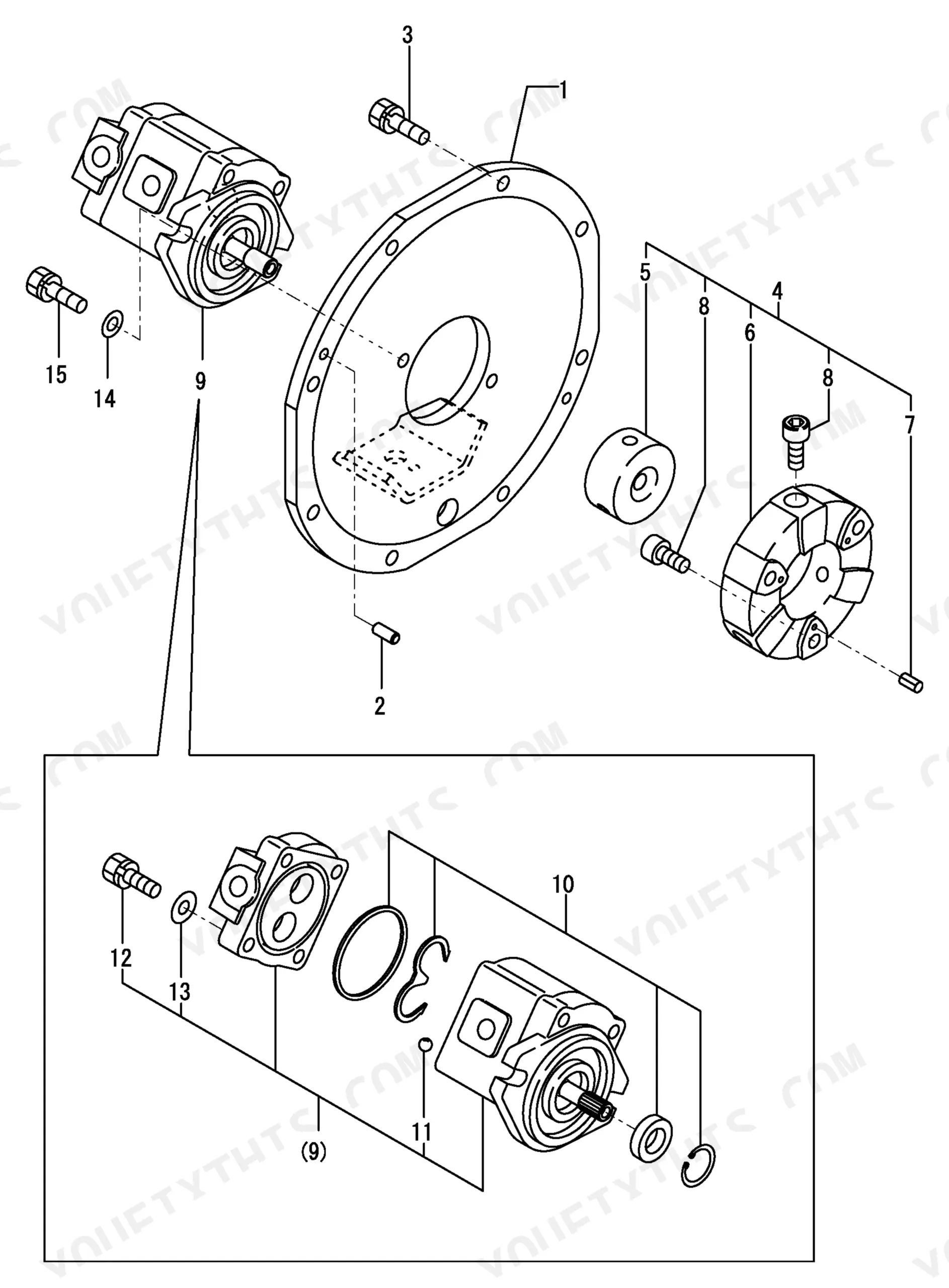
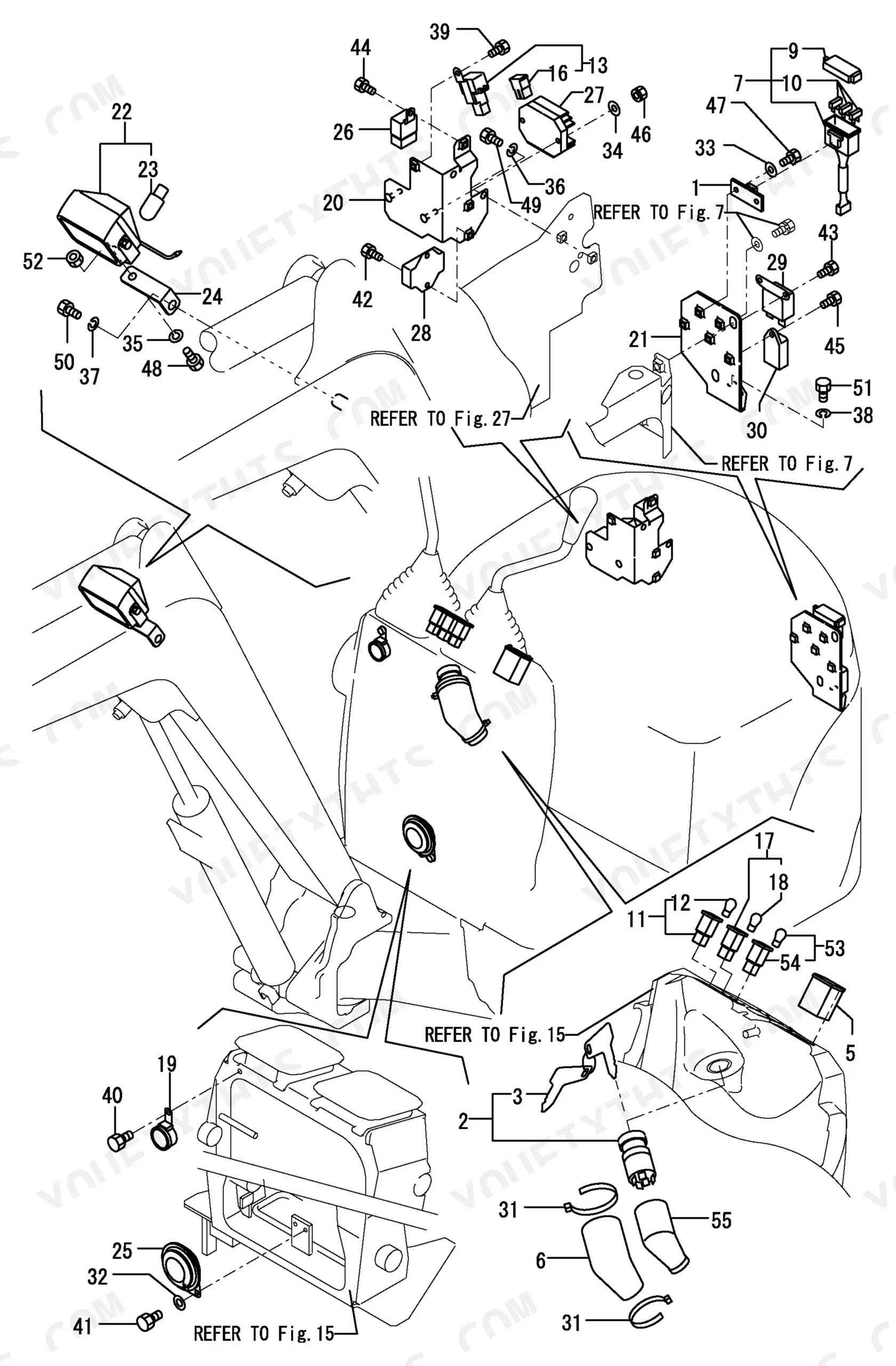
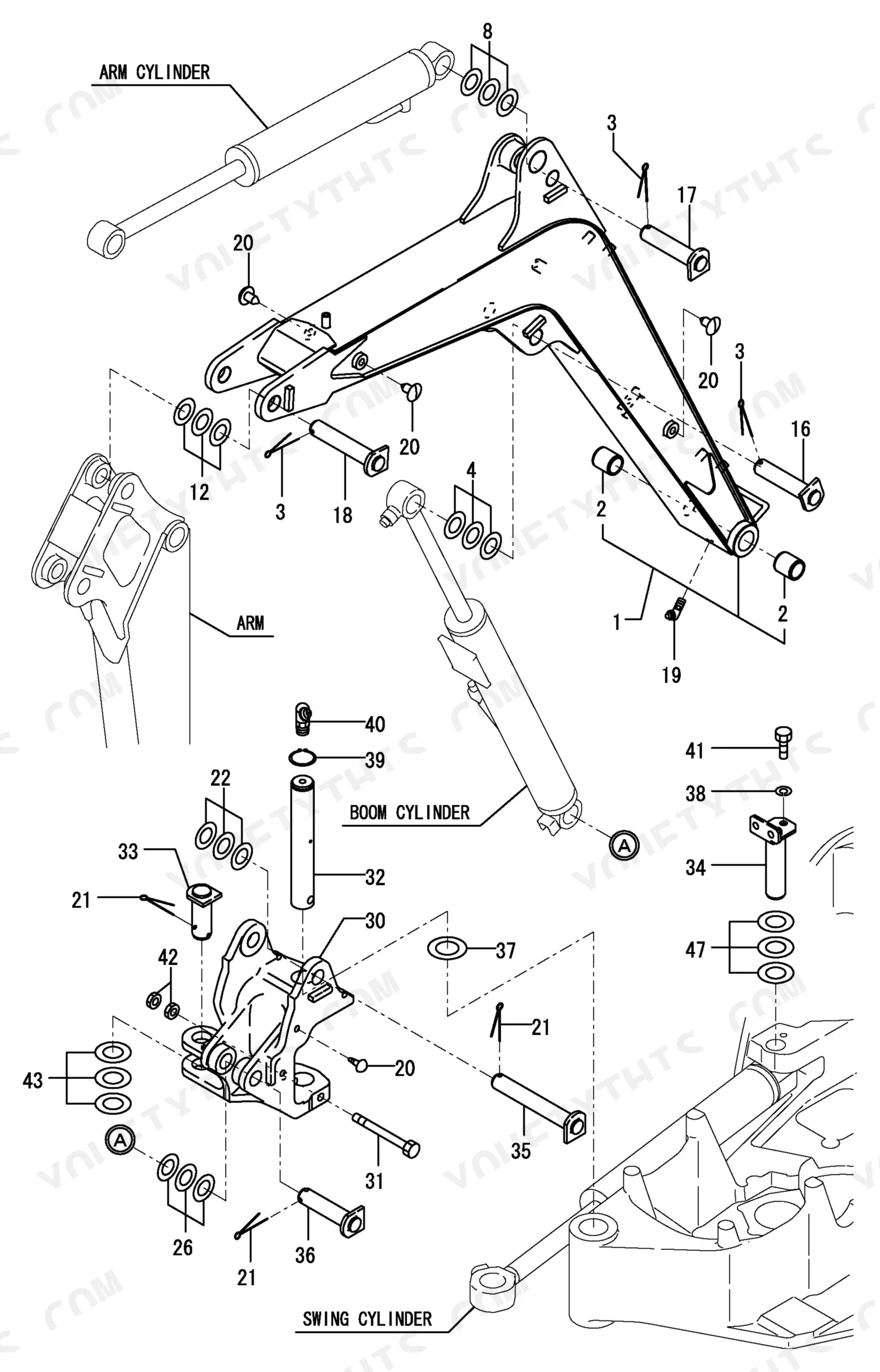
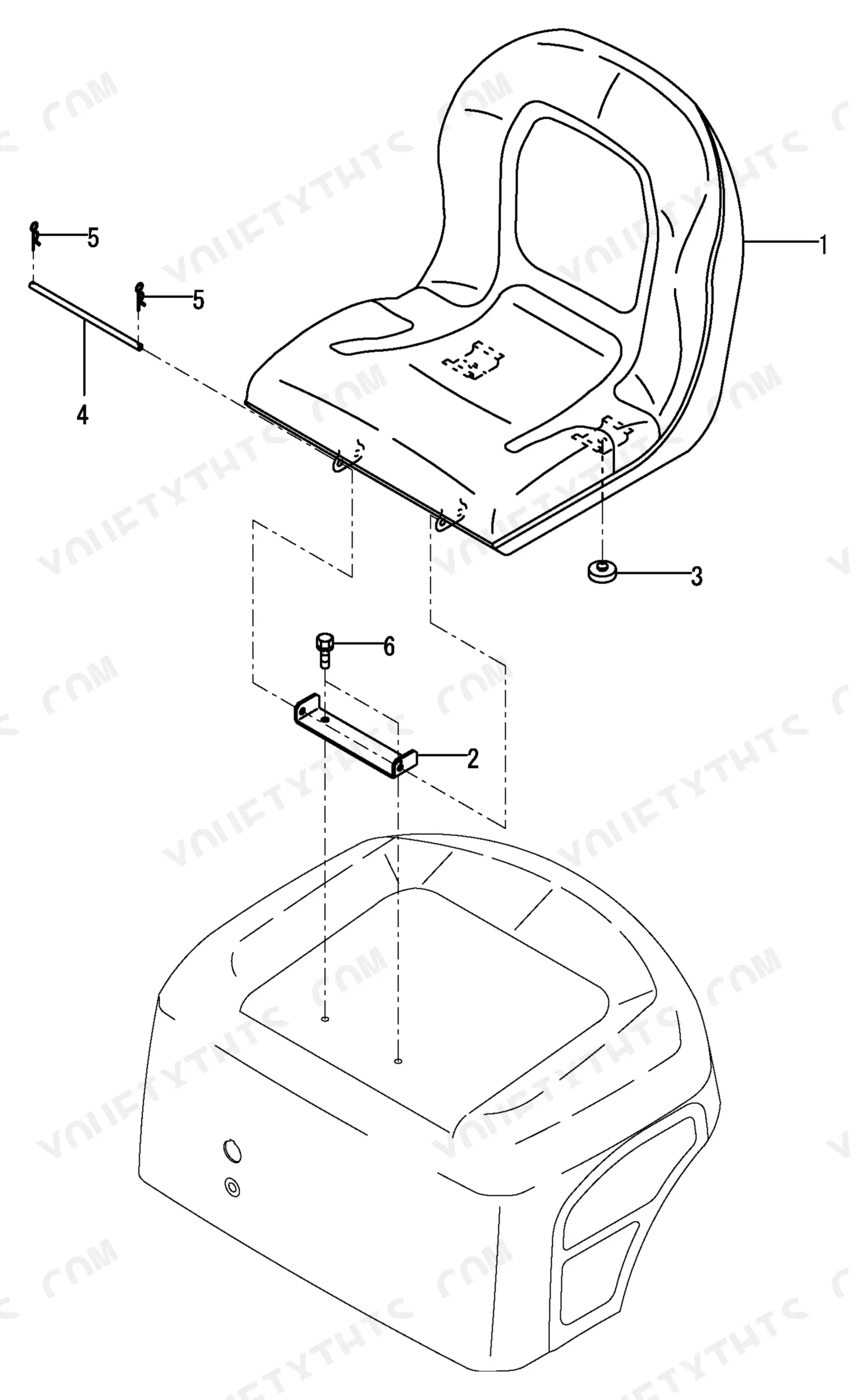
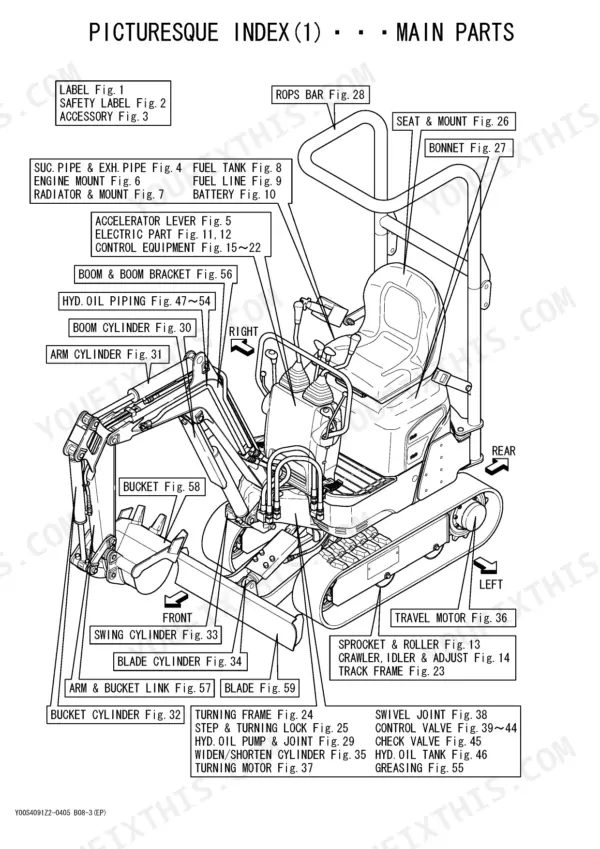
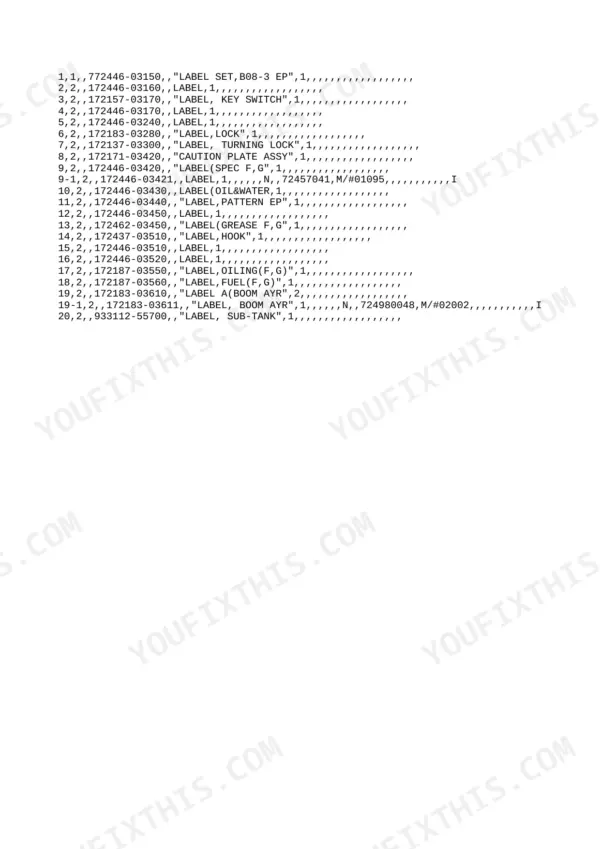
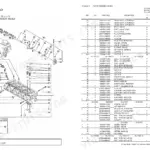
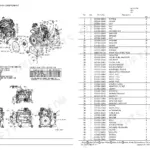
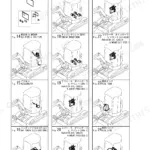
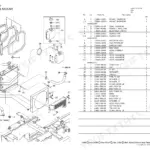
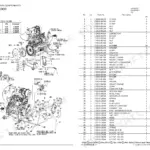
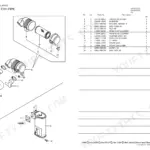
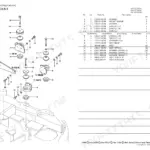
All 131 pages of this Yanmar B08-3 Parts Catalog (OEM #Y00S4091ZZ-0405) map every replaceable component on your 2001-2004 Crawler Backhoe, from engine internals to boom assembly. Open it to exploded-view diagrams covering hydraulic components, drivetrain, cab, controls, and engine mounts, each illustration paired with OEM part numbers you can hand straight to your dealer or supplier. You get complete cross-reference coverage across the full machine, including accelerator linkage, fuel line, radiator mount, and electrical accessories. The catalog specifies the instrument lamp at 12V-3.4W and the main fuse at 40A, so you order exactly what fits the first time, not whatever the parts counter guesses. Chasing a number through dealer microfiche wastes time your machine isn't moving. Bookmarked by assembly: search any component, pull the part number, and place the order.
Other edition of this manual
- Yanmar B08-3, 2TNE68-EBVA Parts Catalog Original price was: $41.99.$29.99Current price is: $29.99.
What's Inside This Yanmar B08-3 Parts Manual
| System | Pages | Key Topics |
|---|---|---|
| Label | 7 | Safety Labels, Decals, Warning Placard |
| Accelerator Lever | 7 | Throttle Control |
| Fuel Line | 7 | Fuel Hose, Clamp, Fuel Tank |
| Safety Label | 7 | Safety Decals, Warning Stickers, Caution Labels |
| Engine Mount | 7 | Mounting Bracket, Vibration Damper |
| Battery | 7 | Battery Cable, Terminal, Hold-Down |
| Accessory | 7 | Accessories, Tools, Accessory Kit |
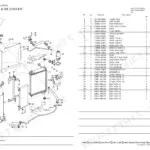
| Radiator & Mount | 7 | Radiator, Radiator Mount, Coolant Hose, Fan Shroud |
| Electric Part (Wiring) | 7 | Wiring Harness, Electrical Parts, Fuse, Warning Lamp |
Quick Reference Specifications
| Specification | Value | Page |
|---|---|---|
| Yanmar New Permanent Yellow Munsell No. | 5.2Y8.5/11 | p. 3 |
| Yanmar Peacock Green Munsell No. | 3.8BG5.31/9.15 | p. 3 |
| Lamp Bulb Rating | 12V-3.4W | p. 34 |
| Fuse Rating | 40A | p. 34 |
Yanmar B08-3 Common Problems This Manual Covers
Instrument panel warning lamp burned out, replacement bulb part number not in operator manual
Check the cab and interior parts diagram for the instrument cluster section. The warning lamp is rated 12V-3.4W; locate the bulb part number in the accessory group and cross-reference for serial number applicability. The 40A main fuse is cataloged separately in the same electrical assembly.
Manual Section: Accessory p. 34Radiator mounting bracket part numbers missing, isolators and hardware don't match exploded view
Open the radiator and mount section on page 7. Each bracket, rubber isolator, and hose clamp is listed as its own part number in the exploded view callout. Confirm your serial number range before ordering. Mounting configurations varied across production batches and parts are not always interchangeable.
Manual Section: Radiator & Mount p. 7Frequently Asked Questions
How do you fix yanmar B08-3 hydraulic parts diagram needed, can't identify boom cylinder assembly components?
Turn to the hydraulic parts diagram. Locate the boom cylinder in the exploded view and match each callout number to the parts list. Filter by your exact serial number range before ordering. Yanmar frequently supersedes part numbers across production batches and substitutions are not always cross-compatible.
How do you fix bucket teeth and adapter hardware part numbers missing, need to confirm correct catalog reference?
Open the boom and attachment exploded view. Teeth, adapters, and retention pins are each cataloged as separate line items under the bucket assembly group. Match callout numbers against the parts number list and verify your serial number range before placing the order.
How do you fix engine part number unclear, serial number range does not match the catalog listing?
Open the engine parts diagram and find the component by its exploded view callout number. Cross-reference that callout against the parts number list. Yanmar commonly supersedes part numbers across production runs, so confirm your exact serial number bracket before placing an order.
How do you fix control pattern hydraulic hose part numbers needed to swap dozer blade and boom circuit?
Find the hydraulic line routing. Control circuit hoses are listed individually by port assignment and fitting type. Verify which ports correspond to each function using the operator controls layout, then order by the exact part numbers shown in the hydraulic parts list.
How quickly can I access this manual after buying?
This is a 131-page searchable PDF ready for immediate download. Works on any device, so pull it up on your phone while you are under the hood. No shipping, no waiting.
Am I able to print pages from this manual?
Yes. Print the pages or sections you need for your own shop use. Any standard printer works.

Reviews
There are no reviews yet.