
Part of the Case Repair Manuals.
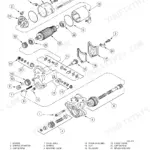
This 762-page Case 721D Loader Service Manual (OEM #6-47281) puts every system on this machine under one cover: engines, steering, power train, brakes, hydraulics, and mounted equipment. You get full wiring diagrams for the electrical section, hydraulic schematics covering the loader control valve and cylinders, and a troubleshooting rundown with error codes for the Information and Diagnostic Center so you're not chasing a fault code with a multimeter and a hunch. Pull the transmission control valve procedures, steering pressure checks, or brake accumulator service without flipping past irrelevant chapters. Change your hydraulic filter and top off with Case AKCELA Hy-Tran Ultra at the 2000-hour mark, exactly per Case spec, not shop guesswork. Your 721D doesn't run on approximations, and neither should your service routine. Bookmarked by section so you jump straight to Power Train or Electrical, download it once and keep it open on the shop tablet while you work.
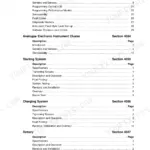
What's Inside This Case 721D Manual
| System | Pages | Key Topics |
|---|---|---|
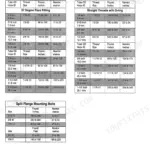
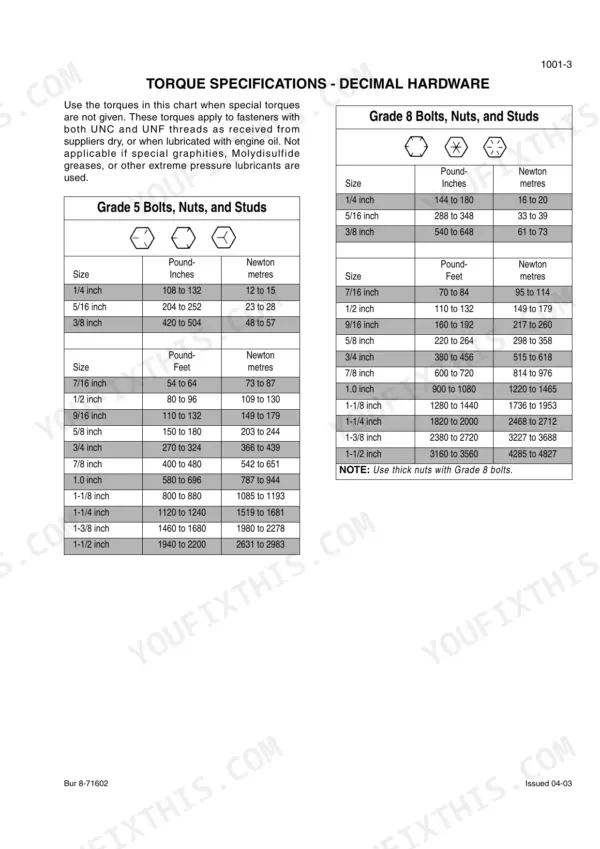
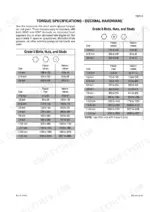
| General | 5-24 | Section Index - General, Standard Torque Specifications (Decimal Hardware, Metric Hardware, Steel Hydraulic Fittings) |
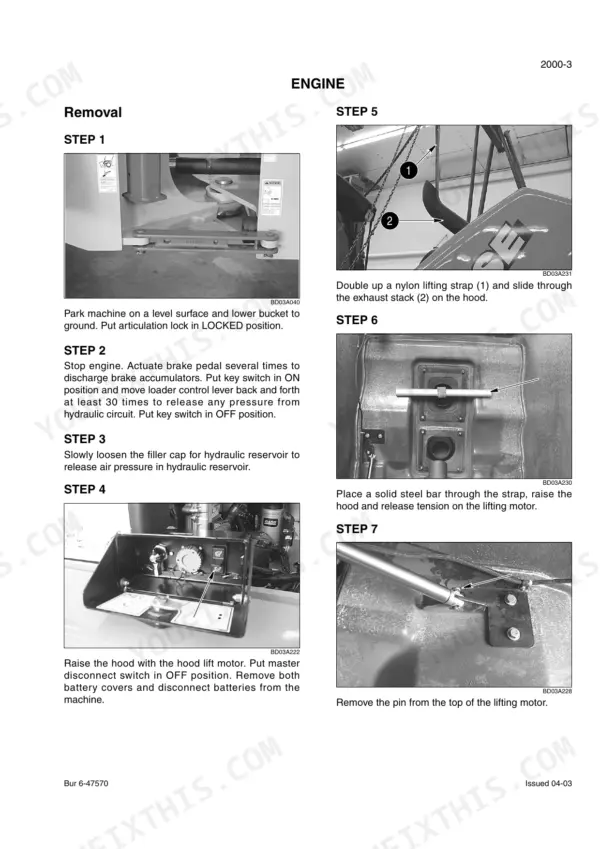
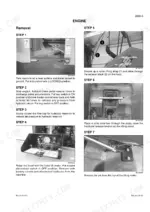
| Engines | 25-54 | Section Index - Engines, Engine and Radiator Removal and Installation, Stall Tests |
| Fuel System | 55-56 | Section Index - Fuel System |
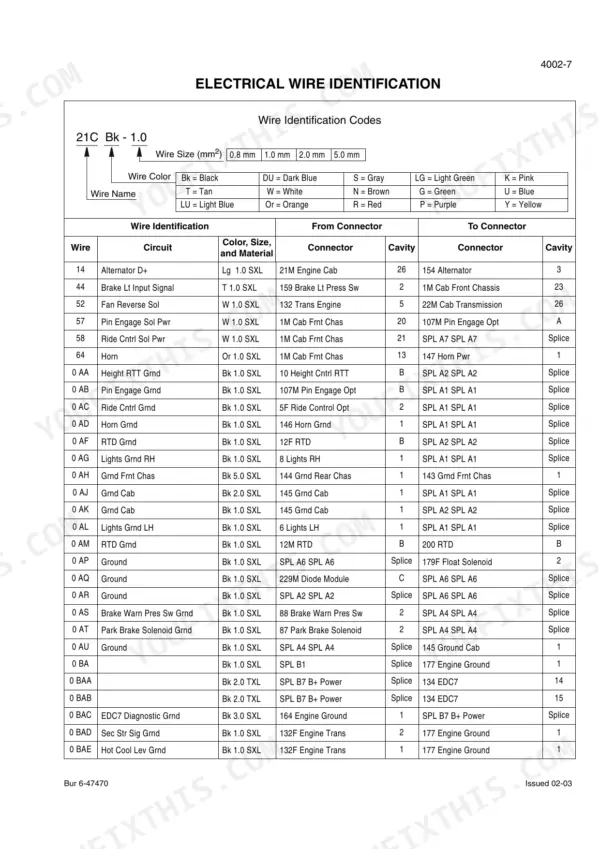
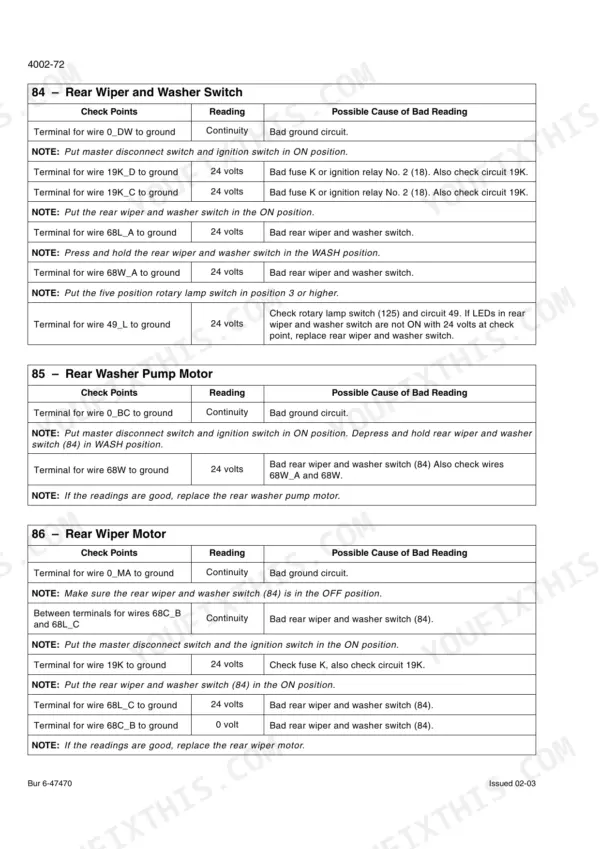
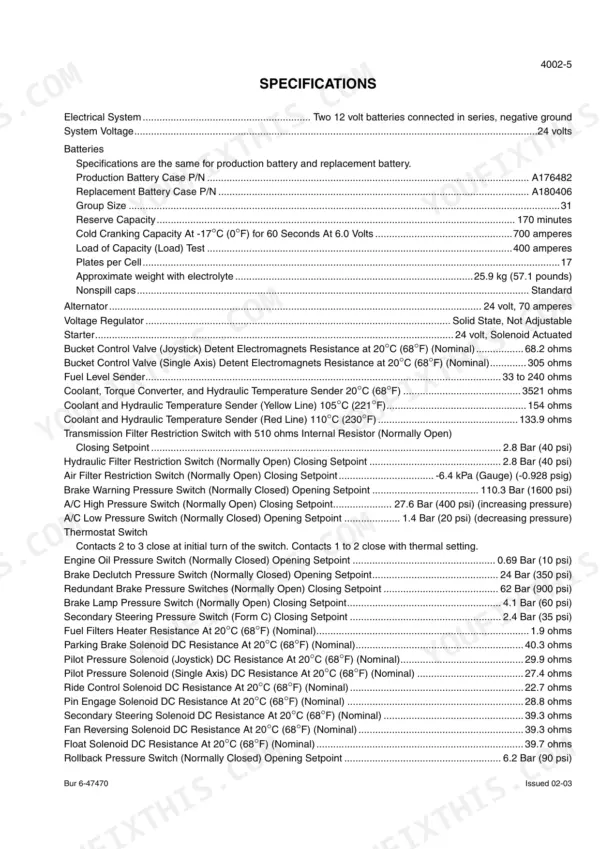
| Electrical | 57-270 | Section Index - Electrical, Removal and Installation of Starter and Alternator, Electrical Specifications and Troubleshooting, Batteries, Information and Diagnostic Center |
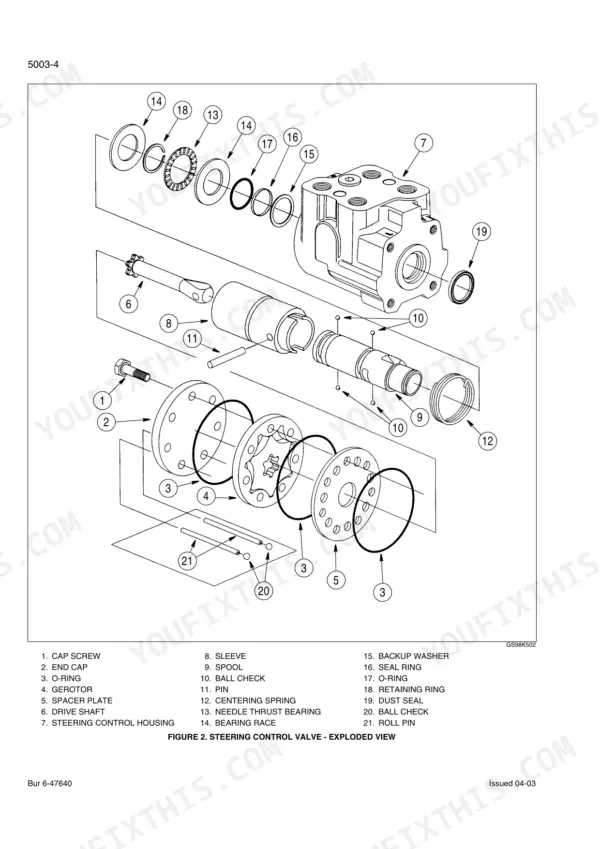
| Steering | 271-330 | Section Index - Steering, Removal and Installation of Steering Components, Steering Specifications, Pressure Checks, And Troubleshooting, Steering Control Valve |
| Power Train | 331-524 | Section Index - Power Train, Removal and Installation of Power Train Components, Transmission Specifications, Pressure Checks, And Troubleshooting, Transmission, Front Axle |
| Brakes | 525-554 | Section Index - Brakes, Removal and Installation of Brake Components, Hydraulic Brake Troubleshooting, Brake Accumulators, Parking Brake |
| Hydraulics | 555-670 | Section Index - Hydraulics, Removal and Installation of Hydraulic Components, Hydraulic Specifications, Troubleshooting, And Pressure Checks, Cleaning the Hydraulic System |
| Mounted Equipment | 671-762 | Section Index - Mounted Equipment, Air Conditioning Troubleshooting and System Checks for Systems with HFC-134a Refrigerant, Air Conditioner System Service |
Quick Reference Specifications
| Specification | Value | Page |
|---|---|---|
| Engine oil filter replacement value | new oil filter | p. 44 |
| Hydraulic filter replacement value | USE CASE FILTER | p. 18 |
| Transmission oil filter replacement value | USE CASE FILTER | p. 18 |
| Air cleaner elements replacement value | USE CASE FILTERS | p. 18 |
| Hydraulic oil type for 2000-hour change | Case AKCELA Hy-Tran Ultra® | p. 15 |
| Engine oil type for 500-hour change | Case AKCELA No. 1 engine oil | p. 15 |
| Replacement value for Ride Control Accumulator seals | new seals | p. 661 |
| Procedure to release hydraulic pressure before opening reservoir | Pump the brake repeatedly to be sure the brake accumulators have no hydraulic pressure, then move the loader control lever back and forth several times to release any hydraulic pressure in the pilot control circuit. Loosen the filler cap on the reservoir to release the air pressure in the hydraulic reservoir. | p. 559 |
| Troubleshooting step for sluggish bucket lifting (cylinder not moving) | The loader control valve is damaged. See Section 8005 and repair the loader control valve or See Section 8005. Disassemble the loader control valve and check for worn or damaged parts. | p. 598 |
| Engine Oil Capacity with Filter Change | 14.2 liters | p. 15 |
| Fuel Tank Capacity | 246 liters | p. 15 |
| Hydraulic Reservoir Refill Capacity with Filter Change | 123 liters | p. 15 |
Case 721D Common Problems This Manual Covers
Case 721D hydraulic reservoir cap fights back and sprays fluid when loosened after shutdown
Never crack the filler cap cold. Pump the brake pedal repeatedly until the accumulators show no residual pressure, then cycle the loader control lever back and forth several times to bleed the pilot circuit. Only then loosen the reservoir cap slowly to vent trapped air pressure, as detailed on page 559.
Manual Section: Hydraulics p. 559Engine loses power or won't start after crossing 500 hours since the last service
Drain the engine oil while warm and replace it with Case AKCELA No. 1 engine oil, refilling to 14.2 liters with a filter change per page 15. Install a new oil filter (page 44) rather than reusing the old housing seal. Don't stretch this interval; clogged filters starve oil pressure and trigger the low-power fault fast.
Manual Section: Engines p. 15Bucket lifts slow or stalls partway through the cycle under load
Check the loader control valve first per page 598: if the cylinder won't move at all under pressure, the valve is damaged and needs disassembly to check for worn or scored spools. Also pull the hydraulic filter (page 18) and confirm main relief is holding 248 to 252 bar as specified on page 595 before condemning the pump.
Manual Section: Hydraulic System Troubleshooting (General) p. 598Steering feels heavy or lags at low RPM but firms up when revved
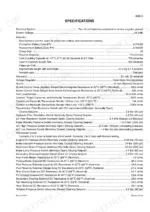
Tap into the steering circuit and check the priority valve pressure setting; it should read 239 to 243 bar per page 294. Low pressure at idle usually means a worn priority valve or a starved pump, not a steering cylinder leak. Confirm engine low idle is holding 770 to 830 rpm first since a soft idle will mimic this same symptom.
Manual Section: Steering System Troubleshooting p. 294Chassis clunks or grinds on turns and center pivot feels stiff on cold mornings
Grease the upper and lower chassis pivots and the center drive shaft slip joint with Case AKCELA MOLYDISULFIDE GREASE on schedule; skipped intervals let these joints run dry and hammer themselves loose. Check for visible play at the pivot pins by hand before adding grease, and torque any loose retaining hardware to spec listed on page 9.
Manual Section: General p. 9Transmission overheats or slips into a limp mode during heavy digging cycles
Check transmission main pressure against the 16 to 18 bar spec on page 359; low readings point to a worn pump or internal leakage before you tear into clutches. Verify the cooler isn't restricted and the fluid level is correct with the engine at operating temperature, since low fluid reads as overheating on the diagnostic center.
Manual Section: Transmission Troubleshooting p. 359Frequently Asked Questions
How to reset the Case 721D engine control unit after an error code trip?
To reset the engine control unit after an error code trip, press and hold the fault code diagnostic switch, then put the ignition switch in the run position. Continue holding the diagnostic switch for five seconds after the console has powered up until the fault code indicator lamp no longer illuminates. If the fault is still active, it will reappear again. p. 111
What error codes indicate hydraulic failure on the Case 721D?
Error codes indicating hydraulic failure include 72110 for hydraulic oil temperature at 110° C (230° F) or greater, 72900 for a hydraulic oil temperature sensor short circuit measuring less than 50 ohms, and 72901 for an open circuit measuring greater than 10,000 ohms. These codes suggest issues with the hydraulic oil temperature or its sensor. p. 108
How do I reset the Case 721D ECU?
To reset the ECU's fault memory, press and hold the fault code diagnostic switch, then turn the ignition switch to the run position. Keep holding the diagnostic switch for five seconds after the console powers up until the fault code indicator lamp turns off. If the fault is still present, the code will reappear. p. 111
How do I reset the Case 721D diagnostic display?
To perform a master reset of the diagnostic display, press the program/reset switch to program mode. Then, press the up/down count switch until the display reads 042. Place the program/reset switch in the OFF (center) position, and press the up/down count switch twice to change the readings from 00 to 01. Finally, press the program/reset switch momentarily (0.25 second) to reset. p. 91
How will I receive this Case 721D Service Manual?
You get a 762-page searchable PDF that downloads instantly after checkout. Open it on your laptop, tablet, or phone, and bring it right to the shop floor.
Is this Case 721D Service Manual printable?
Zero restrictions. The PDF is DRM-free. Print whatever sections you need to take out to the shop. Standard letter or A4 paper works.
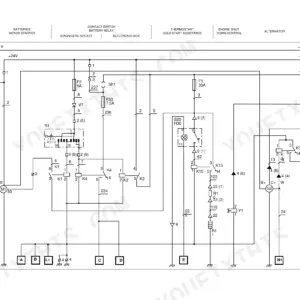
Does this Case 721D manual include wiring diagrams?
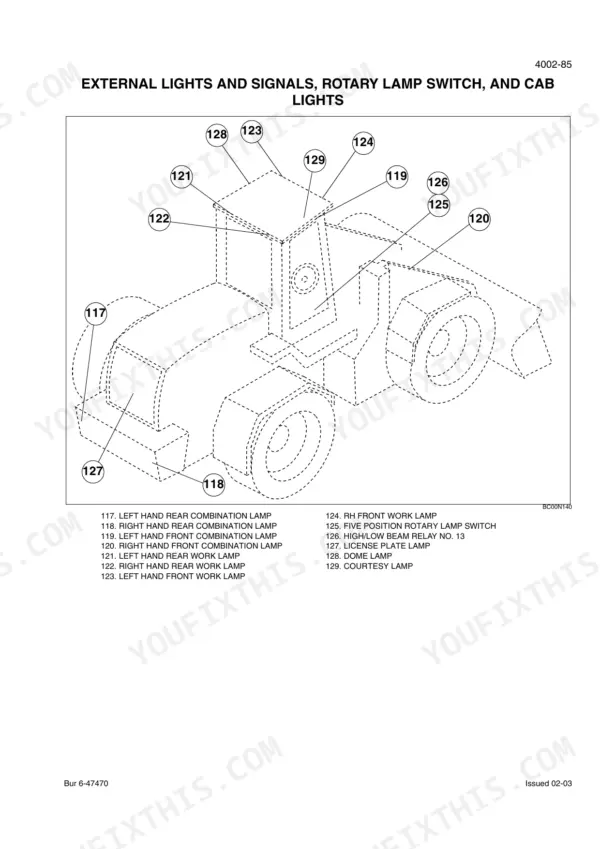
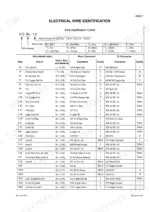
Yes. You'll find full electrical schematics with wire routing diagrams, connector identification, and circuit descriptions.


Reviews
There are no reviews yet.