

Part of the JCB Operator Manuals.
Mastering the daily operation of your JCB tractor starts with this complete 137-page JCB 1115S, 1125, 1135 operator manual PDF (OEM #9801/1421). You get a thorough breakdown of the entire cab layout, digital speedometer functions, and heater controls to keep you operating efficiently in the field. Open to the dedicated maintenance section for exact factory service schedules, complete fluid capacities, and daily safety checklists that prevent unnecessary shop visits. Keep your tire inflation pressure dialed between 1.0 and 2.4 bar depending on the attachment load, and always verify those heavy-duty wheel nuts are locked down to exactly 500 Nm before heading out. A flashing dashboard warning light shouldn't stall your whole day. Grab this bookmarked digital download, pull it up on your phone right in the cab, and keep your equipment moving.
What's Inside This JCB 1115S, 1125, 1135 Operator Manual
| System | Pages | Key Topics |
|---|---|---|
| Safety Notices | 3-6 | Handbook Study, Danger Definitions, Warning Definitions, Caution Definitions |
| Introduction | 7-28 | About This Handbook, The JCB Fastrac, Safety First, Safety Check List, Safety Check List (Continued), Identifying Your Machine, Safety Decals, Safety Decals (Continued) |
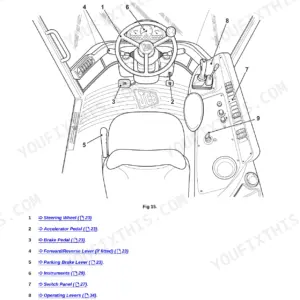
| Cab Layout and Controls | 29-33 | Introduction, Entering & Leaving the Cab, Doors and Windows |
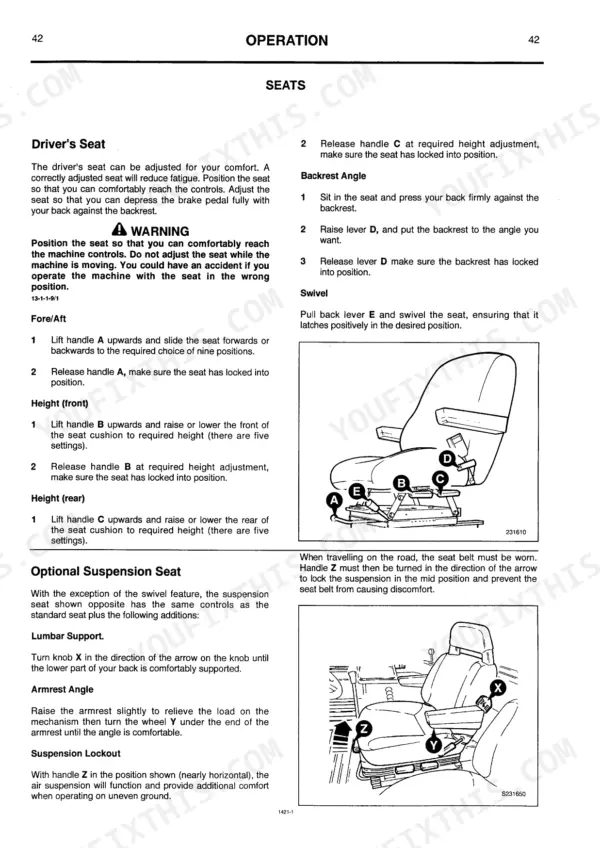
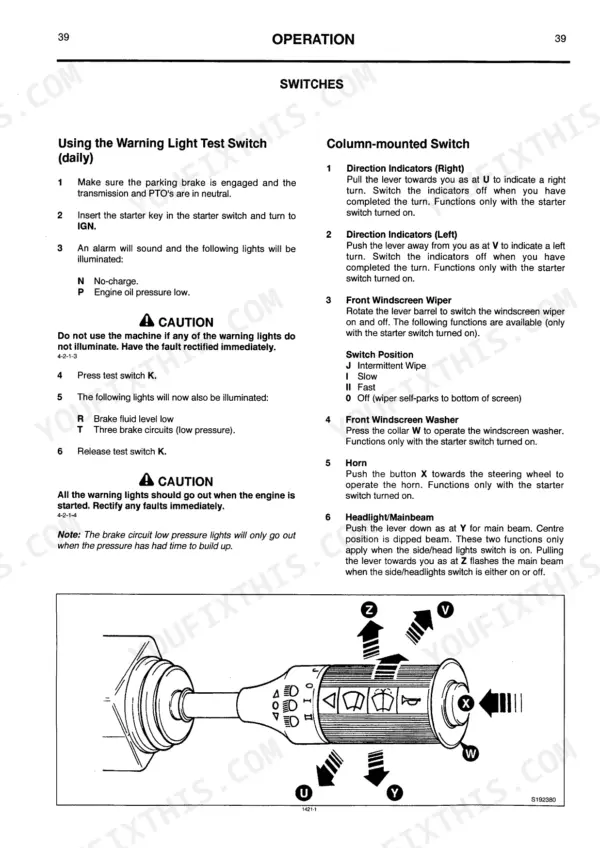
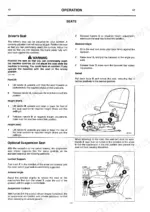
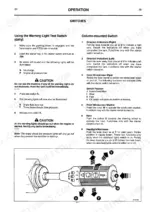
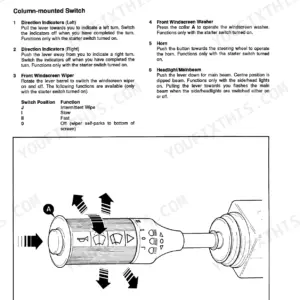
| Seats | 34-43 | Digital Speedometer, Instrument Panel, Switches, Heater & Air Conditioning Controls |
| Jump-Starting the Engine | 44-48 | Before Starting the Engine, Seat Belt, Starting the Engine |
| Stopping and Parking the Machine | 49-59 | Four Wheel Steering (4WS), Travelling, Preparing for Travel, Travelling (Continued), Four Wheel Steering (4WS) (Continued), General Precautions, JCB Headland Management System (Hms), Four Wheel Drive and Differential Lock |
| Rear 3-Point Linkage Mechanical Connections & Adjustment (Continued) | 60-67 | Electronic Linkage Control (Continued), Electronic Linkage Control, Using the Machine and Site Safety, Rear 3-Point Linkage Mechanical Connections & Adjustment, Area Cut-Out System (Optional) |
| External Hydraulics (Continued) | 68-73 | External Hydraulics, Front 3-Point Linkage (Optional) Mechanical Connections & Adjustment |
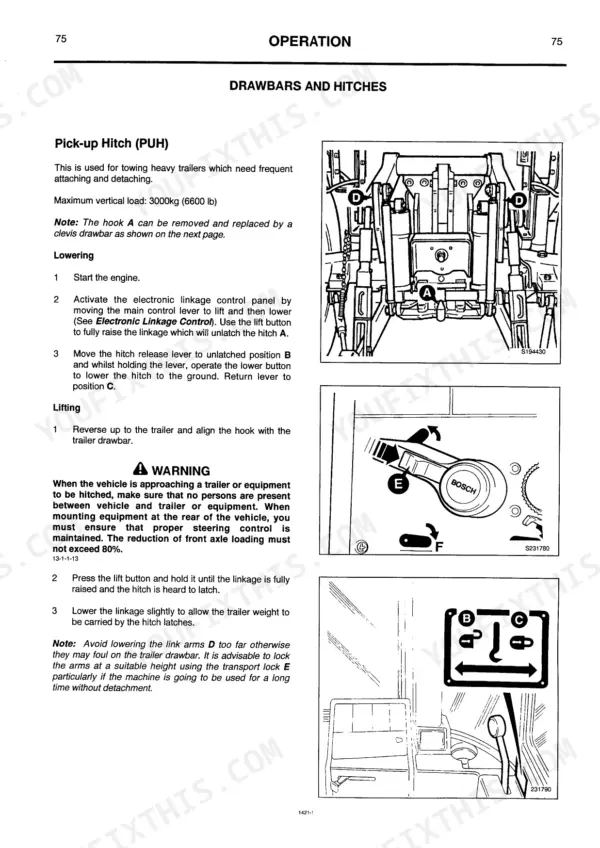
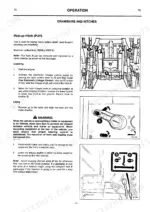
| Independent Power Take-Off (PTO) (Continued) | 74-84 | Connecting Trailer Brakes, Drawbars and Hitches, Quick Release Couplings, Drawbars and Hitches (Continued), Independent Power Take-Off (PTO) |
| Transporting the Machine | 85-102 | Moving a Disabled Machine, Automatic Trailer Coupling (Continued), Automatic Trailer Coupling, Operating in Low Temperatures, Moving a Disabled Machine (Continued) |
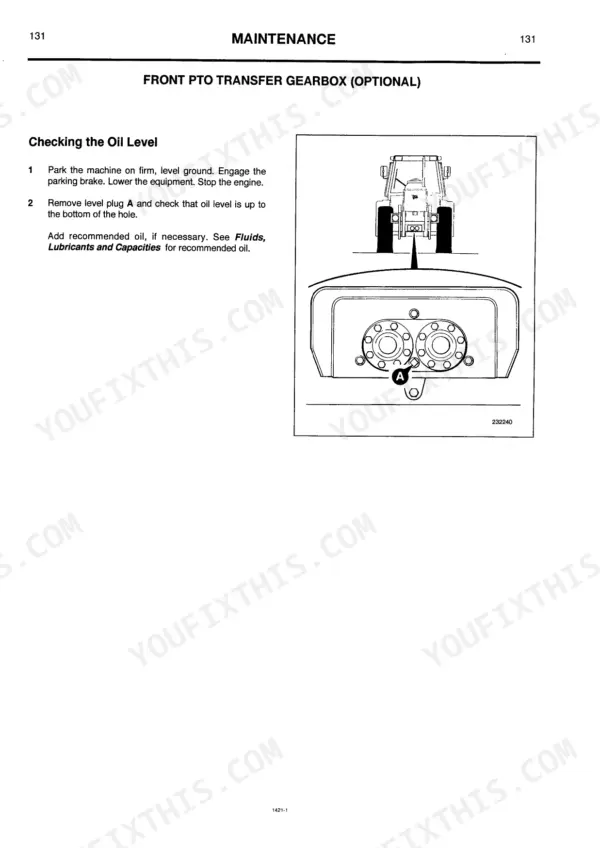
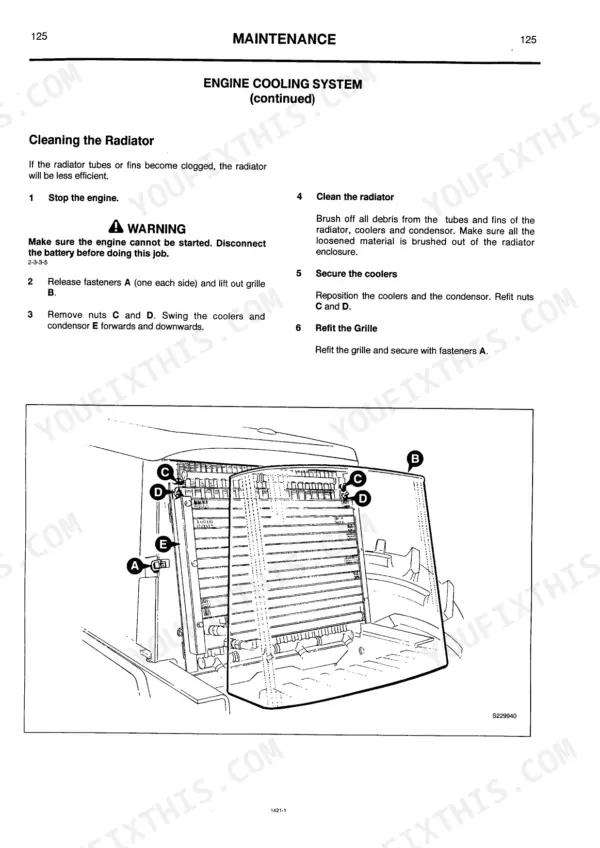
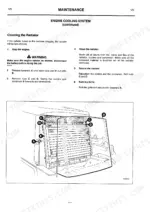
| Maintenance | 103-137 | Service Requirements, Service Schedules, Service Schedules (Continued), Lubricants - Health and Safety, Fluids, Lubricants, Capacities and Specifications |
JCB 1115S, 1125, 1135 Common Problems This Manual Covers
JCB 1115S lift arms do not respond properly or drop suddenly during field operation
Check main hydraulic fluid level. Verify the system contains the required 75 Litres capacity as noted on page 107. Inspect underneath the machine for leaking hoses or fittings. If fluid is low, refill and test implement control before resuming work.
Manual Section: Maintenance p. 107Machine bounces excessively during transport on paved roads or shows uneven front tyre wear
Measure tyre pressure on all four wheels before driving. Adjust inflation to be within the required 1.0 bar (15 lbf/in²) to 2.4 bar (35 lbf/in²) range as shown on page 136. Verify wheel nuts are tightened properly to prevent sudden handling issues.
Manual Section: Maintenance p. 136Engine runs rough or shows signs of fuel leakage underneath the machine after parking
Inspect the fuel filter sediment bowl and drain any trapped water. Verify the tank is filled up to the 220 Litres maximum capacity on page 107. Check the fuel filler cap and supply lines for visible drips before attempting to restart.
Manual Section: Fuel System Maintenance and Bleeding p. 107Clicking or clunking noise from the wheel hubs when turning or braking under load
Torque all wheel nuts immediately to prevent rim damage. Apply exactly 500 Nm (370 lbf ft) to each nut following the guidelines on page 137. Inspect wheels for fatigue cracks around the stud holes if nuts were found completely loose.
Manual Section: Maintenance p. 137Frequently Asked Questions
What are the replacement specifications for tyres?
The manual provides tyre specifications including size, pressure, and maximum load per tyre at various speeds. For example, a 16.9 R 28 (A8/B) tyre at 1.0 bar pressure can carry a maximum load of 1835 kg (4045 lb) at 30 kph. These specifications are crucial for selecting appropriate replacement tyres to ensure safe operation and proper load distribution. p. 136
Is this JCB 1115S manual a download or a disc?
You get a 137-page searchable PDF (6 MB) that downloads instantly after checkout. Open it on your laptop, tablet, or phone, and bring it right to the shop floor.
Is this JCB 1115S Operator Manual printable?
Yes. Print individual pages or full chapters for your own shop use, on letter or A4 paper.











Reviews
There are no reviews yet.