
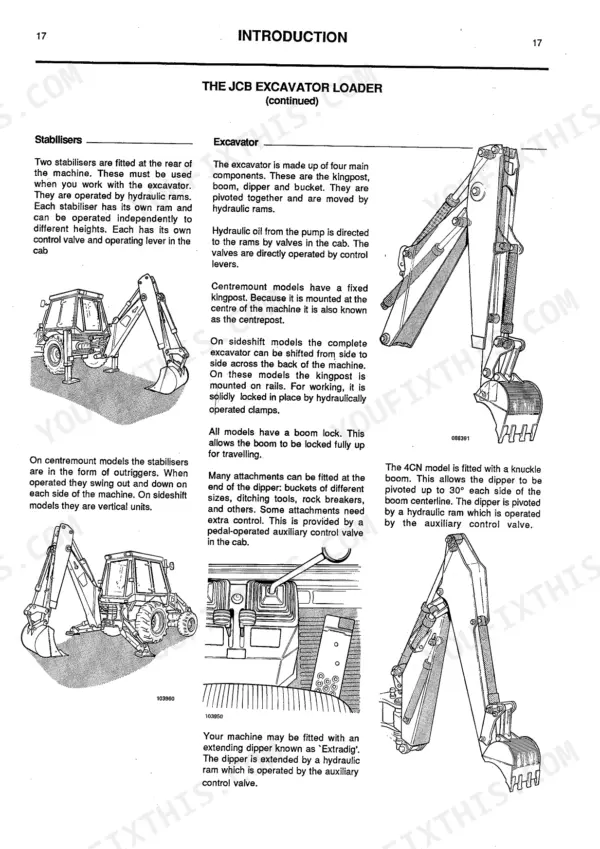
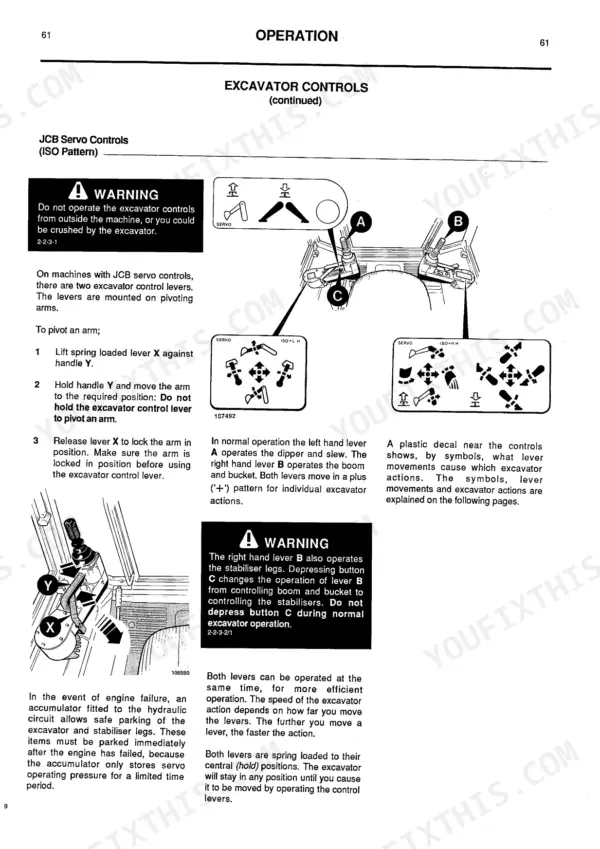
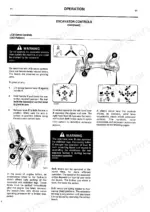
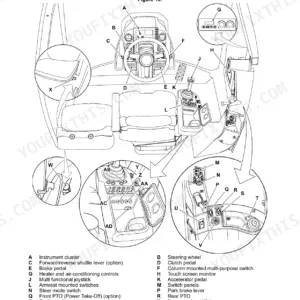
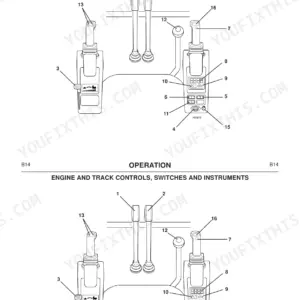
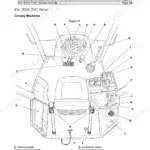
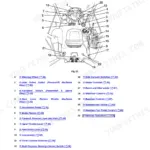
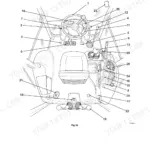
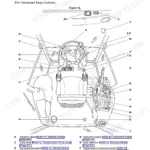
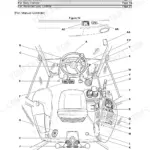
Keeping your backhoe running daily requires the right factory information, and this 381-page JCB 3C Operator Manual PDF (OEM #9801/4513) covers every control, maintenance interval, and attachment for the 3CX, 3D, 4C Turbo, 4CN, Sitemaster, and Hammermaster models. Complete cab control layouts, detailed daily maintenance schedules, and safe working load charts for maximum reach are all included. Packed with clear instructions for operating loader controls, greasing drive train components, and managing optional attachments like patch planers and quick-hitches. Swap out the hydraulic fluid filter element every 500 operating hours and tighten those wheel nuts down to 680 Nm on newer serial numbers. Prevent costly downtime caused by missed grease points. Download this bookmarked file, load it on your tablet, and keep your machine digging all season long.
Complete the set for your 3C & variants
Other editions of this manual
- JCB 3CX, 4CX ECO Backhoe Loader Operator Manual Original price was: $29.99.$19.99Current price is: $19.99.
- JCB 3CX, 4CX Operator Manual Original price was: $26.99.$19.99Current price is: $19.99.
- JCB 3CX, 4CX Backhoe Loader Operator Manual Original price was: $30.99.$19.99Current price is: $19.99.
What's Inside This JCB 3C & variants Operator Manual
| System | Pages | Key Topics |
|---|---|---|
| Operation | 28-109 | Engine and Drive Controls, Switches and Instruments, Loader Controls, Stabiliser Controls, Excavator Controls, Loader Shovel, 6 in 1 Clamshovel |
| Maintenance | 110-161 | Greasing, Tyres and Wheels, Brakes, Engine System, Drive Train, Hydraulic System, Electrical System, Battery |
| Optional Attachments | 162-183 | High/low Flow Operated Attachments, JCB Jaw Bucket, Road Breaker, Forks, Patch Planer, Excavator Quick-Hitch, Loader Quick-Hitch |
| Specifications, Safe Working Loads | 184-276 | Safe Working Loads, Working Capacity at Maximum Reach |
| Specifications, Dimensions & Tyres | 277-369 | Tyre Sizes and Pressures, Static Dimensions |
Quick Reference Specifications
| Specification | Value | Page |
|---|---|---|
| Wheel nut torque (2WD/4WD, S/N 337001 to 350739) | 405 Nm (300 lbf ft) | p. 129 |
| Wheel nut torque (2WD/4WD, S/N 351001 onwards) | 680 Nm (500 lbf ft) | p. 129 |
| Hydraulic filter dome nuts torque | 5 lbf ft (7 Nm) | p. 145 |
| Hydraulic fluid filter element replacement interval | Every 500 operating hours or six months | p. 113 |
| Engine oil filter torque | 25 Nm (18 lbf ft) | p. 133 |
| Engine oil and filter replacement interval | Every 500 operating hours or six months | p. 113 |
| Fuel filter replacement interval | Every 500 operating hours or six months | p. 113 |
| Air filter element replacement interval | Every 500 operating hours or six months | p. 113 |
| Battery electrolyte level | 6 mm (1/4 in) above the plates | p. 148 |
| Fan belt slack | 10 mm (3/8 in) | p. 135 |
| Fan belt check interval | Regularly | p. 113 |
| Fuel Tank Capacity | 90 L | p. 151 |
JCB 3C & variants Common Problems This Manual Covers
Dashboard temperature warning light flashes and engine overheats during heavy digging operations
Drain and flush the cooling system and refill with the approved coolant mixture as listed on page 151. Inspect the radiator fins for blockages. Measure the fan belt slack on page 135 and adjust it to 10 mm (3/8 in).
Manual Section: Engine Cooling System Issues p. 151Dashboard engine oil pressure indicator light stays on after cold startup
Verify the fluid level on the dipstick before operating the machine. Drain the crankcase and refill with fresh oil as specified on page 151. Install a new element and torque the engine oil filter to 25 Nm (18 lbf ft) per page 133.
Manual Section: Indicator Light Diagnostics p. 151Frequently Asked Questions
What is the torque spec for JCB wheel nuts?
The torque specification for JCB wheel nuts varies by machine serial number and drive type. For machines with serial numbers from 337001 to 350739, both 2-wheel and 4-wheel drive models require 405 Nm (300 lbf ft) for front and rear wheels. For machines with serial number 351001 and above, both 2-wheel and 4-wheel drive models require 680 Nm (500 lbf ft) for front and rear wheels. It is recommended to check the wheel nuts daily before starting work. p. 129
What are the replacement specifications for hydraulic filters?
The hydraulic filter element should be replaced every 500 operating hours or every six months, whichever occurs first. The detailed procedure for changing the hydraulic filter element is on page 118 of the manual. Torque the dome nuts to 5 lbf ft (7 Nm) as specified on page 145. p. 118
How do you fix JCB 3CX hydraulic functions are slow or jerky during heavy loader operation?
Inspect the fluid level and verify the hydraulic filter element replacement interval on page 113. Replace the filter every 500 operating hours or six months. Torque the new hydraulic filter dome nuts to 5 lbf ft (7 Nm) as shown on page 145. p. 145
How do you fix engine will not start or cranks intermittently after sitting unused in cold weather?
Check the battery terminals for corrosion and verify clean connections. Inspect the battery electrolyte level on page 148 to ensure it sits 6 mm (1/4 in) above the plates. Add distilled water if necessary and test voltage before another start cycle. p. 148
What do I get after purchasing this JCB 3C & variants manual?
This is a 381-page searchable PDF ready for immediate download. Works on any device, so pull it up on your phone while you're under the hood. No shipping, no waiting.
Can I print specific sections of this JCB 3C & variants Operator Manual?
Yes. Print a chapter or just the pages for the job at hand, for use in your own shop. Any home or office printer works.

Reviews
There are no reviews yet.