
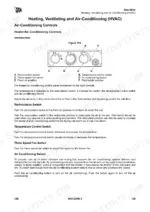
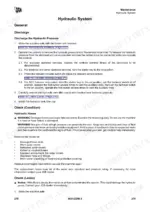
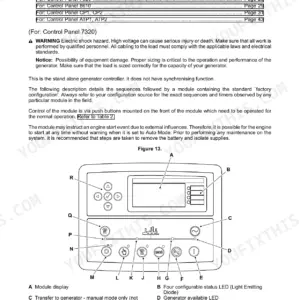
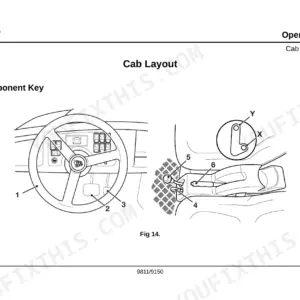
Getting the most out of your backhoe loader starts with knowing its limits, which is exactly why this 382-page JCB 3CX, 4CX Operator Manual PDF (OEM #EN - 9831/2250 ISSUE 3 - 03/2018) is required reading. Inside, you get complete cab control breakdowns, detailed attachment operating procedures, and clear dashboard error code tables to keep you running. Open to the maintenance schedules to find exact daily walk-around inspection checklists, lubrication points, and fluid capacity charts for both models. Swap the main oil filter at exactly 1000 hours and remember to secure the hydraulic tank filter cover plate to a snug 24 N-m. Ignoring daily service intervals is the fastest way to kill an expensive machine. Download this bookmarked file right to your phone, jump to the maintenance schedule, and grease the rig before your next shift.
Other editions of this manual
- JCB 3CX, 4CX ECO Backhoe Loader Operator Manual Original price was: $29.99.$19.99Current price is: $19.99.
- JCB 3CX, 4CX, 5CX Backhoe Loader Operator Manual Original price was: $29.99.$19.99Current price is: $19.99.
- JCB 3C, 3CX, 3D, 4C Turbo, 4CN, Sitemaster, Hammermaster Backhoe Operator Manual Original price was: $26.99.$19.99Current price is: $19.99.
What's Inside This JCB 3CX, 4CX Operator Manual
| System | Pages | Key Topics |
|---|---|---|
| Acronyms Glossary | 13-14 | 2WD, 4WD, Arv, Aws, Cesar, DEF |
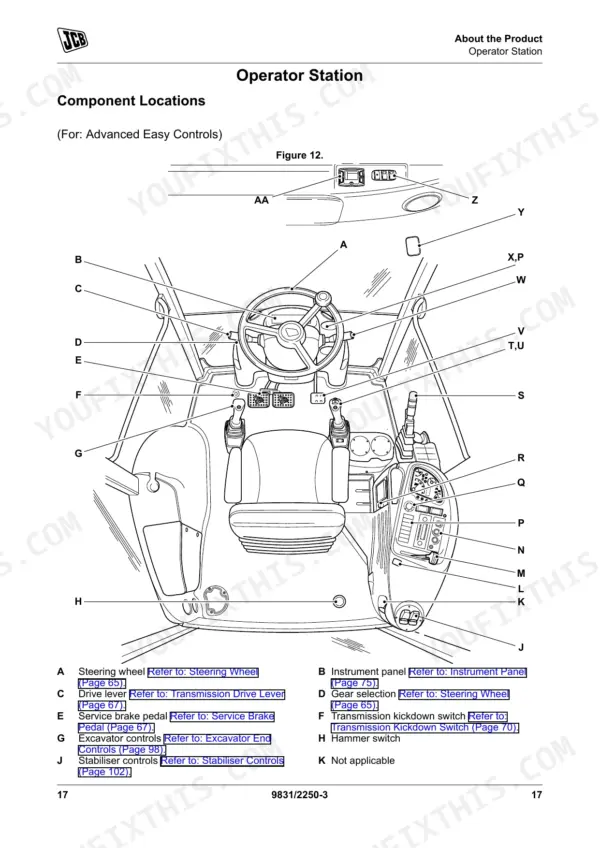
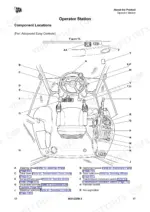
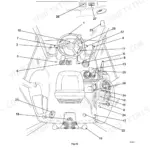
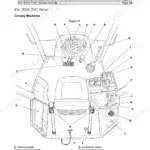
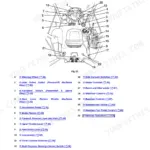
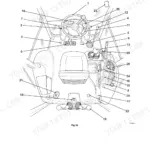
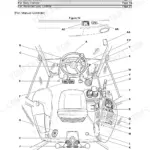
| About the Product | 21-40 | Introduction, Product and Component Identification, Safety Labels, Operator Station |
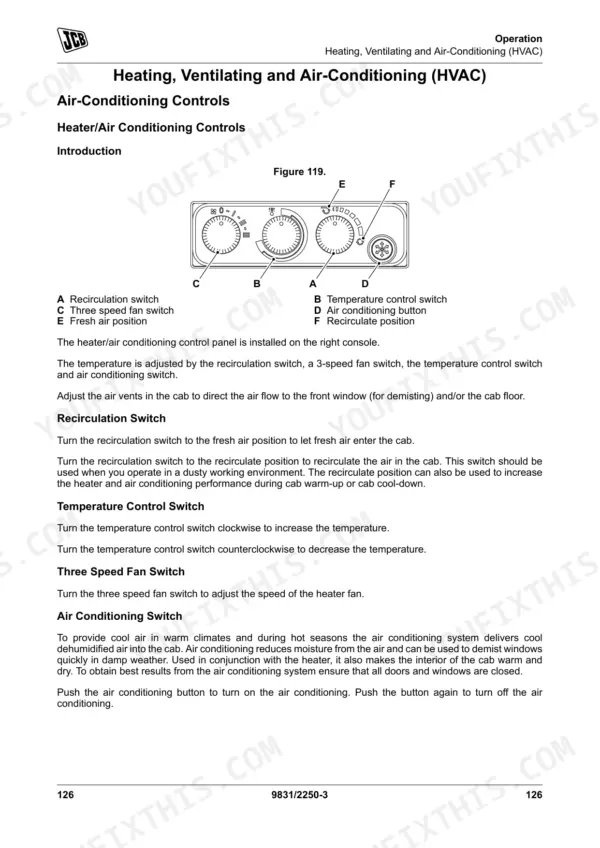
| Operation | 41-170 | Introduction, Operating Safety, Walk-Around Inspection, Entering and Leaving the Operator Station, Doors, Windows, Battery Isolator, Before Starting the Engine |
| Attachments | 171-216 | Working with Attachments, Direct-Mounted Attachments, Tool Carrier, Quickhitch, Auxiliary Circuits, Shovels, Side-Shift Carriage, Hose Reel |
| Preservation and Storage | 217-222 | Cleaning, Checking for Damage, Storage, Security |
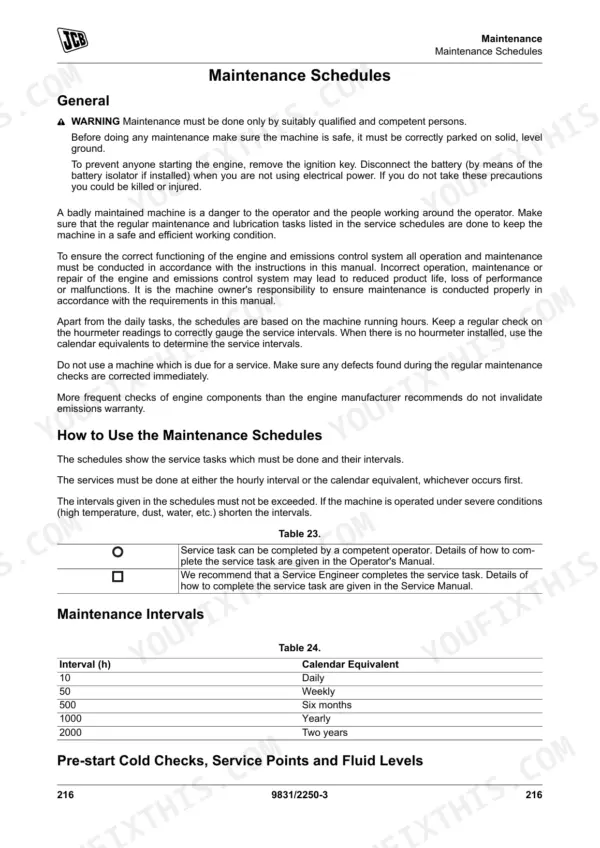
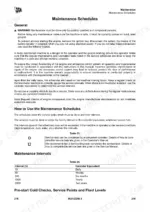
| Maintenance | 223-302 | Introduction, Maintenance Safety, Maintenance Schedules, Maintenance Positions, Service Points, Access Apertures, Tools, Lubrication |
| Technical Data | 303-374 | Static Dimensions, Performance Dimensions, Attachment Dimensions, Noise Emissions, Vibration Emissions, Fluids, Lubricants and Capacities, Torque Values |
| Warranty Information | 375-382 | Service Record Sheet |
Quick Reference Specifications
| Specification | Value | Page |
|---|---|---|
| Wheel nuts torque | 680 N·m | p. 351 |
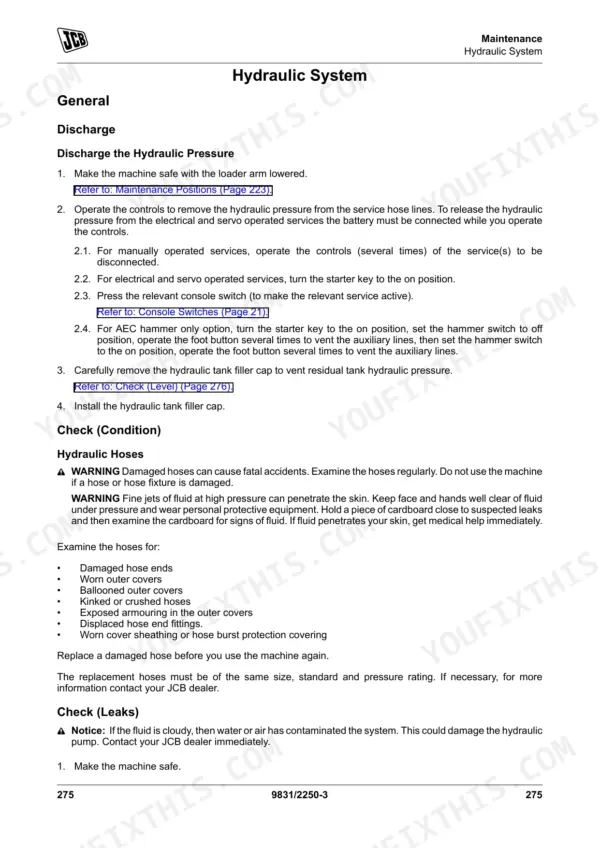
| Hydraulic Tank Filter Cover Plate torque | 24 N·m | p. 351 |
| Suction Strainer Filter torque | 15 –20 N·m | p. 351 |
| 607/ (19.05 mm MP hose) Maximum Working Pressure | 235 bar (3,406 psi) | p. 369 |
| 607/ (19.05 mm MP hose) Minimum Burst Pressure | 950 bar (13,768 psi) | p. 369 |
| Service brakes operational gradient limit | 25% (14 degrees) | p. 68 |
| Park brake operational gradient limit | 20% (11.3 degrees) | p. 68 |
| Standard battery specification | 12 V, 900 cold crank amperes | p. 338 |
| Heavy duty battery specification | 12 V, 1000 cold crank amperes | p. 338 |
| Hazard warning lights, Parking lights, Face level fan fuse rating | 40 A | p. 352 |
| Wash and Wipe, Transmission, indicators fuse rating | 50 A | p. 352 |
| Coolant level | between the MIN and the MAX marks on coolant reservoir | p. 274 |
JCB 3CX, 4CX Common Problems This Manual Covers
JCB 3CX or 4CX hydraulic functions feel weak, slow, or stop working entirely under heavy loader stress
Check the hydraulic flow control switch position. Verify it is set to Position 1 for a high flow rate with the green backlight on. If performance remains slow, inspect the hydraulic tank filter cover plate and ensure it is torqued to 24 N·m as per page 290.
Manual Section: Hydraulic System p. 290Coolant temperature gauge enters the red zone and malfunction indicator lamp illuminates during continuous digging operations
Stop the machine safely and switch off the engine to allow temperatures to reduce, as instructed on page 90. Clean the cooling pack using a soft bristle brush or compressed air. Verify the coolant level is correct, remembering the dry system capacity is 23.5 L.
Manual Section: Cooling System Problems p. 90Park brake fails to hold the machine stationary when parked on an incline or sloped surface
Test the park brake operation on an incline. Verify it holds the machine within the operational limit of 20% (11.3 degrees) as detailed on page 68. Perform this condition check every 10 hours. If it slips, verify cable tension and inspect the linkage for mud or debris buildup.
Manual Section: Brake System Checks p. 68Engine turns over slowly or fails to start with multiple electrical fault indicators flashing on the dashboard
Inspect the main battery connections for corrosion or loose terminals. Verify the battery meets the standard specification of 900 A cold crank amperes on page 338. Check the ignition and heater circuit by examining the 50 A fuse. Replace any blown fuses before attempting to restart the machine.
Manual Section: Electrical System Faults p. 278Frequently Asked Questions
How do I reset the JCB 3CX/4CX transmission or fault code?
To clear fault code U191709, first turn the ignition key to the off position, ensure the battery is fully charged, and turn the battery isolator to the on position. Then, turn the ignition to the on position for 10 seconds, turn it off for 40 seconds, and finally turn it back on. If the fault code persists, contact your JCB dealer. p. 154
How do I reset the service interval on a JCB 3CX/4CX?
The service interval reset menu is used to reset the time until the next service is due after a machine service has been completed. To perform this, navigate to the "Service Interval Reset" menu on the digital display and select the "Reset" option. p. 97
What does the JCB 3CX/4CX error code mean?
When faults are active, the digital display on the side console will show a "Fault code list" where fault codes, such as P00001, scroll followed by their descriptions. This allows the operator to understand the nature of the detected issue. p. 99
How do I clear a hydraulic or electrical fault on a JCB 3CX/4CX?
To clear the electrical fault code U191709, turn the ignition key off, ensure the battery is fully charged, turn the battery isolator on, then turn the ignition on for 10 seconds, off for 40 seconds, and back on. For general hydraulic or electrical faults, the manual advises to rectify the fault immediately or contact your JCB dealer if the fault persists. p. 154
how to reset JCB 3CX transmission warning
To cancel a transmission oil warning message, press and hold the information button for 2 seconds. A confirmation message "CLEARED" will then be displayed, indicating the warning has been acknowledged. p. 279
What format is this JCB 3CX manual in?
This is a 382-page searchable PDF ready for immediate download. Works on any device, so pull it up on your phone while you're under the hood. No shipping, no waiting.
Can I print pages of this manual for my own shop?
Yes. Print a chapter or just the pages for the job at hand, for use in your own shop. Any home or office printer works.

Reviews
There are no reviews yet.