


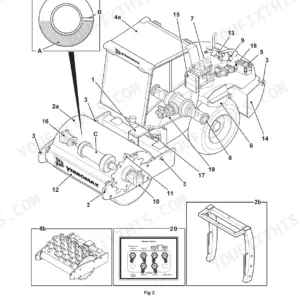
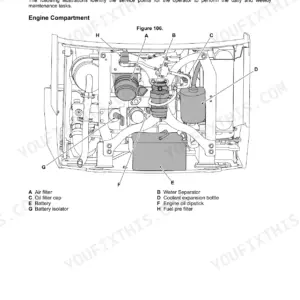
Handing the keys over to a new operator, or need to run through the daily checks on your backhoe loader? This 266-page JCB 3CX Operator Manual (OEM #9831/2700) breaks down the complete dashboard, controls, and daily maintenance schedules for your machine. You get full walk-around inspection checklists, detailed fluid capacity charts, and a complete breakdown of the operator station switches. Inside, find clear guidance on running direct-mounted attachments, operating the side-shift carriage, and managing the auxiliary circuits safely. Confirm your fuel tank holds exactly 127L before a long shift, and torque the wheel nuts to 680 N·m during your routine maintenance sweeps. Stop guessing at routine service intervals. Grab this JCB 3CX operator manual pdf, open the bookmarked file on your tablet, and keep your backhoe loader running smoothly.
Other editions of this manual
- JCB 3CX, 4CX ECO Backhoe Loader Operator Manual Original price was: $29.99.$19.99Current price is: $19.99.
- JCB 3CX, 4CX, 5CX Backhoe Loader Operator Manual Original price was: $29.99.$19.99Current price is: $19.99.
- JCB 3CX, 4CX Operator Manual Original price was: $26.99.$19.99Current price is: $19.99.
What's Inside This JCB 3CX Operator Manual
| System | Pages | Key Topics |
|---|---|---|
| Acronyms Glossary | 12 | 2WD, 4WD, ECU, Fops, HVAC, Iso |
| Introduction | 13-16 | About This Manual, Safety |
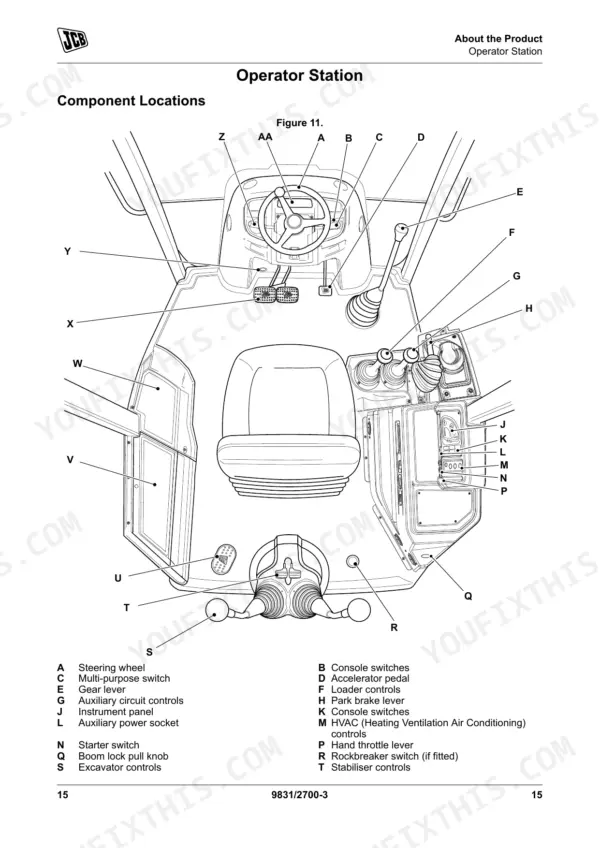
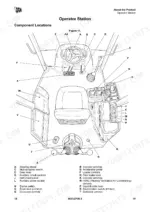
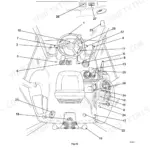
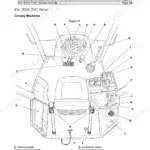
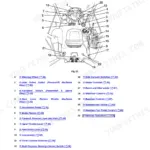
| About the Product | 17-32 | Product and Component Identification, Safety Labels, Operator Station, Interior Switches, Console Switches |
| Operation | 33-120 | Operating Safety, Walk-Around Inspection, Entering and Leaving the Operator Station, Doors, Windows, Battery Isolator, Before Starting the Engine |
| Transporting the Machine | 121-126 | Operating Environment, Refuelling |
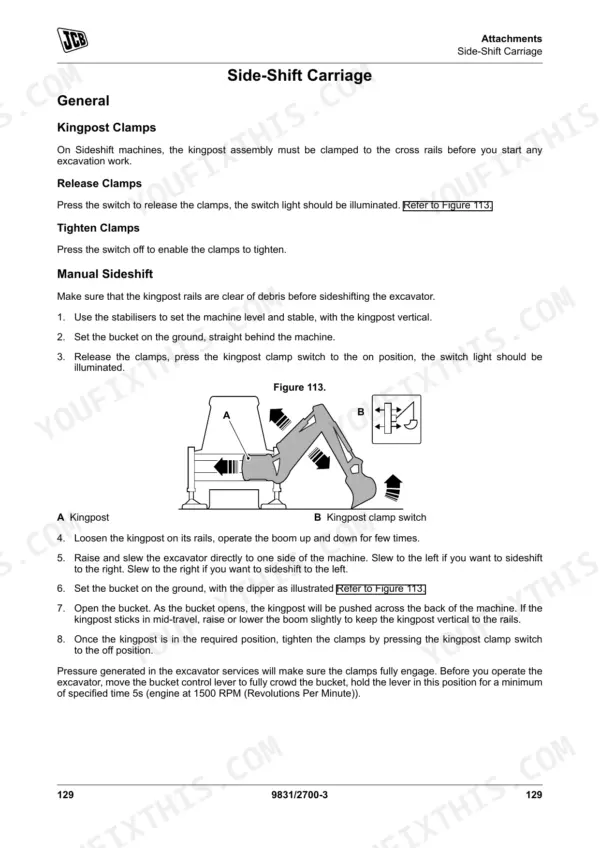
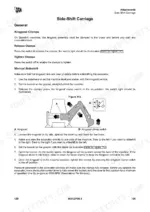
| Attachments | 127-146 | Working with Attachments, Direct-Mounted Attachments, Quickhitch, Auxiliary Circuits, Side-Shift Carriage, Hose Reel, Work Platforms, Hammer |
| Preservation and Storage | 147-152 | Cleaning, Checking for Damage, Storage, Security |
| Maintenance | 153-224 | Maintenance Safety, Maintenance Schedules, Maintenance Positions, Service Points, Access Apertures, Tools, Lubrication |
| Technical Data | 225-266 | Static Dimensions, Performance Dimensions, Noise Emissions, Vibration Emissions, Fluids, Lubricants and Capacities, Torque Values, Electrical System |
Quick Reference Specifications
| Specification | Value | Page |
|---|---|---|
| Wheel nuts torque | 680N·m | p. 248 |
| Standard battery cold crank amperes | 12V, 900 cold crank amperes | p. 249 |
| Heavy duty battery cold crank amperes | 12V, 1000 cold crank amperes | p. 249 |
| Fuel Tank Capacity | 127L | p. 242 |
| Engine Oil Capacity (Minimum) | 12L | p. 242 |
| ROPS/FOPS Mounting Bolts Torque | 205N·m | p. 248 |
| Front Tyre Pressure (12.5 x 18 x 12PR Industrial) | 3.6bar | p. 256 |
| Maximum Travel Speed | 37.6km/h | p. 236 |
| Overall Length | 5.8m | p. 225 |
| Machine Weight (Cab Sideshift) | 8,445kg | p. 226 |
| Hydraulic System Capacity | 130L | p. 243 |
JCB 3CX Common Problems This Manual Covers
Engine starts but will not stay running or repeated dead battery condition
Inspect the alternator connections and test system voltage. Replace the battery if it fails to meet the heavy duty 12V, 1000 cold crank amperes specification listed on page 249. Clean the battery isolator switch contacts and check for blown fuses.
Manual Section: Electrical System Problems p. 249Vibration during travel and excessive wear on front steer axle industrial tyres
Check front tyre pressure and inflate to exactly 3.6bar as specified on page 256. Inspect the wheel rims for embedded objects, cuts, or distortion. Verify all wheel nuts are present and torque them to 680N·m using a calibrated torque wrench.
Manual Section: Tyre Condition and Inflation p. 256Rattling noise from cab roof area during operation or damaged protective structure
Inspect the cab roof mounting points for loose, damaged, or missing hardware. Torque the ROPS/FOPS mounting bolts to exactly 205N·m as detailed on page 248. Check the operator protective structure for cracks, missing components, or impact damage that compromises overall safety.
Manual Section: Operator Protective Structure Damage p. 248Frequently Asked Questions
How do I reset the JCB 3CX service indicator?
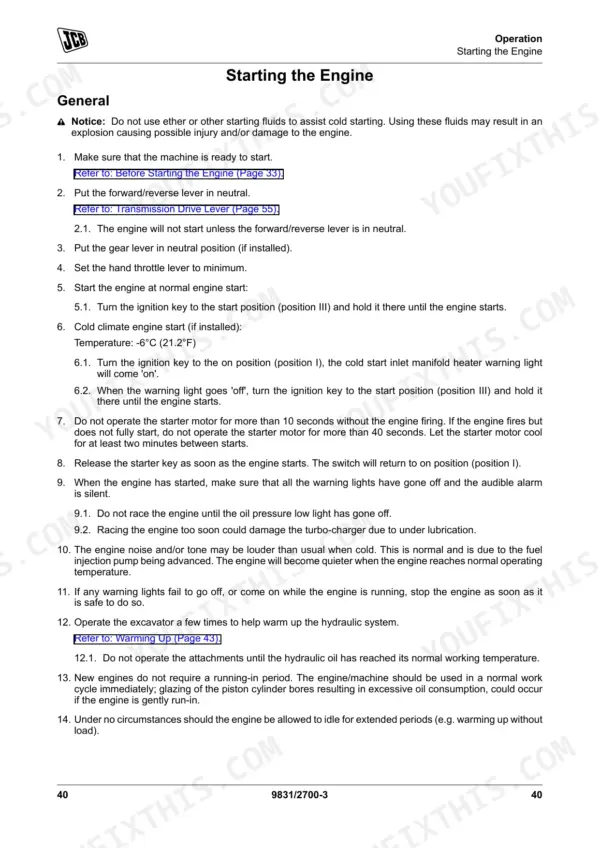
To reset the service indicator, first ensure the machine is safe with the loader arm lowered and the park brake engaged, then switch on the ignition. Quickly push and release the information button until the time until service screen is shown. Finally, push and hold the information button for 20s to reset the service hours. p. 76
How do I reset the backhoe transport lock switch on a JCB 3CX?
To disengage the boom lock, first raise the boom a little to release the lock. Then, lift the pull knob to raise the boom lock. The boom lock and slew lock must be engaged before travelling on the road. p. 64
What are the replacement specifications for Battery?
The manual specifies two types of batteries: a Standard battery with a specification of 12V, 900 cold crank amperes, and a Heavy duty battery with a specification of 12V, 1000 cold crank amperes. p. 249
How do you fix JCB 3CX backhoe loader engine starts normally but machine will not move forward or reverse?
Test the neutral start function on page 205. Put the transmission in forward and try starting; the engine should not turn over. Inspect the backhoe transport lock proximity switch and verify the standard 12V, 900 cold crank amperes battery has full charge. p. 205
How will I receive this JCB 3CX Operator Manual?
Immediate download of the complete 266-page searchable Operator Manual. Access it on any device, from a laptop at your desk to a phone in the field.
Can I print this manual?
Yes. Print the pages or sections you need for your own shop use. Any standard printer works.


Reviews
There are no reviews yet.