
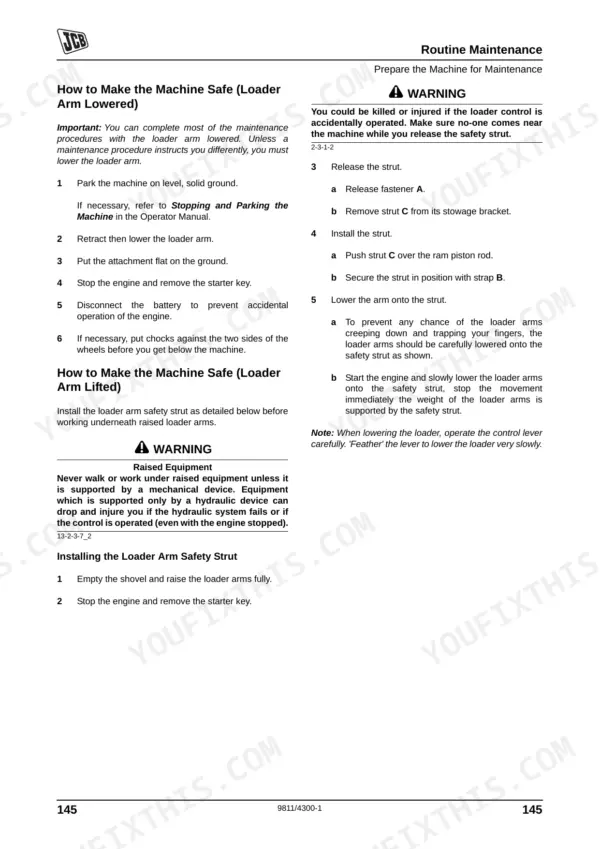
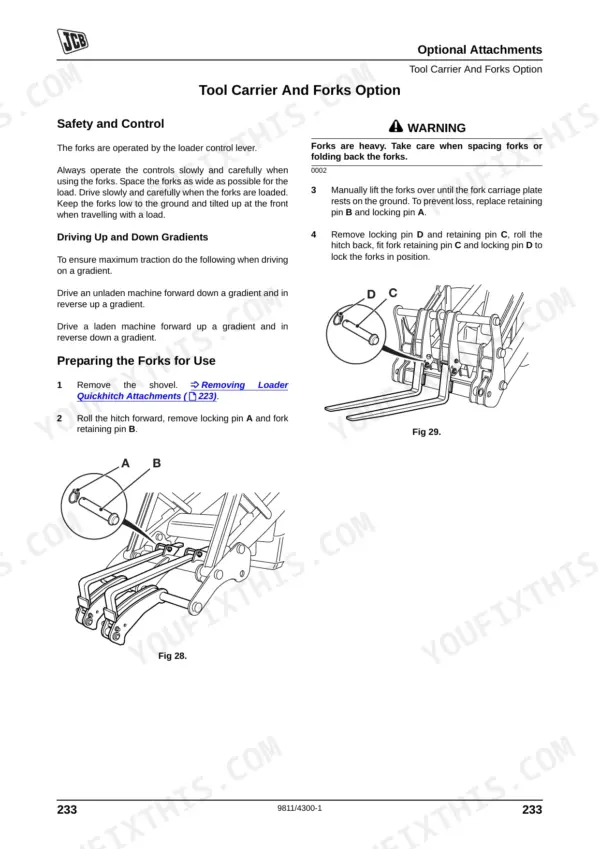
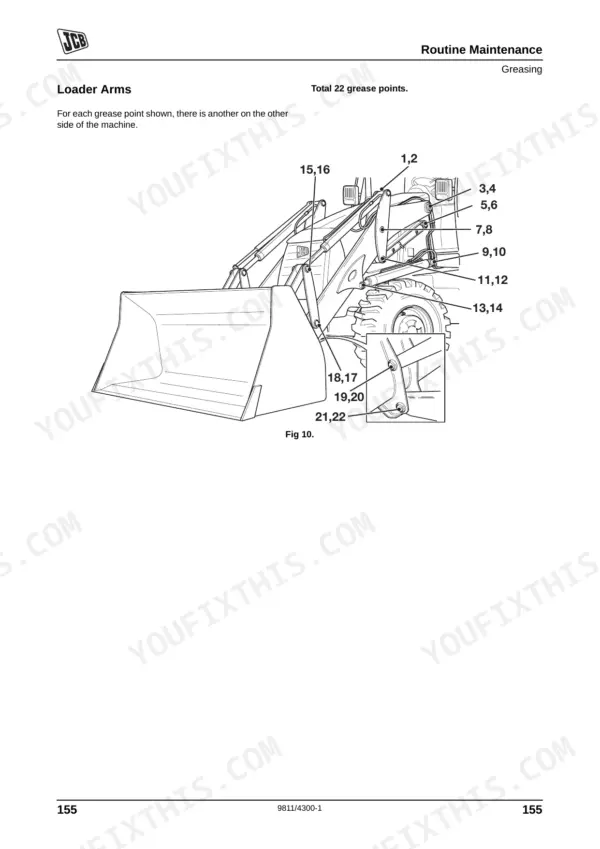
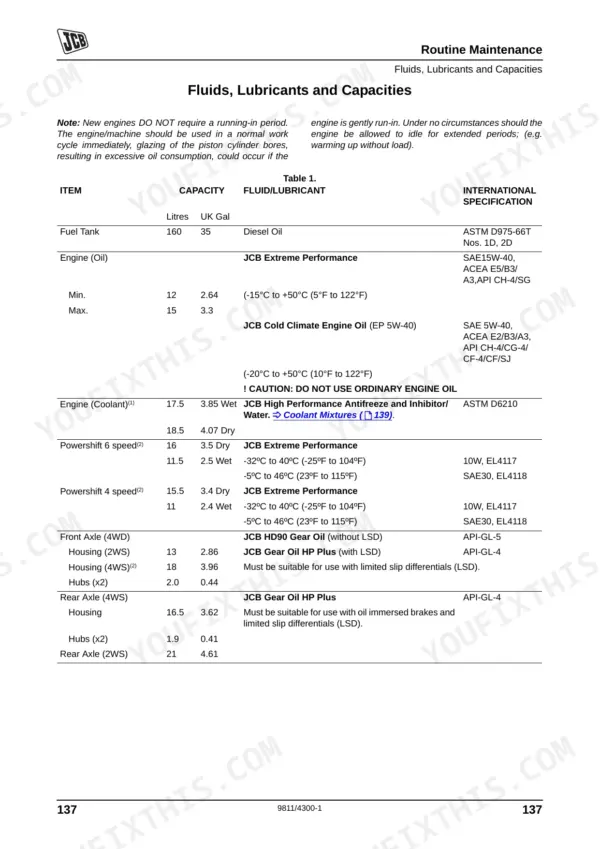
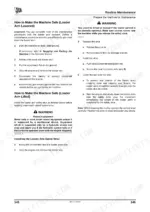
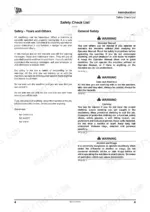
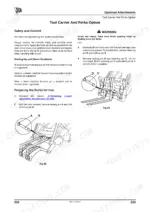
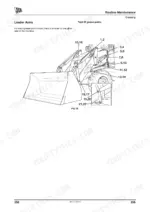
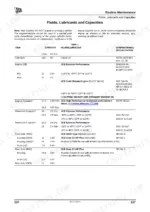
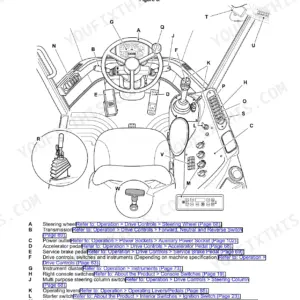
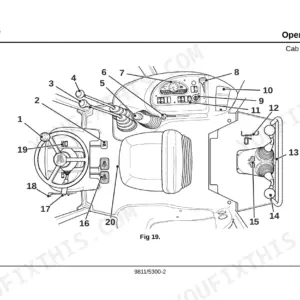
Every control, maintenance interval, and dashboard indicator for your JCB backhoe loader is mapped out inside this 278-page JCB 3CX, 4CX operator manual PDF (OEM #9811/4300). You get complete daily maintenance schedules, a full breakdown of cab instruments, and exact fluid capacities to keep your machine running right. Open to the maintenance section for step-by-step filter replacements, grease point locations, and clear explanations for every warning light. Swap the initial hydraulic filter element at 100 hours and torque your engine oil drain plug to 40-60Nm during routine service. Stop guessing what that cab warning buzzer means. Download the bookmarked file, pull it up on your phone right in the cab, and get your equipment back to work.
Other editions of this manual
- JCB 3CX, 4CX ECO Backhoe Loader Operator Manual Original price was: $29.99.$19.99Current price is: $19.99.
- JCB 3CX, 4CX, 5CX Backhoe Loader Operator Manual Original price was: $29.99.$19.99Current price is: $19.99.
- JCB 3CX, 4CX Operator Manual Original price was: $26.99.$19.99Current price is: $19.99.
What's Inside This JCB 3CX, 4CX Operator Manual
| System | Pages | Key Topics |
|---|---|---|
| Safety Notices | 9-10 | Important Information, Operator Manual, Safety Warnings |
| Introduction | 11-32 | About This Manual, Safety Check List, Safety Decals, Identifying Your Machine |
| Operation | 33-45 | Before Entering the Cab, Entering and Leaving the Cab, Doors and Windows (Opening Closing: Side Windows, Rear Window) |
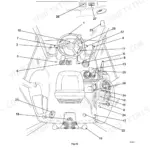
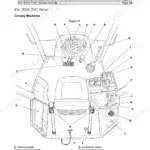
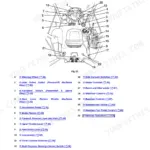
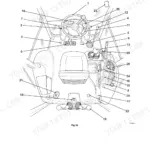
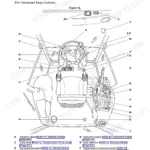
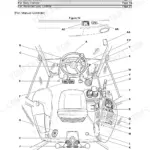
| Drive Controls, Switches and Instruments | 46-68 | Drive Controls, Switches, Instruments, Torque Lock, Air Conditioning and Heater Controls, Extreme Cold Climate Heater Switch, Removing and Installing the Radio |
| Operating Levers | 69-278 | Loader Controls, Stabiliser Controls, Backhoe Controls, Auxiliary Options Control |
Quick Reference Specifications
| Specification | Value | Page |
|---|---|---|
| Hydraulic filter element initial replacement interval | 100 hours | p. 135 |
| Engine oil drain plug torque | 40-60Nm (30-44lbf ft) | p. 188 |
| Engine oil filter tightening | 3/4 of a turn | p. 188 |
| Water separator pump locking ring tightening | finger tight plus 1/4 of a turn | p. 197 |
| Front End Accessory Drive (FEAD) Belt tension | automatically kept in tension | p. 191 |
| Oil seals replacement | Renew whenever disturbed | p. 21 |
| Gaskets replacement | Renew whenever disturbed | p. 21 |
| Transmission suction strainer bolts torque | 10 Nm (7 lbf ft) | p. 188 |
| Front Wheel Nut Torque | 680 Nm | p. 215 |
| Maximum Load Loader Unit (crane) | 1000 kg | p. 253 |
| Hydraulic Hose 611/ Max Working Pressure | 400 bar | p. 263 |
| Hydraulic Hose 611/ Minimum Burst Pressure | 1600 bar | p. 263 |
JCB 3CX, 4CX Common Problems This Manual Covers
JCB 3CX and 4CX steering feels loose or wanders during road travel and site maneuvering
Inspect the wheel fixings before operating the machine. Check the front wheel nuts and torque them to 680 Nm as detailed on page 215. Verify tyre pressures match the current load requirements and inspect the sidewalls for deep cuts.
Manual Section: Checking the Wheel Nut Torques p. 215Loader bucket and backhoe response feels sluggish or jerky after the first few weeks of operation
Replace the hydraulic filter element to restore system performance. Perform the initial hydraulic filter element replacement at 100 hours as specified on page 135. Clean the surrounding housing thoroughly before installing the new filter to prevent contamination.
Manual Section: Operating Levers p. 135Engine oil pressure warning light illuminates on the dashboard during heavy digging operations
Inspect the engine oil level and verify it reaches the maximum mark on the dipstick. Drain the oil and replace the filter, then torque the engine oil drain plug to 40-60Nm (30-44lbf ft) as outlined on page 188. Wipe away any spills to detect future leaks early.
Manual Section: Operating Levers p. 188Engine runs rough, misfires, or stalls frequently during operation in wet or cold conditions
Drain any accumulated water from the fuel separator bowl. Replace the filter element and tighten the water separator pump locking ring to finger tight plus 1/4 of a turn according to page 197. Bleed the air from the system completely before attempting to restart the engine.
Manual Section: Operating Levers p. 197Frequently Asked Questions
What do JCB 3CX/4CX error codes mean?
The manual describes warning lights and their indications rather than alphanumeric error codes. For instance, the 2-wheel indicator light Z on the front console flashing two times per second indicates that a steer mode change is in progress. If this light flashes repeatedly four times per second, it signifies that the steering is out of phase, requiring re-phasing of the steer system (page 47). p. 52
What are the replacement specifications for hydraulic fluid filters?
New machines are fitted with a 5 micron hydraulic filter element. Replace it with a 10 micron filter element at the first 100-hour service. After that, follow the service schedule intervals in the manual for ongoing hydraulic filter and pilot filter changes. p. 201
What are the replacement specifications for engine oil filters?
Change the engine oil and filter at the intervals shown in the service schedule in the manual. Under arduous operating conditions, increase the frequency to every 250 hours as specified on page 132. p. 132
How do you fix JCB 3CX and 4CX steering feels loose or wanders during road travel and site maneuvering?
Inspect the wheel fixings before operating at the maximum travel speed. Check the front wheel nuts and torque them to 680 Nm as detailed on page 215. Verify tyre pressures match the current load requirements and inspect the sidewalls for deep cuts. p. 215
How is this JCB 3CX Operator Manual delivered?
This is a 278-page searchable PDF ready for immediate download. Works on any device, so pull it up on your phone while you're under the hood. No shipping, no waiting.
Can I print pages of this manual for my own shop?
Yes. Print a chapter or just the pages for the job at hand, for use in your own shop. Any home or office printer works.

Reviews
There are no reviews yet.