
Before you climb into the cab of your backhoe loader, grab this 398-page JCB 3CX, 4CX operator manual PDF (OEM #9821/3000) to master every dashboard control and daily service point. Inside, you get a full breakdown of routine maintenance checks, complete fluid capacities, and precise bucket load charts for safe operation. Open to the service schedules to find exact intervals for filters, grease points, and visual inspections to keep your iron running hard. Top off the battery electrolyte level to exactly 6 mm above the plates, and tighten the transmission strainer gasket bolts to 10 Nm during your next fluid change. Guessing at daily maintenance ruins heavy equipment. Download this bookmarked file right to your phone or tablet, find the daily checklist, and get to work.
Other edition of this manual
- JCB 3CX, 4CX ECO Backhoe Loader Operator Manual Original price was: $29.99.$19.99Current price is: $19.99.
What's Inside This JCB 3CX ECO, 4CX ECO Operator Manual
| System | Pages | Key Topics |
|---|---|---|
| Safety Notices | 11-12 | Important Information, Operator Manual, Safety Warnings |
| Introduction | 13-34 | About This Manual, Machine Description, Safety Check List, Safety Labels, Identifying Your Machine, Machine Security |
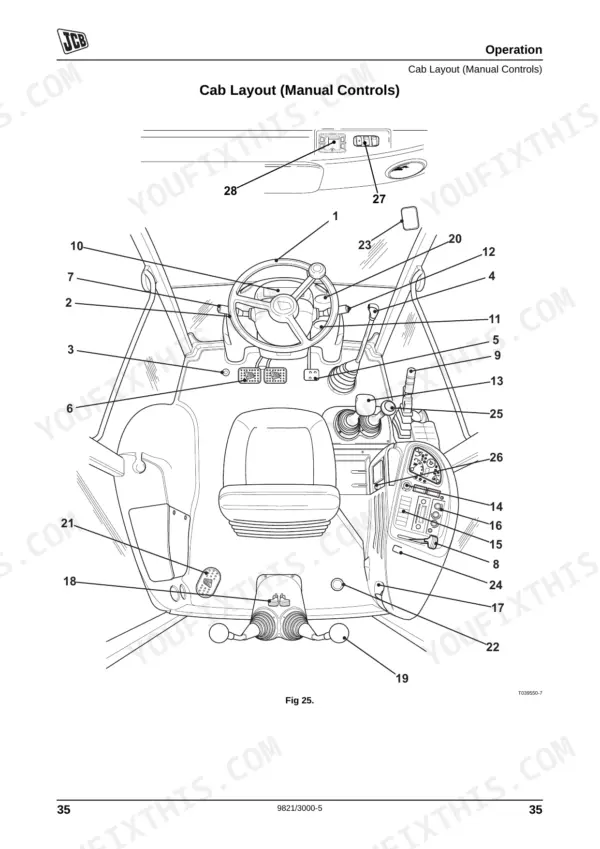
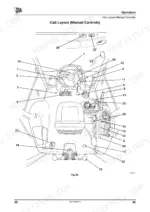
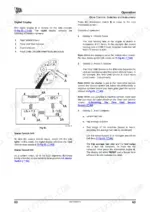
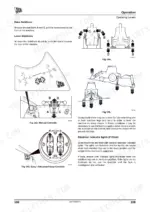
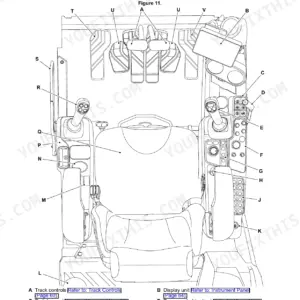
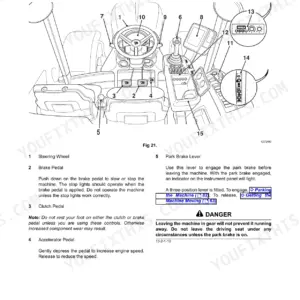
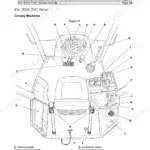
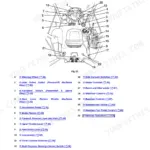
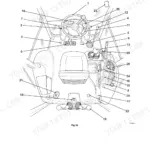
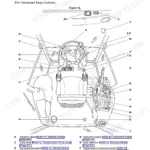
| Operation | 35-196 | Before Entering the Cab, Entering and Leaving the Cab, Doors and Windows (Opening Closing: Door, Side Windows, Rear Window) |
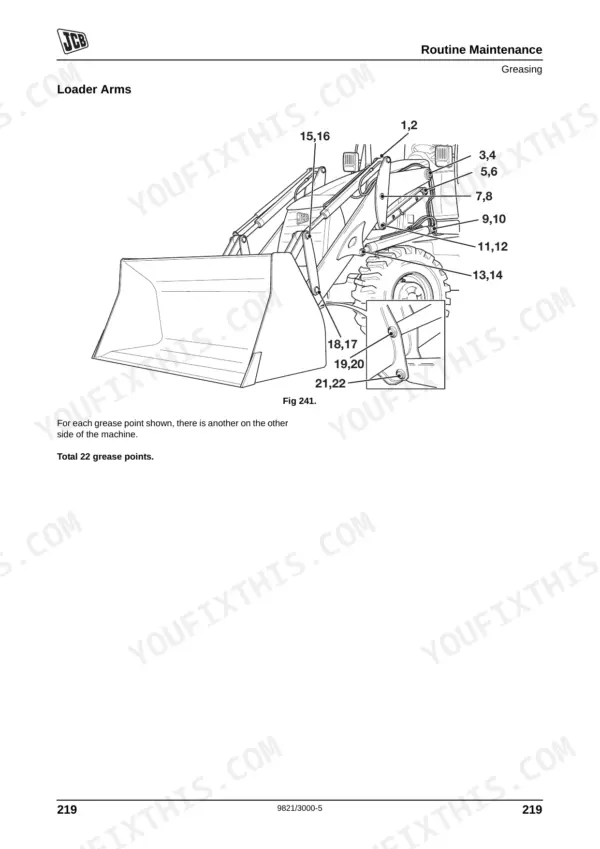
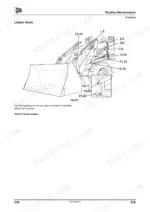
| Routine Maintenance | 197-302 | Service Requirements, Health and Safety, Service Schedules, Pre-Start Cold Checks, Service Points and Fluid Levels, Functional Test and Final Inspection, Fluids |
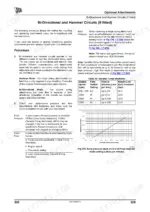
| Optional Attachments | 303-350 | Attachments for Your Machine, Connecting/Disconnecting Hydraulic Hoses, Directly Mounted Excavator Attachments, Auxiliary Attachment Operation (If Fitted) |
| Specifications | 351-390 | Lifting (Object Handling) Regulations and Safe Working Loads, Excavator Bucket Weights and Dimensions, 3CX/ 4CX Loader Bucket Weights and Dimensions, Static Dimensions |
| Warranty Information | 391-394 | Machine Service Record Sheet, Registration Information |
| European Community Standards | 395-398 | Ec Declaration of Conformity, Explanation of the Ec Declaration of Conformity |
Quick Reference Specifications
| Specification | Value | Page |
|---|---|---|
| ROPS/FOPS Structure Mounting Bolts | 205 Nm (150 lbf ft) | p. 228 |
| Engine Oil Drain Plug Torque | 40 - 60 Nm (30 - 44 lbf ft) | p. 262 |
| Battery Electrolyte Level | 6 mm (1/4 in) above the plates | p. 247 |
| Engine Oil Drain Plug O-ring Torque | 40 - 60 Nm (30 - 44 lbf ft) | p. 262 |
| Transmission Strainer Gasket Bolts Torque | 10 Nm (7 lbf ft) | p. 211 |
| Engine Oil Filter Tightening | hand tight only | p. 262 |
| Transmission Strainer Bolts Torque | 10 Nm (7 lbf ft) | p. 211 |
| Fuel Tank Capacity | 160 Litres (35.2 UK Gal) | p. 211 |
| Engine Oil Capacity (Min) | 12 Litres (2.64 UK Gal) | p. 211 |
| Engine Oil Capacity (Max) | 15 Litres (3.3 UK Gal) | p. 211 |
| Coolant Capacity (Wet) | 20.5 Litres (4.5 UK Gal) | p. 211 |
| Hydraulic System Capacity (Gear Pump Machines) | 130 Litres (28.6 UK Gal) | p. 211 |
JCB 3CX ECO, 4CX ECO Common Problems This Manual Covers
JCB 3CX won't start after shutdown with 11V error code flashing on dashboard
Check the battery connections and verify the electrolyte is 6 mm (1/4 in) above the plates as detailed on page 247. Inspect the alternator belt tension. Jump start the machine to move it safely, then test if the charging system restores proper voltage.
Manual Section: Routine Maintenance p. 247Engine oil leaking from under the machine during daily pre-start cold checks
Inspect the oil pan area during your daily walkaround. Drain the engine oil and replace the filter. Torque the engine oil drain plug to 40 - 60 Nm (30 - 44 lbf ft) as specified on page 262. Clean residual oil to monitor for future drips.
Manual Section: Changing the Oil and Filter (Engine) p. 262Engine sputtering and losing power due to air trapped in the fuel lines
Bleed the fuel system to remove trapped air bubbles. Replace the primary fuel filter element and torque the housing to the value specified on page 273 of the manual. Fill the tank up to the 160 Litres (35.2 UK Gal) capacity to prevent condensation buildup overnight.
Manual Section: Routine Maintenance p. 273Knocking sound from the axles while driving between job sites at high speeds
Inspect all tires and rims for damage before operating. Verify the wheel nut torque using a calibrated torque wrench to the value specified on page 290 of the manual. Never exceed the maximum travel speed of 25mph (40kph) on public roads.
Manual Section: Routine Maintenance p. 290Frequently Asked Questions
How do I reset the throttle on a JCB 3CX?
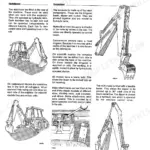
To reactivate the hand throttle lever, return the lever to the idle position A and then re-set the throttle lever to the required engine rpm. Both brake pedals and the accelerator pedal must be fully off for the hand throttle to work. p. 54
How do I reset the backhoe transport lock or safety circuit on a JCB 3CX?
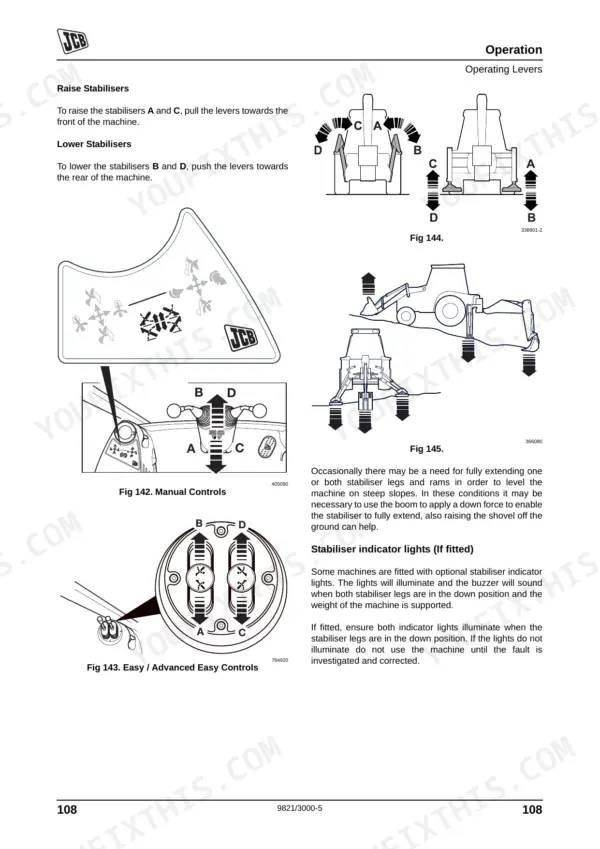
To disengage the boom lock, raise the boom a little to release the lock, then lift control lever C to raise the boom lock B. To disengage the slew lock, refer to the slew lock procedure in the Safety Equipment section of the manual. p. 114
What is the difference between a JCB 3CX and 4CX?
The manual provides detailed static and performance dimensions for both 3CX and 4CX machines. For example, a 3CX machine has an overall length of 5.62 m (18-5) and an overall height of 3.61 m (11-10), while a 4CX machine has an overall length of 5.91 m (19-5) and an overall height of 3.54 m (11-7) for the standard model. p. 351
How do I clear service messages on a JCB 3CX?
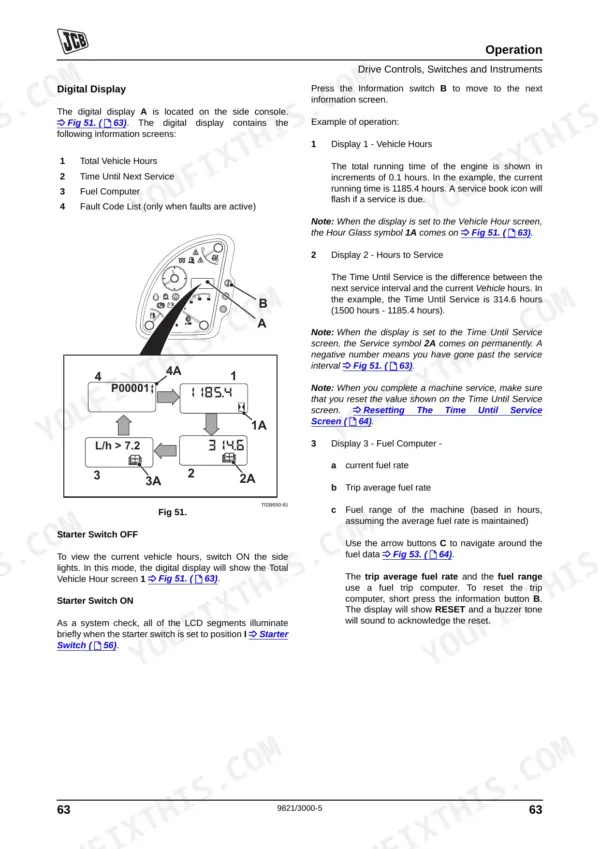
To clear service messages, first make the machine safe with the loader arm lowered. Then, with the park brake engaged and ignition ON, quickly push and release the Information i button until the 'Time Until Service' screen is displayed. Finally, push and hold the Information i button for 20 seconds to reset the service hours. p. 76
How to reset JCB 4CX error code
For fault code U191709, leave the ignition ON for a minimum of 17 minutes, then turn the ignition switch to OFF and wait for 40 seconds. Turn the ignition ON again and enter the immobiliser access code if necessary. If the fault code persists, contact your JCB Dealer. p. 250
What format is this JCB 3CX ECO manual in?
A 398-page Operator Manual in searchable PDF format, available the moment you complete checkout. View on computer, tablet, or phone, with no shipping wait.
Can I print this manual?
Yes. Print individual pages or full chapters for your own shop use, on letter or A4 paper.

Reviews
There are no reviews yet.