
Part of the JCB Operator Manuals.
Ready to master the cab of your excavator? This 298-page JCB 210X, 220X Operator Manual PDF (OEM #9831/3750) outlines every daily inspection, safety protocol, and control function for your machine. Inside, you get a complete breakdown of cab switches, daily maintenance walk-arounds, and exact fluid capacities to keep your equipment running smoothly. Open to the error code section to quickly translate dashboard warnings before a minor issue turns into heavy downtime. Set your track shoe bolt tightening torque between 840 and 890 N·m, and verify the minimum track tension stays at exactly 30mm during your morning undercarriage checks. A snapped track bolt costs you a full day of dirt moving. Grab this bookmarked file right now, open it on your tablet directly from the operator seat, and keep your jobsite productive.
What's Inside This JCB 210X, 220X Operator Manual
| System | Pages | Key Topics |
|---|---|---|
| Acronyms Glossary | 12 | Auxiliary Relief Valve, Controller Area Network, Diesel Exhaust Fluid, Engine Control Module, Exhaust Gas Recirculation, Heating Ventilation Air Conditioning |
| Introduction | 13-16 | Safety |
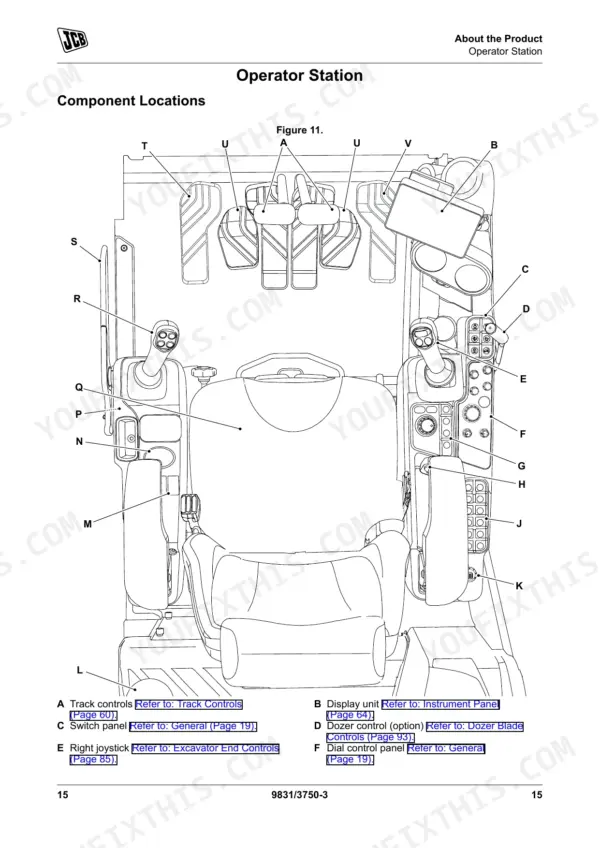
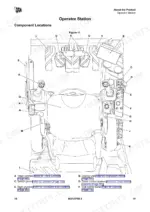
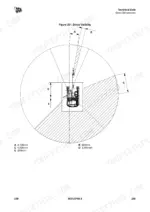
| About the Product | 17-34 | Description (General, Intended Use, Log Moving/Object Handling, Optional Equipment and Attachments, Danger Zone, Main Component Locations) |
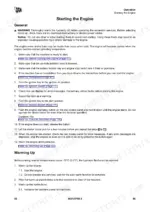
| Operation | 35-298 | Operating Safety (General, Worksite Safety, Risk Assessment), Walk-Around Inspection, Entering and Leaving the Operator Station, Immobiliser and Pin Security, Starting the Engine, Instruments and Warning Icons (SCR, DEF, Engine Malfunction), Hydraulic Controls Isolation, Maintenance Schedules (Hydraulic Hoses, Every 2 Years or 4000 Hours), Track System (Tension 30mm, Shoe Bolt Torque 840–890 N·m), Operator Protective Structure (ROPS/FOGS), Fluid Capacities (Fuel 387L, DEF 47.7L, Engine Oil 20.4L, Cooling 38L), Engine Technical Data (129kW), System Electrical (24V) |
Quick Reference Specifications
| Specification | Value | Page |
|---|---|---|
| Procedure to enable hydraulic controls | 1. If the controls isolation lever is lowered to isolate the controls, raise it to enable the controls. 2. Push the controls isolation switch after raising the controls isolation lever to enable the controls. | p. 70 |
| Track shoe bolt tightening torque | 840–890N·m | p. 277 |
| Track shoe bolt checking torque | 756–801N·m | p. 277 |
| Minimum track tension | 30mm | p. 277 |
| Hydraulic oil warm-up temperature for operation in low temperatures | below -15°C (5.0°F) | p. 62 |
| Hydraulic hose condition requiring replacement | damaged hose ends, worn outer covers, ballooned outer covers, kinked or crushed hoses, embedded armouring in the outer covers, displaced hose end fittings | p. 235 |
| Engine Maximum Rating | 129kW | p. 267 |
| Fuel Tank Capacity | 387L | p. 270 |
| DEF Tank Capacity | 47.7L | p. 270 |
| Engine Oil Capacity | 20.4L | p. 270 |
| Cooling System Capacity | 38L | p. 270 |
| System Voltage | 24V | p. 278 |
JCB 210X, 220X Common Problems This Manual Covers
JCB 210X or 220X excavator starts but hydraulic controls remain completely unresponsive.
Raise the controls isolation lever to enable the system as shown on page 70. Push the controls isolation switch immediately after raising the lever. Perform the 10 hours daily maintenance check, inspecting hydraulic hoses for ballooned outer covers or displaced fittings per page 235.
Manual Section: Hydraulic System Malfunctions p. 70Clunking noise from undercarriage while tramming and loose tracks visible on the idler side.
Measure the track droop to ensure minimum track tension is exactly 30mm. If the tension is out of spec, adjust the grease cylinder. Verify track shoe bolts are secure using a calibrated wrench to apply 840 to 890 Nm tightening torque as detailed on page 277.
Manual Section: Track System Issues p. 277Engine derate warning flashing on the monitor accompanied by a severe lack of power.
Check the fluid capacities chart on page 270 and fill the DEF tank to its 47.7L capacity. Verify the engine oil level is near the 20.4L mark. Drain any water or deposits from the fuel system to restore normal engine speed variation.
Manual Section: Engine Emissions Control System (SCR/DEF) p. 270Rattling noise coming from the operator protective structure during heavy digging or traveling.
Inspect the mounting hardware for the operator protective structure. Check all ROPS mounting bolts and tighten any that are loose to the torque value specified in the manual. Inspect the frame-mounted FOGS hardware and tighten any loose bolts to the specification given in the manual.
Manual Section: Operator Protective Structure Damage p. 211Frequently Asked Questions
How do I clear an immobiliser or PIN error on a JCB 210X/220X?
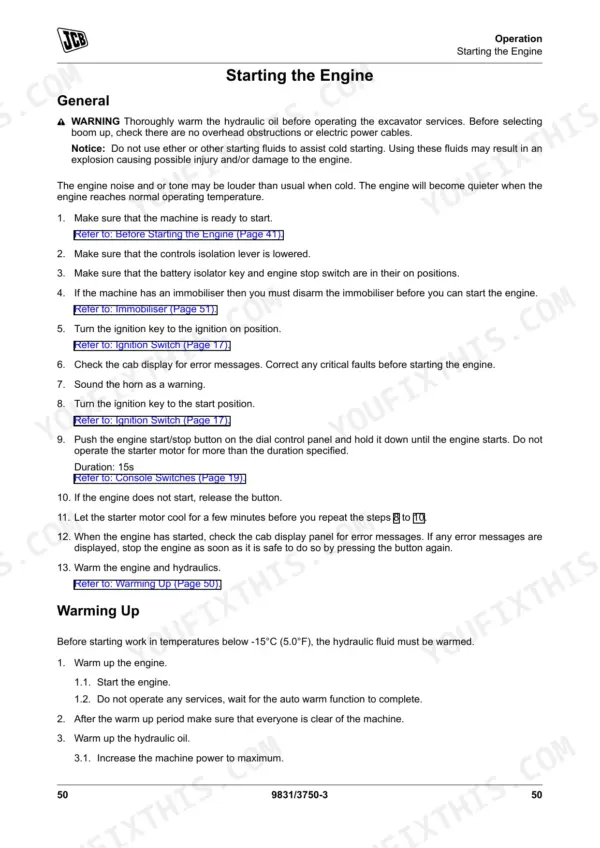
To clear an immobiliser or PIN error, you must enter the correct four-digit security code using the switch panel on the right-hand console. If an incorrect security code is entered five times, the immobiliser system will lock for 15 minutes, during which the ignition must be left on for the timer to expire. p. 63
Why won’t my JCB 210X/220X hydraulics activate after startup?
If your JCB 210X/220X hydraulics won't activate after startup, ensure the controls isolation lever is raised to enable the controls. If the controls isolation lever was previously lowered to isolate the controls, raising it will enable them. Alternatively, if the controls isolation switch was used to isolate, push it a second time to enable the controls. p. 70
What does the error code on a JCB 210X/220X display mean?
The JCB 210X/220X display shows various icons to indicate machine status and potential issues. For example, an amber engine malfunction icon indicates a warning, while a red engine malfunction icon signifies a critical fault. Other icons include "SCR plugged (red icon)", "Engine shutdown (red icon)", and "Engine low power due to low DEF level". p. 80
What are the replacement specifications for Hydraulic hoses?
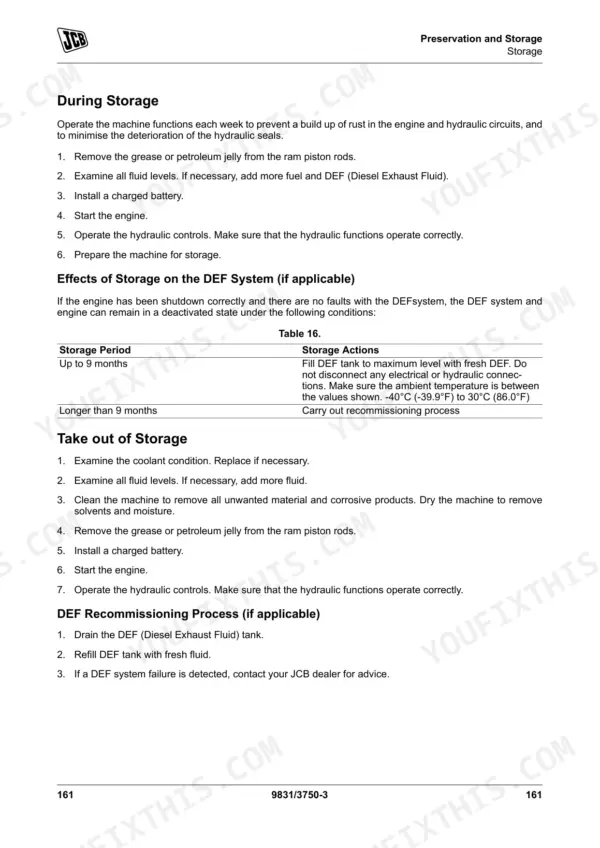
Hydraulic hoses on the JCB 210X/220X should be replaced with new ones of the same size and standard. Routine replacement of the hydraulic pump inlet hose is recommended every 2 years or 4000 hours, whichever occurs first. For the full list of safety-critical hose replacement intervals, refer to the maintenance schedule in your manual. p. 187
How quickly can I access this manual after buying?
This is a 298-page searchable PDF ready for immediate download. Works on any device, so pull it up on your phone while you're under the hood. No shipping, no waiting.
Can I print pages of this JCB 210X manual for my own shop?
Yes. Many mechanics print the section they need for their own shop and bring it to the bench.











Reviews
There are no reviews yet.