
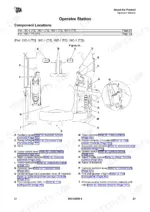
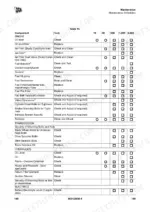
Part of the JCB Operator Manuals.
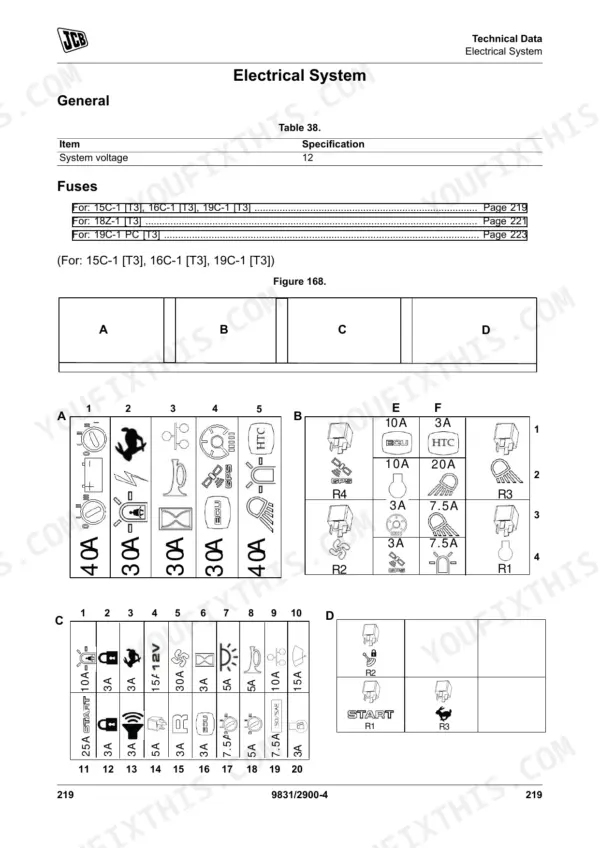
Before you put your JCB compact excavator to work, this 250-page JCB 15C-1, 16C-1, 18Z-1, 19C-1, 19C-1 PC Operator Manual PDF (OEM #9831/2900) walks you through every daily check, control function, and maintenance routine for all five variants. Inside, you get complete operating procedures, safety guidelines, and a full breakdown of dashboard indicators to keep your machine running safely. You will also find exact maintenance intervals, fluid capacities, and factory wiring diagrams to help you trace electrical faults before they cause major downtime. Verify your Quickhitch system high pressure is running right at 235 bar (3,405.8 psi) and confirm the instrument display panel fuse rating for your model variant in the Technical Data section. Preventing a breakdown is always cheaper than fixing one.
Other edition of this manual
- JCB 16C-1, 18Z-1, 19C-1 Compact Excavator Operator Manual Original price was: $28.99.$19.99Current price is: $19.99.
What's Inside This JCB 15–19 Operator Manual
| System | Pages | Key Topics |
|---|---|---|
| Acronyms Glossary | 11-12 | Controller Area Network, Engine Control Module, Electronic Control Unit, Falling Object Protective Structure, Hydraulic Tool Carrier, Roll-Over Protective Structure |
| Safety | 15-18 | Safety - Yours and Others, Safety Warnings, Clothing and Personal Protective Equipment |
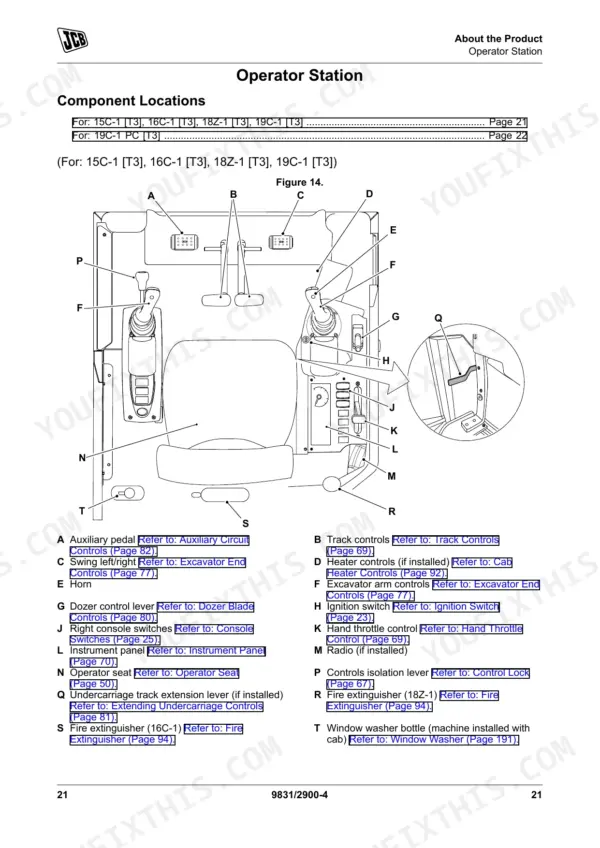
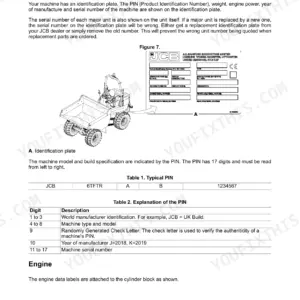
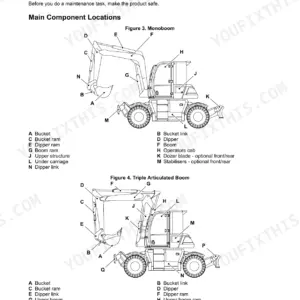
| About the Product | 19-40 | Introduction (General, Name and Address of the Manufacturer, Product Compliance) |
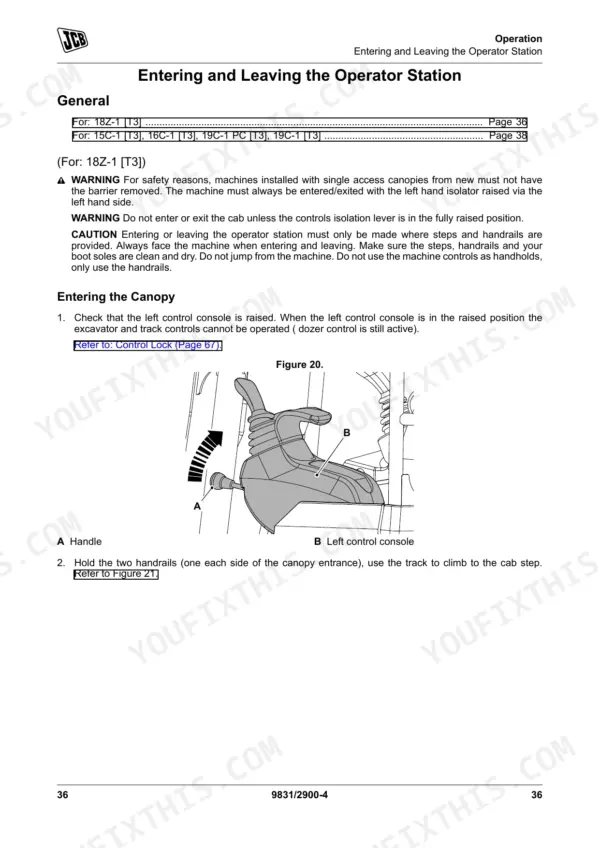
| Doors | 42-43 | Operator Door |
| Windows | 44-45 | Front Window, Side Window |
| Sun Visor/Sunblind | 46 | Sunblind |
| Battery Isolator | 47 | General |
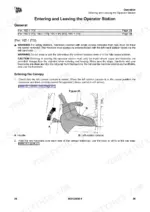
| Before Starting the Engine | 48-49 | General |
| Operator Seat | 50-51 | General, Basic Seat, Suspension Seat |
| Seat Belt | 52-53 | General, Static Seat Belt |
| Mirrors | 54-55 | General |
| Starting the Engine | 56-63 | General, Warming Up, Immobiliser |
| Stopping and Parking | 64 | General |
| Preparing for Travel | 65-66 | General, Preparing for Worksite Travel, Beacon |
| Safety Equipment | 67-148 | General, Control Lock |
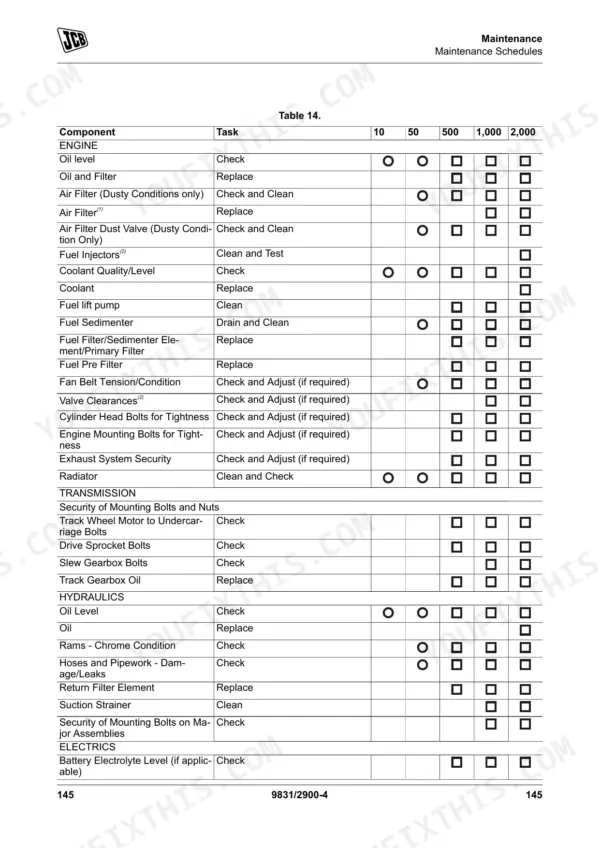
| Maintenance | 149-204 | Maintenance Safety, Access Apertures, Body and Framework, Engine, Fuel System, Tracks, Hydraulic System, Electrical System |
| Technical Data | 205-250 | Static Dimensions, Performance Dimensions, Fluids, Lubricants and Capacities, Electrical System, Warranty Information |
Quick Reference Specifications
| Specification | Value | Page |
|---|---|---|
| 19C-1 PC [T3] | ||
| Quickhitch System Pressure (High Pressure) | 235 bar (3,405.8 psi) | p. 241 |
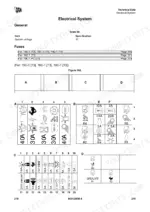
| Quickhitch fuse rating | 3 A | p. 236 |
| Seat belt indicator | Visual. Illuminate red if the seat belt is not fastened or the operator is not sitting on the seat. | p. 85 |
| 15C-1 [T3], 16C-1 [T3], 18Z-1 [T3], 19C-1 [T3] | ||
| Seat belt indicator | Visual. Illuminate red if the seat belt is not fastened or the operator is not sitting on the seat. | p. 71 |
| 15C-1 [T3], 16C-1 [T3], 19C-1 [T3] | ||
| Instrument display panel fuse rating | 3 A | p. 232 |
| 18Z-1 [T3] | ||
| Instrument display panel fuse rating | 3 A | p. 234 |
| All Models | ||
| Fuel Tank Capacity | 20.5 L | p. 226 |
| Engine Oil Capacity | 2.5 L | p. 226 |
| Hydraulic System Capacity (System) | 28 L | p. 226 |
| Hydraulic System Capacity (Tank) | 15 L | p. 226 |
| Track Gearbox Oil Capacity (each) | 0.3 L | p. 226 |
| FOPS (Falling Object Protective Structure) bolts torque | 74 N·m | p. 230 |
JCB 15–19 Common Problems This Manual Covers
JCB 19C-1 PC engine will not start or hydraulics remain isolated after entering the 2GO immobilizer sequence
Verify the correct startup sequence as outlined on page 56. Check the operator presence switch and ensure the left-hand console is fully lowered. If the instrument display remains blank, inspect the fuse located in the display panel circuit — refer to the Technical Data section for the correct fuse rating for your model variant.
Manual Section: Starting the Engine p. 56Quickhitch mechanism fails to lock securely or attachment unlock warning remains illuminated on the instrument panel
Inspect the Q-Hitch sequence switch and verify the Quickhitch 3 A fuse is intact on page 236. Cycle the attachment controls to pressurize the circuit. Ensure the hydraulic system fluid level is maintained at the correct mark within the 15 L tank capacity on page 226.
Manual Section: Safety Equipment p. 236Excavator undercarriage vibrates excessively during worksite travel or rubber tracks slip off the idler wheels
Measure the rubber track sag at the center roller and adjust the grease tensioner to the correct minimum tension as specified on page 242. If the track remains loose, inspect the track gearbox and verify it contains 0.3 L of oil on page 226.
Manual Section: Maintenance p. 242Dashboard warning indicators remain illuminated red after engine startup and operator is seated
Check the seat belt indicator logic. Fasten the static seat belt securely. If the visual indicator stays red while seated, test the operator presence switch. Inspect the FOPS mounting bolts and verify they are tightened to 74 N·m on page 230 to prevent cab vibration faults.
Manual Section: Safety Equipment p. 230Frequently Asked Questions
How do I reset a JCB 19C-1 immobilizer or 2GO start sequence fault?
To disarm the immobilizer on a JCB 19C-1 PC [T3], turn the ignition key to position 'I', enter your four-digit PIN code using the switch panel buttons, and then push the 'tick' button to confirm. If an incorrect PIN code is entered five times, the immobilizer will lock for 15 minutes, during which PIN entry is not possible. For other variants in this manual, refer to the Starting the Engine section (pp. 56-63) for the model-specific immobiliser disarm procedure. p. 74
How do I reset a JCB mini excavator after a battery disconnect?
After a battery disconnect, to reconnect the machine electrics, ensure the ignition is switched off. Insert the battery isolator key and turn it in a clockwise direction. When connecting the battery, always attach the positive (+) lead first, and the negative (-) lead last to a good frame earth. If a radio is fitted, you may lose any settings after a battery disconnect. p. 59
What does the warning light on a JCB 18Z-1 mean?
For the JCB 18Z-1, various warning lights on the instrument panel indicate different conditions. For example, a red light for engine oil pressure indicates it is too low, and a red light for the seat belt means it is not fastened or the operator is not sitting on the seat. An amber light for the immobilizer indicates it is armed. For a complete list of warning and indicator lamps and their meanings, refer to Table 8 on page 71. p. 83
How to reset JCB 19C-1 PC immobilizer
To disarm the immobilizer on a JCB 19C-1 PC [T3], turn the ignition key to position 'I', enter your four-digit PIN code using the switch panel buttons, and then push the 'tick' button to confirm. If the PIN code is entered incorrectly five times, the immobilizer will lock for 15 minutes, during which PIN entry will not be possible. The immobilizer arms automatically after two minutes when the engine is stopped and the ignition key is removed. p. 74
What format is this manual in?
Instant PDF download. You get the full 250-page searchable Operator Manual immediately after payment. Open it on your laptop, tablet, or phone right in the shop.
Can I print this manual?
Yes. Print individual pages or full chapters for your own shop use, on letter or A4 paper.
Are there wiring harness diagrams in this JCB 15C-1 & variants manual?
Included. The JCB 15C-1 & variants Operator Manual provides a wiring diagram for the electrical system.











Reviews
There are no reviews yet.