
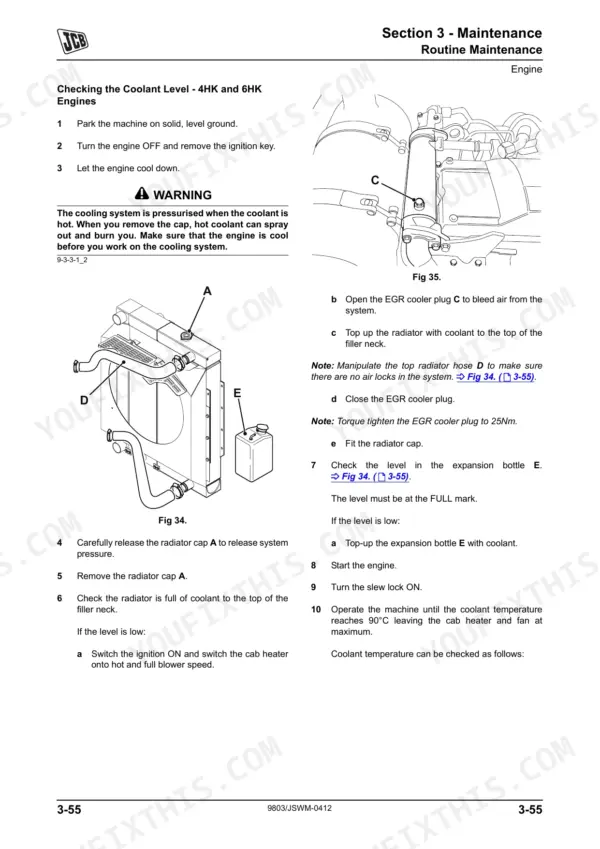
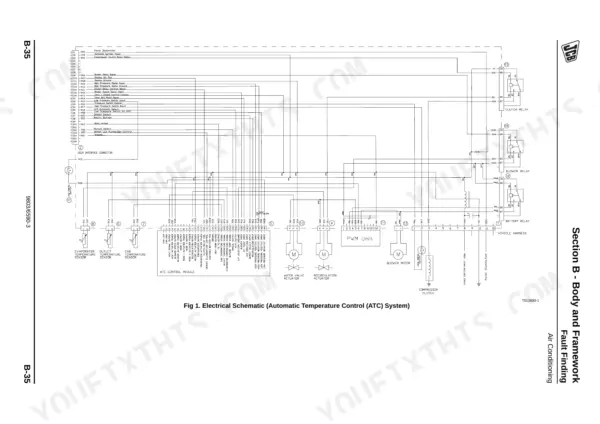
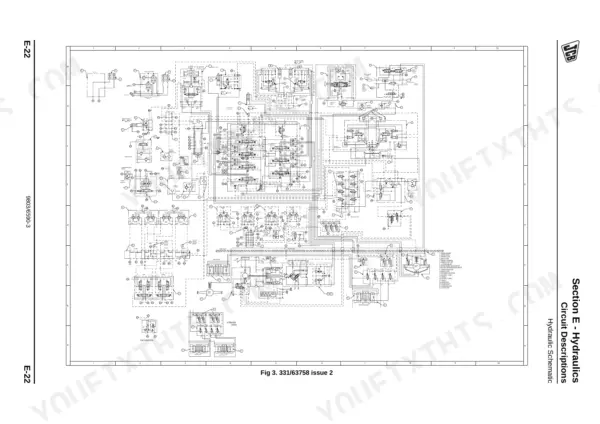
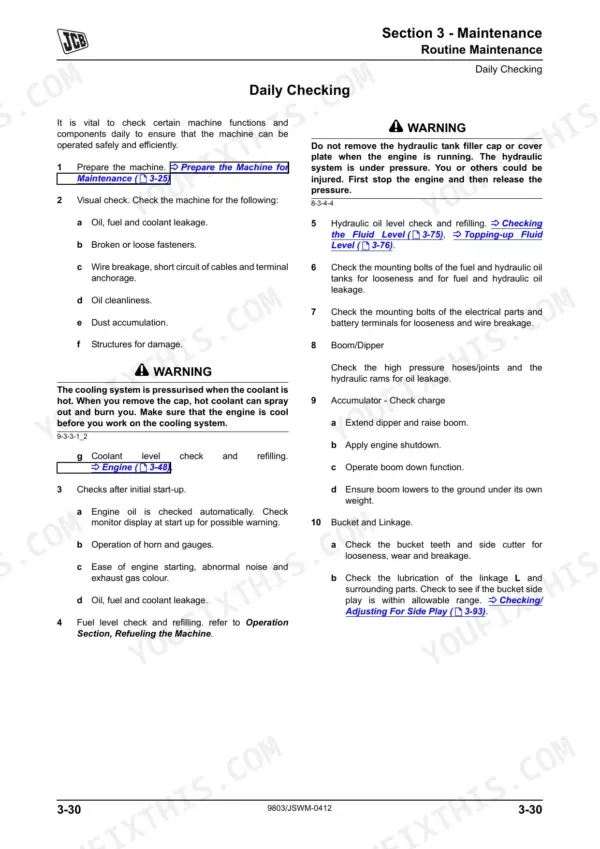
Need the exact factory diagnostic procedures for your wheeled excavator? This 977-page JCB JS130W, JS145W, JS160W, and JS175W service manual PDF (OEM #9803/6590-4) completely breaks down all four variants, including the 4HK, 6HK, and 4JJ engines. You get complete access to high-quality wiring diagrams, full hydraulic schematics detailing the main control valve and pump regulators, and extensive engine error code charts. Open up the troubleshooting section to diagnose AMS system faults, or work through the maintenance schedules and exploded component views. Lock down the slew motor mounting bolts to exactly 290 Nm, and confirm your turntable bearing M16 bolts hit the 296 Nm tightening spec before sending the machine back to the dirt. Stop wasting shop hours on forum guesswork. Download this 977-page manual right to your tablet and start wrenching.
Complete the set for your JS130W, JS145W, JS160W & JS175W Wheeled Excavator
- Operator Manual: JCB JS145W, JS160W Wheeled Excavator Operator Manual
- Operator Manual: JCB JS145W, JS160W, JS20 MH Wheeled Excavator Operator Manual
- Operator Manual: JCB JS130–JS200 Series Wheeled Excavators Operator Manual
Other edition of this manual
- JCB JS130W, JS150W Excavator Service Manual (incl. Wiring) Original price was: $56.99.$39.99Current price is: $39.99.
What's Inside This JCB JS130W, JS145W, JS160W & JS175W Wheeled Excavator Manual
| System | Pages | Key Topics |
|---|---|---|
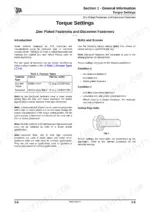
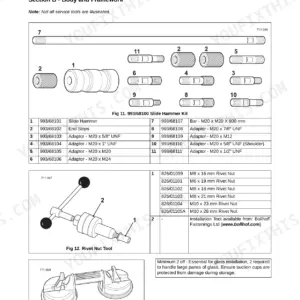
| General Information | About This Manual, Torque Settings, Service Tools, Service Consumables, Colour Coding | |
| Care & Safety | Safety Notices, Safety Check List, Safety Warnings, Safety Labels, Machine Modifications | |
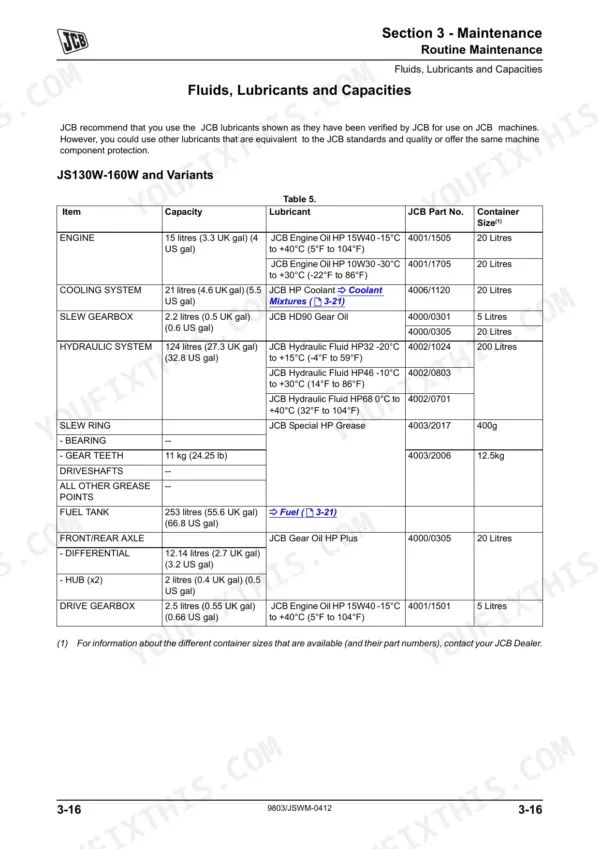
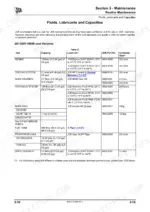
| Maintenance | Service Schedules, Fluids/Lubricants/Capacities, Electrical System, Fuel System, Hydraulic System, Troubleshooting | |
| Body & Framework | Static Dimensions, Operating Weight, Tyre Pressures, Air Conditioning, Cab Structure, Cab Panels | |
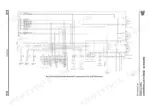
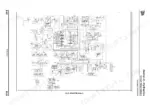
| Electrics | Circuit Symbols, Schematic Diagram, Ams System, Engine Throttle Control, Warning Indicator Lamps, Harness Data | |
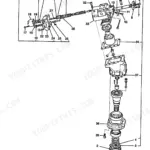
| Controls | Steering Column Dismantling, Steering Column Assembly | |
| Hydraulics | General Data, Circuit Descriptions, Main Control Valve, Hydraulic Pump/Regulator, Hydraulic Rams, Pressure Testing, Fault Finding | |
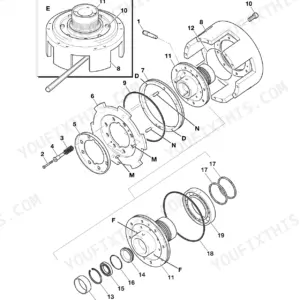
| Transmission | Front Axle, Rear Axle, Drive Gearbox, Propshafts, Power Track Rod | |
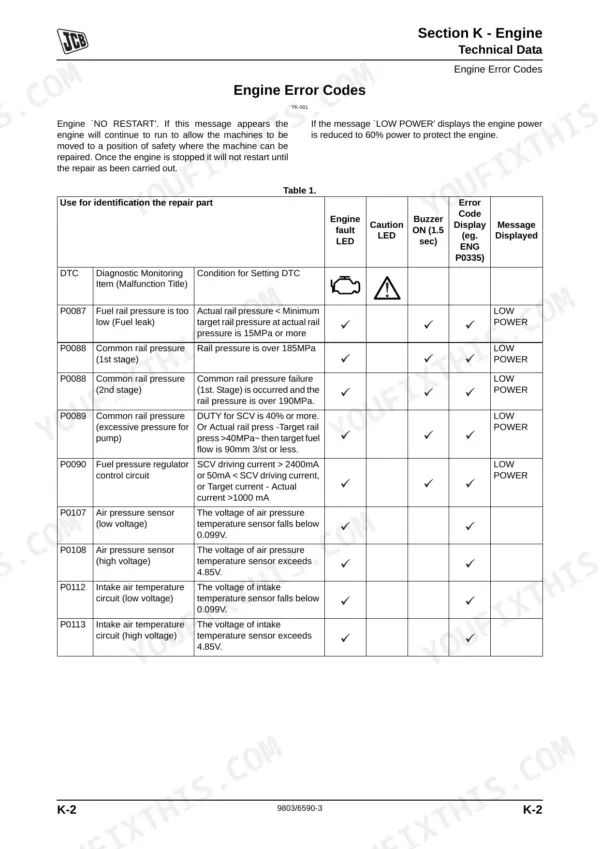
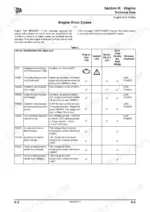
| Engine | Technical Data, Engine Error Codes, Fault Finding, Engine Components, Schematics |
Quick Reference Specifications
| Specification | Value | Page |
|---|---|---|
| JS130W, JS145W, JS160W, JS175W | ||
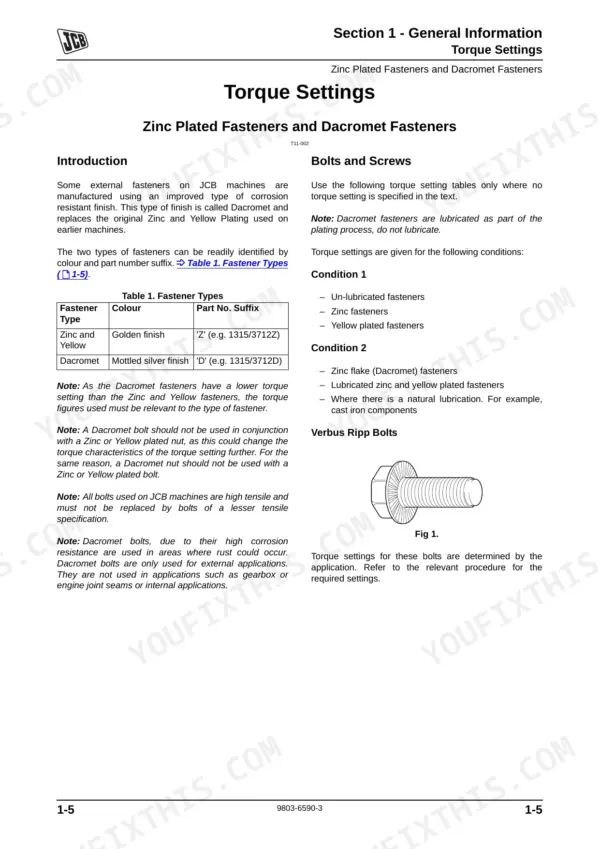
| Turntable Bearing (Undercarriage) Bolt Torque | Tightening Torque: 296/525 Nm (218/387 lbf ft) for M16/M20 bolts. Checking Torque: 265/470 Nm (195/345 lbf ft). | p. 111 |
| Slew Equipment Bolt Torque | Tightening Torque: 296/525 Nm (218/387 lbf ft) for M16/M20 bolts. Checking Torque: 275/470 Nm (203/347 lbf ft). | p. 111 |
| All Models | ||
| Slew Motor Mounting Bolts Torque | 290 Nm (29.5 Kgf m, 213 lbf ft) | p. 699 |
| BSP Adaptors Torque Range | 18.0 Nm (13.0 lbf ft) to 206.0 Nm (152.0 lbf ft) | p. 14 |
| SAE Connections Torque Range | 20.0 - 28.0 Nm (16.5 - 18.5 lbf ft) to 280.0 - 380.0 Nm (210.0 - 280.0 lbf ft) | p. 14 |
| Service Brake Type | Oil immersed multi-plate disc, positive retraction | p. 868 |
| Service Brake Friction Plates | 4 per pack | p. 868 |
| Pressure Test Adapter (1/4 in. BSP x Test Point) | Part No. 892/00255 | p. 26 |
| Pressure Test Adapter (3/8 in. BSP x Test Point) | Part No. 892/00256 | p. 26 |
| JS160W, JS175W | ||
| Bucket Piston Nut Torque | 4440 Nm (3274 lbf ft) | p. 525 |
| Bucket Grub Screw Torque | 31.5 +/- 5.9 Nm (23.3 +/- 4.4 lbf ft) | p. 525 |
JCB JS130W, JS145W, JS160W & JS175W Wheeled Excavator Common Problems This Manual Covers
JCB JS130W boom and dipper functions become weak under load or stop working entirely
Check the hydraulic circuit pressure using a 0-400 bar gauge (Part No. 892/00279) from page 30. Clean or replace clogged filters and inspect hoses for kinks. Follow the troubleshooting steps on page 818. When reassembling, torque SAE 7/16-20 hydraulic connections to 20.0 - 28.0 Nm.
Manual Section: Hydraulic System Fault Finding p. 818Slew motor operation feels jerky and fails to hold position during heavy lifting
Test the slew motor working pressure and verify it reaches exactly 279 bar as specified on page 523. If pressure drops, inspect the motor seals for internal leakage. When reinstalling the unit, torque the slew motor mounting bolts to 290 Nm according to page 699.
Manual Section: Hydraulics p. 523Travel performance is severely reduced and service brakes drag or fail to release
Verify the brake service pressure using a 0-70 bar test gauge on page 811. Check that the expected brake latch pressure hits 65 bar according to page 854. If pressure is correct but brakes drag, inspect the oil immersed multi-plate discs. Torque wheel nuts to 680 Nm (500 lbf ft) upon reassembly.
Manual Section: Hydraulic Fault Finding Tests p. 854Cab climate control cuts out with high pressure lock out or blower potentiometer error
Recover the refrigerant and inspect the system for blockages. Evacuate the lines and fill the air conditioning system with exactly 1400g of R-134a refrigerant gas as outlined on page 195. Test the blower and clear any fault codes from the monitor display.
Manual Section: Body & Framework p. 195Frequently Asked Questions
How to reset JCB JS130W/JS145W/JS160W/JS175W service or maintenance reminder?
To reset the service or maintenance reminder, press and hold the "SET" and "MODE" buttons on the EMS simultaneously for 20 seconds until "SERVICE OFF" is displayed. Then, press the "ACK" button and enter a four-digit dealer code (e.g., 1234) using the "Up/Down" keys and "ACK" button for each digit. Finally, press "Set" to save the code and extinguish the warning lamp. p. 378
How to reset fault codes on JCB JS130W wheeled excavator?
For Air Conditioning error codes, a battery reset may be required to remove the error after repair. For general fault codes, the Servicemaster Data Logger tool can reset error logs, but a specific procedure for resetting all fault codes directly from the machine is not detailed. p. 206
How to clear JCB JS145W error code after hydraulic or sensor fault?
For Air Conditioning error codes, a battery reset may be required to clear the error after repair. For general fault codes, the Servicemaster Data Logger tool can reset error logs, but a specific procedure for clearing all fault codes directly from the machine after a hydraulic or sensor fault is not detailed. p. 206
How to enter diagnostic mode on JCB JS160W?
To enter diagnostic mode, press the green "Start" button or select "Start Diagnostics" from the "Options" menu. Once started, the diagnostic software checks the vehicle model and installed options, displays available diagnostic functions, and begins real-time monitoring of the vehicle's systems. p. 416
Is this Service Manual a digital download?
A 977-page Service Manual in searchable PDF format, available the moment you complete checkout. View on computer, tablet, or phone, with no shipping wait.
Can I print this manual?
Yes. Many mechanics print the section they need for their own shop and bring it to the bench.
Does this JCB JS130W & variants manual include wiring diagrams?
Included. The JCB JS130W & variants Service Manual covers complete wiring harness diagrams, electrical circuits, and connector pinouts.
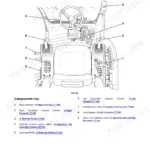
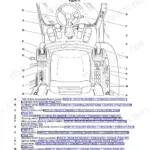
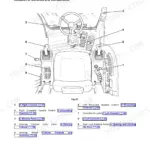
![JCB JS145W, JS160W, JS20 MH, JS145W [T4F], JS160W [T4F] operator station component location diagram and control list.](https://youfixthis.com/wp-content/uploads/2026/06/jcb-js145w-to-mh-wheeled-excavator-operator-manual-9831-5150-controls-29-150x150.webp)
Reviews
There are no reviews yet.