
Part of the Yanmar Repair Manuals.
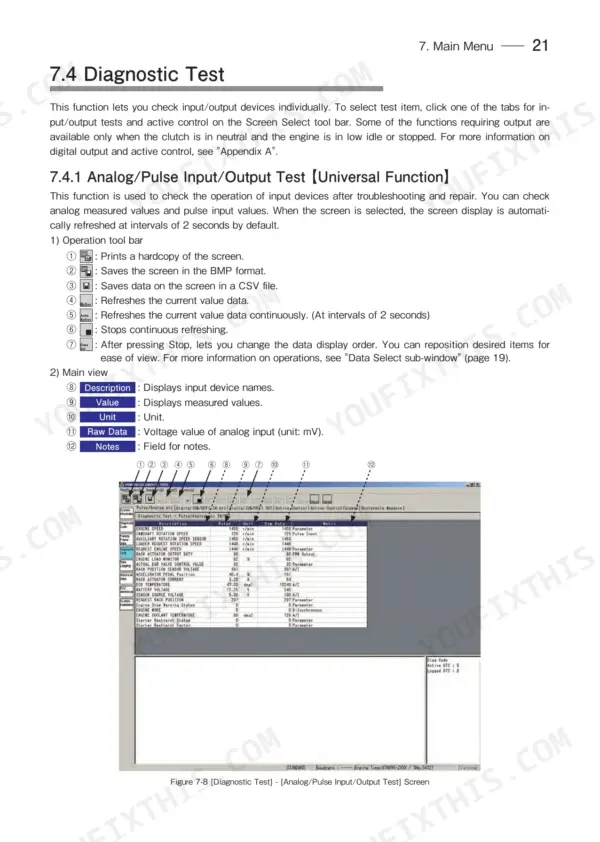
An electronically governed Yanmar TNV will tell you exactly what is wrong, but only if you can talk to its ECU. This 102 page operation manual for Yanmar's Engine Diagnostic Service Tool (publication 0DTNV-G00101) walks you through that conversation, from installing the software and USB driver to pulling active and logged diagnostic trouble codes off a TNV series industrial engine.
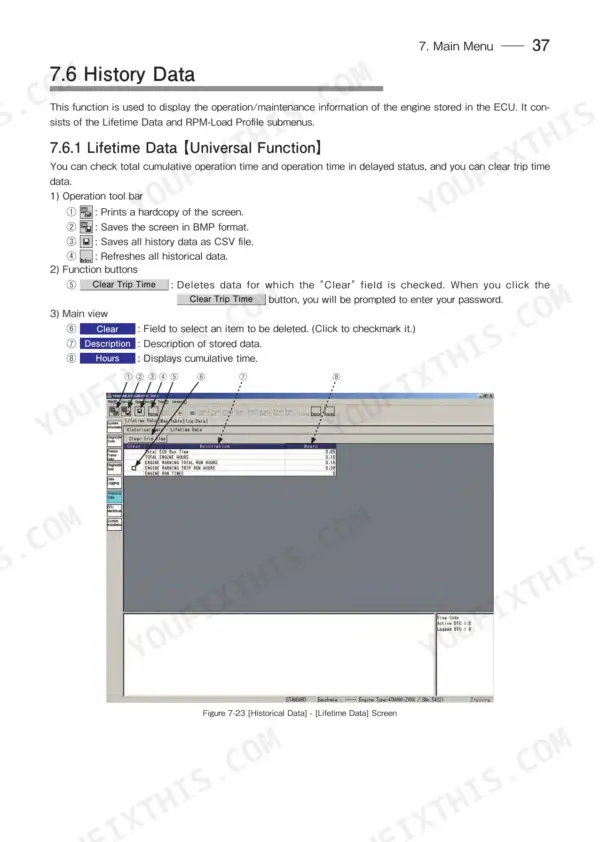
Beyond fault codes, it covers freeze frame data, live data monitoring, trend graphs, and diagnostic input and output tests. The part that saves an engine is Appendix C: replace the injection pump and the correction values must be written into the ECU, and a guessed or skipped step there is how a fresh pump ends up running an engine rough.
Navigation is quick: the PDF carries 26 bookmarks, the Main Menu section with the fault code screens starts on page 18, Data Logging fills Appendix B from page 81, and the pump procedure opens Appendix C on page 91.
What's Inside This Yanmar TNV Series Manual
| System | Pages | Key Topics |
|---|---|---|
| Overview | 5 | |
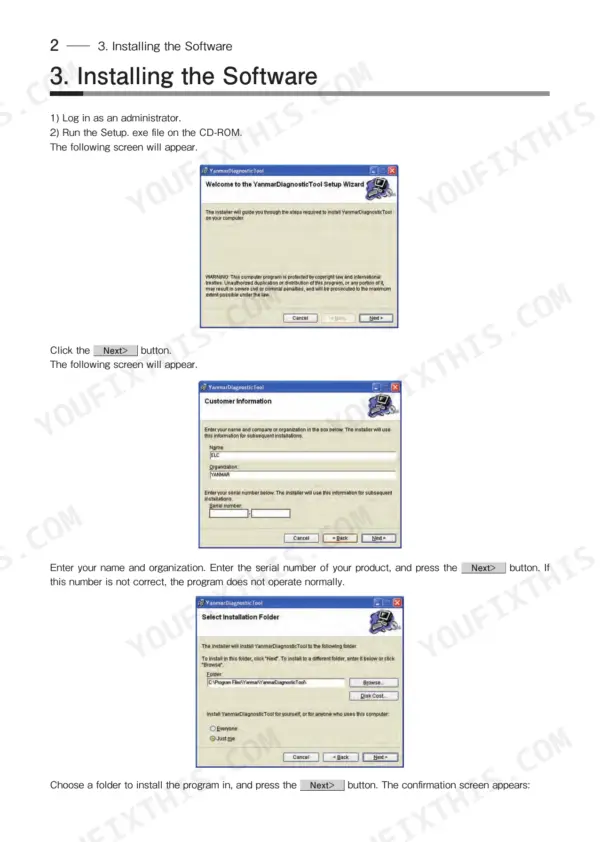
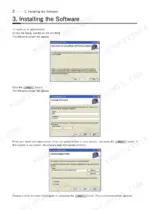
| Installing the Software | 6-7 | Setup.exe File Execution, User Information Entry, Installation Folder Selection, Installation Completion, Usb Driver Installation, User Registration |
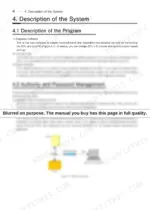
| Description of the System | 8 | Program, Authority and Password Management |
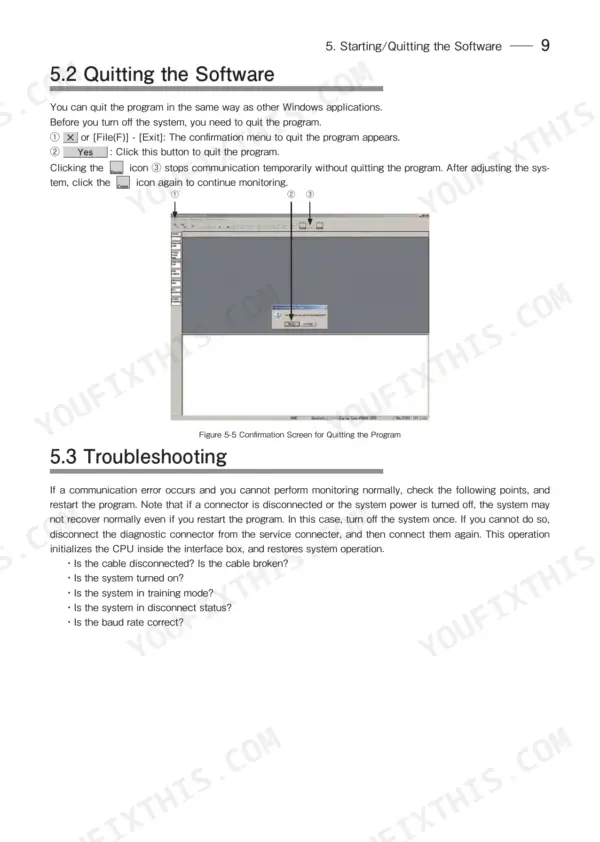
| Starting/Quitting the Software | 9-13 | Starting the Software (Connecting the System Components, Turning on the Devices, Installing the Usb Driver, Startup Screen), Quitting the Software, Troubleshooting |
| Screen Components | 14-17 | Basic Screen Elements (Standard Tool Bar, Operation Tool Bar, Function Select Tool Bar) |
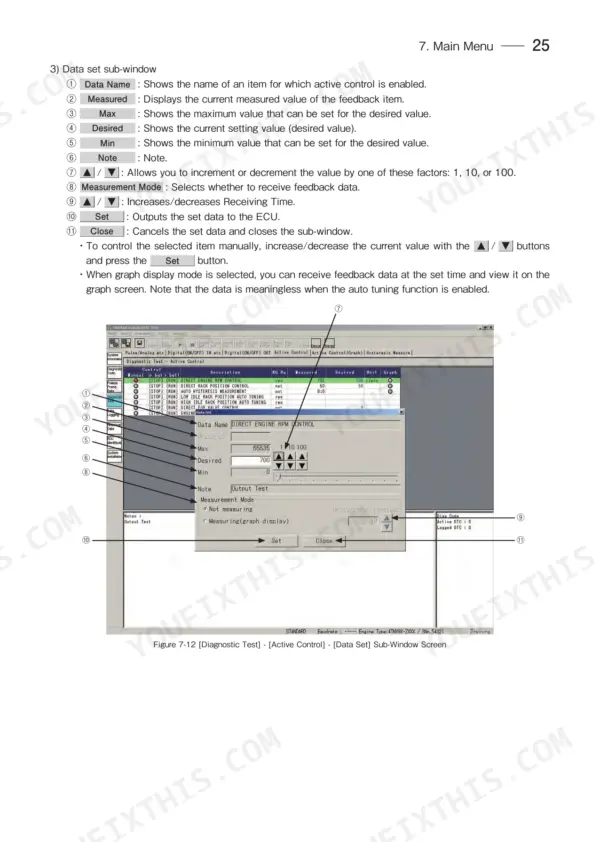
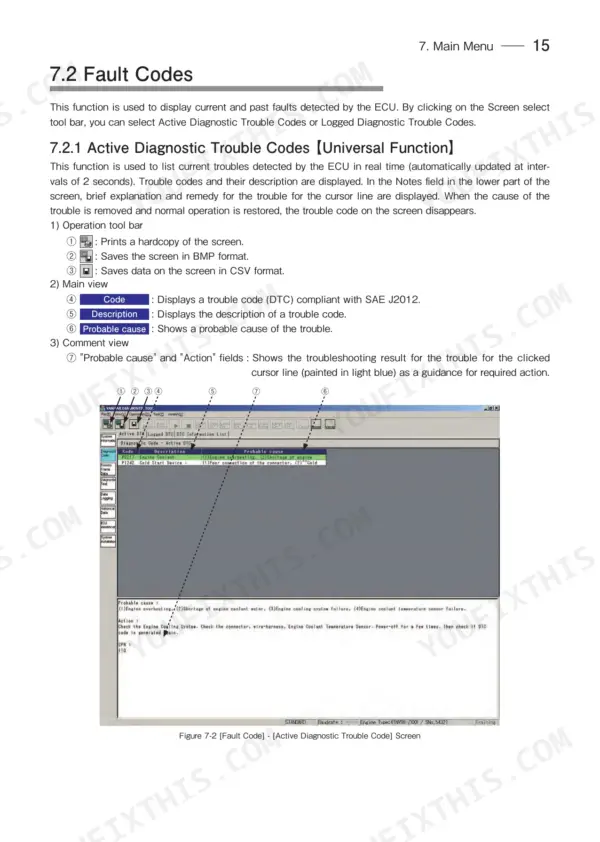
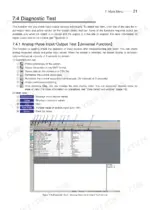
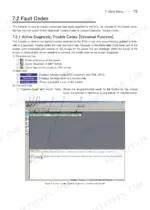
| Main Menu | 18-49 | System Information, Fault Codes (Active Diagnostic Trouble Codes, Logged Diagnostic Trouble Codes, Fault Information List), Freeze Frame Data (Stored Data, Trend Graph) |
| Graph Function | 50-53 | Setting the Graphs (Basic Operations in Analog Mode, Saving and Loading Setting Values, Digital Mode), Graph Operations |
| Printing | 54 | |
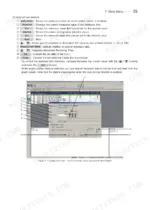
| Tool Functions | 55-57 | System Setting, User Management, Changing a Password |
| Glossary | 58 | Block Size, Controller Area Network, Diagnostic Trouble Code, Engine Control Unit, Freeze Frame Data, Failure Mode Identifier |
| References | 59 | |
| Appendix a | 61-80 | Generating Digital Outputs, Supplementary Description |
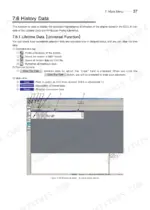
| Appendix B | 81-90 | Data Logging |
| Appendix C | 91-102 | Writing the Correction Values Into the ECU, Steps to Follow When Replacing the Pump |
Quick Reference Specifications
| Specification | Value | Page |
|---|---|---|
| Display resolution | 1024×768 | p. 5 |
| Communication IF box - Firmware version | 02.15 | p. 5 |
| Communication IF box - DLL version | 02.00 | p. 5 |
| Communication IF box - API version | 02.02 | p. 5 |
| CAN communication speed (baud rate) for land applications | 500k | p. 12 |
| System Setting - Priority (standard value) | 6 | p. 73 |
| System Setting - Source Address (SA) | F0h | p. 55 |
| EGR Valve Opening Degree Control - Valid range upper limit | 54 | p. 56 |
| Data Logging - Sampling frequency default | 100 milliseconds | p. 84 |
Yanmar TNV Series Common Problems This Manual Covers
Tool Shows No ECU Communication
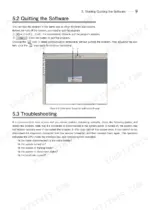
You connect the interface box, turn the key, and the startup screen never finds the engine. The Starting/Quitting the Software section walks through connecting the system components, powering the devices in order, and a troubleshooting list for connections that fail.
Manual Section: Starting/Quitting the Software p. 9Power Supply Voltage Fault Codes
A weak battery, corroded ground, or blown fuse sets low or high voltage supply errors like P0562 and P0563 and can knock a diagnostic session offline. The fault code screens under the Main Menu list active and logged diagnostic trouble codes with a fault information list to work from.
Manual Section: Main Menu p. 18Intermittent Stumble That Leaves No Trace
An engine that hiccups once an hour will not act up while you watch. Appendix B covers data logging, with a sampling interval that defaults to 100 milliseconds, so you record the run and read the story afterward instead of waiting for the fault.
Manual Section: Appendix B p. 81USB Driver Refuses to Install
The software loads but the computer never registers the interface box, so nothing communicates. The Installing the Software section covers running the setup file, choosing the installation folder, getting the USB driver in place, and user registration.
Manual Section: Installing the Software p. 6Rough Running After Injection Pump Replacement
A replacement pump is not plug and play on an electronically controlled TNV; its correction values have to be written into the ECU or fueling will be off. Appendix C gives the steps to follow when replacing the pump and writing the values in.
Manual Section: Appendix C p. 91Locked Out of Tool Functions
The software gates its functions by authority level, and a lost or shared password stops a diagnosis cold. The Tool Functions section covers the system settings, user management, and changing a password.
Manual Section: Tool Functions p. 55Frequently Asked Questions
Which Yanmar engines does this manual apply to?
It is the operation manual for Yanmar's Engine Diagnostic Service Tool, publication 0DTNV-G00101, used on TNV series industrial engines with an electronic ECU. It covers the diagnostic software end to end; it is not a teardown manual, so do not expect clearance or torque tables here.
Can I read fault codes from the ECU with this?
Yes. The Main Menu section covers active diagnostic trouble codes, logged diagnostic trouble codes, and a fault information list, plus freeze frame data showing the operating conditions stored at the moment a code set. p. 18
Does it explain what to do after replacing the injection pump?
Yes. Appendix C covers the steps to follow when replacing the pump and writing the correction values into the ECU, so the new pump fuels to its own calibration instead of a guess. p. 91
Can I watch live engine data and record it?
Yes. The manual covers the graph function in analog and digital modes, and Appendix B covers data logging with a sampling interval that defaults to 100 milliseconds, so you can capture a running engine and review the data afterward. p. 81
How quickly can I access this manual after buying?
You get a 102-page searchable PDF that downloads instantly after checkout. Open it on your laptop, tablet, or phone, and bring it right to the shop floor.
Can I print this manual?
Yes. Print the pages you need for the job in your own shop, and bin them when they get greasy.

Reviews
There are no reviews yet.