Case CX290B Repair Manual — Wiring Diagrams

$39.95

Model: CX290B
Type: Crawler Excavator
488 Pages·50 MB·Searchable PDF·English·Print-Ready
  • Wiring Diagrams
  • Hydraulic Schematics
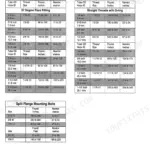
  • Torque Specs
  • Bookmarks

Same factory service manual used by authorized dealer technicians.

Preview Sample Pages (PDF)
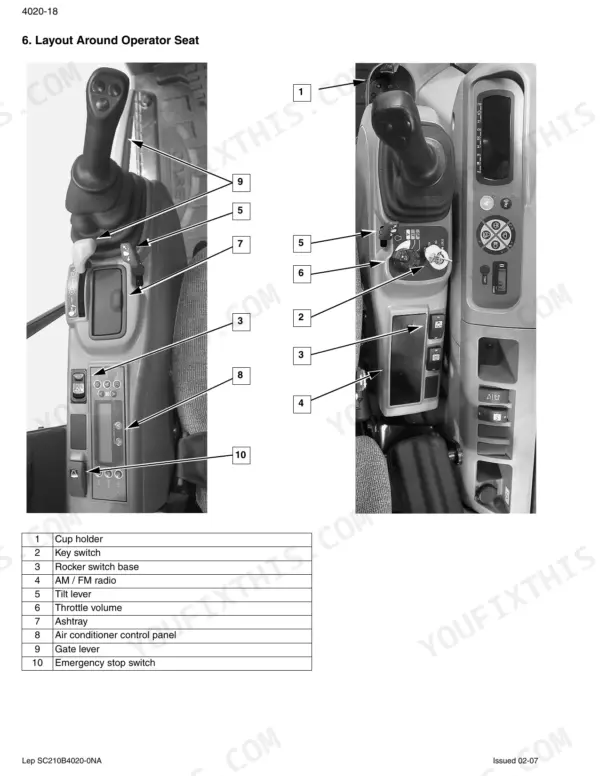
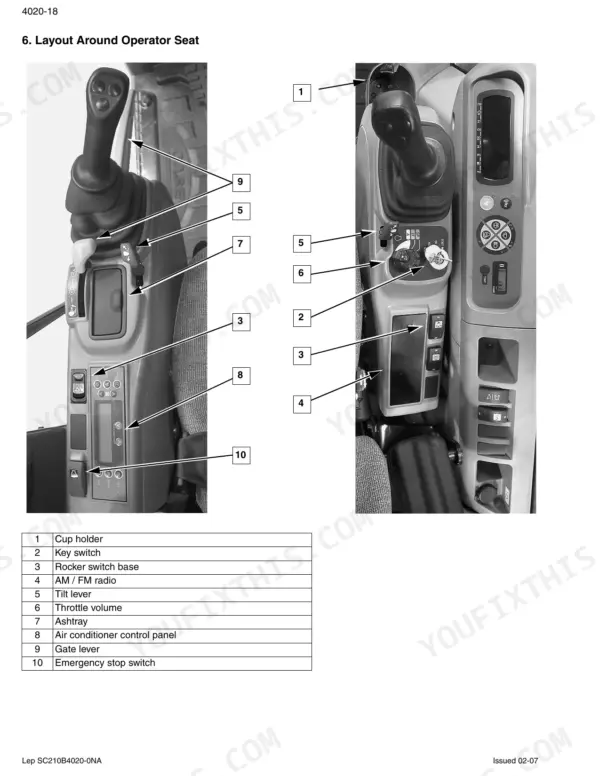
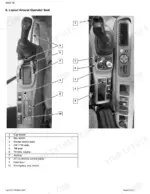
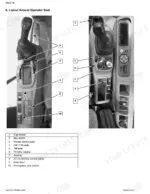
Case CX290B operator seat layout diagram showing joystick, key switch, radio, and AC controls with numbered component list.
Case CX290B Repair Manual — Wiring Diagrams $39.95

Instant Download 24/7

  • Works on PC, Mac, tablet, and phone.
  • Download once, keep forever


Guaranteed Safe Checkout
Visa Mastercard PayPal Apple Pay Google Pay

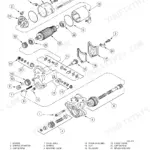
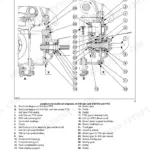
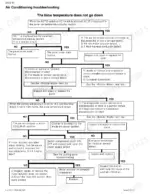
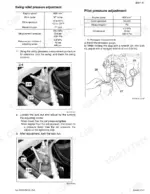
Looking for a Case CX290B repair manual PDF you can actually trust? This 488-page factory book (OEM #87637610 NA) covers the complete crawler excavator, from engine and pump control through swing, travel, boom, arm, and bucket hydraulics. Inside: full electric circuit diagrams with connector wiring layouts, large fold-out hydraulic and electrical schematics, and step-by-step pressure measurement, adjustment, and air bleed procedures. You also get error code lists, troubleshooting charts that run all the way to the air conditioning system, and torque data for standard and special fasteners. Set the main relief pressure to 34.3 MPa, and fit a true 6 micron return filter instead of whatever the parts counter hands you. Chasing an electrical fault without a diagram is a long afternoon. Bookmarked and keyword-searchable; pull the schematic up on your tablet at the machine and get back to digging.

What's Inside This Case CX290B Repair Manual

SystemPagesKey Topics
Safety, General Information and Standard Torque Data4-9General Information, Inspection, Bearings, Service Parts, Lubrication, Standard Torque Data
General Specifications and Special Torque Settings10-31Fluids, Lubricants, Specifications, Component Weight, Special Torque Settings, Machine Overall Dimensions
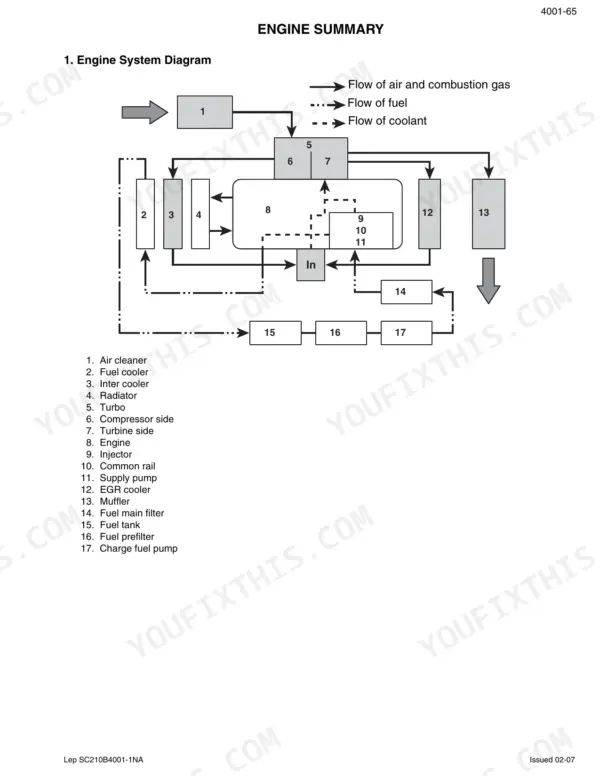
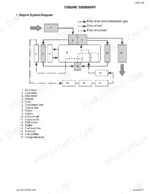
Electrical and Engine Functions, & Service Support32-171Engine Speed Control, Engine Start/Stop Control, Pump Control, Monitor Control, Service Support, Diagnostic Tool
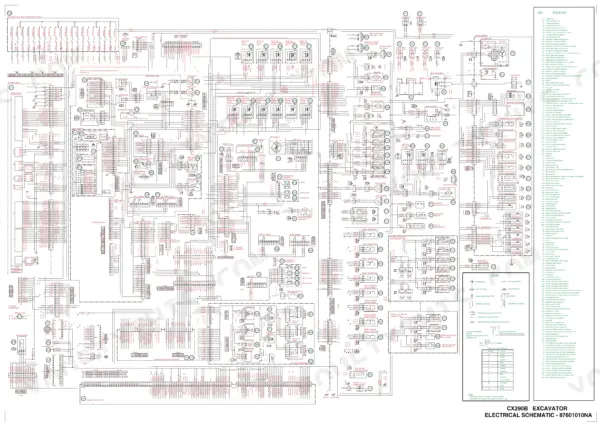
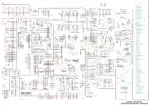
Electrical Equipement & Electric Circuit Diagrams172-233Electrical Equipment Layout, Electric Circuit Diagram, Bloc Diagram, Electrical Connector Wiring Diagram
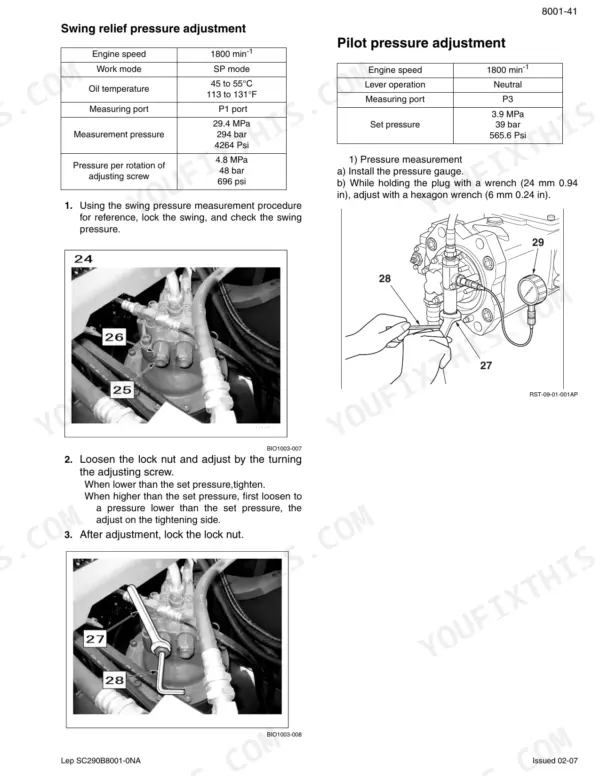
Specifications, Troubleshooting, Inspections and Hydraulic Pressu234-285Hydraulic Equipment Layout, Identification of Hydraulic Components, Pressure Measurement, Pressure Adjustment, Air Bleed Procedure
Hydraulic Functions286-359Travel Circuits, Swing Circuits, Boom Circuits, Arm Circuits, Bucket Circuits, Horsepower Boost Circuits
Hydraulic Component Functions360-441Hydraulic Pump, Motor, Control Valve, Pilot Valve, Cushion Valve, Selector Valve
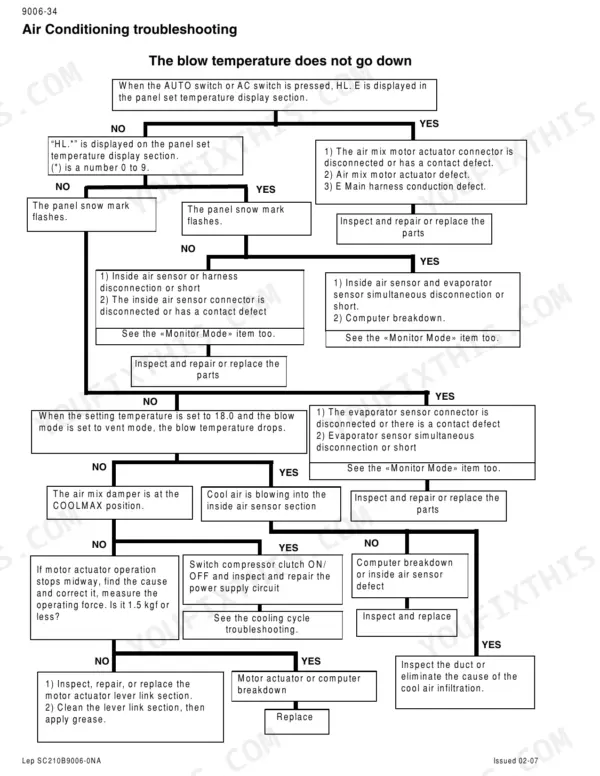
Air Conditioner Functions and Troubleshooting442-485Air Conditioner Overall Diagram, Explanation of Control, Actuator Inspection, Self-Diagnosis Function, Air Conditioning Troubleshooting
Large Size Hydraulic Schematics486Main Pump, Control Valve, Hydraulic Swivel, Travel Motor, Swing Motor, Boom Cylinder
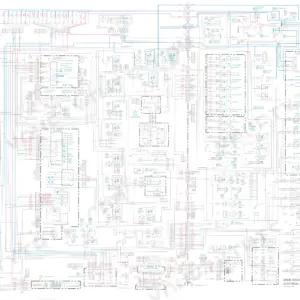
Large Size Electrical Schematics487-488Controller, Engine Controller, Monitor Display, Fuse Box, Relay, Battery

Quick Reference Specifications

SpecificationValuePage
Return filter (inside tank)6 µmp. 18
Pilot line filter (inside housing)8 µmp. 18
Main filter4 µmp. 18
Pre-filter8 µmp. 18
Main relief set pressure (standard)34.3 MPap. 20
Main relief set pressure (power boost)37.3 MPap. 20
Alternator L terminal voltage threshold10 Vp. 82
Return filter clog pressure switch ON pressure0.1 MPa (1 bar / 14.50 psi)p. 93
Fuel flow restriction start temperature100°C (212°F)p. 113
Overheat alarm temperature105°C (221°F)p. 113
Operating Weight29800 kgp. 17
Engine Output154 kWp. 17

Case CX290B Common Problems This Manual Covers

Case CX290B loses power and runs rough under load, engine surges and stumbles at high idle

Drain the water separator and replace both fuel filters; the pre-filter is rated 8 microns and the main filter 4 microns per the specs on page 18. Bleed air from the fuel system until fuel runs clear with no bubbles, then run the engine under load and confirm the surge is gone.

Manual Section: Specifications and Special Torque Settings p. 18
Engine cranks but will not start, monitor panel displays a stored engine fault code

Pull the codes through the DIAG2 screen and match them against the error code reference. Check battery voltage while cranking; if a coolant temperature sensor code is stored, the controller substitutes a fixed -20°C (-4°F) starting value, so test that sensor and its wiring before condemning the injectors.

Manual Section: Engine Control Troubleshooting
Digging power drops off when hydraulics warm up, boom feels weak and travel slows on grades

Connect a gauge and measure main relief pressure with the circuit stalled. Standard setting is 34.3 MPa with power boost at 36.8 MPa, listed on page 264. If pressure checks out, run the pump flow measurement and compare readings against the flow curves; low flow points to a worn pump rotating group.

Manual Section: Hydraulic Pressure Troubleshooting p. 264
Coolant temperature climbs past normal during trenching, overheat alarm sounds in warm weather

Clean the radiator and oil cooler cores with compressed air, then check coolant level and hose condition. The controller starts restricting fuel at 100°C (212°F) and the alarm trips at 105°C (221°F), per page 113. If temperature keeps climbing toward the 120°C shutdown point, test the thermostat and fan drive.

Manual Section: Electrical and Engine Functions, & Service Support p. 113
Boom drops slowly with controls in neutral, arm chatters and jerks at the start of a shift

Bleed air from the boom and arm cylinder safety valves following the service procedures starting, cycling each cylinder slowly through full stroke. If drift continues, test the overload relief valves; boom down should hold 29.4 MPa and the other circuits 38.7 MPa, per page 273. Replace any valve that bleeds off.

Manual Section: Hydraulic Pressure Troubleshooting p. 264

Frequently Asked Questions

How do I reset the trouble log on the Case CX290B?

To reset the trouble log, hold down the washer switch and the light switch simultaneously for 10 seconds while in the diagnostic (DIAG) screen. p. 131

How do I access the service support screen on the Case CX290B?

To access the service support screen, hold down both the travel high-speed switch and the horn volume select switch on the switch panel for 3 seconds. p. 117

How do I reset the anti-theft function on the Case CX290B?

To disable the anti-theft function, disconnect the anti-theft knob terminals (VG purple/green and BG black/green) while the key is switched OFF. This will cancel the registered password. p. 147

What is the standard torque setting for an M16 hexagon screw?

The standard tightening torque for an M16 hexagon screw is 156.9 Nm (115.7 lb-ft). p. 9

What is the capacity of the hydraulic oil tank for the CX290B?

The capacity of the hydraulic oil tank is 147 liters (38.43 gallons). p. 18

Is this Case CX290B manual a download or a disc?

A single searchable PDF file of 488 pages, downloadable right after payment. Nothing ships, nothing waits in the mail.

Is this Case CX290B manual print-friendly?

Yes. The PDF is DRM-free, so printing works from any reader and any printer.

BrandCase
ModelCX290B
Machine TypeCrawler Excavator
Manual TypeRepair Manual
LanguageEnglish
FormatSearchable PDF (Digital Download)
Pages488
File Size50 MB
Manual No.87637610 NA
Wiring DiagramsYes
Hydraulic SchematicsYes
Torque SpecificationsYes
Bookmarked / IndexedYes

Reviews

There are no reviews yet.

Be the first to review “Case CX290B Repair Manual — Wiring Diagrams”

Your email address will not be published. Required fields are marked *