



Part of the Yanmar Operator Manuals.
The start switch clicks, the running lamp stays dark, and every load on board is now draining the batteries. This is the Yanmar operator manual written for that moment, covering the KMG65E marine generator in all four versions: the KMG65E-S3 and KMG65E-K3 at 3.0 kVA continuous output, and the KMG65E-S6 and KMG65E-K6 at 6.0 kVA, all 230V, 50 Hz sets built around Yanmar 3JH4E and 4JH4E engines.
In 46 pages it walks through component identification, nameplate and technical data, and the full starting, running-check, and shutdown routine, then gets practical: a standard torque chart, fuse and indicator LED replacement, a troubleshooting chart, general specifications, and system diagrams including a wiring diagram for the power box and control panel.
The PDF is searchable, carries 41 bookmarks, and prints cleanly at 1.5 MB, so it can live in the engine room, where the next dark indicator gets diagnosed instead of guessed at.
What's Inside This Yanmar KMG65 Series Operator Manual
| System | Pages | Key Topics |
|---|---|---|
| Introduction | 5-6 | Record of Ownership |
| Safety | 7-14 | Safety Precautions (Before You Operate, During Operation and Maintenance) |
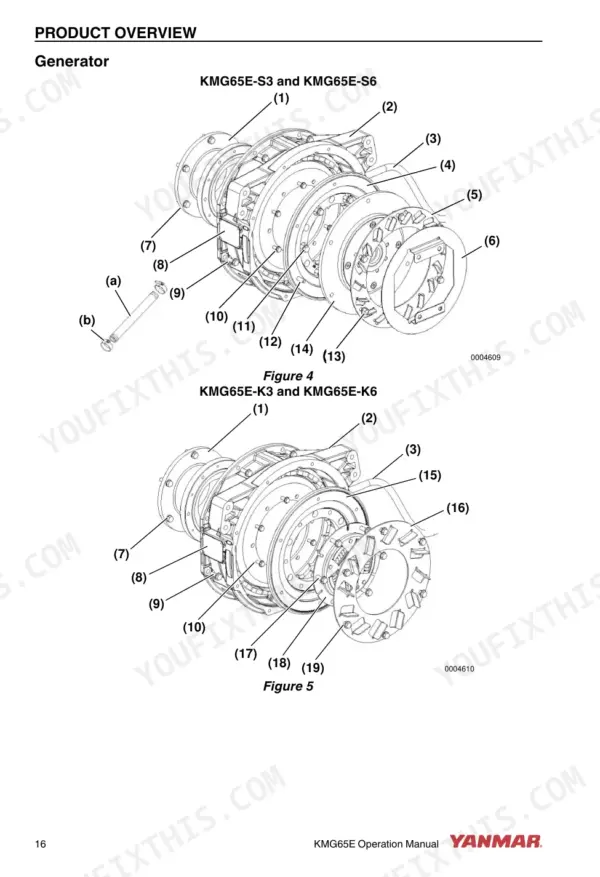
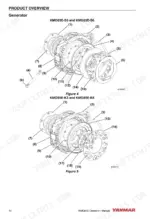
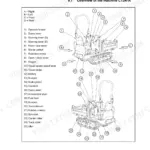
| Product Overview | 15-26 | Component Identification, Nameplate, Technical Data |
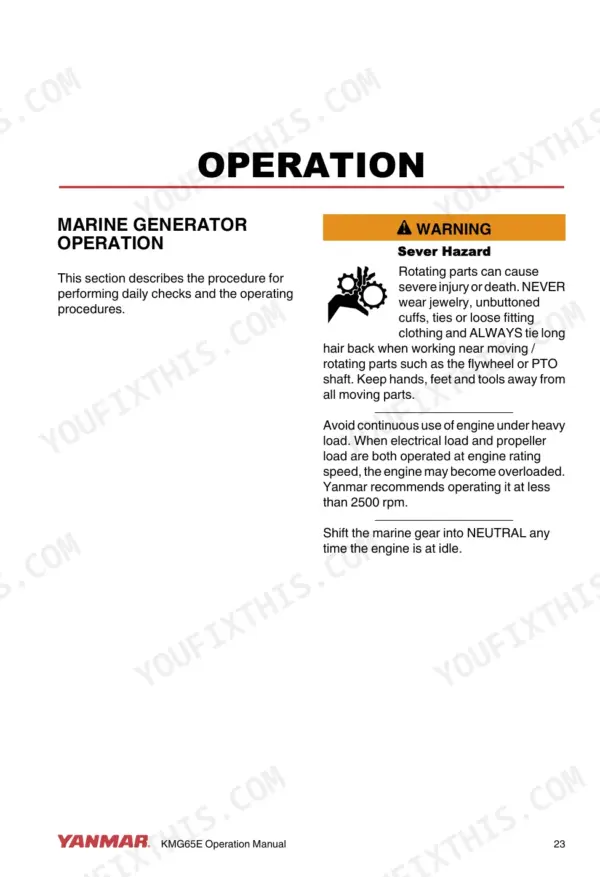
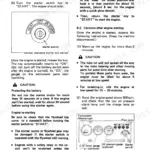
| Operation | 27-32 | Marine Generator Operation, Daily Checks (Starting the System, Checks During Operation, Stopping the System) |
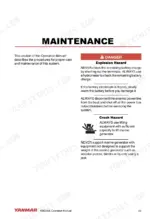
| Maintenance | 33-38 | Torque Charts (Standard Torque Chart, Changing Fuses, Changing Indicator LEDs) |
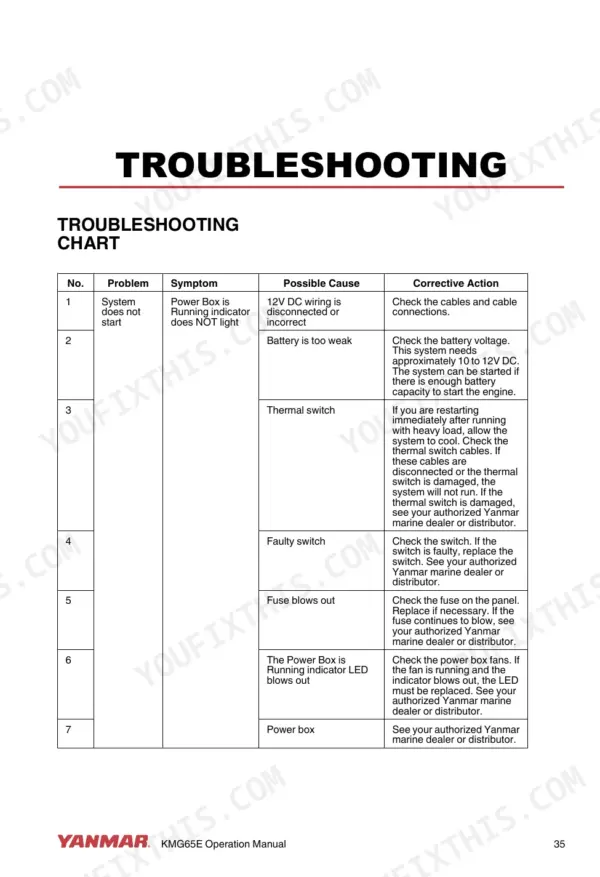
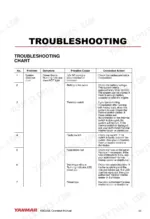
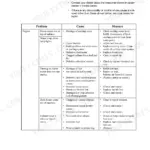
| Troubleshooting | 39-42 | Troubleshooting Chart |
| Specifications | 43-46 | General Specifications, System Diagrams |
Quick Reference Specifications
| Specification | Value | Page |
|---|---|---|
| All Models | ||
| Standard Torque Chart (Generator) - M8x1.25 bolts (Cast Iron or Steel) | 25.5 ± 2.0 N-m | p. 36 |
| Battery system voltage | 12V DC | p. 35 |
| Maximum engine room or power box room temperature before shutdown | +50°C (+122°F) | p. 13 |
| Output Voltage | 230V AC | p. 43 |
| Output Frequency | 50 Hz | p. 25 |
| Maximum Input Speed (Generator) | 3500 min-1 (rpm) | p. 25 |
| Power Consumption (Power Box) | < 3A (12V DC) | p. 43 |
| Power Factor | 1.0 | p. 44 |
| Torque (M8x1.25 Aluminum) | 20.6 ± 2.0 N-m | p. 36 |
| Torque (M8x1.25 Cast Iron or Steel) | 25.5 ± 2.0 N-m | p. 36 |
| KMG65E-S3, KMG65E-K3 | ||
| Continuous Output (KMG65E-S3, KMG65E-K3) | 3.0 kVA | p. 44 |
| KMG65E-S6, KMG65E-K6 | ||
| Continuous Output (KMG65E-S6, KMG65E-K6) | 6.0 kVA | p. 44 |
Yanmar KMG65 Series Common Problems This Manual Covers
Generator cranks but will not start
A no-start on a marine genset can trace to fuel, battery, or a control fault, and chasing it blind wastes hours at the dock. The Troubleshooting chart works symptom by symptom from the complaint to the likely cause and correction.
Manual Section: Troubleshooting p. 39Blown fuse kills the control panel
The set dies and the panel goes completely dark, which points at protection rather than the engine. The Maintenance section covers changing fuses and lists the exact replacement spec, a 250V-5A fuse in the 5mm x 20mm size, so you carry the right spare.
Manual Section: Maintenance p. 33Thermal shutdown in a hot compartment
A cramped, poorly ventilated space can push the set past its limits on a hot day. The Safety section sets a maximum room temperature of +50°C (+122°F) for the installation and lays out the precautions that keep you under it.
Manual Section: Safety p. 7Vibration works fasteners loose
Constant running vibration backs bolts off over a season, and guessing at retorque values strips threads. The Standard Torque Chart in Maintenance gives correct figures by size and material, including 25.5 N-m for M8x1.25 bolts in cast iron or steel.
Manual Section: Maintenance p. 33Engine runs but no AC output
When nothing comes out at the panel you are left probing blind between generator, power box, and control panel. The wiring diagram and general specifications give you the 230V, 50 Hz reference points and circuit layout to test against.
Manual Section: Specifications p. 43Indicator LED burns out
A dead lamp can mimic a real fault and send you chasing a problem the set does not have. Maintenance includes a Changing Indicator LEDs procedure so you can rule out the bulb before tearing into the electrics.
Manual Section: Maintenance p. 33Frequently Asked Questions
Which generator models does this manual cover?
It covers the Yanmar KMG65E marine generator series: KMG65E-S3 and KMG65E-K3 (3.0 kVA continuous) and KMG65E-S6 and KMG65E-K6 (6.0 kVA continuous), all rated 230V at 50 Hz. The Product Overview section explains the model designation and identifies the 3JH4E and 4JH4E engines these sets are built on. p. 15
Does it include a wiring diagram?
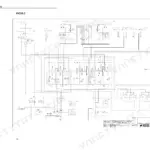
Yes. The Specifications section closes with system diagrams for the power box and control panel plus a wiring diagram, which is what you need when tracing shutdown faults, dead panels, or connection problems back to a specific circuit. p. 43
Will it help when the generator will not start or shuts down?
The Troubleshooting section has a chart that runs from symptom to likely cause to correction, and the Maintenance section backs it up with fuse replacement, indicator LED replacement, and a standard torque chart for reassembly. p. 39
Is this also a service manual for the engine?
No. This is the operator manual for the generator itself: operation, daily checks, maintenance items like fuses and torque values, and troubleshooting. It names the 3JH4E and 4JH4E engines these sets use, but internal engine overhaul is outside its scope.
How quickly can I access this manual after buying?
This is a 46-page searchable PDF ready for immediate download. Works on any device, so pull it up on your phone while you're under the hood. No shipping, no waiting.
Is this Yanmar KMG65 Series Operator Manual printable?
Yes. Print the pages you need for the job in your own shop, and bin them when they get greasy.
Reviews
There are no reviews yet.