
Part of the JCB Operator Manuals.
Load charts, LLMI behaviour and service intervals for sixteen JCB Loadall rough terrain variable reach trucks, from the 526-56 to the 560-80, are settled in one place: the 546-page Operator Manual, publication 9821/9050, written by the people who built the machines. Operation fills roughly a third of this JCB 560-80 operator manual PDF, working through steer modes, boom and stabiliser controls, inclinometers, interlocks and the load charts you lift by. Maintenance schedules then set out pre-start cold checks, service points and functional tests by interval, and Technical Data lists weights, boom performance dimensions, fuse and relay tables, and tyre pressures. Fill the cooling system with 28 L, hold engine oil between 12.5 and 15 L, and torque wheel nuts to 680 N·m. A tyre change stalls on one missing figure. Bookmarked and text-searchable, this PDF finds that number in seconds and has your Loadall lifting again.
What's Inside This JCB 526-56 to 560-80 T4i Loadall Operator Manual
| System | Pages | Key Topics |
|---|---|---|
| Introduction | 13-14 | General, Owner/Operator Support, Service/Maintenance Agreements, Initial Service and Inspection, Obtaining Spare Parts |
| Safety | 15-18 | Safety - Yours and Others, Safety Warnings, Clothing and Personal Protective Equipment |
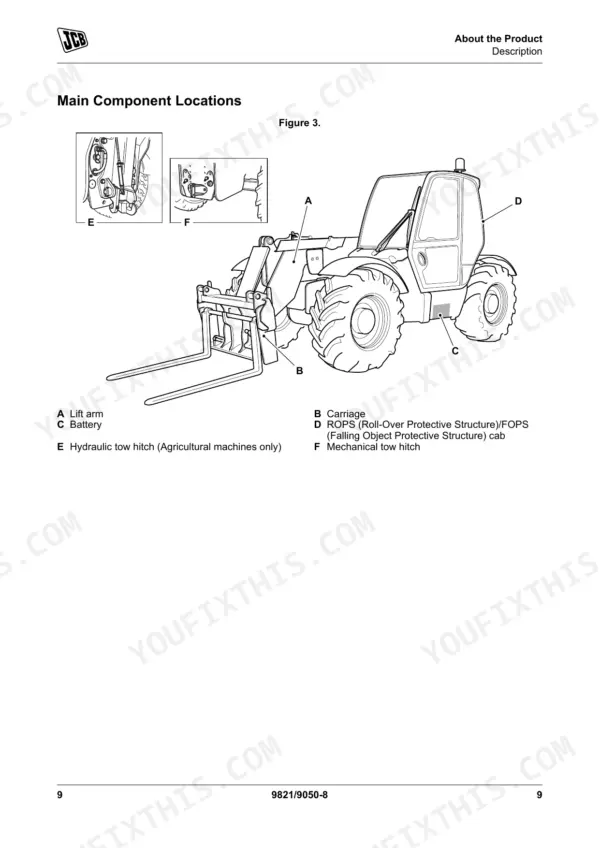
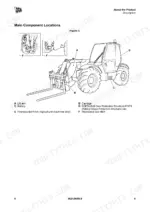
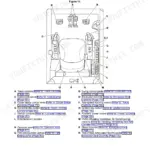
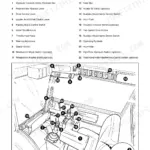
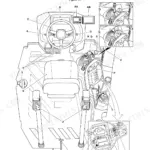
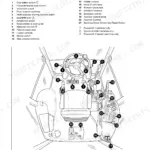
| About the Product | 19-32 | Description (General, Intended Use, Log Moving/Object Handling, Optional Equipment and Attachments, Danger Zone, Main Component Locations) |
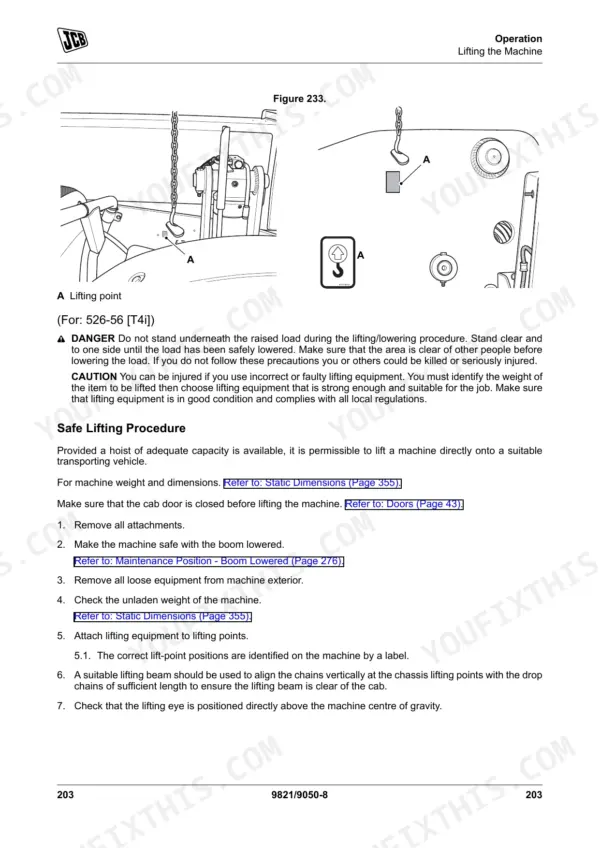
| Operation | 33-214 | Operating Safety (General, Worksite Safety, Risk Assessment), Walk-Around Inspection (General), Entering and Leaving the Operator Station (General, Emergency Exit) |
| Attachments | 215-256 | General |
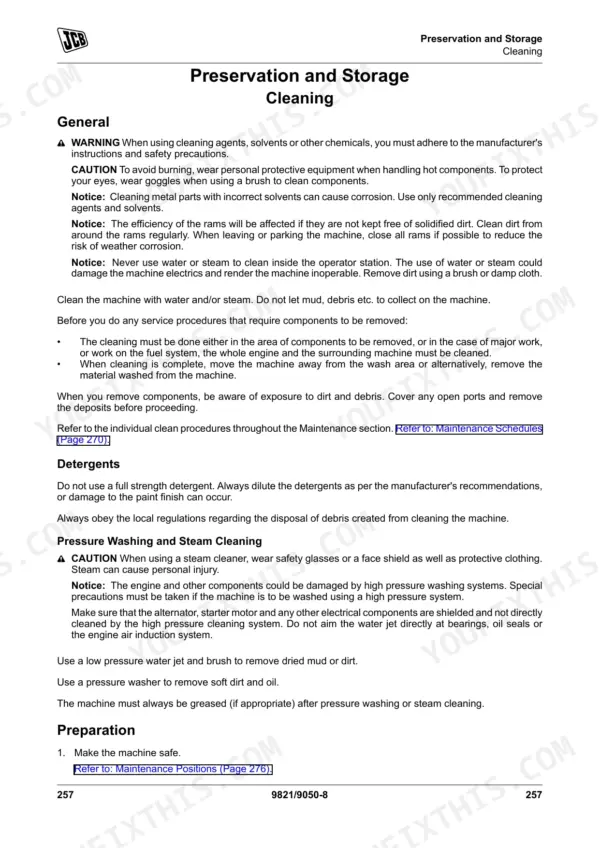
| Preservation and Storage | 257-262 | Cleaning (General, Preparation), Checking for Damage (General), Storage (General, Put Into Storage, During Storage, Take Out of Storage) |
| Technical Data | 355-546 | Static Dimensions (Weights, Visibility Diagrams), Performance Dimensions (General, Boom Dimensions and Performance, Towing Weights), Noise Emissions (General, Noise Data), Fluids |
Quick Reference Specifications
| Specification | Value | Page |
|---|---|---|
| Wheel Nut Torque | 680 N·m | p. 464 |
| ROPS/FOPS Mounting bolts torque | 205 N·m | p. 464 |
| Engine (Oil) Capacity | Min 12.5L - Max 15L | p. 458 |
| Engine (Coolant) Capacity | 28L | p. 458 |
| Engine Oil Capacity (Min) | 12.5L | p. 458 |
| Engine Oil Capacity (Max) | 15L | p. 458 |
| Front Wheel Nut Torque | 680N·m | p. 464 |
| Rear Wheel Nut Torque | 680N·m | p. 464 |
| Axle Fill/Level Plug Torque | 79N·m | p. 464 |
| Sump Drain Plug Torque | 40-60N·m | p. 332 |
| Filter Housing Drain Plug Torque | 40-60N·m | p. 332 |
JCB 526-56 to 560-80 T4i Loadall Common Problems This Manual Covers
JCB Loadall engine overheating or giving off unusual smells during normal daily operation
Check coolant level with the engine cold before anything else. Work through the overheating and unusual smells entries in the engine troubleshooting chart one cause at a time. When draining and refilling, plan for the full 28L system capacity listed on page 458, and keep to the service intervals in the maintenance schedule.
Manual Section: Engine TroubleshootingBoom and hydraulic functions operating slowly, lacking strength, or juddering with abnormal noises
Check the hydraulic system troubleshooting chart under speed of operation, strength of operation, juddering and abnormal noises, and match your symptom to the right entry before touching anything. Do a full walk-around inspection checking for damage first. Verify fluid grades against the Fluids data in Technical Data, and confirm service intervals.
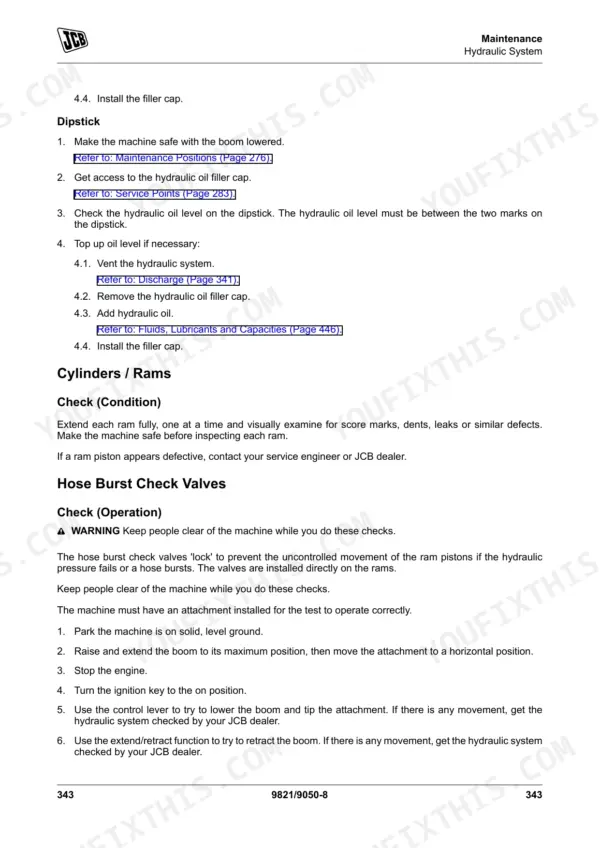
Manual Section: Hydraulic System TroubleshootingHose burst check valves suspected faulty, with ram pistons showing uncontrolled movement
Test the hose burst check valves using the uncontrolled ram movement check in the troubleshooting section, with the load removed and everyone clear of the boom. Inspect the ram hoses for damage on every walk-around. If any ram piston moves when it should hold, park the machine and contact your JCB dealer through Owner/Operator Support.
Manual Section: Hose Burst Check Valves TroubleshootingLLMI display showing a diagnostic fault code for transducer signal, calibration, or display unit error
Check the displayed code against the LLMI diagnostic fault code table before clearing anything. Test battery voltage first, because low battery voltage is one of the listed causes and costs nothing to rule out. For transducer signal, calibration, or display unit errors, stop lifting and contact your JCB dealer; never work with the load indicator out of service.
Manual Section: Diagnostic Fault Codes (LLMI)Service brake accumulator warning symbol lit or park brake not operating correctly
Check which symbol is showing against the brake system troubleshooting chart before moving the machine. Verify park brake operation on level ground with the boom lowered. Treat a service brake accumulator warning as a stop work condition: apply the park brake, shut down, and contact your JCB dealer rather than driving on.
Manual Section: Brake System TroubleshootingEngine fuel system holding air and needing bleeding before the engine will run properly
Remove air from the fuel system following the Fuel System Bleeding procedure exactly in the order given. Verify there is fuel in the tank before you start. Clean around the work area first so dirt stays out of the fuel system. Once bled, run the engine and confirm it holds steady before returning to work.
Manual Section: Fuel System BleedingFrequently Asked Questions
How do I clear a fault code on the instrument panel?
If a service fault is recognized, a fault icon and code will appear on the right side of the home screen and the fault indicator will illuminate amber. The code will remain until it is acknowledged by pressing the information button. p. 117
What are the torque specifications for the wheel nuts on the JCB Loadall?
The wheel nut torque specification for all models is 680 N·m. p. 464
What is the recommended service interval for changing the engine oil and filter on the JCB Loadall?
The standard service interval for replacing the engine oil and filter is every 500 hours. However, if operating under arduous conditions or using 20% biodiesel, this interval must be reduced to every 250 hours. p. 283
How do I bleed the fuel system?
To bleed the fuel system, loosen the bleed screw on the fuel filter (refer to Figure 333 on page 324). Turn the ignition key to the 'on' position to activate the electric fuel pump, and once all air has been released, tighten the bleed screw. p. 324
What is the capacity of the fuel tank for the 536-70LP model?
The fuel tank capacity for the 536-70LP model is 120 liters. p. 458
What exactly do I receive with this JCB 526-56 Operator Manual?
You get a 546-page searchable PDF that downloads instantly after checkout. Open it on your laptop, tablet, or phone, and bring it right to the shop floor.
Can I print specific sections of this JCB 526-56 Operator Manual?
Yes. Print the sections you need to take out to the shop for your own use. Standard letter or A4 paper works.
Reviews
There are no reviews yet.