
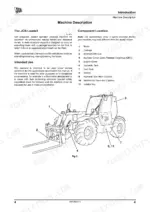
This is the JCB operator manual for the Loadall side-engine telehandlers (Tier 2/3) powered by the JCB Dieselmax engine in SD, SE, and SF builds, publication number 9831/6800-3, dated April 2017. It runs to 418 pages of English text and is the reference meant to stay with the machine.
It explains the cab layout, seat and drive controls, starting the engine, preparing for road and site travel, and working safely with the boom and attachments. The routine maintenance section covers service schedules, greasing, the fuel and electrical systems, and engine care, while the specifications section lists dimensions, weights, tyre pressures, and towing limits.
Use it to operate the machine correctly, follow the service intervals, and fit the optional attachments.
What's Inside This JCB JCB Dieselmax (SD, SE, SF Builds) Operator Manual
| System | Pages | Key Topics |
|---|---|---|
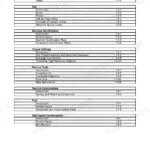
| Safety Notices | Important Information, Operator Manual, Safety Warnings, General Safety, Operating Safety, Maintenance Safety, Safety Labels | |
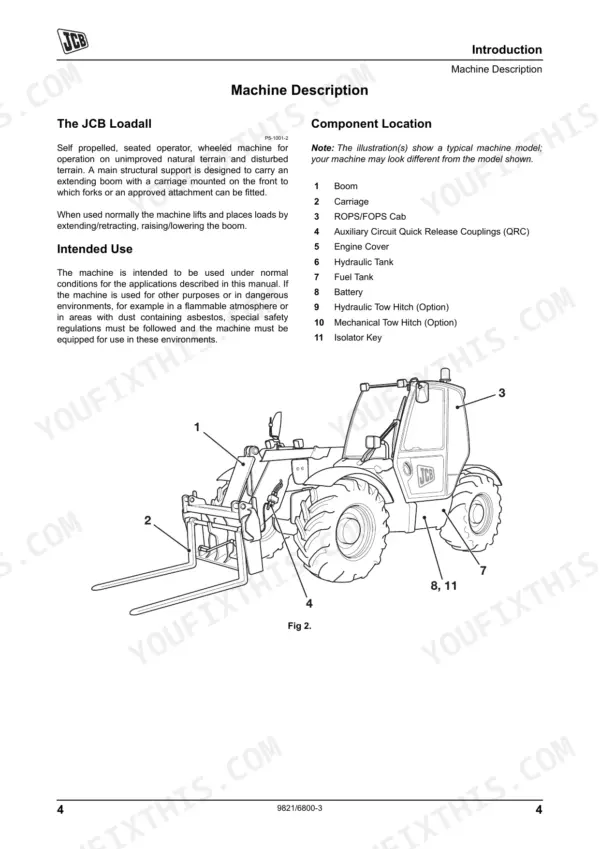
| Introduction | About This Manual, Machine Model and Serial Number, Component Location, Identifying Your Machine, Machine Security, Cesar Scheme | |
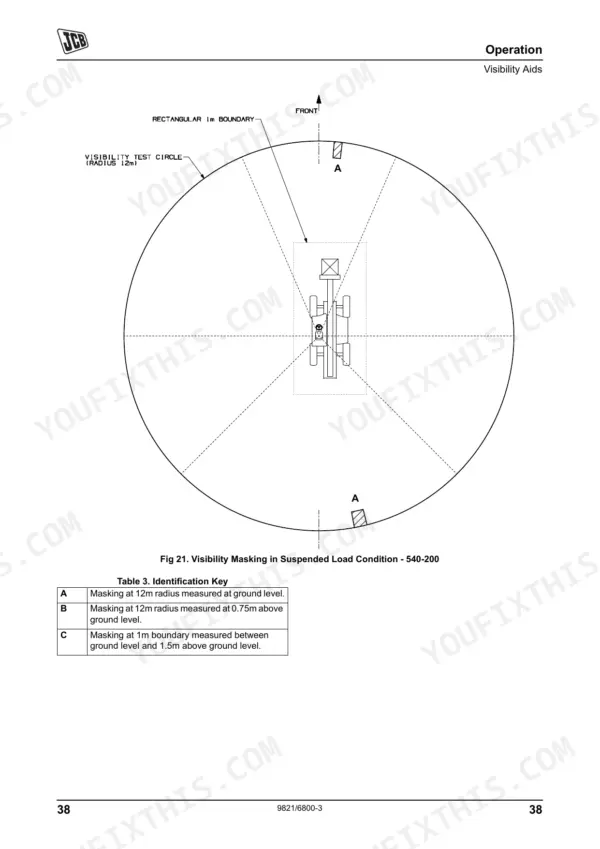
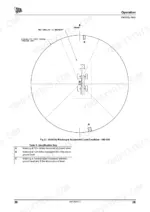
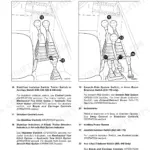
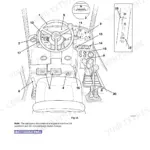
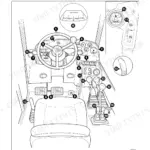
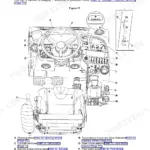
| Operation | Cab Layout, Seat Controls, Drive Controls, Starting the Engine, Preparing for Travel, Working with the Machine, Tow Hitch Options, Storage of the Machine | |
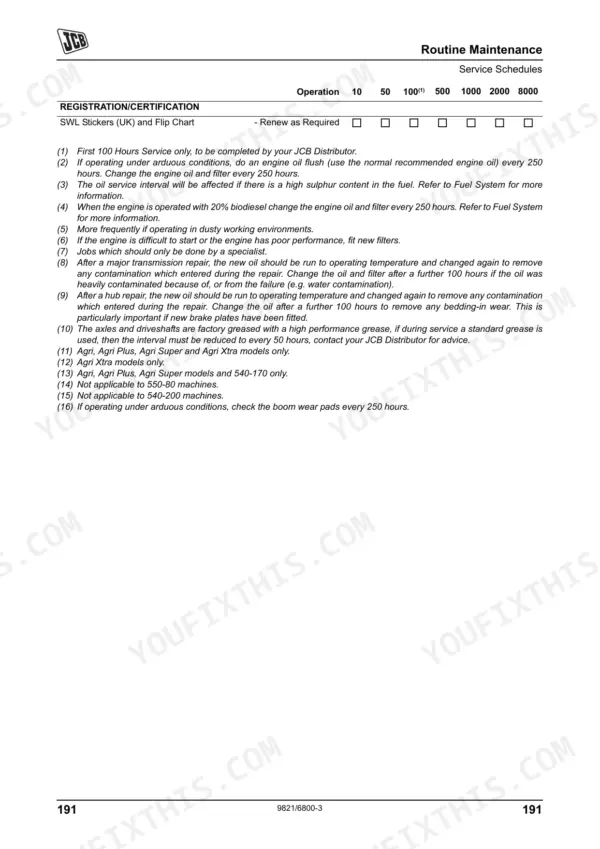
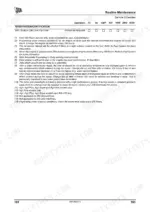
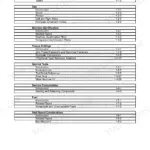
| Routine Maintenance | Service Requirements, Service Schedules, Prepare for Maintenance, Cleaning the Machine, Greasing, Electrical System, Engine Maintenance, Fuel System | |
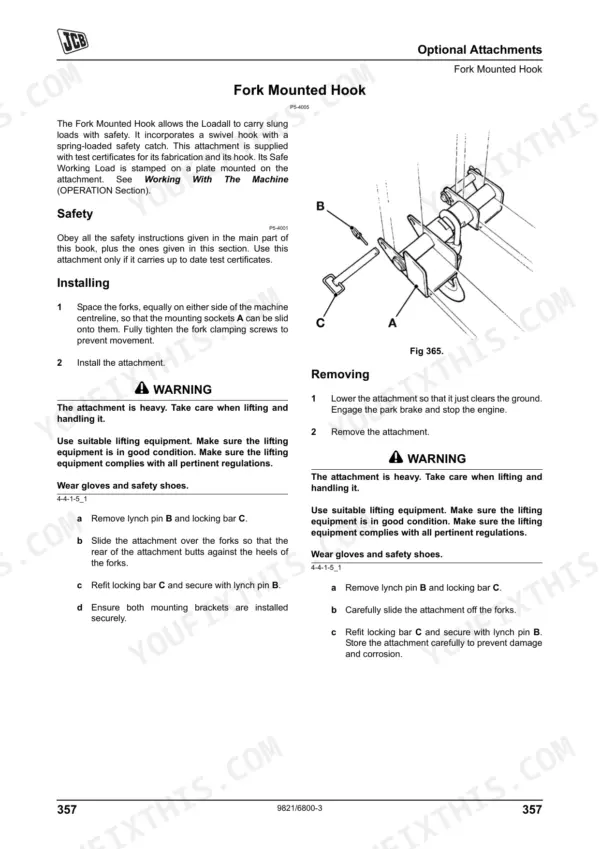
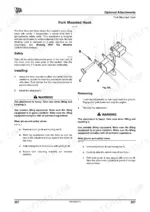
| Optional Attachments | Connecting Hydraulic Hoses, Q-Fit Attachments, Extension Jib, Fork Mounted Hook, Sideshift Carriage, Roof Truss Jib, Work Platforms | |
| Specifications | Static Dimensions, Performance Dimensions, Axle Weight Distribution, Noise Data, Vibration Data, Tyre Sizes and Pressures, Trailer Towing | |
| Warranty Information | Machine Service Record Sheet, Registration Information | |
| European Community Standards | Ec Declaration of Conformity, Explanation of Ec Declaration |
Quick Reference Specifications
| Specification | Value | Page |
|---|---|---|
| All Models | ||
| Service Hours Reset Procedure | Push then hold the Information button for three seconds to reset the service hours (The word RESET flashes once). | p. 78 |
| Engine Fuel Filter Strap Retaining Screw Torque | 24 Nm (17.7 lbf ft) | p. 313 |
| Engine Fuel Filter Replacement Interval | every 500 hours | p. 198 |
| Air Cleaner Outer Element Replacement Interval | every 500 hours | p. 198 |
| Air Cleaner Inner Element Replacement Interval | every 1000 hours | p. 198 |
| Engine Oil Sump Drain Plug Torque | 40-60Nm (30-44lbf ft) | p. 301 |
| Oil Filter (Canister Type) Replacement Interval | every 500 hours | p. 199 |
| All Hoses Condition Check Interval | every 10 hours | p. 198 |
| Battery Electrolyte Level | 6 mm (1/4 in) above the plates | p. 242 |
| Front End Accessory Drive (FEAD) Belt Replacement Interval | every 1000 hours | p. 198 |
| 550-80 machines | ||
| ROPS/FOPS Mounting Bolts Torque, 550-80 machines | 205 Nm (151 lbf ft) | p. 212 |
| Other machines | ||
| ROPS/FOPS Mounting Bolts Torque, Other machines | 244 Nm (180 lbf ft) | p. 212 |
JCB JCB Dieselmax (SD, SE, SF Builds) Common Problems This Manual Covers
Hard starting or no start
Difficult or failed starts usually trace to fuel delivery, clogged filters, air in the fuel system, or a weak battery. The Routine Maintenance section covers the fuel system, filters, and electrical checks.
Manual Section: Routine MaintenanceOverheating during operation
A coolant warning or high temperature often means low coolant, a blocked radiator, or restricted airflow around the cooling pack. Routine Maintenance covers the coolant checks and engine cooling system.
Manual Section: Routine MaintenanceLoss of power under load
Poor throttle response or weak power under load can come from a dirty air filter, fuel contamination, or an engine protection derate. The Routine Maintenance section covers the air and fuel filters and their service intervals.
Manual Section: Routine MaintenanceMissed daily checks cause breakdowns
Skipping the daily walk-around and fluid inspections quickly leads to starting and cooling problems. The Routine Maintenance section lists the service requirements and schedules to follow.
Manual Section: Routine MaintenanceAttachment hydraulics will not couple
Trouble connecting hoses or running Q-Fit attachments can stall the work. The Optional Attachments section explains connecting hydraulic hoses, Q-Fit attachments, and work platforms.
Manual Section: Optional AttachmentsWarning lights or fault display
Warning lights or a fault display can signal low oil pressure, high coolant temperature, or a charging issue. The Operation section explains the instrument panel and controls for the SD, SE, and SF builds.
Manual Section: OperationFrequently Asked Questions
Which machines does this operator manual cover?
It covers the JCB Loadall side-engine telehandlers (Tier 2/3) fitted with the JCB Dieselmax engine in SD, SE, and SF builds, publication 9831/6800-3 from April 2017.
Is this an operator manual or a repair manual?
This is the operator manual. It covers safe operation, controls, routine maintenance, service schedules, optional attachments, and specifications, rather than full workshop overhaul procedures.
How do I reset the service hours?
The manual explains the service interval reset: push and hold the Information button for about three seconds until the word RESET flashes. The Routine Maintenance and Operation sections cover the service schedule and instrument panel.
Does it list service intervals and capacities?
Yes. The Routine Maintenance section gives the service schedules, and the Specifications section lists engine oil, coolant, and fuel capacities along with dimensions and tyre pressures.
Is this manual a digital download?
Immediate download of the complete 418-page searchable Operator Manual. Access it on any device: laptop at your desk or phone in the field.
Can I print just the pages I need from this Jcb Dieselmax (SD manual?
Yes. Print a chapter or just the pages for the job at hand, for use in your own shop. Any home or office printer works.

Reviews
There are no reviews yet.