
Looking for a complete JCB 531-70 operator manual pdf? This 390-page factory reference (OEM #9831/7650) breaks down the exact daily maintenance, safety protocols, and operating procedures for your 2017 JCB Loadall, including the 535-95, 536-60, 536-70, and 536-70LP variants. Inside, you get full dashboard error code lists, longitudinal load moment indicator charts, and step-by-step walk-around inspections. Open to the service schedules to find exact fluid replacement intervals that keep your telehandler out of the repair bay. Torque the front wheel nuts to 680 N-m before your shift and confirm the 115-liter hydraulic tank is properly topped off. Don't risk dropping a load because you guessed at the charts. Download this bookmarked file right to your tablet and bring the factory answers directly to the cab.
Complete the set for your Loadall 531-70 to 560X80 Series
Other edition of this manual
- JCB 531-70 to 550-170 Loadall Operator Manual Original price was: $32.99.$19.99Current price is: $19.99.
What's Inside This JCB Loadall 531-70 to 560X80 Series Operator Manual
| System | Pages | Key Topics |
|---|---|---|
| Acronyms & Glossary | 12 | 2WD, 4WD, CAN, Cesar, DEF, Dtvt, ECU, Fead |
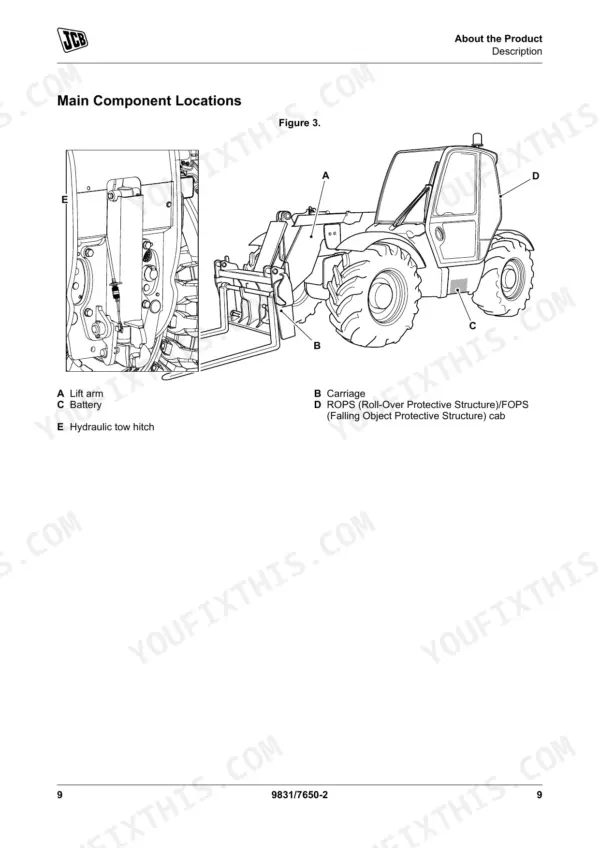
| Machine Identification & Product Information | 19-42 | Name and Address of the Manufacturer, Product Compliance |
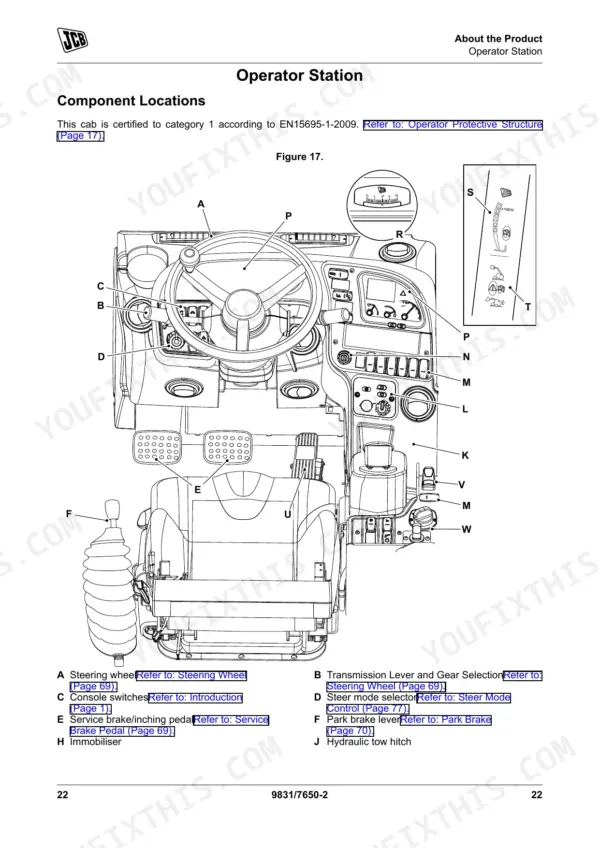
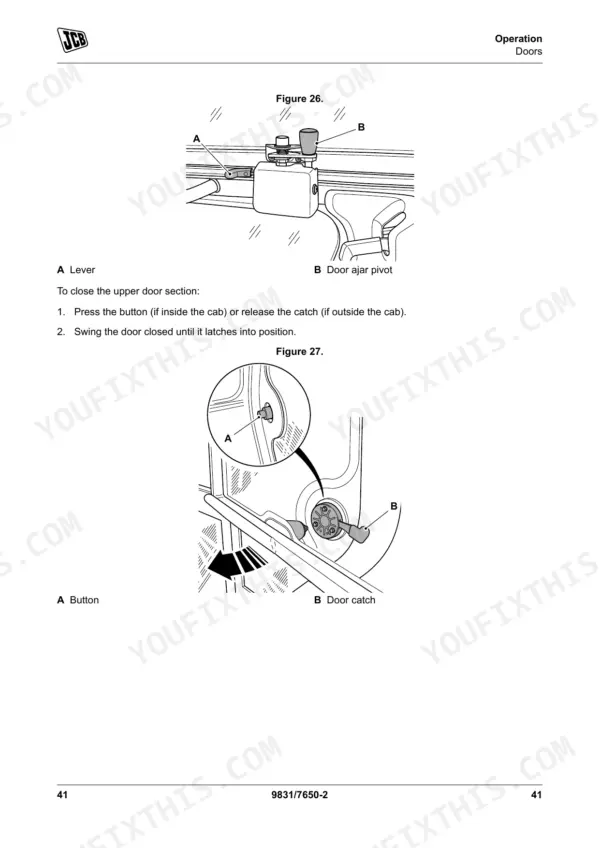
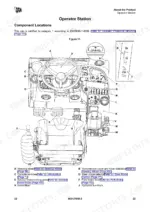
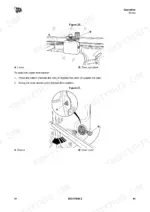
| Operation & Safety Procedures | 43-80 | Operating Safety, Worksite Safety, Risk Assessment, Walk-Around Inspection, Entering and Leaving the Operator Station, Doors, Windows, Preparing for Road Travel, Smooth Ride System (SRS), Beacon, Control Lock |
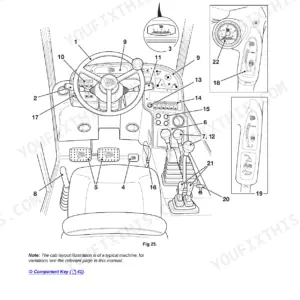
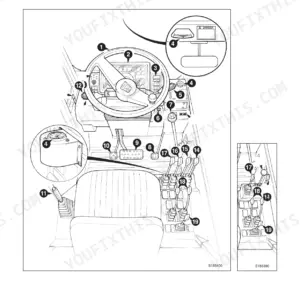
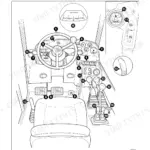
| Controls & Instruments | 81-100 | Steering Wheel, Accelerator Pedal, Service Brake Pedal, Inching Pedal, Park Brake, Transmission Drive Lever, Instrument Panel, Display Screen, Warning Indicator, Tachometer, Fuel Level Gauge, Coolant Temperature Gauge |
| Driving the Machine | 101-111 | Steer Modes, Limited Slip Differential (Lsd), TorqueLock, Driving on Slopes, Working on Slopes, Towing Other Equipment |
| Boom & Load Handling Operation | 112-151 | Boom Controls, Chassis Levelling Controls, Auxiliary Circuit Controls, Load Charts, Boom Indicators, Inclinometers, Interlocks, Longitudinal Load Moment Indicator, Fork Ratings, Working with Pallets, Stacking Loads, Filling the Shovel |
| Cab Comfort & Fire Safety | 152-154 | Air-Conditioning Controls, Face Level Fan, Fire Extinguisher |
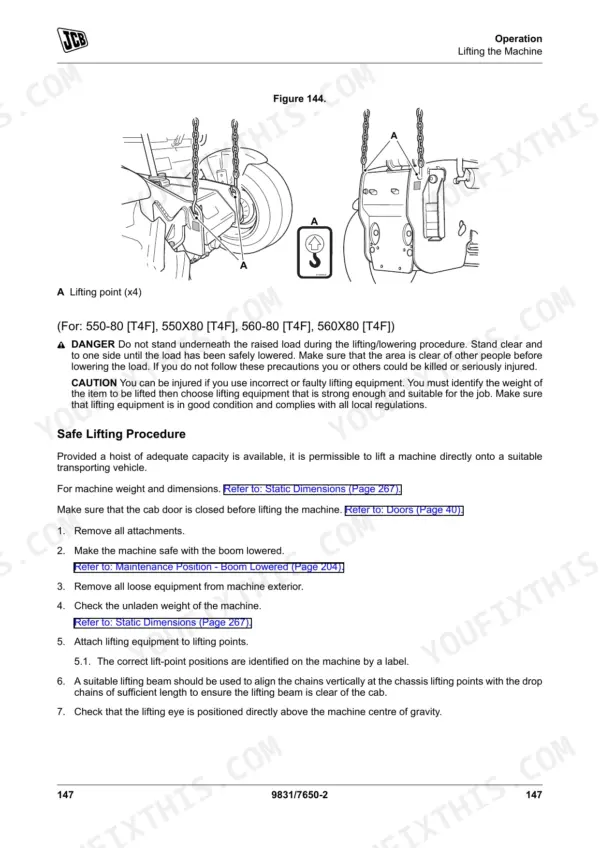
| Transporting & Recovery | 155-164 | Jump-Starting the Engine, Recovery Hitch, Safe Lifting Procedure, Transporting the Machine, Loading the Machine Onto the Transporting Vehicle/Trailer |
| Operating Environment & Refuelling | 165-170 | Operating in Dusty or Sandy Areas, Operating in Coastal Regions, Operating on Wet or Soft Ground, Operating in Low Temperatures, Operating in High Temperatures, Filling the Tank, Filling the Diesel Exhaust Fluid Tank |
| Attachments | 171-184 | Connecting/Disconnecting Hydraulic Hoses, Quick-Fit Carriage, Tow Hitches, Ladder Hitch |
| Storage & Preservation | 185-190 | Cleaning, Checking for Damage, Put Into Storage, During Storage, Take Out of Storage |
| Maintenance & Servicing | 191-278 | Owner/Operator Support, Service/Maintenance Agreements, Initial Service and Inspection, Obtaining Spare Parts |
| Specifications & Technical Data | 279-390 | Weights, Visibility Diagrams, Boom Dimensions and Performance, Towing Weights |
Quick Reference Specifications
| Specification | Value | Page |
|---|---|---|
| All Models | ||
| ROPS/FOPS Mounting bolts torque | 205 N·m | p. 338 |
| Front Wheel Nut Torque (JCB) | 680 N·m | p. 338 |
| Hydraulic Oil Tank Filter replacement interval | 500h, 1000h, 1500h, 2000h | p. 211 |
| Warning Error buzzer duration | 1 s | p. 91 |
| Critical Error buzzer duration | permanent | p. 91 |
| Reverse Alarm fuse rating | 10 A | p. 341 |
| Minimum hydraulic oil temperature for efficient operation | 0 °C ( 32.0 °F) | p. 127 |
| Engine Oil Capacity | Min 12.5 L - Max 15 L | p. 326 |
| Engine Coolant Capacity | 28 L | p. 326 |
| Fuel Tank Capacity | 146 L | p. 326 |
| 531-70, 536-70, 536-70LP, 541-70 | ||
| Hydraulic tank capacity (531-70, 536-70, 536-70LP, 541-70) | 115 L | p. 327 |
| 535-95 | ||
| Hydraulic tank capacity, 535-95 | 125 L | p. 327 |
JCB Loadall 531-70 to 560X80 Series Common Problems This Manual Covers
JCB 531-70 Loadall boom will not raise or extend normally and hydraulic functions feel weak or intermittent
Check the hydraulic fluid level and verify the system is warmed up. Operate the machine only after the hydraulic oil reaches the minimum temperature of 10 °C (50.0 °F) as noted on page 127. If the boom is a 3-stage unit, perform the re-phasing procedure every 10 h.
Manual Section: Operating Levers/Pedals p. 112Reverse warning buzzer fails to sound when backing up or operator display shows a constant fault icon
Inspect the instrument panel display screen for active error codes. Check the fuse box and replace the reverse alarm circuit fuse if it is blown, ensuring you use the correct 10 A rating specified on page 341. Verify the overall system battery voltage remains at 12 V.
Manual Section: Instruments p. 91Machine creeps on slopes, will not hold position, or moves unexpectedly during the daily park brake test
Test the park brake operation before starting work. Apply the brake fully and check for any dashboard warnings. If the machine moves, stop immediately and verify the front wheel nut torque is 680 N·m as listed on page 338. Ensure the transmission drive lever is in neutral.
Manual Section: Drive Controls p. 81High coolant temperature warning light flashes on the dashboard and the engine enters a derated state
Stop the machine in a safe location and allow the engine to cool. Check the coolant level and top up the system to the 28 L capacity specified on page 326. Ensure the cooling pack is clear. Run the stationary refresh procedure once coolant reaches 70 °C on page 246.
Manual Section: Engine/Emissions System Faults p. 246Frequently Asked Questions
How will I receive this JCB 531-70 & variants Operator Manual?
A 390-page Operator Manual in searchable PDF format, available the moment you complete checkout. View on computer, tablet, or phone, with no shipping wait.
Can I print pages of this manual for my own shop?
Yes. Print a single page or a chapter for your own shop use, on letter or A4.

Reviews
There are no reviews yet.