
Part of the Yanmar Operator Manuals.
Air trapped in the fuel lines will keep one of these engines cranking all morning, and the priming procedure that clears it is laid out step by step in this manual. Yanmar published it as OATN4-EN0029, a 124-page English operator manual covering six TNV and TNM series industrial diesels: the 3TNV74F, 3TNV76F, 3TNV80F, 3TNV80FT, 3TNV88F, and 3TNM74F.
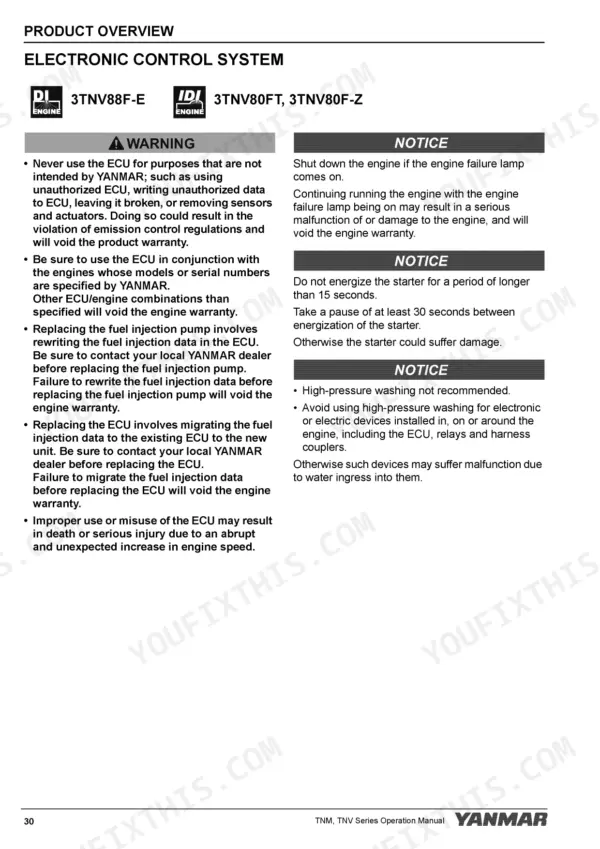
Inside are diesel fuel and engine oil specifications, fuel system priming, starting and shutdown procedures, a periodic maintenance schedule with a standard torque chart, and a troubleshooting section that covers the electronic control system and lists the possible faults of electronically controlled engines. Long-term storage procedures and full specifications for each model round it out.
Whether the engine drives a generator, a pump, or sits on a stand waiting for parts, the PDF travels with you, on a phone beside the engine or printed for the bench, with maintenance intervals and torque values in reach before anything goes back together.
Complete the set for your TNV-F Series
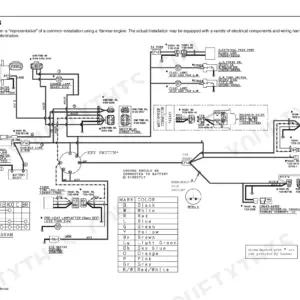
- Repair Manual: Yanmar 3TNV88F Service Manual (incl. Wiring)
What's Inside This Yanmar TNV-F Series Operator Manual
| System | Pages | Key Topics |
|---|---|---|
| Introduction | 3-4 | Record of Ownership, Symbol Explanation |
| Yanmar Warranties | 9-14 | Yanmar Limited Warranty (What Is Covered by This Warranty?, How Long Is the Warranty Period?, What the Engine Owner Must Do, To Locate an Authorized Yanmar Industrial Engine Dealer or Distributor, What Yanmar Will Do, What Is Not Covered by This Warranty?, Warranty Limitations, Warranty Modifications, Questions) |
| Safety | 15-26 | Safety Statements, Safety Precautions (Before You Operate, During Operation and Maintenance) |
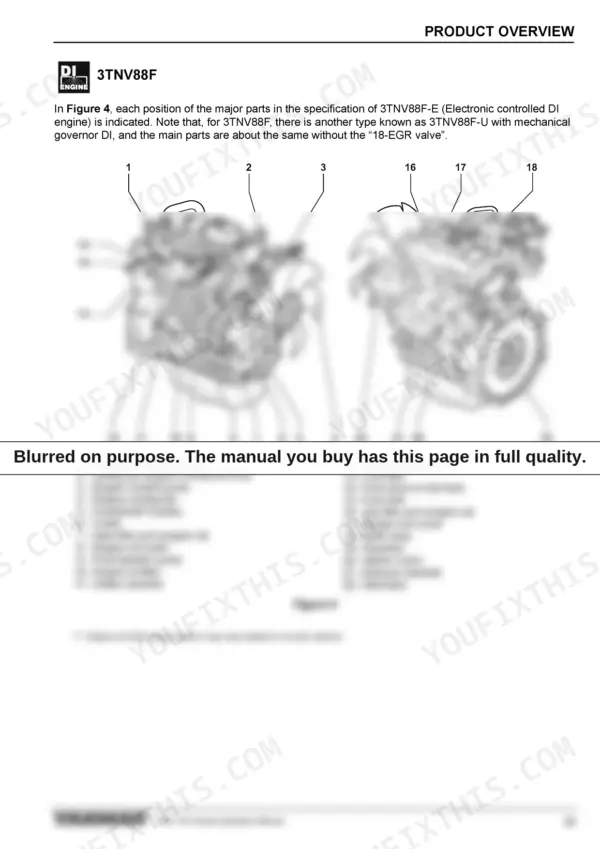
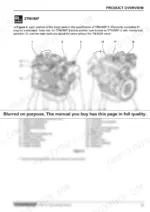
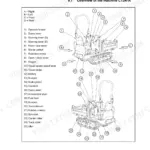
| Product Overview | 27-50 | Yanmar Tnv Engine Features and Applications, Component Identification, Location of Labels (Engine Nameplate) |
| Before You Operate | 51-66 | Diesel Fuel (Specifications, Filling the Fuel Tank, Priming the Fuel System), Engine Oil (Specifications, Viscosity, Checking Engine Oil, Adding Engine Oil, Capacity) |
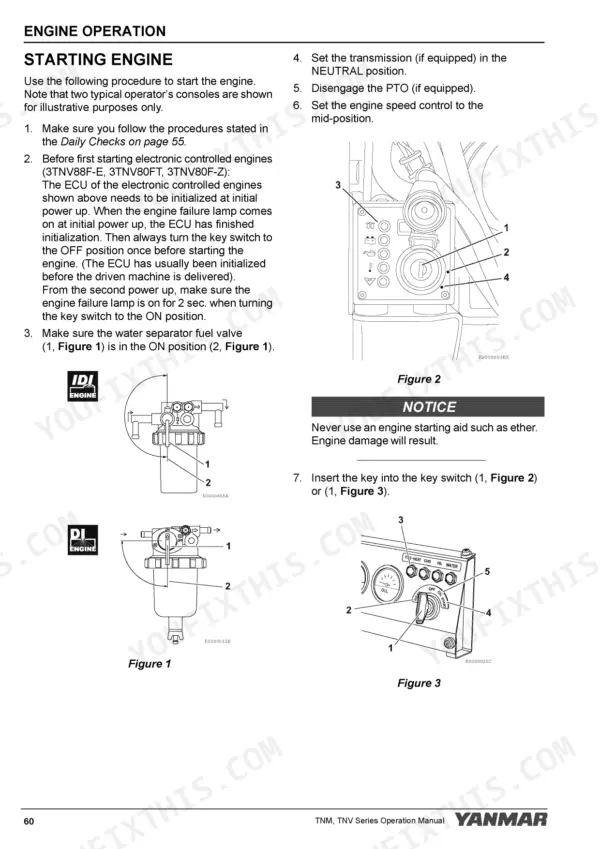
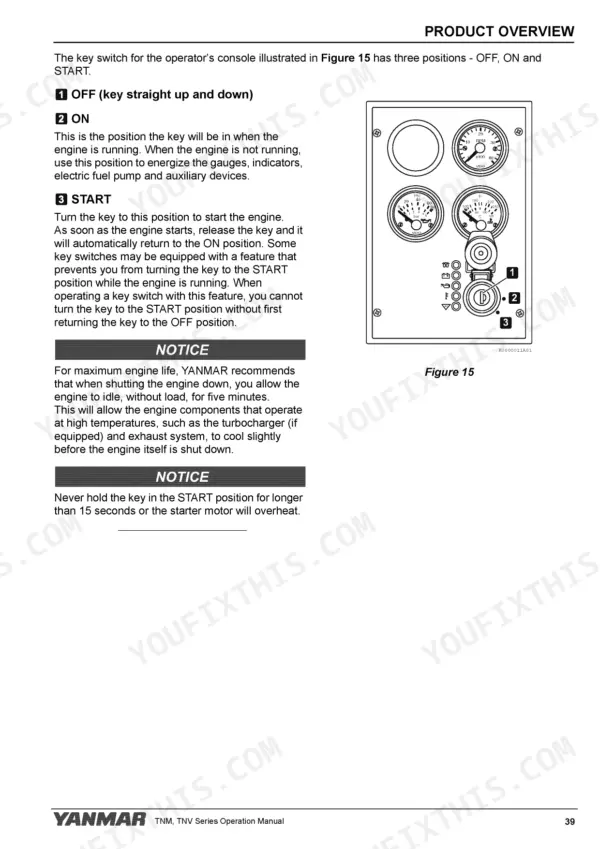
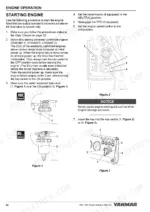
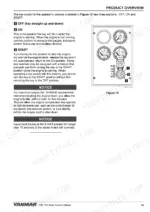
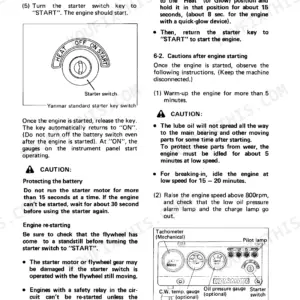
| Engine Operation | 67-72 | Starting Engine, Checking the Engine During Operation, Shutting Down the Engine |
| Periodic Maintenance | 73-100 | Precautions, Standard Torque Chart, Periodic Maintenance Schedule, Periodic Maintenance Procedures |
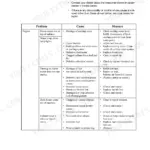
| Troubleshooting | 101-110 | Troubleshooting Chart, Troubleshooting of Electronic Control System, Troubleshooting Information, List of Possible Faults of Electronic Controlled Engines |
| Long-Term Storage | 111-114 | Before You Place the Engine in Long-Term Storage, Returning the Engine to Service |
| Specifications | 115-124 | Engine General Specifications, Principal Engine Specifications |
Quick Reference Specifications
| Specification | Value | Page |
|---|---|---|
| Fuel filter replacement interval | Every 500 hours | p. 76 |
| Fuel-water separator draining interval | Daily | p. 76 |
Yanmar TNV-F Series Common Problems This Manual Covers
Hard starting after fuel system service
Cracking a fitting and cranking until the battery dies is how starters and injection systems get abused. The Before You Operate section walks through filling the fuel tank and priming the fuel system so the engine lights off cleanly after a filter change or run-out.
Manual Section: Before You Operate p. 51Water contamination ruining the injection system
Water and debris in diesel will take out injectors long before you notice a symptom. The maintenance schedule calls for checking the water separator daily and replacing the fuel filter on schedule, and the procedures show how to do both.
Manual Section: Periodic Maintenance p. 73Overheating or a climbing temperature gauge
Low coolant, a blocked passage, and a tired water pump all read the same on the gauge. The troubleshooting chart works through the cooling-side causes in order so you replace the right part first.
Manual Section: Troubleshooting p. 101Black smoke and lost power under load
A starved intake, poor fuel, or plain overload will make any of these engines smoke black. Black smoke and low power are exactly the kind of symptoms the troubleshooting chart is organized around, tracing them back to a cause before you condemn the injection pump.
Manual Section: Troubleshooting p. 101Warning indicators and electronic control faults
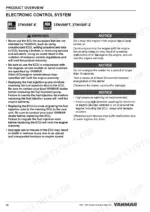
When an electronically controlled engine throws an indicator, guessing gets expensive fast. The Troubleshooting section includes dedicated troubleshooting of the electronic control system and a list of possible faults of electronic controlled engines.
Manual Section: Troubleshooting p. 101Low oil pressure from neglected oil
The wrong viscosity for the season, or a level that never gets checked, shows up as an oil pressure warning at the worst possible time. Before You Operate gives the oil specification, viscosity guidance, checking and adding procedures, and capacity.
Manual Section: Before You Operate p. 51Rough running after months in storage
An engine parked over a season can gum its fuel system and corrode internally. The Long-Term Storage section covers what to do before the engine goes into storage and how to return it to service afterward.
Manual Section: Long-Term Storage p. 111Frequently Asked Questions
Which engine models does this manual cover?
Six Yanmar industrial diesels: 3TNV74F, 3TNV76F, 3TNV80F, 3TNV80FT, 3TNV88F, and 3TNM74F. It is the English-language Yanmar operator manual, publication number OATN4-EN0029, 124 pages.
Is this a workshop manual with rebuild procedures?
No, this is the operator manual: fuel and oil specifications, priming, starting and shutdown, the periodic maintenance schedule and procedures, a standard torque chart, troubleshooting, long-term storage, and full engine specifications. Teardown procedures and internal clearances belong to the separate service manual for these engines.
Does it help with faults on electronically controlled engines?
Yes. The Troubleshooting section includes a general troubleshooting chart, troubleshooting of the electronic control system, troubleshooting information, and a list of possible faults of electronic controlled engines. p. 101
Are maintenance intervals for filters included?
Yes. The Periodic Maintenance section carries the full schedule and procedures. Per the schedule, the fuel filter is replaced every 500 hours and the water separator is checked daily. p. 73
Is this Yanmar 3TNV74F & variants Operator Manual a digital download?
You get a 124-page searchable PDF that downloads instantly after checkout. Open it on your laptop, tablet, or phone, and bring it right to the shop floor.
Am I able to print pages from this manual?
Yes. Print a chapter or just the pages for the job at hand, for use in your own shop. Any home or office printer works.
Reviews
There are no reviews yet.