
Part of the Case IH Operator Manuals.
All 240 pages of this Case IH Farmall 75 Operator Manual (OEM #84343417) cover one machine: the Farmall 75C and 75. Inside, you get a full controls section with the analog instrument panel, three transmission configurations (8×8, 12×12, and 20×20), electro-hydraulic four-wheel drive, PTO, and rear three-point linkage. A structured maintenance table steps you through checks from every 10 hours to 1,800 hours, with fluid capacities, dashboard warning lights, and a troubleshooting section covering engine, electrical, hydraulic, and brake faults. Set clutch pedal clearance to 143–147 mm for cab models; torque the 2WD front wheel track retention screws to 220 Nm before you roll. No more guessing from forum posts. Download the Case IH farmall 75 operator manual pdf, jump to any section via the bookmarks, and get the factory answer before you touch a wrench.
Complete the set for your Farmall 75C, Farmall 75
- Repair Manual: Case IH Farmall 55C, 65C, 75C Service Manual
Other editions of this manual
- Case IH Farmall 75C, 85C, 95C, 105C, 115C Operator Manual Original price was: $32.99.$19.99Current price is: $19.99.
- Case IH Farmall 65C, 75C, 85C, 95C Operator Manual Original price was: $32.99.$19.99Current price is: $19.99.
What's Inside This Case IH Farmall 75C, Farmall 75 Operator Manual
| System | Pages | Key Topics |
|---|---|---|
| General Information and Safety | 7-26 | Product Identification, Ecology and the Environment, Always Work Safely, Working Safely, Safety Decals, Guards and Safety Covers, Tractor Noise Level Information Sheet |
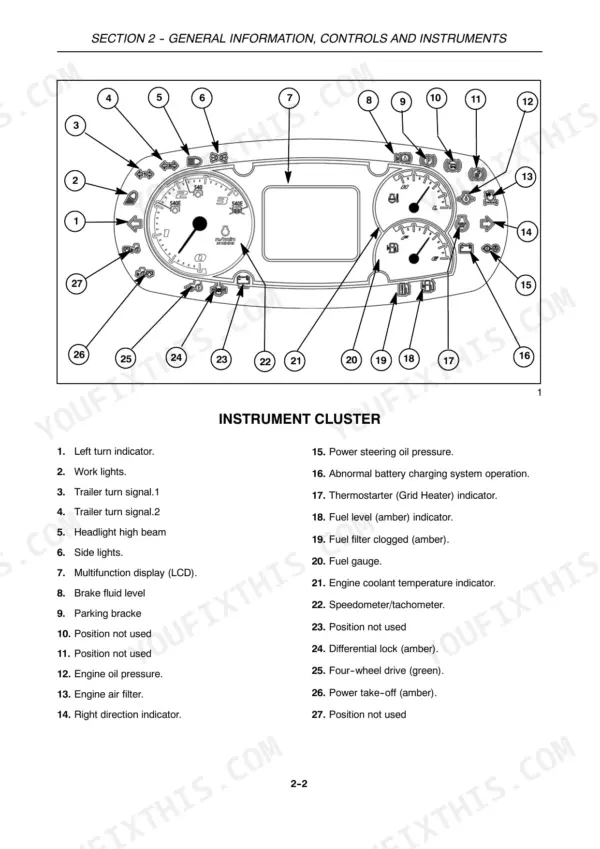
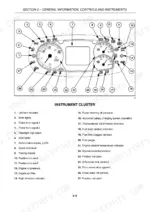
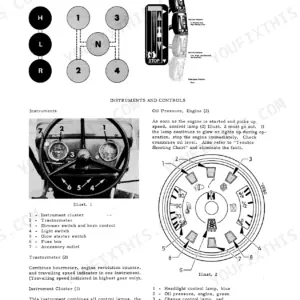
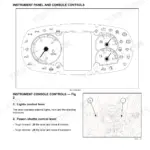
| General Information, Controls and Instruments | 27-72 | Analog Control Panel, Light Control Lever, Operating Controls, Cab, Pedal Controls, Steering Wheel Adjustment |
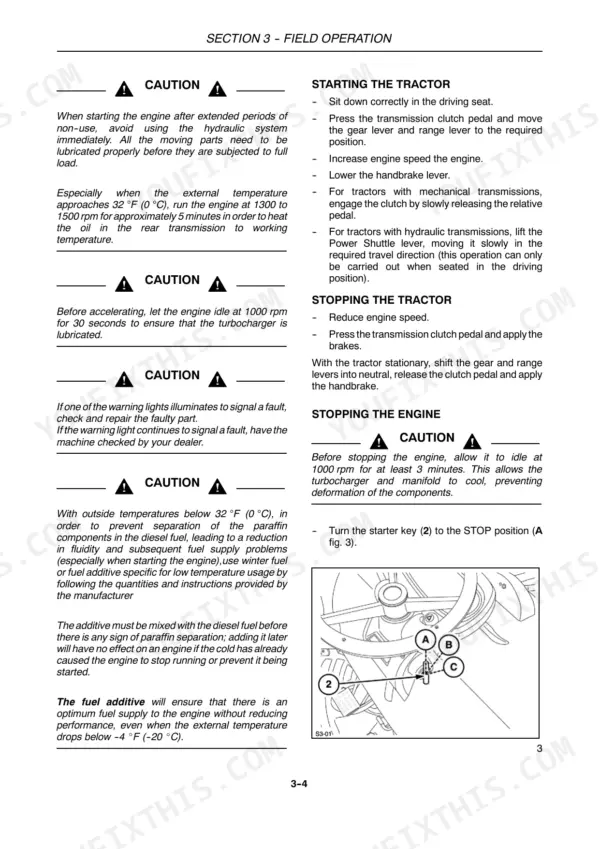
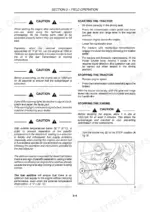
| Field Operation | 73-124 | Starting and Stopping, Brakes, Mechanical 4WD, Electro Hydraulically Controlled Four-Wheel Drive, Differential Lock, Limi-Slip Front Differential Lock, Power Take-Off |
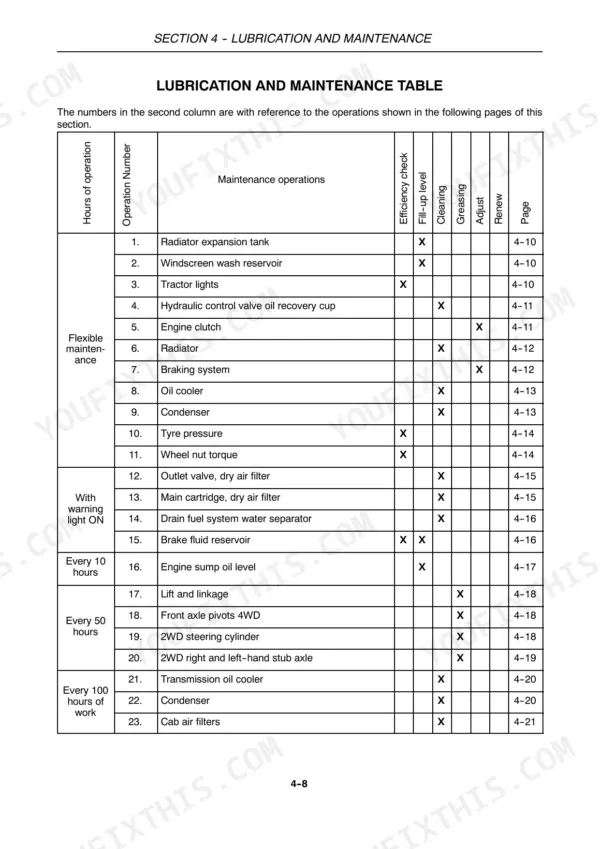
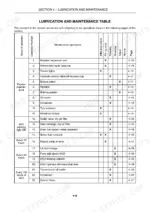
| Lubrication and Maintenance | 125-172 | Running in Period, Fuelling the Tractor, Access for Inspection and Maintenance, Lubrication and Maintenance Table, Instrument Panel Warning Lights, Flexible Maintenance |
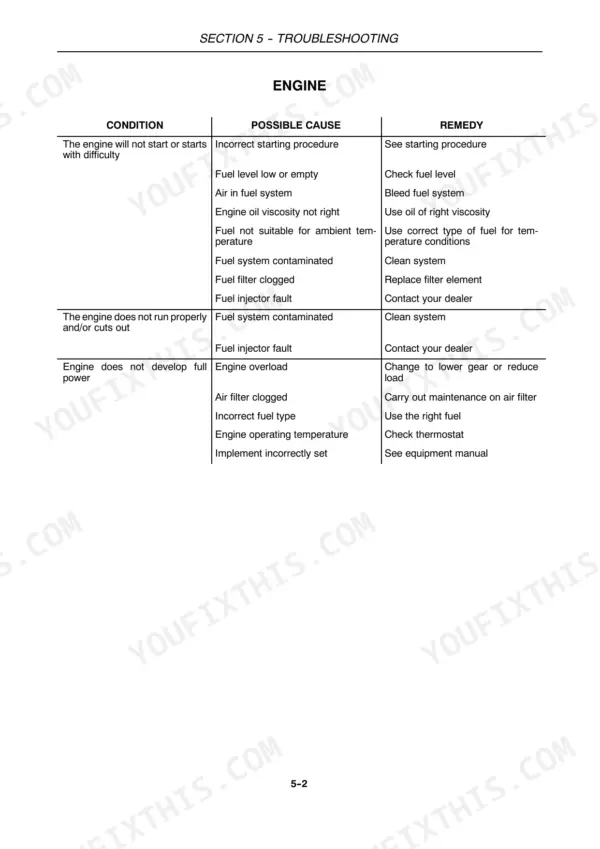
| Troubleshooting | 173-180 | Engine, Electrical System, Hydraulic System, Hydraulic Lift, Brakes, Cab |
| Vehicle Storage | 181-182 | Prolonged Tractor Inactivity, Protect the Engine, Fill the Fuel Tank, Remove the Battery, Check Battery Charge Condition, Fit Stands or Other Suitable Supports Under the Axles |
| Accessories | 183-218 | Mechanically Controlled Front Hydraulic Lift, Towing Equipment, Joystick |
| Specifications and Data | 219-228 | Dimensions with Roll Bar, Dimensions with Cab, Engine Data, Transmission, Hydraulic Lift, Electrical System |
| Forms | 229-232 | Delivery Date, Owner’s Name, Dealer’s Name, Model, Pin No., Tractor Hookup |
Quick Reference Specifications
| Specification | Value | Page |
|---|---|---|
| Hydraulic system fault remedy | Contact your dealer | p. 178 |
| Transmission clutch pedal distance from floor (cab tractors) | 143 to 147 mm (5.63 to 5.79 in) | p. 135 |
| Transmission clutch pedal distance from floor (ROPS tractors) | 158 to 162 mm (6.22 to 6.34 in) | p. 135 |
| 2WD front wheel track adjustment retention screws (1) and (2) tightening torque | 220 Nm (22.5 kgm) | p. 99 |
| 2WD front wheel track adjustment steering struts fixing screws (3) tightening torque | 39 Nm (4 kgm) | p. 99 |
| Air Conditioning System Coolant Quantity | 0.34 US gal. (1.3 litres) | p. 55 |
| Air Conditioning System Oil Quantity | 0.0488 US gal. (0.185 litres) | p. 55 |
| 4WD Front Wheel Hub Disk Nuts Torque | 255 Nm (26 kgm) | p. 101 |
| Recommended Front Tire Pressure (2WD, 6.50-16 front, 13.6R28 rear) | 2.5 bar (36.2 PSI) | p. 112 |
| Maximum Permitted Operating Weight (2WD with implement mounted) | 3100 kg (6834.26 lbs) | p. 122 |
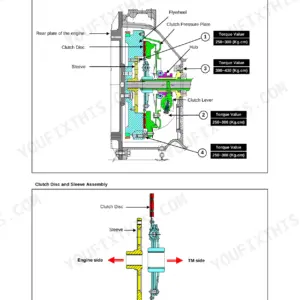
| Transmission Clutch Adjustment (Cab models, distance A) | 143 to 147 mm (5.63 to 5.79 in) | p. 135 |
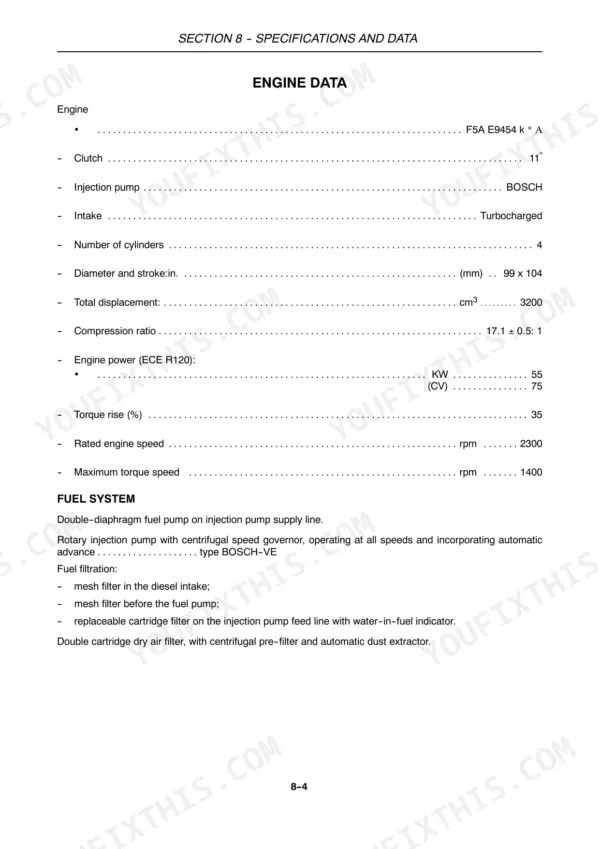
| Engine Total Displacement | 3200 cm³ | p. 222 |
Case IH Farmall 75C, Farmall 75 Common Problems This Manual Covers
Engine hard to start or won't crank in cold weather, battery charge warning light on
Verify battery connections are clean and tight — the system runs on 12 V (page 227) and poor contacts cause exactly this symptom. Check electrolyte level and battery charge condition. Consult the electrical system troubleshooting guide on page 177 for low starter motor speed and battery charge light procedures. If the battery repeatedly discharges overnight, have the charging circuit tested at your dealership.
Manual Section: Troubleshooting p. 177Three-point linkage won't lift fully or raises very slowly with implement attached
Verify you are within the 3100 kg (6834.26 lbs) maximum permitted operating weight for 2WD with implement mounted (page 122). Check hydraulic fluid level at the sight glass and top up if needed. Confirm the draft control lever position is correct for your implement type — see the field operation controls layout on page 28. The hydraulic lift troubleshooting table on page 179 covers linkage-not-lifting-fully and slow-lift conditions; work through it before calling a dealer.
Manual Section: Troubleshooting p. 179Air conditioning not cooling the cab despite compressor running, warm air from vents
Check the refrigerant level — the system holds 0.34 US gal. (1.3 litres) of coolant and 0.0488 US gal. (0.185 litres) of compressor oil (page 55). Inspect the compressor belt for slipping or cracking; a slipping belt is a direct cause of poor cooling. Verify the cab air recirculation setting and check that cab seals are intact to prevent hot air ingress. The cab troubleshooting section on page 180 covers compressor belt slip and low refrigerant diagnosis.
Manual Section: Troubleshooting p. 180Brakes feel spongy or pedal travels to the floor before stopping
Inspect brake fluid level immediately and check for visible leakage around the brake valve and brake release. Do not operate the tractor on slopes or roads until braking is restored. Consult the brake troubleshooting guide on page 180 — it covers soft pedals, full pedal depression, excessive travel, and valve leakage. If you suspect worn brake discs or a leaking valve, park the tractor safely and contact your dealer.
Manual Section: Troubleshooting p. 180Frequently Asked Questions
How to reset the hydraulic system after a fault on CASE IH Farmall 75C?
If there is air in the hydraulic circuit, you can clear it by running a number of lifting and lowering cycles at low speeds. This procedure helps to restore proper hydraulic system function after a fault related to air ingress. p. 216
What are the replacement specifications for Clutch assembly?
The clutch assembly specifications are: Dry 11” double-plate, with separate controls for pedal operation (gearbox) and hand lever (power take-off). The plate material for mechanical transmissions is cerametallic, and for hydraulic transmissions, it is N 401-4 paper. The power take-off clutch for all models uses organic (dry) material. p. 223
How do you fix case IH Farmall 75C clutch pedal suddenly stops engaging, power shuttle shift also stops working?
Check the clutch pedal free travel height at the floor. On cab models it must measure 143 to 147 mm (5.63 to 5.79 in); on ROPS models, 158 to 162 mm (6.22 to 6.34 in); on ROPS with noise reduction kit, 153 to 157 mm (6.02 to 6.18 in) — see page 135. If the measurement is out of spec, do not continue operating. This is a known critical issue on early-hours tractors: a fastener can back off internally. Stop the tractor and contact your dealer before further use. p. 135
How do you fix dashboard warning light stays on after startup, hydraulic functions sluggish or unresponsive?
Identify the warning light using the indicator guide starting on page 125. Check the hydraulic fluid level at the sight glass — top up if below the MIN mark. Inspect the hydraulic filter service indicator; if it shows red, the filter is clogged and must be replaced per the maintenance schedule on page 132. For persistent faults after fluid and filter checks, the troubleshooting table on page 178 states to contact your dealer — do not attempt internal adjustments. p. 178
Is this Case IH Farmall 75C manual a download or a disc?
This is a 240-page searchable PDF ready for immediate download. Works on any device, so pull it up on your phone while you're under the hood. No shipping, no waiting.
Am I able to print pages from this manual?
Absolutely. No DRM or copy protection. Print the whole manual or just the pages you need. Any home or office printer works.




Reviews
There are no reviews yet.