
Part of the JCB Operator Manuals.
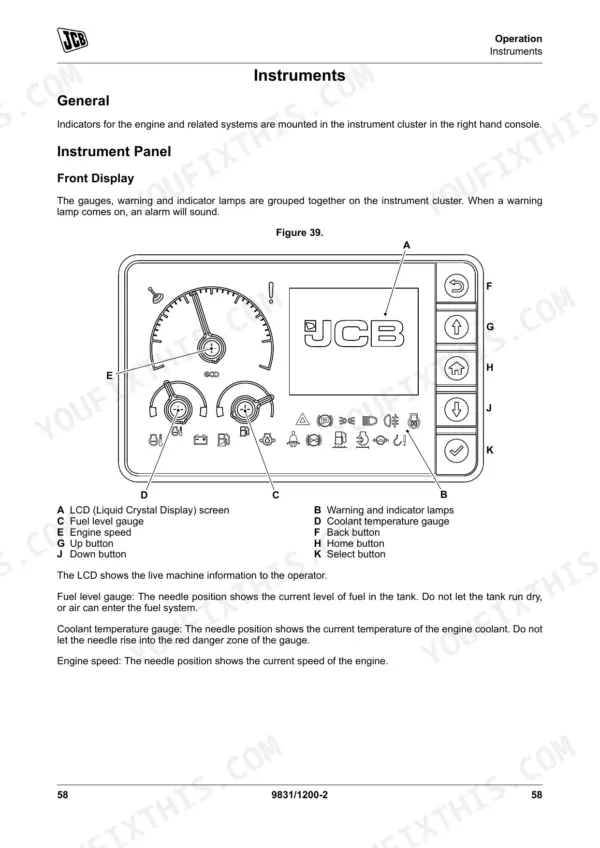
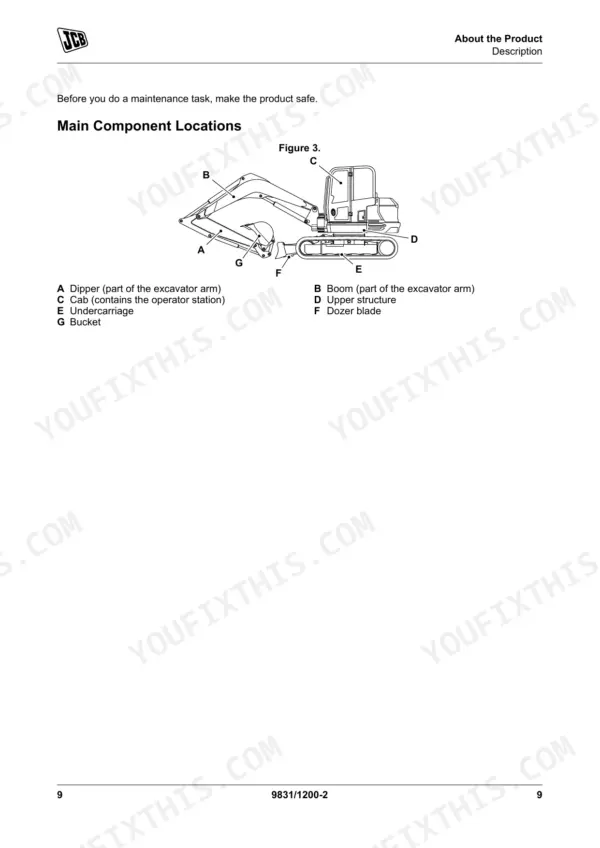
Looking for the factory operating guidelines for your JCB compact excavator? This 218-page JCB 48 Z-1, 51 R-1 Operator Manual PDF (OEM #9831/1200) details the complete cab controls, daily maintenance routines, and attachment handling procedures. Inside, you get a full breakdown of the operator station, clear dashboard indicator explanations, and step-by-step walk-around inspection checklists. Open to the maintenance section for complete fluid capacity charts and strict service interval schedules designed to keep your machine running strong. Confirm your fluid levels with exact numbers, like the 100L total hydraulic system capacity, the 76L fuel tank limit, and the 9.1L engine oil requirement. Don't let missed daily checks turn into expensive shop downtime. Grab this fully bookmarked digital download, pull it up on your phone, and keep your operators accountable on the job site.
What's Inside This JCB 48 Z-1, 51 R-1 Operator Manual
| System | Pages | Key Topics |
|---|---|---|
| Acronyms Glossary | 11-12 | Controller Area Network, Construction Equipment Security and Registration, Display Electronic Control Unit, Diesel Exhaust Fluid, Engine Control Module, Electronic Control Unit |
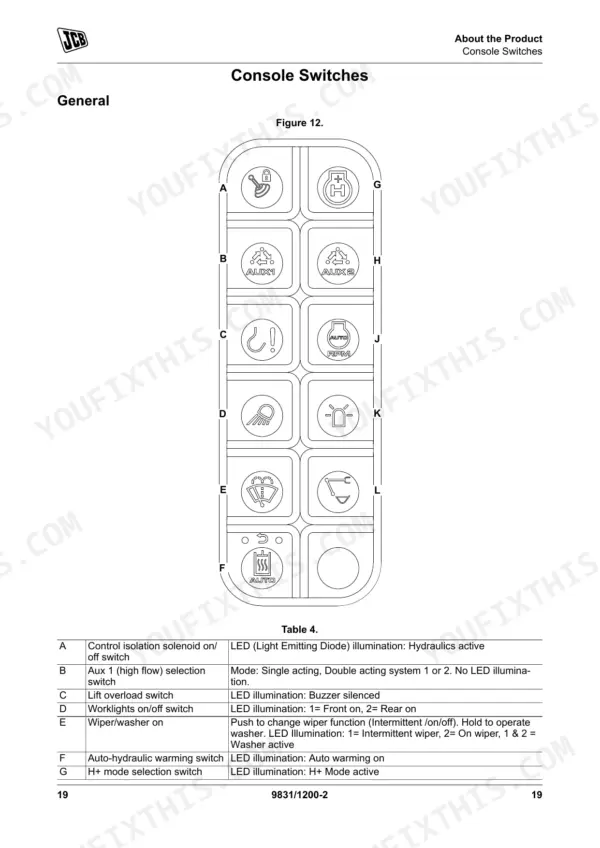
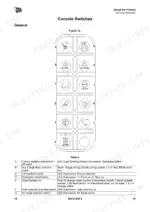
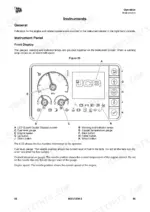
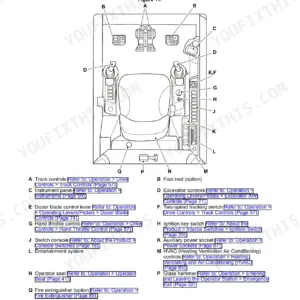
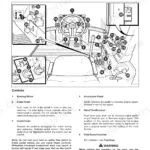
| About the Product | 19-34 | Introduction, Product and Component Identification, Safety Labels, Operator Station, Console Switches, Interior Switches |
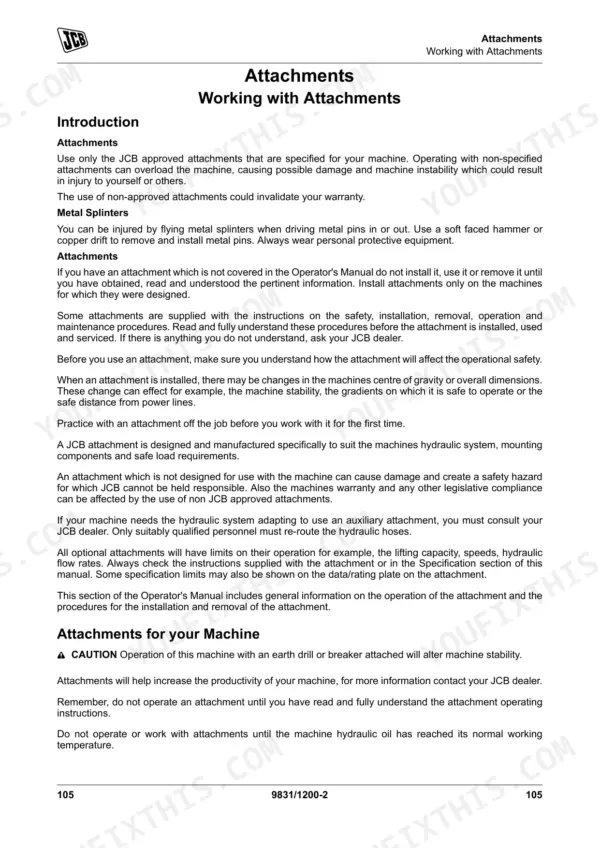
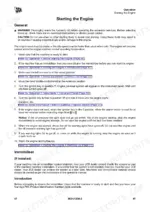
| Operation | 35-116 | Introduction, Operating Safety, Walk-Around Inspection, Entering and Leaving the Operator Station, Doors, Windows, Sun Visor/Sunblind, Before Starting the Engine |
| Attachments | 117-136 | Working with Attachments, Direct-Mounted Attachments, Quickhitch, Buckets, Rockbreaker |
| Preservation and Storage | 137-142 | Cleaning, Checking for Damage, Storage, Security |
| Maintenance | 143-188 | Introduction, Maintenance Safety, Maintenance Schedules, Maintenance Positions, Service Points, Access Apertures, Tools, Lubrication |
| Technical Data | 189-218 | Static Dimensions, Performance Dimensions, Noise Emissions, Vibration Emissions, Fluids, Lubricants and Capacities, Torque Values, Electrical System |
Quick Reference Specifications
| Specification | Value | Page |
|---|---|---|
| MECU (Machine Electronic Control Unit) 1 Fuse Rating | 25 A | p. 204 |
| Fuel Tank Capacity | 76 L | p. 199 |
| Engine Oil Capacity | 9.1 L | p. 199 |
| Engine Coolant Capacity | 12 L | p. 199 |
| Hydraulic System Total Capacity | 100 L | p. 199 |
| ROPS (Roll-Over Protective Structure) bolts torque | 184 N·m | p. 191 |
| Track plate bolts torque | 74 N·m | p. 191 |
| Auxiliary Hydraulic Flow (High flow) | 90 L/min | p. 206 |
| Quickhitch System High Pressure | 240 bar | p. 206 |
| Noise at operator station (LpA) | 77 dB | p. 196 |
| Whole-body vibration emission | 0.25m/s² | p. 198 |
| Electrical System Voltage | 12 | p. 204 |
JCB 48 Z-1, 51 R-1 Common Problems This Manual Covers
JCB 48 Z-1 engine will not start and displays MECU 1 FAILED VIN pair code on dashboard
Inspect the electrical connections on the Machine Electronic Control Unit before attempting a restart. Verify the 12-volt system voltage and check the fuse panel diagram on page 204. Replace the 25 A MECU 1 fuse if blown, then ensure all battery terminals are perfectly tight.
Manual Section: Technical Data p. 204Hydraulic functions lock out indicating a lack of servo pressure
Check the hydraulic oil sight glass during your daily walk-around inspection. Fill the tank to the 100 L total system capacity if low, using the fluid specifications detailed on page 199. Inspect the servo pressure signal sensor wiring for any signs of physical damage.
Manual Section: Technical Data p. 199Machine pulling to one side during travel or rubber tracks slipping over the drive sprocket
Measure the sag at the center roller to verify proper adjustment. Adjust the grease cylinder to achieve the required 15 mm minimum track tension for the 400mm rubber tracks, as specified on page 207. Clean any packed mud from the undercarriage components before adjusting.
Manual Section: Technical Data p. 207Engine cranks but fails to start or displays low oil pressure warning light during cold weather
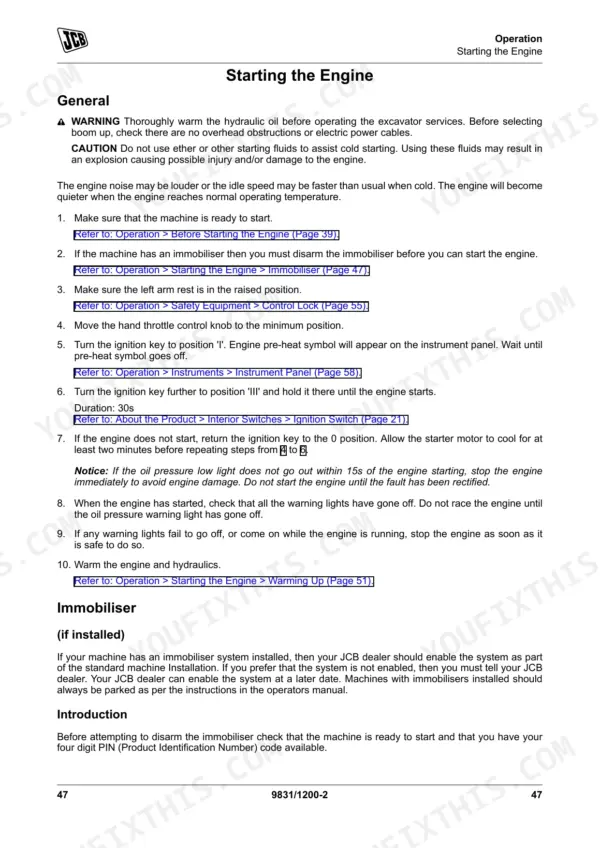
Verify the engine oil level is correct on the dipstick before cranking. Check the service procedures for cold weather starting steps. Ensure the engine contains the proper winter grade oil and does not exceed the 9.1 L total fluid capacity.
Manual Section: OperationFrequently Asked Questions
What format is this manual in?
You get a 218-page searchable PDF that downloads instantly after checkout. Open it on your laptop, tablet, or phone, and bring it right to the shop floor.
Can I print pages of this manual for my own shop?
Yes. Print individual pages or full chapters for your own shop use, on letter or A4 paper.










Reviews
There are no reviews yet.