Part of the Kubota Operator Manuals.
This is the Kubota operator manual for the D1005-E4, D1105-E4, D1305-E4, and V1505-E4 diesel engines, the E4 emission-tier units in Kubota's 05 series. It is the owner's guide for running and maintaining these engines day to day.
It covers safe operation, the names and locations of parts, pre-operation and daily checks, normal and cold-weather starting, stopping, and the checks to make while the engine runs. The maintenance chapter gives the service intervals and periodic service steps for fuel, engine oil, coolant, the air cleaner, and the fan belt, followed by a troubleshooting guide, full specifications for each model, and the wiring diagrams.
With it you can set the right oil and coolant volumes for your model, keep to the service schedule, bleed the fuel system, adjust fan belt tension, and work through no-start and overheating problems yourself.
What's Inside This Kubota D1005-E4, D1105-E4, D1305-E4, V1505-E4 Operator Manual
| System | Pages | Key Topics |
|---|---|---|
| Safe Operation | Observe Safety Instructions, Wear Safe Clothing and Personal Protective Equipment, Check Before Starting & Operating the Engine, Keep the Engine and Surroundings Clean | |
| Pre-Operation Check | Break-In, Daily Check, Item | |
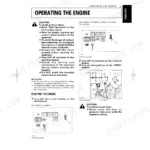
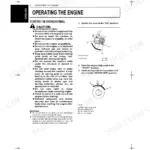
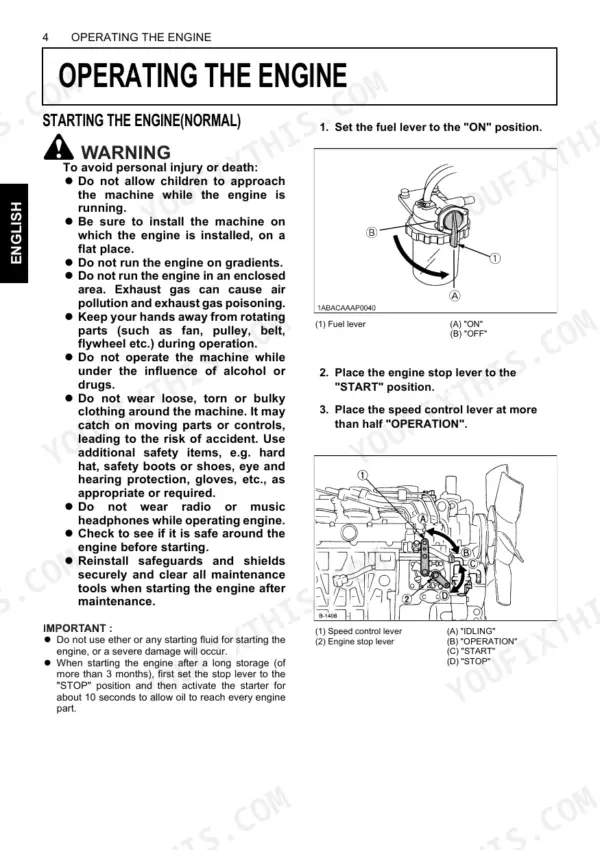
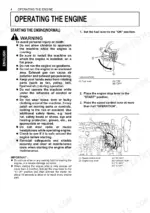
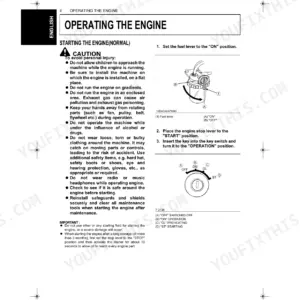
| Operating the Engine | Starting the Engine, Cold Weather Starting, Stopping the Engine | |
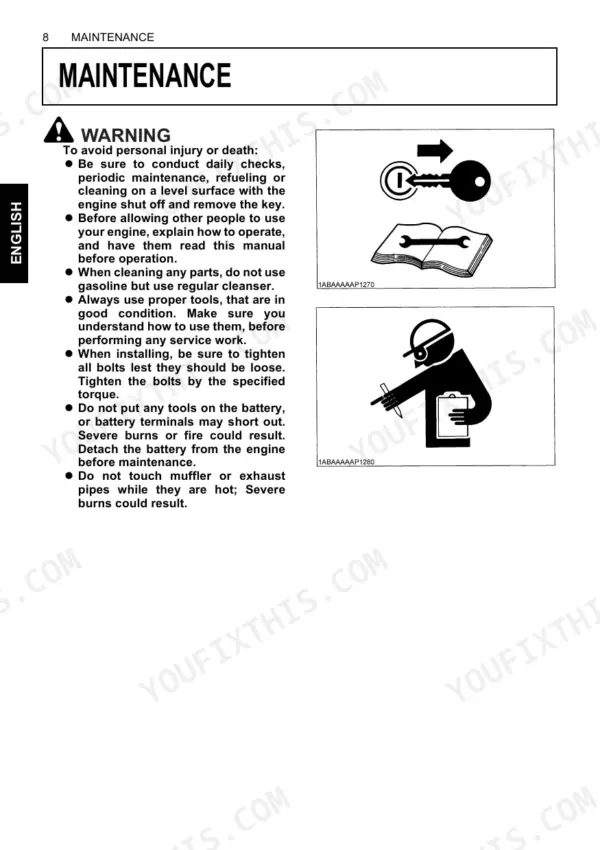
| Maintenance | Service Intervals | |
| Periodic Service | Fuel (Level Check and Refueling, Air Bleeding the Fuel System, Checking the Fuel Pipes, Cleaning the Fuel Filter Pot, Filter Cartridge Replacement) | |
| Carriage and Storage | Carriage | |
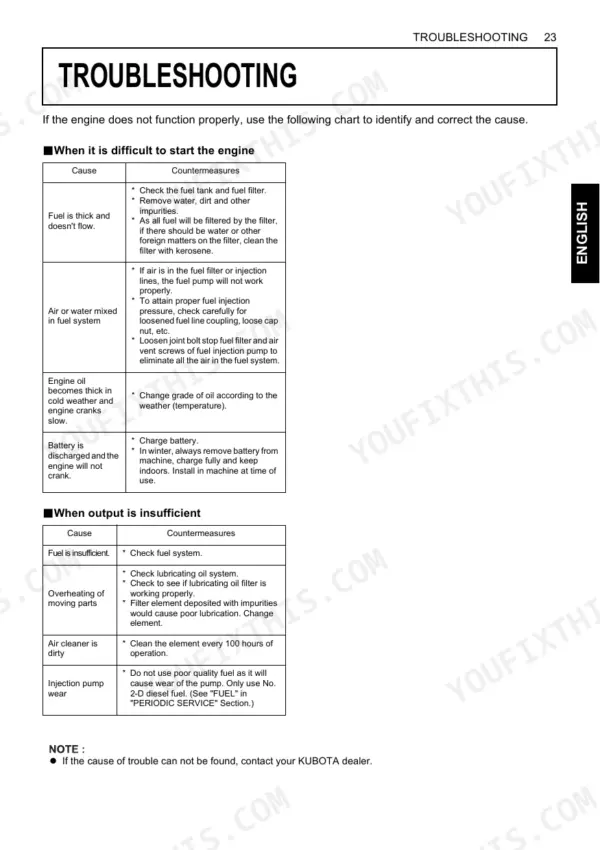
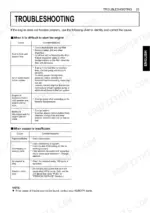
| Troubleshooting | When It Is Difficult to Start the Engine, When Output Is Insufficient, When Engine Suddenly Stops, When Engine Overheats, When Color of Exhaust Is Especially Bad | |
| Specifications | Model D1005-E4 D1105-E4, Model D1305-E4 V1505-E4 | |
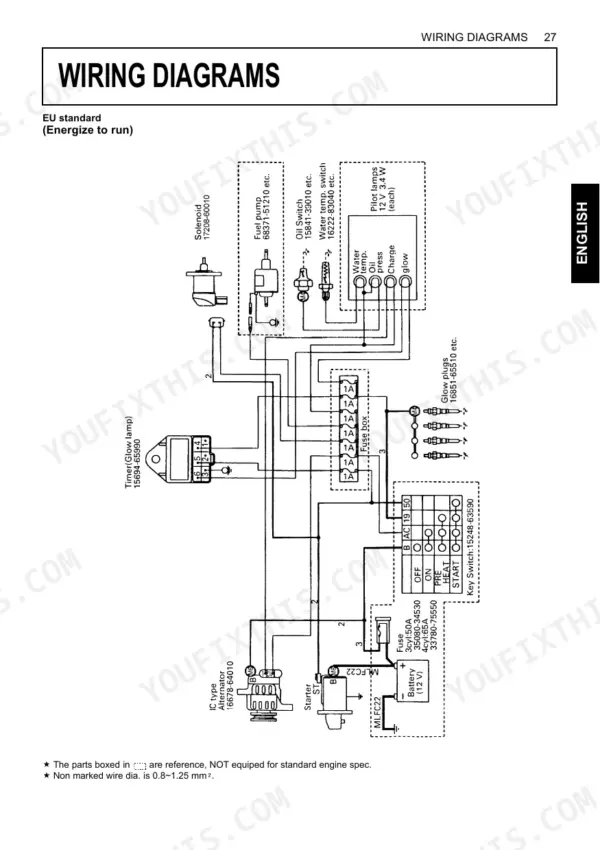
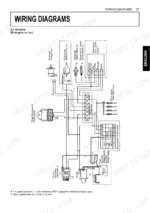
| Wiring Diagrams | Eu Standard, Parts Boxed in Are Reference, Not Equipped for Standard Engine Spec, Non Marked Wire Dia. Is 0.8~1.25 Mm², KEA/SAE Standard |
Quick Reference Specifications
| Specification | Value | Page |
|---|---|---|
| All Models | ||
| Engine component torque specifications | Not found | p. 18 |
| Oil filter cartridge replacement interval (oil pan depth: 90 mm (3.54 in.)) | Every 200 hours | p. 19 |
| Oil filter cartridge replacement interval (oil pan depth: 124 mm (4.88 in.)) | Every 400 hours | p. 19 |
| Radiator hoses check interval | Every 200 hours of operation or 6 months, whichever comes first | p. 28 |
| Radiator hoses replacement interval | Every two years or earlier | p. 28 |
| Fuel pipes and clamp bands check interval | Every 50 hours | p. 19 |
| Fuel pipes and clamp bands replacement interval | Every two years or earlier | p. 23 |
| Fan belt tightness check interval | Every 100 hours | p. 19 |
| Fan belt replacement interval | Every 500 hours | p. 19 |
| Fuel filter pot cleaning interval | Every 100 hours of operation | p. 24 |
| D1005-E4, D1105-E4 | ||
| Engine oil quantity (D1005-E4, D1105-E4) | 5.1 L (1.35 U.S. gals.) | p. 25 |
| D1305-E4 | ||
| Engine oil quantity, D1305-E4 | 5.7 L (1.51 U.S. gals.) | p. 25 |
Kubota D1005-E4, D1105-E4, D1305-E4, V1505-E4 Common Problems This Manual Covers
Oil pressure lamp stays on
If the oil pressure lamp does not go out after the engine speeds up, the oil is low or contaminated or a sensor circuit has failed. The Operating the Engine section covers the checks to make during operation.
Manual Section: Operating the Engine p. 14Engine overheats
Coolant loss, a clogged radiator core, or a loose fan belt lets the engine overheat and push coolant from the overflow. The Periodic Service section covers coolant, the radiator, and fan belt adjustment.
Manual Section: Periodic Service p. 22Difficult to start the engine
After storage or a fuel run-out, air or a restriction in the fuel supply, low cranking speed, or a wrongly set stop lever can keep the engine from firing. The Troubleshooting section lists the causes for difficult starting.
Manual Section: TroubleshootingFan belt loose or squealing
A stretched or loose fan belt cuts both charging and cooling until it is retensioned to a 7 to 9 mm deflection. The Maintenance section gives the service intervals for checking and replacing the belt.
Manual Section: Maintenance p. 18Wrong oil or coolant volume
Using the wrong oil or coolant capacity for your model risks poor lubrication or overheating, since the four engines take different volumes. The Specifications section lists each model's oil and coolant capacity.
Manual Section: SpecificationsProblems missed by skipping the daily check
Skipping the daily walk-around lets low oil, low coolant, or a loose belt go unnoticed until damage is done. The Pre-Operation Check section lists the daily check items and break-in guidance.
Manual Section: Pre-Operation Check p. 13Frequently Asked Questions
Which engines does this manual cover?
The Kubota D1005-E4, D1105-E4, D1305-E4, and V1505-E4 diesel engines from the E4 05 series. It is an operator manual covering operation, maintenance, troubleshooting, and specifications.
How much engine oil does each model take?
The specifications give 5.1 L for the D1005-E4 and D1105-E4, 5.7 L for the D1305-E4, and 6.0 L for the V1505-E4. p. 25
What are the service intervals for oil and coolant?
The maintenance schedule sets the initial engine oil change at 50 hours, the engine oil filter cartridge at 200 hours, and the radiator coolant change at every 2 years. p. 19
Does it include wiring diagrams?
Yes. The manual ends with the wiring diagrams to EU and KEA/SAE standard, useful for tracing the charging and stop circuits.
What format is this Kubota D1005-E4 manual in?
Instant PDF download. The full 38-page searchable Operator Manual is available the moment your payment clears. Open it on a laptop, tablet, or phone right there in the shop.
Am I able to print pages from this Kubota D1005-E4 manual?
Yes. Print a chapter or just the pages for the job at hand, for use in your own shop. Any home or office printer works.
Can I trace circuits with this Kubota D1005-E4 manual?
Yes. The manual includes engine wiring diagrams on pages 37 and 38, covering the harness layout, wire gauges, and EU/KEA/SAE wiring standards for the D1005-E4, D1105-E4, D1305-E4, and V1505-E4.