
Part of the Case IH Operator Manuals.
Need the factory reference for your Farmall 115C? All 272 pages of this Case IH Farmall 115C Operator Manual (OEM #47537111) walk you through the complete ownership cycle, from cab orientation and startup to seasonal maintenance. Inside: a full Controls and Instruments section covering every dashboard indicator, console layout, and seat adjustment; working operations for the rear 3-point hitch, differential lock, rear PTO, and remote control valves; plus a Troubleshooting section with fault code tables and ALARM diagnostics. Maintenance gets its own chapter: fluid checks, filter changes, and service intervals laid out in plain sequence. Engine oil capacity is 8.5 l (2 US gal); the cooling system holds 16 l (4.2 US gal) with cab installed. Two numbers that matter before every cold-weather startup. Your tractor shouldn't sit idle while you chase a fault code. Search any term by keyword, jump to any section with bookmarks, and fix it today.
Other edition of this manual
- Case IH Farmall 75C, 85C, 95C, 105C, 115C Operator Manual Original price was: $32.99.$19.99Current price is: $19.99.
What's Inside This Case IH Farmall 115C Operator Manual
| System | Pages | Key Topics |
|---|---|---|
| General Information | 11-24 | Note to the Owner, Proposition 65, Electro-Magnetic Interference, International Symbols, Introduction, Operator's Manual Storage, Tractor Intended Use, Ecology and the Environment |
| Safety Information | 25-46 | Safety Rules and Signal Word Definitions, Air Conditioning Safety Regulations, Vehicle Vibration Levels, Cab Guard, Machine Stability |
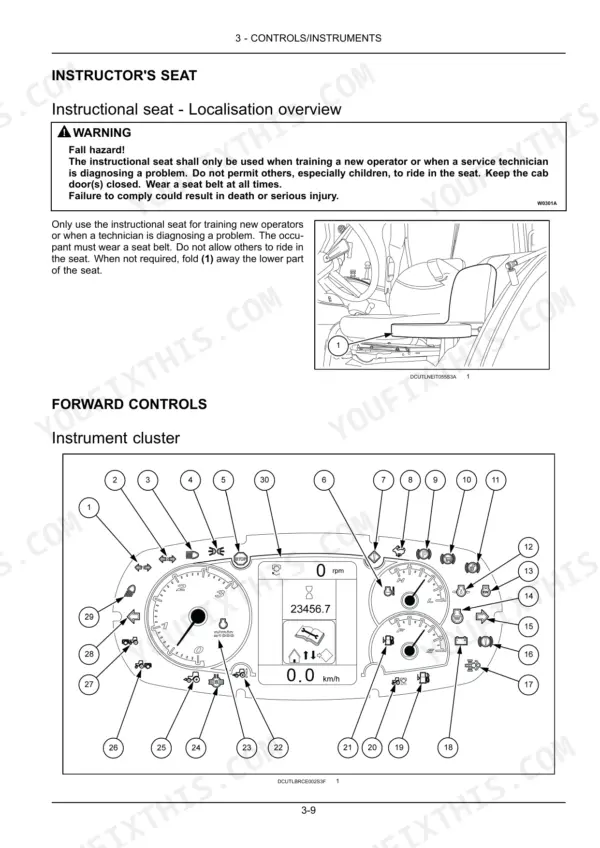
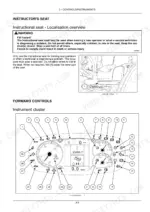
| Controls/Instruments | 47-90 | Access to Operator's Platform (Cab), Operator's Seat (Mechanically-Adjusted Operator Seat - Adjust, Pneumatically-Adjusted Operator Seat - Adjust, Seat Belt) |
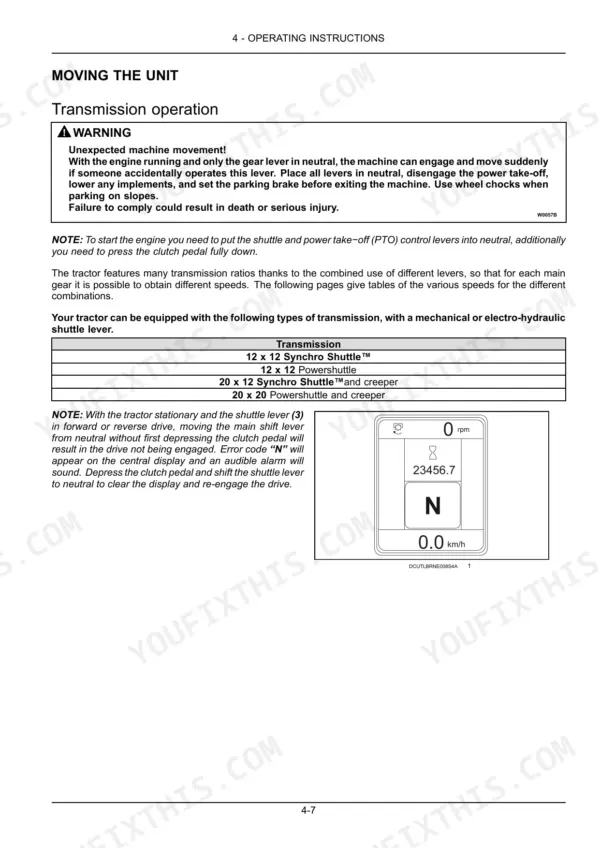
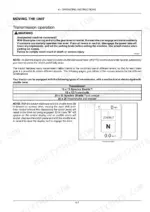
| Operating Instructions | 91-106 | Basic Operating Safety Rules, Starting the Engine, Machine Movement Start-Up, Stopping the Engine, Transmission Operation, 12 X 12 Transmission Speed Table |
| Transport Operations | 107-108 | Road Transport, Transporting the Machine, Recovery Transport, Towing the Tractor |
| Working Operations | 109-154 | Four Wheel Drive (4WD), Differential Lock, Remote Control Valves, Rear Power Take-Off (PTO), Rear Hydraulic Lift, Rear 3-Point Hitch |
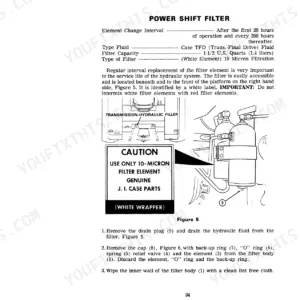
| Maintenance | 155-210 | Radiator Expansion Tank, Engine Oil Level, Rear Three-Point Hitch - Grease, Air Conditioning Condenser, Hydraulic Circuit Oil Filter, Change Engine Oil and Filter |
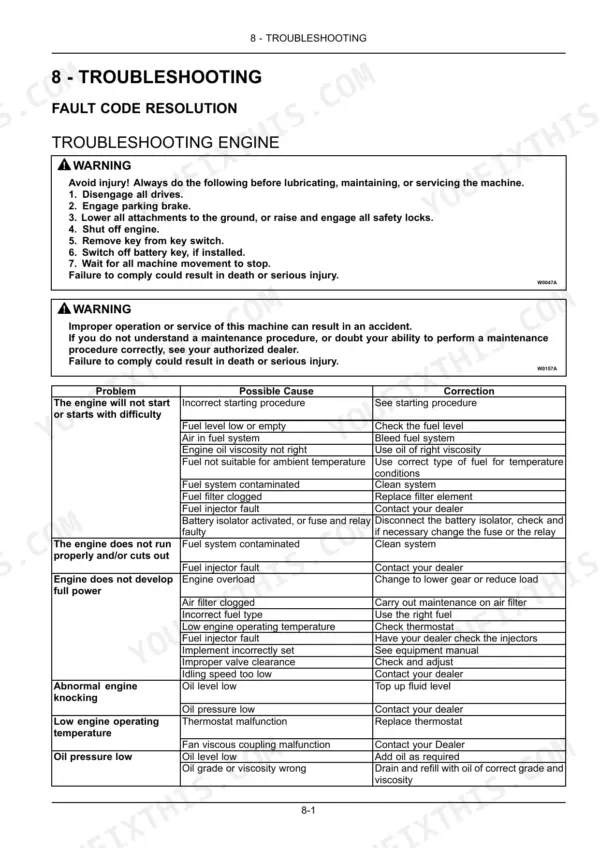
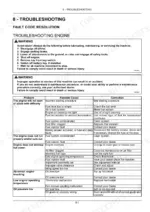
| Troubleshooting | 211-226 | Fault Code Resolution, ALARM(S), SYMPTOM(S), Fault Code of Digital Instrument |
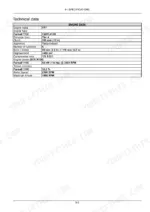
| Specifications | 227-234 | Dimensions and Weights, Maximum Permitted Loads on Front and Rear Axle, Maximum Permitted Loads on Drawbar, Technical Data |
| Accessories | 235-264 | Radio, Joystick and Electric Hydraulic (Eh) Control - Operating, Front Loader and Bucket - Operating |
Quick Reference Specifications
| Specification | Value | Page |
|---|---|---|
| Disc to hub nuts (M16) | 220 N·m (162.3 lb ft) | p. 183 |
| Disc to hub nuts (M18) | 310 N·m (228.6 lb ft) | p. 183 |
| Cooling system capacity (with cab) | 16 l (4.2 US gal) | p. 164 |
| Fuel tank capacity | 115 l (30 US gal) | p. 1 |
| Engine oil capacity | 8.5 l (2 US gal) | p. 164 |
| Transmission/rear axle capacity (Hydraulic) | 58 l (15.3 US gal) | p. 164 |
| Engine oil and filter change interval | Every 600 hours | p. 181 |
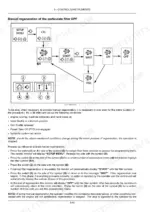
| Diesel particulate filter (DPF) maintenance interval | Every 3000 hours | p. 190 |
| Wheel bolt torque (M18 Disc to hub nuts) | 310 N·m (228.6 lb ft) | p. 183 |
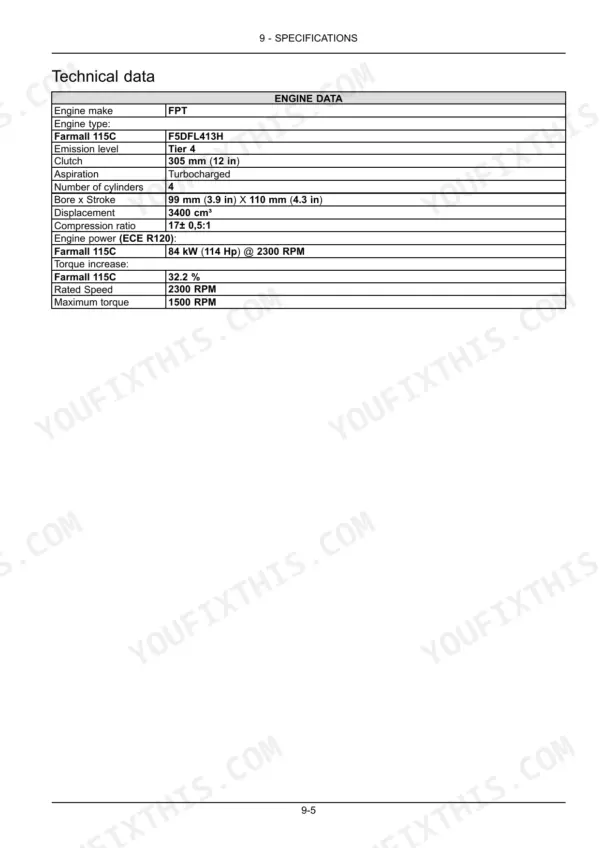
| Engine power (Farmall 115C) | 84 kW (114 Hp) @ 2300 RPM | p. 231 |
| Engine displacement | 3400 cm³ | p. 231 |
| Max pump pressure (Synchro Shuttle) | 190.0 bar (2755.0 psi) | p. 232 |
Case IH Farmall 115C Common Problems This Manual Covers
Remote hydraulic flow feels sluggish or implements respond slower than expected
Verify the hydraulic system oil level in the transmission/rear axle reservoir — capacity is 58 l (15.3 US gal). Check the hydraulic circuit oil filter condition per the maintenance schedule on page 155. Inspect all remote valve couplers for proper connection and make sure the remote control valve is fully engaged. If the system still underperforms, review the hydraulic system troubleshooting chart on page 214 for remote control valve and pump failure symptoms.
Manual Section: Hydraulic systems - Troubleshooting HYDRAULIC SYSTEM p. 214Engine hard to start in cold weather or cranks slowly without firing
Check the battery charge level and terminal connections for corrosion — cold cranking performance drops sharply with a weak battery. Verify fuel level and that the fuel shutoff is fully open. Consult the engine troubleshooting chart on page 211 for difficulty-starting and no-start conditions. If the starter cranks slowly, also check the electrical troubleshooting section on page 213, which covers low starter motor speed and battery charge issues.
Manual Section: TROUBLESHOOTING ENGINE p. 211Gear shifting is stiff or grinds when moving through mechanical shuttle transmission
With the engine running and tractor stationary, depress the clutch pedal fully before attempting any shift. Verify you are following the correct shift sequence from the 12x12 transmission speed table in the operating instructions on page 91. Check transmission oil level — the rear axle/transmission system holds 58 l (15.3 US gal). If difficulty persists in specific ranges, note the exact gear position and check page 223 for GEAR-SHIFT fault codes logged by the display.
Manual Section: Operating Instructions p. 91DPF warning light illuminated on dashboard, engine power feels reduced
Check the display warning on page 219 for the DPF indicator and its required corrective action — the tractor may request a parked regeneration cycle. Do not continue heavy field work until the regeneration completes. The DPF has a scheduled maintenance interval of every 3000 hours (page 190). If the warning clears after regeneration but returns quickly, inspect the air filter and engine oil level (capacity: 8.5 l / 2 US gal) before returning to work.
Manual Section: Display warnings overview p. 219Frequently Asked Questions
What are the common error codes for Case IH Farmall 115C?
The manual lists various fault codes for the digital instrument, including 3786 for inhibited DPF automatic regeneration, 14001 for rear power take-off shorted to Vcc or open circuit, and 14200 for battery isolator switch on at key-on for more than 30 seconds. These codes are accompanied by audible warnings and/or warning lights. p. 225
How to reset service indicator Farmall 115C
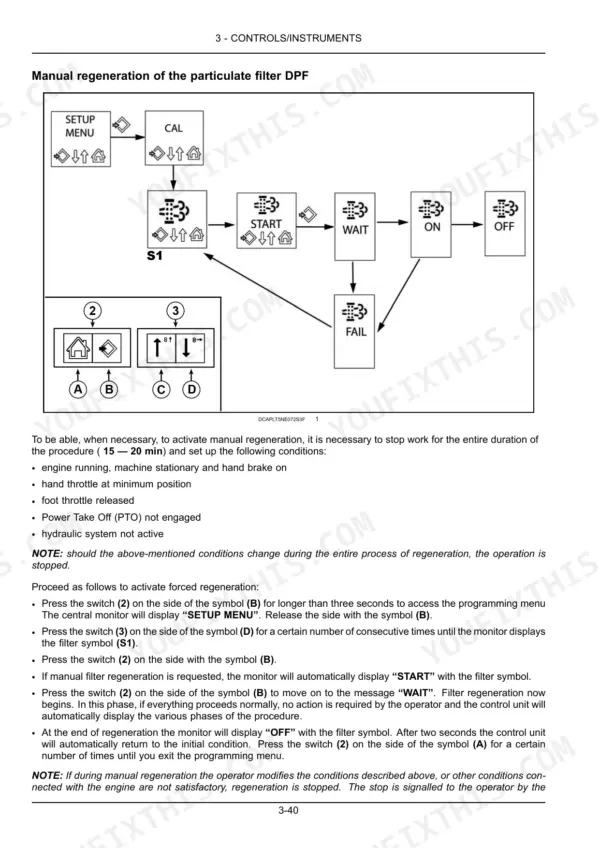
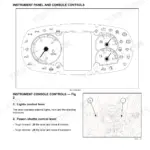
To reset the oil change counter, which acts as a service indicator, press and hold switch (2) on symbol (B) for more than three seconds to enter the programming menu. Navigate to "OIL RESET" S1 using switch (3) on symbol (D), then press switch (2) on symbol (B) to display "RESET" and again to reset the hour meter. The monitor will display "OFF" and the engine oil pressure warning light will blink for two seconds if reset correctly. p. 89
How do you fix case IH Farmall 115C brake pedals feel soft or travel too far when engine is running?
Check the hydraulic brake fluid level first. Inspect both brake pedals for equal resistance — uneven travel indicates one circuit needs attention. Review the brake troubleshooting steps on page 216: excessive pedal travel with the engine running points to air in the system or a fluid leak at the wheel cylinder. Confirm the transmission/rear axle hydraulic reservoir is at the correct level (capacity: 58 l / 15.3 US gal). p. 216
How do you fix warning light or alarm appears on the display panel during startup or field work?
Do not ignore a flashing warning — stop the tractor safely and check the display warnings overview starting on page 219. Each warning has a corrective action listed there. If an error code appears on the instrument cluster, cross-reference it on page 225 for the specific fault code, its function, and whether an audible alarm accompanies it. For hydraulic lift, transmission, or PTO fault codes, check the symptom table on page 223. p. 219
How quickly can I access this manual after buying?
You get a 272-page searchable PDF that downloads instantly after checkout. Open it on your laptop, tablet, or phone, and bring it right to the shop floor.
Can I print specific sections of this Case IH Farmall 115C Operator Manual?
Yes. Print the pages you need for the job in your own shop, and bin them when they get greasy.





Reviews
There are no reviews yet.