
Part of the JCB Operator Manuals.
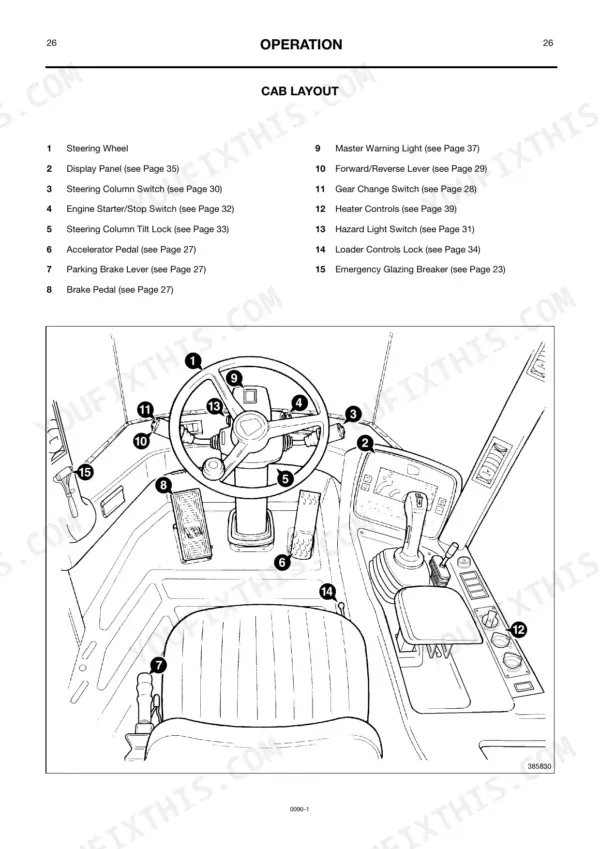
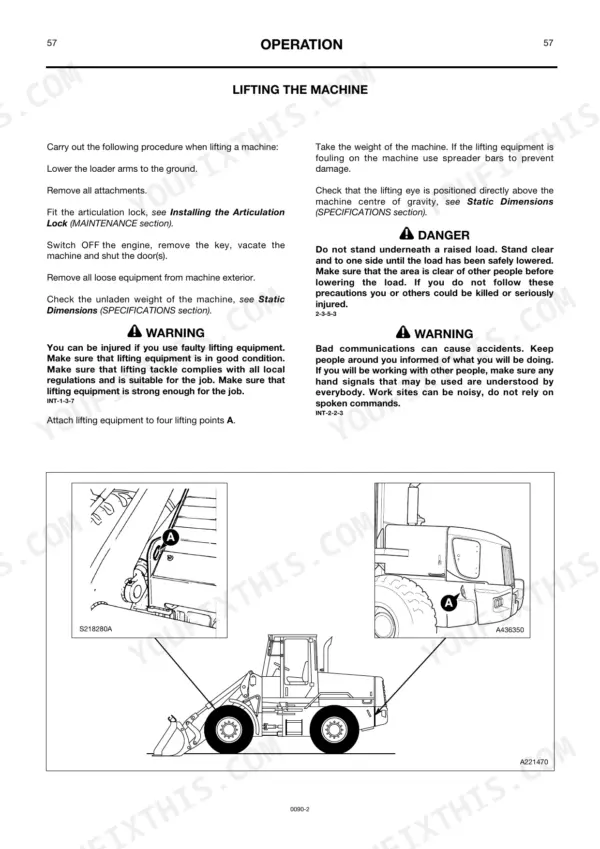
Need the factory operating guidelines for your JCB 436, 436HT, or 436ZX Wheeled Loader? This 103-page JCB 436 Operator Manual PDF (OEM #0090-1) breaks down every daily check, cab control, and maintenance interval required to keep your machine moving dirt. Inside, you get a complete breakdown of the display panel warning lights, standard shovel operations, and step-by-step procedures for adjusting loader arm preset heights. Packed with detailed daily greasing schedules and safe transport guidelines, this guide ensures your loader is ready for the shift before the key even turns. Lock down the ROPS/FOPS mounting bolts to exactly 330 Nm (243 lbf ft) and verify your front and rear axle fill plugs are snug at 85 Nm during routine fluid checks. A neglected machine is a broken machine. Grab this bookmarked download, open it on your tablet right in the seat, and run your loader by the book.
What's Inside This JCB 436, 436HT, 436ZX Operator Manual
| System | Pages | Key Topics |
|---|---|---|
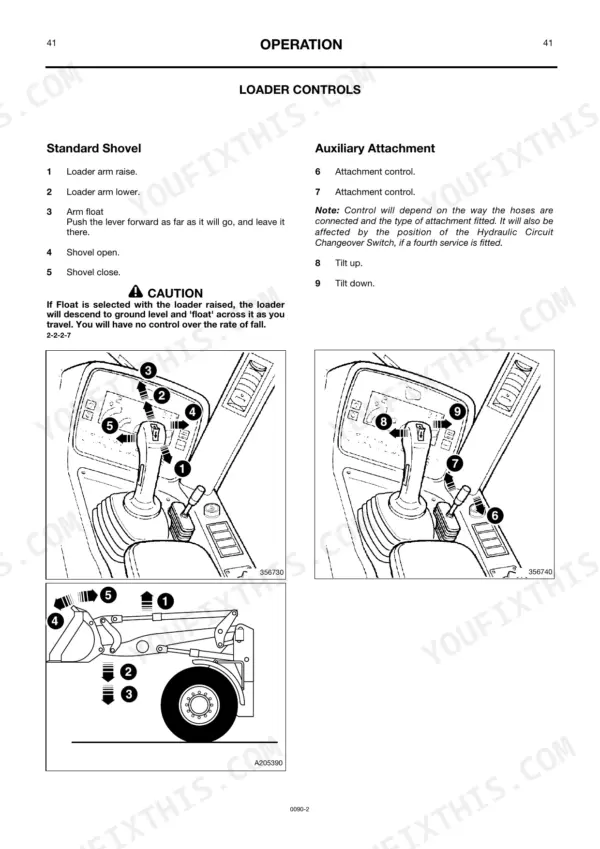
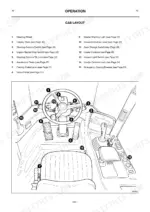
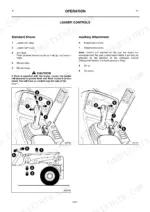
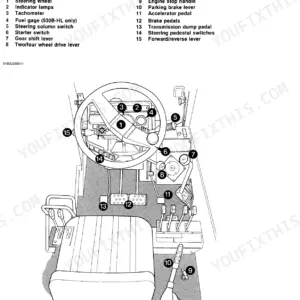
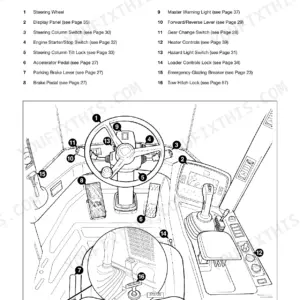
| Operation | 13-52 | Introduction, Before Entering the Cab, Entering/Leaving the Cab, Door and Windows (Opening and Closing the Door, Opening and Closing the Side Windows, Emergency Exit) |
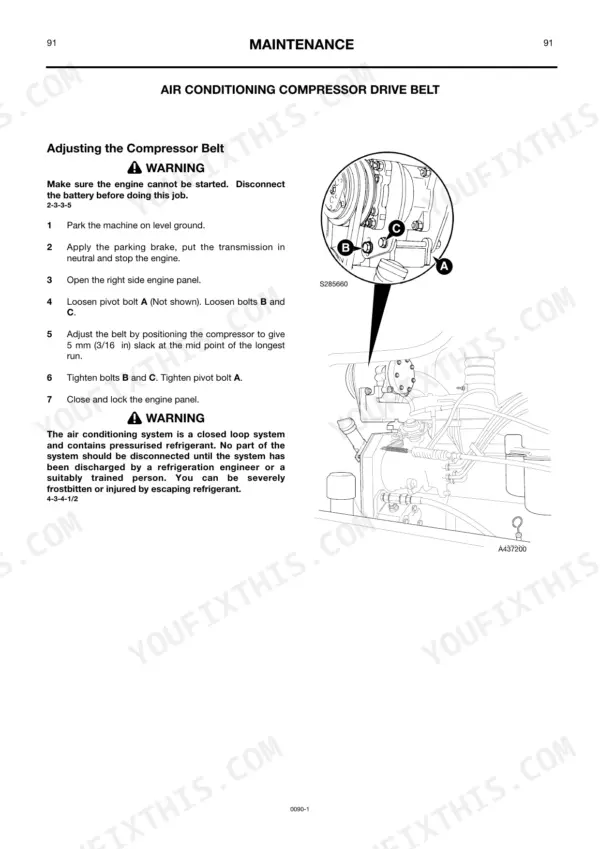
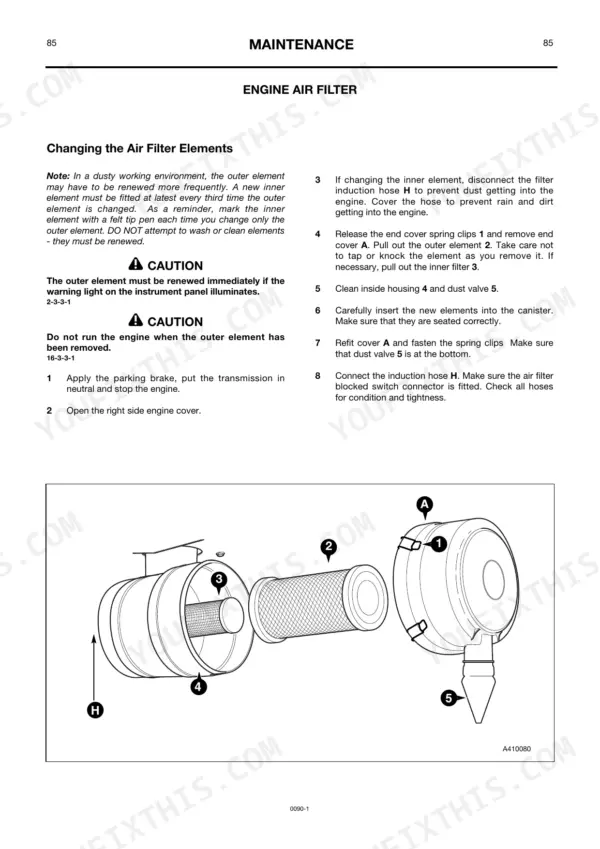
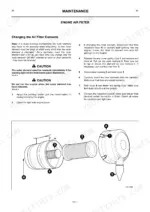
| Maintenance | 53-90 | Lubricants - Health and Safety, Service Requirements, General Safety, Articulation Lock, Loader Arm Safety Strut, ROPS/FOPS Structure, Engine Covers, Greasing |
| Optional Attachments | 91-96 | Introduction, Quick Release Couplings, Quick Hitch Control |
| Specification | 97-100 | Tyre Pressures, Working Capacity, Static Dimensions, Noise and Vibration Data |
| Service Record Sheet | 101-104 |
Quick Reference Specifications
| Specification | Value | Page |
|---|---|---|
| ROPS/FOPS Structure mounting bolts torque | 330 Nm (243 lbf ft) | p. 59 |
| Engine Cooling System drain plug torque | 55 Nm (40 lbf ft) | p. 71 |
| Front and Rear Axles fill/level plug torque | 85 Nm (60 lbf ft) | p. 79 |
| Front and Rear Axles drain plug torque | 85 Nm (60 lbf ft) | p. 79 |
| Brake accumulator replacement condition | If less than 6 pedal operations or the brake failure warning light illuminates immediately, one or more accumulators may have failed and need immediate replacement. | p. 43 |
| Tyre Pressure (20.5 - 25, 12 Ply) Front | 3.00 Bar (44 lbf/in²) | p. 97 |
| Tyre Pressure (20.5 - 25, 12 Ply) Rear | 2.00 Bar (29 lbf/in²) | p. 97 |
| Wheelnut torque | 600 Nm (443 lbf ft) | p. 88 |
JCB 436, 436HT, 436ZX Common Problems This Manual Covers
Engine coolant dripping rapidly from the bottom of the radiator area after a fluid change
Inspect the engine cooling system drain plug threads for cross-threading or debris. Clean the sealing surface and torque the drain plug to 55 Nm (40 lbf ft) as detailed on page 71. Top off the coolant reservoir to the maximum mark.
Manual Section: Maintenance p. 71Frequently Asked Questions
Why won’t my JCB 436ZX move?
Your JCB 436ZX may not move if the parking brake is engaged, as it electrically disconnects the transmission drive. Additionally, if the transmission is not in neutral, the display panel will show "IN GEAR" and an audible buzzer will sound, or if the parking brake is on and the transmission is not in neutral, "PARK BRAKE" will be displayed, preventing movement. To override a start inhibit, you can push the MANUAL button once. p. 19
How do you fix JCB 436 wheeled loader low brake pressure warning light illuminates after only a few pedal pumps?
Test the service brake accumulator on page 43. Pump the pedal with the engine stopped. If you get fewer than 6 pedal operations before the warning light illuminates immediately, the accumulator has failed. Replace the affected accumulator unit before returning the machine to service. p. 43
How do you fix loud clunking noise from the axles during directional changes or visible looseness at the wheel hub?
Inspect all wheel studs for damage or stretching. Torque the wheelnuts to 600 Nm (443 lbf ft) using a calibrated torque wrench as shown on page 88. If a single stud requires renewal, replace all studs for that wheel as a complete set. p. 88
How do you fix visible hydraulic fluid leaking heavily from the area around the hydraulic system filter cover plate?
Clean the filter housing area and inspect the cover plate seal for damage. Verify the cover plate bolts are tightened to exactly 7 Nm (5 lbf ft) as specified on page 82. Drain and refill the tank if contamination entered during the leak. p. 82
What exactly do I receive with this JCB 436 Operator Manual?
You get a 103-page searchable PDF that downloads instantly after checkout. Open it on your laptop, tablet, or phone, and bring it right to the shop floor.
Can I print pages of this manual for my own shop?
Yes. Print the pages or sections you need for your own shop use. Any standard printer works.











Reviews
There are no reviews yet.