
Part of the JCB Operator Manuals.
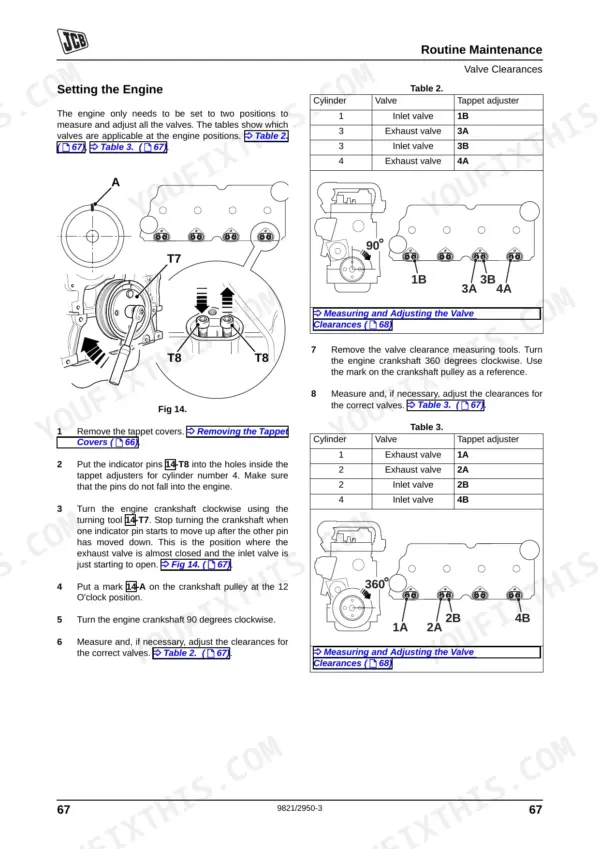
Need the factory operating and maintenance schedules for your JCB power plant? This 148-page JCB Ecomax Engine T4i (68-129kw), JCB Ecomax Engine T4 (55kw), JCB 444, JCB 448 Operator Manual PDF (OEM #9821/2950) details every daily check, fluid capacity, and routine service procedure required to run these engines right. Inside, you get a complete fault-finding section covering limp home mode and reduced torque diagnostics, plus detailed maintenance interval charts. Open to exact factory instructions for bleeding the fuel system, adjusting valve clearances, and replacing the Front End Accessory Drive belt. Set your cold valve clearance to 0.15-0.20 mm on the inlet side, and swap that outer air cleaner element right at the 1000-hour mark. A neglected engine costs you serious downtime. Download this bookmarked file, pull it up on your phone in the field, and keep your equipment running strong.
What's Inside This JCB JCB ECOMAX ENGINE T4I (68-129KW), ECOMAX ENGINE T4 (55KW), 444, 448 Operator Manual
| System | Pages | Key Topics |
|---|---|---|
| Care and Safety | 7-18 | Important Information (Operator Manual, Safety Warnings, Safety Yours and Others), Checklists (Common Rail Specific, Introduction, Operating Safety, Maintenance Safety) |
| General Information | 19-22 | Introduction, Product Compliance, Using This Manual, Left Side, Right Side, Units of Measurement, Machine / Equipment Related Data, Acronyms and Abbreviations |
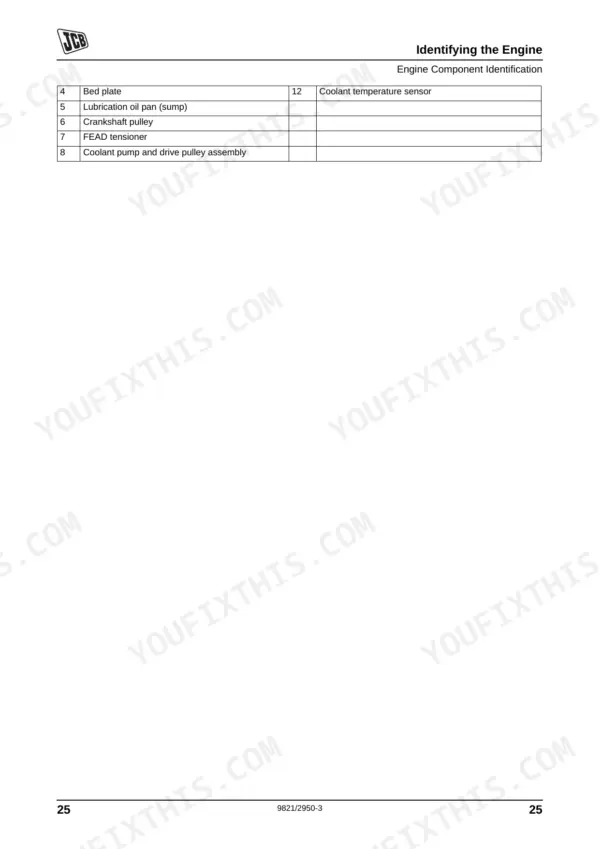
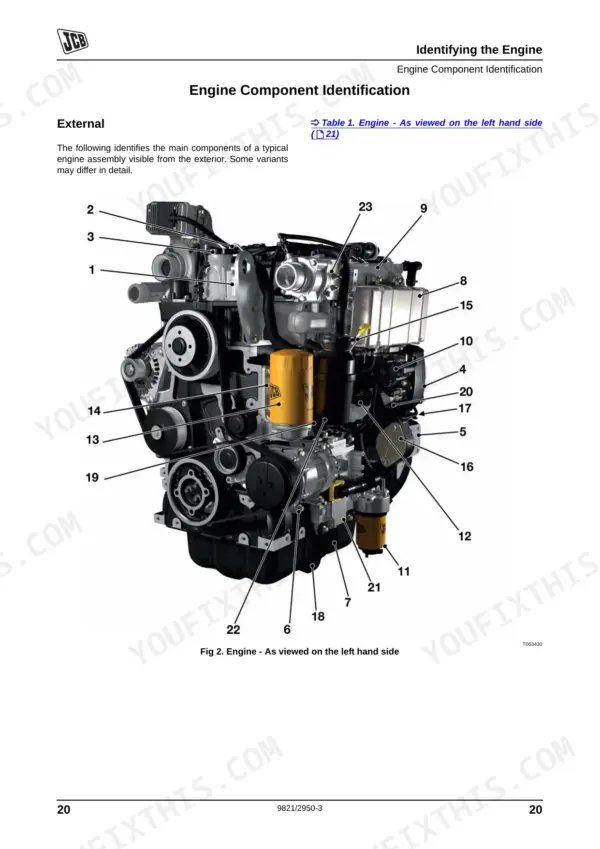
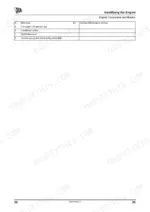
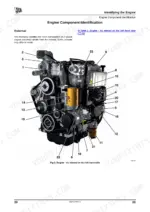
| Identifying the Engine | 23-36 | Engine Identification Plate, Typical Engine Identification Number, Component Labels, Engine Component Identification (External, Independent Power Unit Component Identification) |
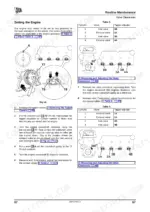
| Operating Procedures | 37-42 | Starting the Engine (Pre-Start Notes, Start Procedure, Engine Checks After Start-Up), Engine Running-In Procedure, Stopping the Engine |
| Lubricants and Capacities | 43-50 | Engine Lubricating Oil (Recommended Oils, Engine Oil Capacity), Coolant Mixtures, Coolant, Fuel (Fuels) |
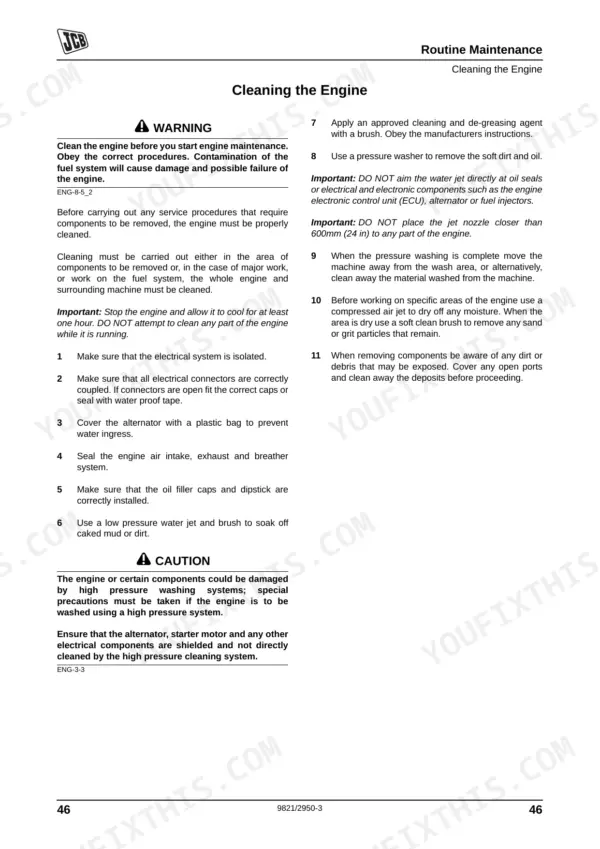
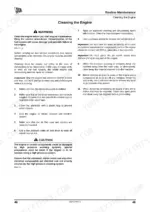
| Routine Maintenance | 51-76 | Introduction, Cleaning the Engine, Lubricants - Health and Safety (Hygiene, Storage, Waste Disposal, Handling, First Aid - Oil, Spillage, Fires), Service Schedules |
| Fault Finding | 77-104 | Introduction, Fault Codes, Reduced Torque Mode, Limp Home Mode, Engine Shutdown, Component Replacement, Fault Finding Charts |
| Storage and Preservation | 105-108 | Storage, Preservation, Capping Engine Openings, Hot Test Description |
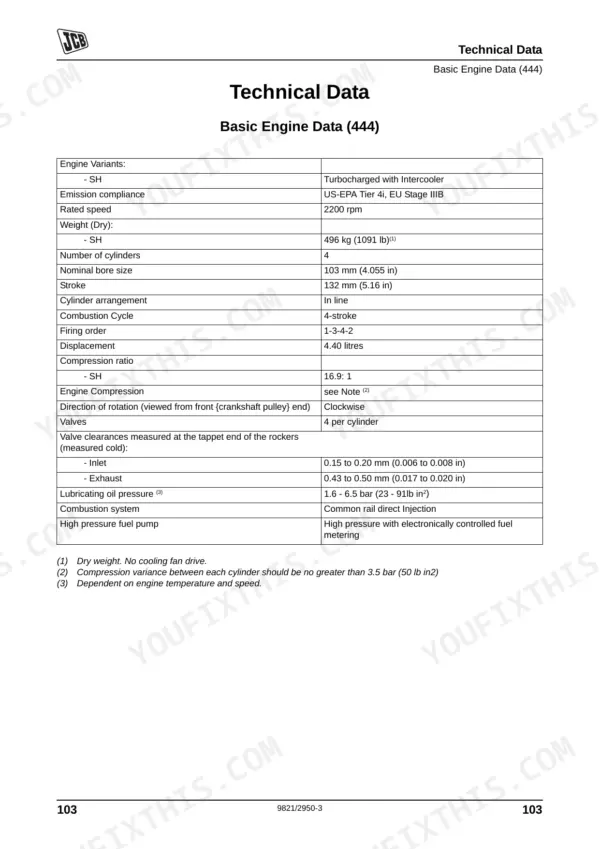
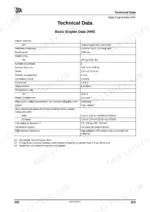
| Technical Data | 109-148 | Basic Engine Data, Engine Block & Bedplate Data, Cylinder Head Data, Inlet and Exhaust Valve Data, Rocker Levers, Rocker Shaft and Tappets Data, Pistons and Connecting Rods Data |
Quick Reference Specifications
| Specification | Value | Page |
|---|---|---|
| All Models | ||
| Injector clamp nuts torque | Not specified for user maintenance; contact JCB Dealer | p. 139 |
| Air Cleaner Outer Element replacement interval | 1000 Hr | p. 56 |
| Air Cleaner Inner Element replacement interval | 2000 Hr | p. 56 |
| Fuel Filter (machine mounted) replacement interval | 500 Hr | p. 56 |
| Fuel Filter (engine mounted) replacement interval | 1000 Hr | p. 56 |
| All Hoses condition check interval | 500 Hr | p. 56 |
| Oil drain plug 'O' ring replacement | Renew with new 'O' ring | p. 58 |
| Oil drain plug torque | 40 - 60 Nm (30 - 44 lbf ft) | p. 58 |
| JCB 444 | ||
| Valve clearance (measured cold) - Inlet | 0.15 to 0.20 mm (0.006 to 0.008 in) | p. 109 |
| Valve clearance (measured cold) - Exhaust | 0.43 to 0.50 mm (0.017 to 0.020 in) | p. 109 |
| Coolant Temperature Sender tightening torque | 22 Nm max (16 lb ft) | p. 115 |
| JCB 448 | ||
| Coolant Temperature Sender tightening torque | 22 Nm max (16 lb ft) | p. 129 |
JCB JCB ECOMAX ENGINE T4I (68-129KW), ECOMAX ENGINE T4 (55KW), 444, 448 Common Problems This Manual Covers
JCB Ecomax Engine T4I unexpectedly shuts down during operation with no error codes on the dashboard
Inspect wiring connectors and sensor insulation for damage. Check the troubleshooting charts starting on page 77 for sudden shutdown procedures. Verify the oil pressure switch setting is at 0.6 bar falling as specified on page 118. Replace damaged sensors if found.
Manual Section: Fault Finding p. 77High coolant temperature warning light flashing and engine losing power under heavy loads
Check radiator fins for debris and clean out any blockages. Verify the radiator cap pressure setting is 1 bar as listed on page 119. Inspect the coolant mixture to ensure a 50% concentration for protection down to -40 °C, referenced on page 44.
Manual Section: Cooling System Issues p. 119Low oil pressure indicator illuminating steadily on the dashboard during routine startup
Drain the engine oil and verify you are within the 500 hours change interval noted on page 56. Renew the oil drain plug with a new O-ring from page 58. Refill the system and verify the oil pressure switch triggers at 0.6 bar falling.
Manual Section: Routine Maintenance p. 56Difficulty starting in cold weather accompanied by restricted airflow or aerated fuel warnings
Replace the fuel filter element and torque it to 30 Nm as shown on page 59. Secure the retaining strap bolt to 25-35 Nm following page 141. Bleed the fuel system to remove trapped air before attempting another cold start.
Manual Section: Fuel System Issues p. 59Frequently Asked Questions
How do I reset JCB Ecomax engine fault codes?
JCB Ecomax engine fault codes are recorded by the electronic control unit (ECU) and can be accessed using computer diagnostic software connected to the machine CAN system. The manual advises referring to the OEM documentation for fault code display or contacting your JCB Engine Dealer for assistance with their electronic diagnostic and service tools, as a direct reset procedure is not provided. p. 77
How do I reset the JCB 444 engine after a low oil pressure warning?
To address a low oil pressure warning on a JCB 444 engine, you should first check the oil level and ensure the correct lubricating oil is being used. If the lubricating oil filter is blocked, it should be changed (refer to page 52). If these corrective actions do not resolve the issue, or if the pressure switch/gauge is faulty, contact your JCB Engine Dealer for further diagnosis and repair, as no direct 'reset' procedure for the warning is specified. p. 93
What does JCB Ecomax fault code mean?
JCB Ecomax engine fault codes are electronic codes recorded by the engine's electronic control unit (ECU) to indicate system faults. To understand the specific meaning of a fault code, you need to access them using computer diagnostic software connected to the machine CAN system. The manual directs users to refer to the OEM documentation for fault code display or to contact their JCB Engine Dealer for interpretation. p. 77
How do I clear a JCB engine ECU error code?
The manual indicates that JCB engine ECU error codes are accessed via computer diagnostic software connected to the machine CAN system. It does not provide a direct procedure for 'clearing' codes within the manual itself, but rather advises to refer to OEM documentation or contact a JCB Engine Dealer who possesses the correct electronic diagnostic and service tools for such tasks. p. 77
How to reset JCB 448 engine warning light
To address a JCB 448 engine warning light, the manual advises specific actions based on the light's color. For an amber indicator light, you should contact your JCB dealer as soon as possible. If a red indicator light illuminates, you must stop your machine immediately and then contact your JCB dealer. The manual does not provide a direct 'reset' procedure for warning lights, but rather directs to professional service. p. 77
What do I get after purchasing this JCB JCB ECOMAX ENGINE T4I (68-129KW)?
Immediate download of the complete 148-page searchable Operator Manual. Access it on any device, from a laptop at your desk to a phone in the field.
Can I print a copy of this JCB Ecomax Engine T4I (68-129KW) manual for the shop?
Yes. Print a chapter or just the pages for the job at hand, for use in your own shop. Any home or office printer works.










Reviews
There are no reviews yet.