
Part of the JCB Operator Manuals.
Keep your job site powered and running smoothly with this 148-page JCB G8–G45 Series Operator Manual PDF (OEM #9811/4550), detailing the daily maintenance and control systems for the G8X, G13X, G17X, and all other variants up to the G45QX generator sets. Inside, you get complete operating procedures for the KS1, CP1, and ATP1 digital control panels, full troubleshooting charts for the engine and fuel systems, and factory wiring diagrams. Packed with routine maintenance schedules, it guides you through every pre-start check, dashboard indicator, and safety warning required to keep these machines online. Lock down the DI engine's water separator retaining ring to exactly 15-20 Nm, and verify your onboard battery charger output is pushing 3A at 12/24V before startup. A dead generator means dead tools. Grab this bookmarked file, open it directly on your tablet, and get the power back on.
What's Inside This JCB G8–G45 Series Operator Manual
| System | Pages | Key Topics |
|---|---|---|
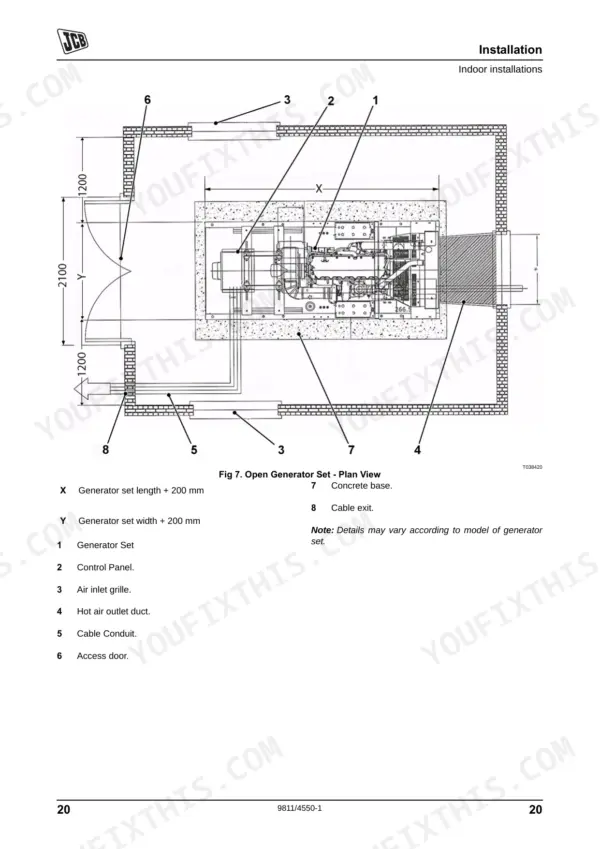
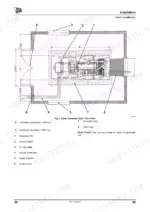
| Installation | 19-27 | Unpacking, Site Installation, Outdoor Installations, Indoor Installations |
| Routine Maintenance | 28-38 | Service Requirements, Health and Safety, Service Schedules, Battery, Cooling System, Pre Start Checks, Checks After Running, Cleaning |
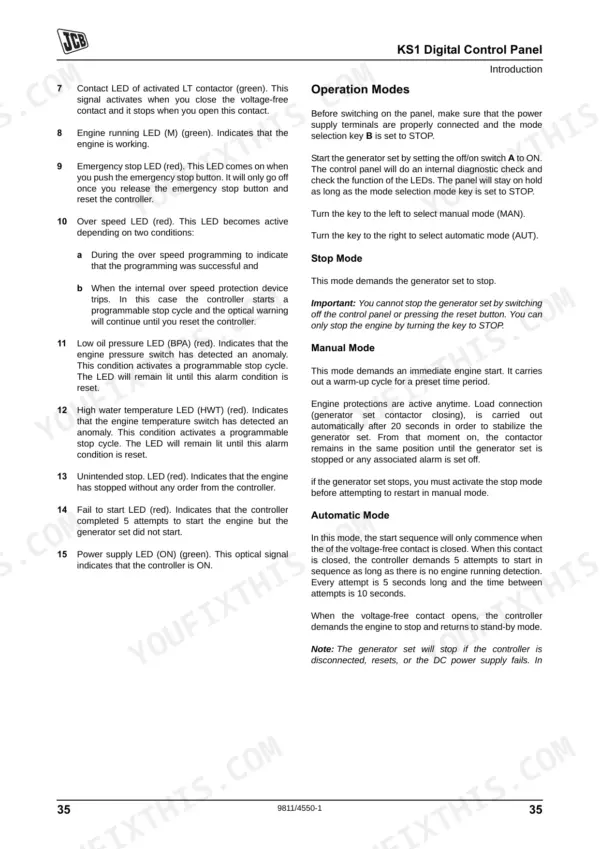
| KS1 Digital Control Panel | 39-42 | Introduction, Components, Operation Modes, Data |
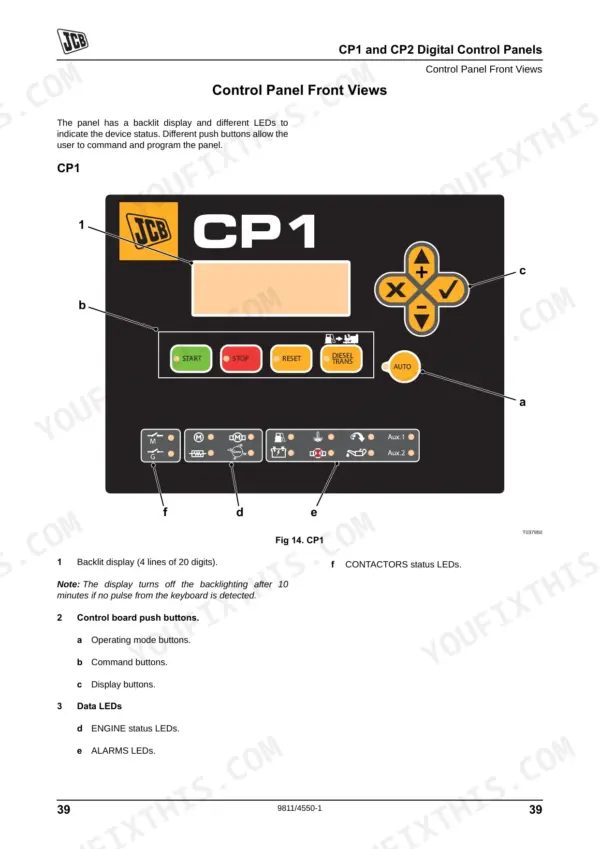
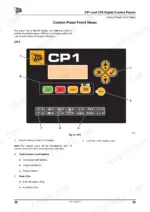
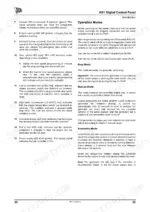
| CP1 and CP2 Digital Control Panels | 43-57 | Introduction, Control Panel Front Views, Control Panel Push Buttons, Data LEDs, Starting and Stopping - Manual Mode, Starting and Stopping - Automatic Mode, Operational Modes |
| ATP1 Digital Control Panel | 58-72 | Introduction, Control Panel Front View, Control Panel Push Buttons, Data LEDs, Starting and Stopping - Manual Mode, Starting and Stopping - Automatic Mode, Operational Modes |
| Alternator | 73-86 | Introduction, Alternator Terminal Connections, Fault Finding, Service and Maintenance, Spares and After Sales Service |
| Engine | 87-114 | Introduction, Engine Oil and Filter, Cooling System, Fuel System, Inlet and Exhaust System, Technical Data |
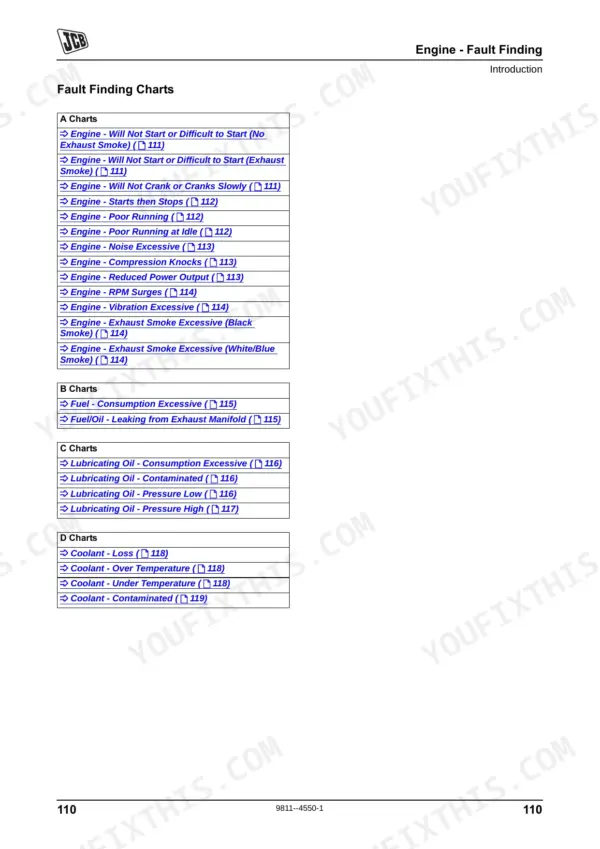
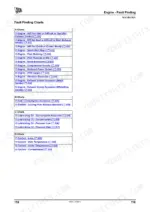
| Engine - Fault Finding | 115-125 | Introduction, Fault Finding Charts, A Charts - Engine, B Charts - Fuel, C Charts - Lubricating Oil, D Charts - Coolant |
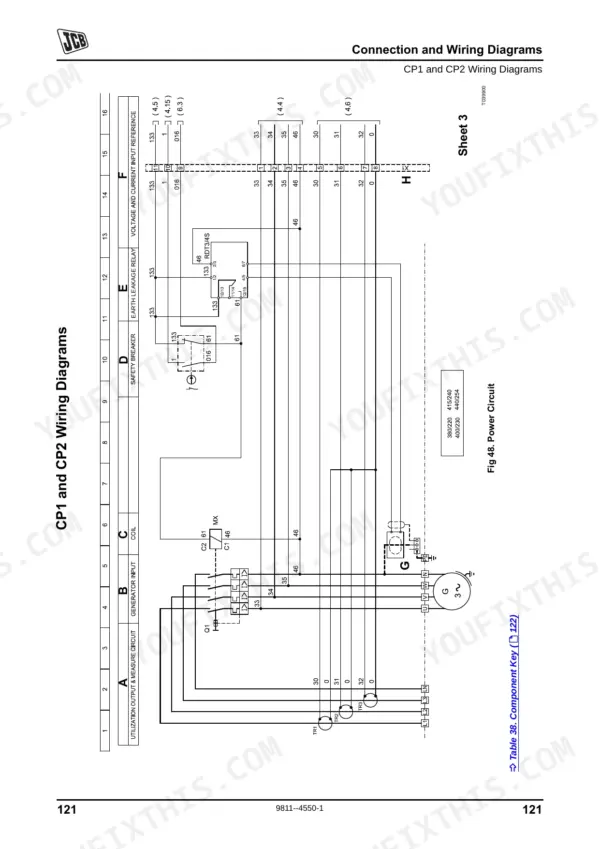
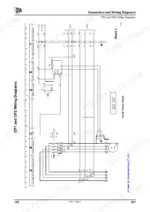
| Connection and Wiring Diagrams | 126-152 | Introduction, CP1 and CP2 Wiring Diagrams, ATP1 Wiring Diagrams, Socket Wiring - Rental Specification Only, KS1 Wiring Diagrams |
| Warranty | 153-154 | Warranty Information, JCB Technical Service |
Quick Reference Specifications
| Specification | Value | Page |
|---|---|---|
| Onboard battery charger output | 3A - 12/24V | p. 139 |
| Water separator retaining ring torque (DI engine) | 15 - 20 Nm (11 - 15 lbf ft) | p. 105 |
| Engine oil filter installation | one additional turn | p. 89 |
| Air cleaner outer element replacement | Replace the element with a new one. | p. 107 |
| Machine derate condition | 220 Volt configuration | p. 79 |
| False oil level reading condition | if the oil is hot | p. 87 |
| Overfilled crankcase consequence | white smoke, engine overspeed or internal damage | p. 87 |
| KS1 Power supply voltage | 12V | p. 39 |
| KS1 Pre-heating time (max) | 15 seconds | p. 42 |
| KS1 Cool down time (max) | 60 seconds | p. 42 |
| KS1 Maximum cranking time | 5 seconds | p. 42 |
| Alternator minimum lifting capacity | 750 Kg | p. 68 |
JCB G8–G45 Series Common Problems This Manual Covers
JCB G8X generator does not start or engine stops unexpectedly during normal operation
Check the KS1 digital control panel on page 39. Verify the power supply voltage reads 12V. Inspect the battery cables for tight connections. Reset the emergency stop button if engaged. Limit maximum cranking time to 5 seconds to prevent starter damage.
Manual Section: KS1 Digital Control Panel p. 39Engine starts then stops or runs rough due to water in the fuel system
Drain the fuel pre-filter and water separator element completely. Inspect the housing for debris. Reinstall the filter element and tighten the water separator retaining ring to 15 - 20 Nm (11 - 15 lbf ft) on DI engine models as shown on page 105.
Manual Section: Engine p. 105Dipstick shows low oil level immediately after shutdown or crankcase is overfilled
Stop the engine and wait for the oil to cool and drain back into the sump before checking the level. When replacing the engine oil filter, install it until the gasket contacts the base, then tighten one additional turn as noted on page 89.
Manual Section: Engine p. 89Generator unit will not start automatically after an external mains power failure occurs
Verify the control panel is set to automatic mode. Check the onboard battery charger output is reading 3A - 12/24V according to the specifications on page 139. Reset the emergency stop switch and ensure no active alarms are present on the display screen.
Manual Section: Connection and Wiring Diagrams p. 139Frequently Asked Questions
How to reset the JCB G8X generator error code?
To reset an error code or clear an alarm condition on the JCB G8X generator, press the Reset button on the control panel. This action allows the user to acknowledge and clear the alarm condition, with active alarms indicated by a lit LED and alarms to check by a flashing LED. p. 48
What are the torque specs for the JCB G8QX engine bolts?
While general torque specifications for all engine bolts are not provided, the manual specifies that the engine oil drain plug should be torque tightened to 54 - 64 Nm (40 - 47 lbf ft) when refitting. For other engine components, it is recommended to consult the machine's service manual for correct adjustment procedures. p. 94
How to reset the JCB G17X control panel after a fault?
To reset the JCB G17X control panel after a fault, locate and press the Reset button. This action allows the user to acknowledge and clear any active alarm conditions, which are typically indicated by a lit or flashing LED on the control panel. p. 48
How to reset JCB G8QX fault indicator
To reset the JCB G8QX fault indicator, press the Reset button located on the control panel. This action will clear the alarm condition, which is typically signaled by a flashing or lit LED on the panel. p. 48
How will I receive this JCB G8–G45 Series Operator Manual?
This is a 148-page searchable PDF ready for immediate download. Works on any device, so pull it up on your phone while you're under the hood. No shipping, no waiting.
Can I print pages of this manual for my own shop?
Yes. Many mechanics print the section they need for their own shop and bring it to the bench.
Does this JCB G8–G45 Series Operator Manual have electrical diagrams?
Yes, an electrical wiring diagram is included to help trace the main circuits.











Reviews
There are no reviews yet.